Sony E vs FE Lenses: One Mount, Different Image Coverage
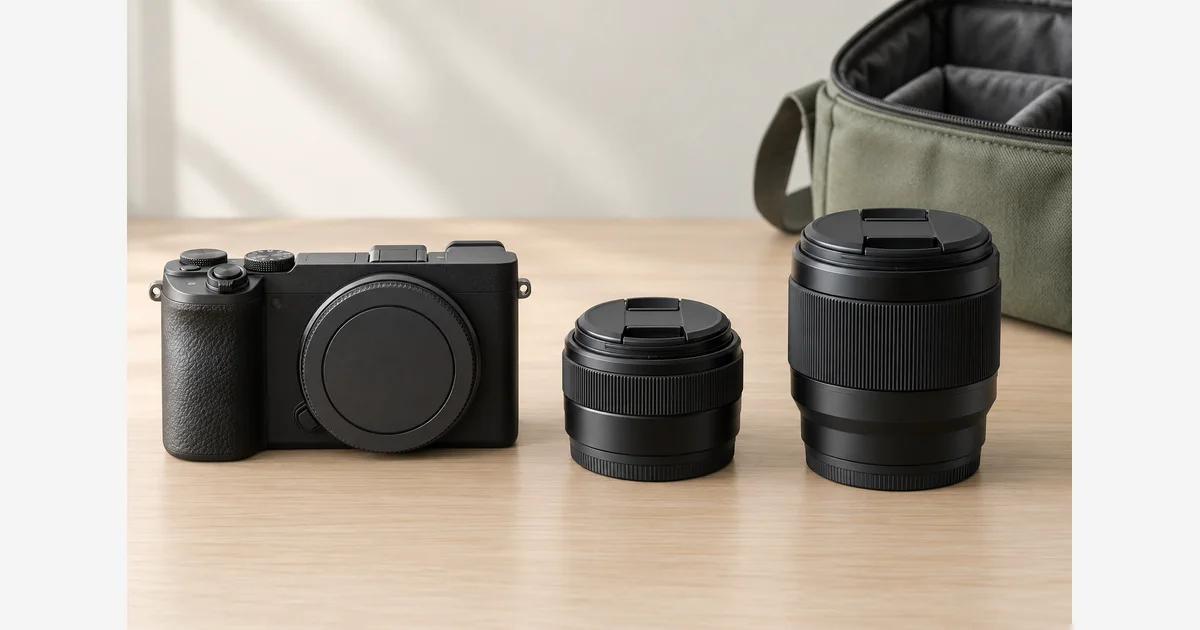
Sony FE and E lenses use the E-mount system; FE is Sony's designation for full-frame lens coverage, while its APS-C-oriented lenses commonly start with E. FE is not a second mount that needs an FE-to-E adapter.
Separate mount, image coverage, and supported functions. A full-frame FE lens can fit an APS-C E-mount body, and an APS-C E lens can fit a full-frame E-mount body, but the latter combination needs attention to crop settings and recording modes. Sony A-mount is a separate system.
Sony E vs FE: mount and coverage
| Body | Full-frame FE lens | APS-C E lens |
|---|---|---|
| APS-C E-mount | Direct mount; APS-C angle of view | Direct mount; intended APS-C coverage |
| Full-frame E-mount | Direct mount; intended full-frame coverage | Direct mount; check APS-C crop and mode restrictions |
Sony's APS-C/full-frame compatibility reference documents these combinations. Its qualification matters: some features depend on the specific lens and camera. For third-party lenses, verify the stated Sony E mount and coverage from their manufacturer rather than expecting the same naming convention.
Think of the mount as the connection and the image circle as the intended coverage. A lens can connect physically while providing a smaller usable recording area. That distinction prevents a shopper from treating “fits” as a complete answer.
Check what the camera records, not only what mounts
Sony describes APS-C/Super 35 settings that control the recorded area. With an APS-C lens on a full-frame body, automatic crop behavior can be useful, but recording-mode support varies. Some settings may not permit the crop option you expect. Forcing a full-frame capture can expose a smaller image circle and produce dark edges.
Use the body-specific setting notes and your camera's help guide. Check still-image pixel dimensions and the actual movie mode before assuming that an APS-C lens is suitable for the assignment.
For the angle-of-view example, a 35mm lens on a 1.5× APS-C format gives roughly the view of a 52.5mm lens on full frame. Its physical focal length remains 35mm. Sony's FE-on-APS-C guidance confirms that the lens can be used on the smaller-format E-mount body.
Our sensor-format guide explains equivalent angle of view. Use 35mm vs 50mm to decide whether the resulting framing is useful in your space; do not compare lenses only by the number printed on the barrel.
A-mount and E-mount are different
Sony's A/E compatibility chart distinguishes direct combinations from those requiring a supported mount adapter. A-mount lenses on E-mount bodies are an adapter-specific question. E-mount lenses are not a direct route onto an A-mount body.
For an LA-EA adapter, identify its exact model and the body/lens pairing. Different generations and lens drive types can have different function limits. Do not infer autofocus tracking, stabilization, or burst support from the fact that an adapter can be attached.
In a used listing, record whether the lens is A-mount or E-mount before comparing its price with another lens. Similar focal lengths and shared Sony branding do not resolve this difference.
Build a three-part compatibility record
- Connection: write the body mount and lens mount, plus any proposed adapter.
- Coverage: record full-frame or APS-C image coverage and the camera's intended recording area.
- Functions: list the still/video modes, autofocus behavior, stabilization, and accessories that matter to the job.
- Evidence: save the exact manufacturer's compatibility result and the date checked. Record firmware requirements where specified.
- Trial: if possible, check the supported combination in the actual recording mode and inspect saved files for crop, corner coverage, focus, and expected metadata.
Download the Sony mount, coverage, and function record (.txt)
A useful trial is specific. For example, “lens mounts and autofocus operates in a still mode” does not establish a particular slow-motion mode, continuous tracking setup, or adapter performance. Keep the test scope with the result instead of turning it into a universal compatibility claim.
For travel, compare the complete body-and-lens combination rather than assuming that all APS-C kits are light or all FE lenses are large. For a future format change, weigh whether carrying a full-frame lens now solves a real need. A planned upgrade is one consideration, not a reason to disregard today's field of view and size.
Use the APS-C E-mount lens guide, FE lens comparison, and adapter guide for a shortlist after checking the combination. If a supported setup produces soft images, follow the blur diagnostic rather than assuming mount incompatibility is always the cause.
Sources
Frequently Asked Questions
-
On an APS-C E-mount body, a compatible FE lens covers the sensor. The narrower recorded view is governed by the camera’s recording area; the lens’s physical focal length remains unchanged.
-
The mount can connect, but image coverage is different. Supported bodies use APS-C/Super 35 crop settings; available settings and video restrictions vary by model.
-
No. FE is Sony’s designation for full-frame E-mount lenses. Separate coverage from mount fit.
-
Sony’s compatibility chart does not support that combination. A-mount lenses on E-mount bodies are a different direction and require a supported adapter with its own limitations.