Full Frame vs APS-C: Compare the Whole Camera System
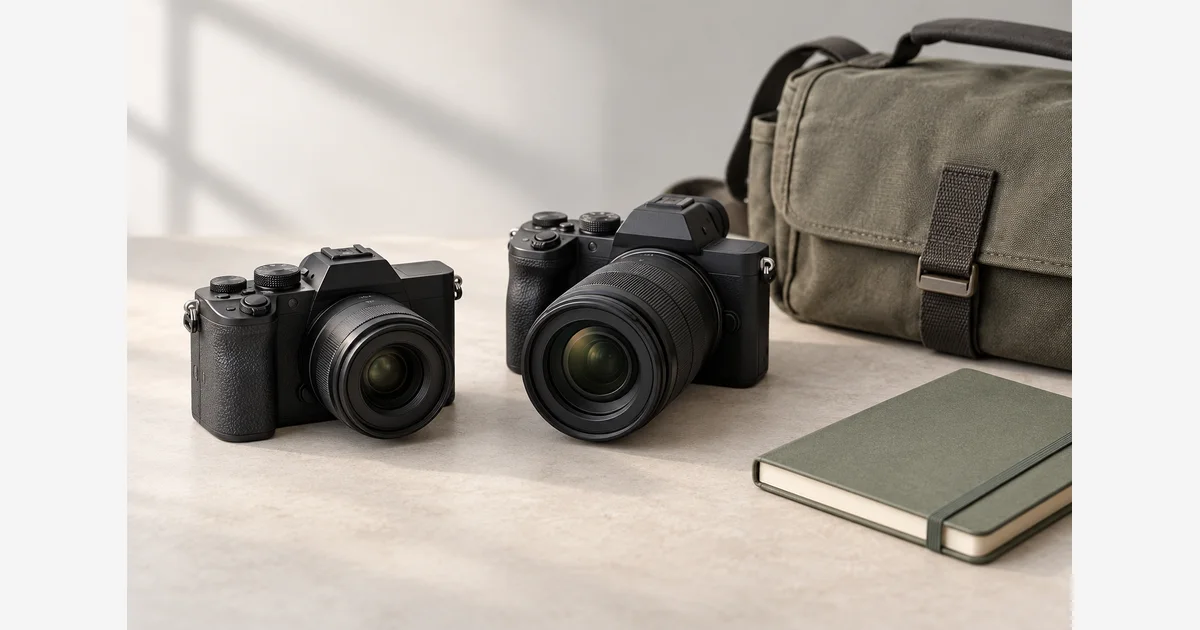
Full frame and APS-C describe sensor formats, not complete rankings of cameras. Full frame uses a larger recording area; an APS-C sensor records a narrower portion of a given lens's projected scene. Choose a system by the photographs, lenses, carrying requirements, and output you need rather than by sensor size alone.
The most useful comparison holds the shooting task constant. Decide the required angle of view, subject distance, aperture, shutter speed, and final output before interpreting differences in background blur, noise, or kit size. A crop factor does not change the physical focal length of a lens.
Full frame vs APS-C: separate the decisions
| Question | What to compare | Common mistake |
|---|---|---|
| How wide is the view? | Lens focal length and actual crop factor. | Comparing the same focal length as if it frames the same scene. |
| How much detail is recorded? | Actual pixel dimensions, lens, focus, and output. | Assuming every full-frame camera has more pixels. |
| How blurred is the background? | Framing, aperture, focus distance, and background distance. | Changing several variables, then crediting sensor size alone. |
| How portable is the kit? | Body plus the lenses, batteries, and support you will carry. | Comparing body weights while ignoring the required lenses. |
| What does it cost? | The complete useful kit and storage/workflow needs. | Comparing only discounted body prices. |
Nikon's DX/FX explanation describes its approximately 24 × 16mm DX format and 36 × 24mm FX format. Other APS-C systems have different dimensions and crop factors. Canon's compatibility guide, for example, uses 1.6× for its APS-C combinations. Do not apply one brand's factor to every camera.
Calculate full-frame-equivalent angle of view
Multiply the actual focal length by the applicable crop factor. Nikon illustrates this relationship in its crop-factor guide. This is a framing comparison, not a conversion of the lens into another focal length.
Use the factor for the actual sensor or recording crop. The tool does not check whether the lens fits or covers the format. Additional video crops and aspect-ratio changes require their own interpretation.
| Actual lens | 1.0× | 1.5× | 1.6× | 2.0× |
|---|---|---|---|---|
| 24mm | 24mm | 36mm | 38.4mm | 48mm |
| 35mm | 35mm | 52.5mm | 56mm | 70mm |
| 50mm | 50mm | 75mm | 80mm | 100mm |
The 2.0× column is a mathematical example useful when a recording format has that factor; check the exact device. It is not another APS-C standard. See 35mm vs 50mm for a practical same-format framing comparison.
Compare the result under stated conditions
For framing, choose lenses that provide the intended angle of view from the same position. For a moving subject, keep the shutter speed fast enough for that motion. For depth of field, account for aperture, subject magnification, and distance rather than simply comparing two cameras at their widest available aperture.
Sony's depth-of-field explanation distinguishes focus-range blur from subject movement. A wider opening can reduce the depth that appears acceptably sharp; it cannot make a slow shutter stop a moving subject. The blur diagnostic separates these problems.
Inspect files at a comparable final size and with equivalent processing goals. A 100% view can represent different print magnifications when pixel counts differ.
Plan a complete kit for one real assignment
- Describe the job. For example, a family gathering in a small room or wildlife from a fixed viewing position. List the output and carrying constraints.
- Choose the needed views. Convert focal lengths where useful; avoid discovering after purchase that a familiar 35mm lens is too tight on the new format.
- Check lens coverage and compatibility. A mount connection does not guarantee the full recording area. See Canon RF/EF or Sony E/FE for system-specific distinctions.
- List the complete kit. Include lenses, batteries, support, and any adapter. Record weight and price from exact current variants if comparing purchases.
- Try the difficult part. Check the intended light, subject movement, focus needs, and final output, then record what still limits the result.
Download the sensor-format and complete-kit worksheet (.txt)
Use the full-frame comparison and APS-C comparison for a model shortlist once the task is clear. Buying a larger sensor is one system choice; improving focus, lighting, or lens selection may address a different bottleneck.
Sources
Frequently Asked Questions
-
No. A smaller recording area captures a narrower view. Multiplying by crop factor describes an equivalent angle of view, not a physical change to the lens.
-
No. Nikon commonly describes DX with 1.5×, while Canon’s APS-C examples use 1.6×. Check the actual camera and any additional recording crop.
-
No. Sensor area and pixel count are separate specifications. Compare exact models and the output you need.
-
Compare bodies with the lenses, support, batteries, and workflow needed for the same assignment. Body-only price and weight can hide practical differences.