Instax Film Compatibility: Mini, SQUARE, and WIDE Explained
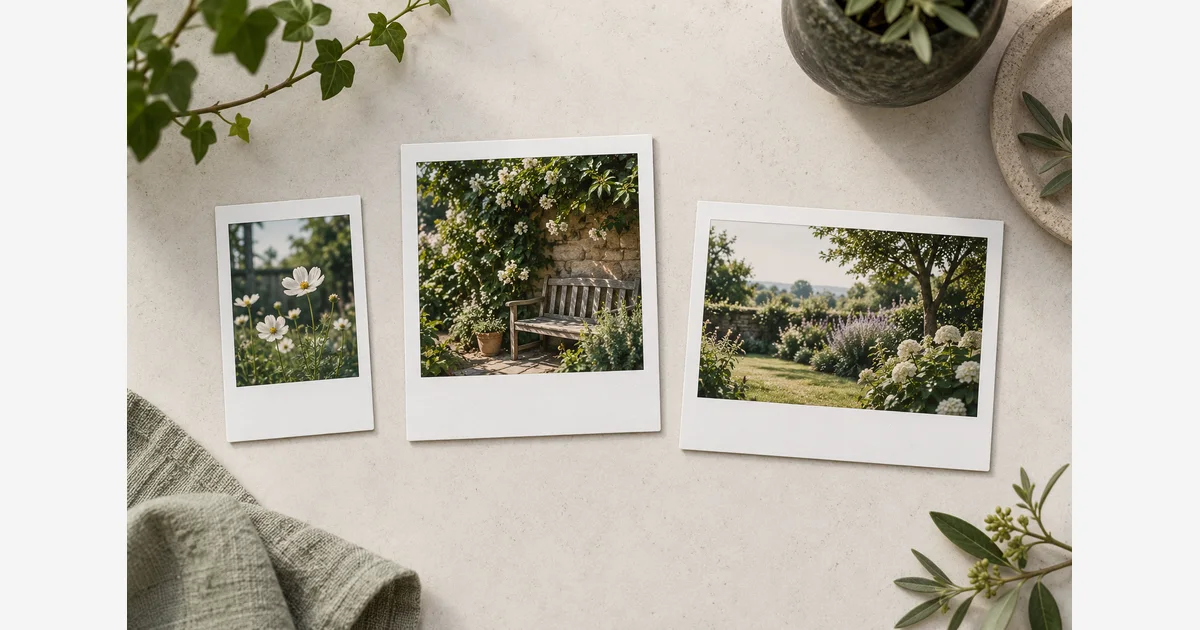
Instax film compatibility starts with the format printed in the camera or printer's specification: mini, SQUARE, or WIDE. Buy that exact format. The three cartridges are not interchangeable, even though the finished prints share a white-border instant-photo appearance.
A mini camera and a mini printer can use the same specified mini film; “printer film” is not automatically a separate format. Confirm the exact model and film family before choosing a decorative border, multipack, album, or gift bundle.
Instax film compatibility by format
| Film format | Whole print | Image area | Required device specification |
|---|---|---|---|
| mini | 54 × 86 mm | 46 × 62 mm | Instax mini film |
| SQUARE | 72 × 86 mm | 62 × 62 mm | Instax SQUARE film |
| WIDE | 108 × 86 mm | 99 × 62 mm | Instax WIDE film |
Dimensions and film requirements come from Fujifilm's mini Link 3, SQUARE Link, and Link WIDE specifications. Rotating a finished print changes how you view it, not which cartridge fits a device.
A small square picture inside a mini frame is still a mini print. Likewise, a digital collage containing several pictures does not change the physical film format used by the printer. Match the consumable to the device, then choose the composition.
Match the exact camera or printer to its film
| Device examples | Film to buy | Other two formats? |
|---|---|---|
| mini 12; mini Evo; mini Link 3 printer | Instax mini | No |
| SQUARE SQ1; SQUARE SQ40; SQUARE Link printer | Instax SQUARE | No |
| WIDE 300; WIDE 400; Link WIDE printer | Instax WIDE | No |
Fujifilm's camera/printer film-format FAQ covers several of these families. The individual mini 12, SQ40, and WIDE 400 specifications state their film types directly. Use an exact model's current manual when it is absent from this example table.
A hybrid camera can capture digitally before printing, but its cartridge still belongs to one film family. A smartphone printer's file-format or connection support is a separate compatibility question. Our Instax camera comparison and portable printer guide can help with choosing hardware after this film check.
Verify the consumable before comparing the deal
- Record the complete device name. Include the family word, not just a number or the phrase “instant camera.” If it is a gift, ask for a photograph of the model label or the manual title.
- Find its specified film. Use the model's official specifications or manual. Do not open a loaded film chamber merely to look for a label.
- Match the package format. Read mini, SQUARE, or WIDE on the actual item being sold. A search result or accessory picture can show a different product.
- Count the exposures in the listing. Distinguish an individual cartridge from a retail box containing several cartridges. Record the total usable shots rather than relying on “two pack.”
- Then choose the finish or border. Verify the exact variant still belongs to the required format. A shared color theme does not establish fit.
- Check condition and storage instructions. Read the stated date, package condition, and manufacturer's handling guidance, especially for a purchase that will sit unused before an event.
Download the instant-film compatibility and purchase checklist (.txt)
For a hypothetical event kit, write “mini 12 → Instax mini → total exposures required” before shopping for a bundle. An attractive set containing SQUARE film and a mini album cannot resolve the format mismatch. This is a purchase-check example, not a claim about a particular retailer's bundle.
Stop at a mismatch before opening or forcing anything
Follow the exact device's loading instructions. Keep the pack intact; do not trim a cartridge, remove individual sheets to make them fit, or force a different format into the chamber. If film is already loaded, use the counter and manual rather than opening the back to inspect it.
Fujifilm provides the mini 12 manual through its support page; equivalent instructions should be obtained for the device actually in your hands. Stop if the cartridge is the wrong family or will not seat as described. A jam is a model-specific support problem, not a reason to improvise a film adapter.
Instax film is also different from Polaroid's Go, i-Type, 600, or SX-70 families. See the Polaroid vs Instax system comparison before buying film for a camera described casually as a “Polaroid.” The brand name is often used loosely in conversation; the consumable cannot be chosen that loosely.
Choose an album or frame using the whole print
The smaller image-area number is not the size of the sheet you need to house. Use the whole-print dimensions for an album pocket, and allow the actual pocket or opening tolerance. For a frame, decide whether the border should remain visible and avoid covering a meaningful edge.
Our Instax album guide helps compare layouts, while the frame and mat measurement guide explains fitting size versus visible opening. Check the intended format and a real sample rather than assuming every “instant photo album” accepts every film.
After the print has developed and is ready for storage according to its instructions, keep its housing and environment in mind. The photo storage guide explains material checks; a decorative album name alone does not establish that its pages are suitable.
Sources
Frequently Asked Questions
-
No. Buy the format specified for the exact device. A similar appearance or an edited square composition does not change cartridge compatibility.
-
A printer and camera specified for the same Instax format can use that format. Check the exact film requirement; connection and supported digital file types are separate questions.
-
Verify the format on that exact variant. The border design is not a substitute for the mini, SQUARE, or WIDE designation.
-
Use the whole print, including its border, and check the pocket dimensions and tolerance. Image area describes only the picture window.