SD Card Speed Classes Explained: U1, U3, V30, V60, and V90
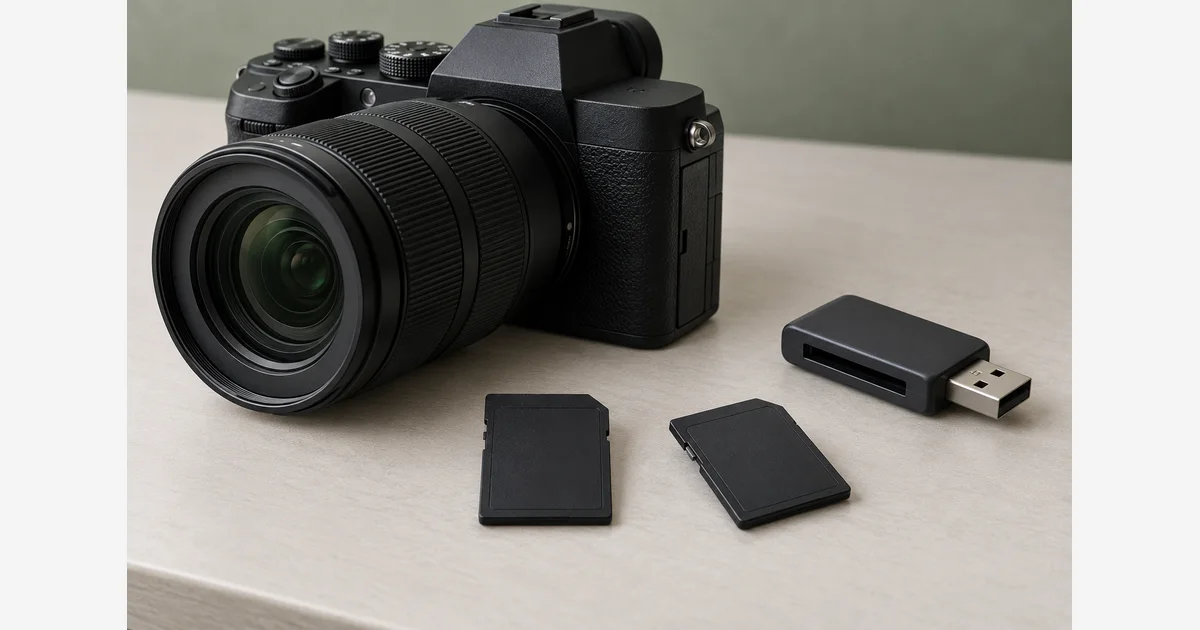
SD card speed classes describe specified minimum writing performance under defined conditions. For a camera purchase, match the class family and level required by the manual for your exact recording mode. The largest “up to” speed on a package, the card's capacity, and its UHS interface label answer different questions.
Start with the camera and settings, then read the card. A card advertised for “4K” is not automatically suitable for every 4K codec, frame rate, slow-motion mode, or dual-card setup. The example and worksheet below show how to turn the manual into a usable purchase requirement.
SD card speed classes explained by family
| Class family | Markings | Corresponding minimum MB/s |
|---|---|---|
| Speed Class | Class 2, 4, 6, 10 (number inside C) | 2, 4, 6, 10 |
| UHS Speed Class | U1, U3 (number inside U) | 10, 30 |
| Video Speed Class | V6, V10, V30, V60, V90 | 6, 10, 30, 60, 90 |
| SD Express Speed Class | E150, E300, E450, E600 | 150, 300, 450, 600 |
The SD Association defines these class families and the host/card matching rule. Its guidance says to match the required class symbol and use that level or a higher level within the family. Equal numeric MB/s across different families does not, by itself, establish the expected host/card operation. A card can carry several labels because it meets several definitions.
For example, if the manual requires V30, look for the required V marking and level rather than substituting a large peak-read number. If the manual explicitly lists alternative accepted classes, follow those alternatives. The new Express class belongs to an Express-capable workflow; it is not a promise that an ordinary UHS camera can record at that Express rate.
Capacity, interface, application class, and peak speed are separate
| Label or claim | What it tells you | What still needs checking |
|---|---|---|
| SDHC / SDXC / SDUC and GB | Capacity family and stated storage amount. | The host's supported capacity family and sizes. |
| UHS-I / UHS-II / SD Express | The interface technology used to communicate with a compatible host. | Camera, reader, and card support; it is not the sustained-write class. |
| A1 / A2 | Application Performance Class, including random-access requirements for app use. | The camera's separate recording-class requirements. |
| “Up to” read or transfer MB/s | A claimed peak rate under specified conditions. | Whether it is read or write, required equipment, and sustained recording suitability. |
The SD Association maintains separate references for capacity families, bus interfaces, and A1/A2 application performance. Keeping those questions separate prevents a faster-looking label from hiding an incompatible card.
Read speed mainly informs the read side of the workflow, such as copying recorded files through a suitable reader. Writing into the card is the recording side. Neither the camera's burst buffer nor the computer connection can be inferred from a single card label.
Why “4K card” is not one requirement
Sony's ILCE-7M4 (α7 IV) memory-card guide gives a useful model-specific example. In its ordinary movie table, two 4K recording formats have different requirements:
| Movie format | Listed maximum bit rate | Listed SD option |
|---|---|---|
| XAVC HS 4K | 200 Mbps | SDHC/SDXC, U3/V30 or higher, subject to the guide's conditions. |
| XAVC S-I 4K | 600 Mbps | SDXC, V90 or higher. |
The guide also lists CFexpress Type A options and different conditions for S&Q recording. CFexpress is a different card system; an SD speed-class explanation cannot establish CFexpress compatibility. Read the row for the mode you will actually use.
Bit rates usually use megabits per second (Mbps); card transfer figures use megabytes per second (MB/s). Dividing by eight gives a unit conversion: 200 Mbps is 25 MB/s and 600 Mbps is 75 MB/s. That arithmetic does not replace the manufacturer's class requirement, approved-media list, or allowances for how the camera records.
Turn the manual into a short card requirement
- Record the body and firmware. Include which slot you will use and whether the manual's requirement has changed for your version.
- Write the recording mode in full. Include codec, resolution, frame rate, bit depth or quality option, slow-motion setting, proxy use, and simultaneous recording if relevant.
- Find the matching media requirement. Record physical card type, capacity family, required speed-class family/level, and any approved-card condition.
- Check the exact card variant. Different capacities or generations under a similar product name may carry different specifications. Read the actual listing and package.
- Check the rest of the path. Include adapters, readers, cable/port support, and any difference between recording needs and offload-speed expectations.
Download the camera-mode and memory-card requirement worksheet (.txt)
Use our SD card comparison, video SD guide, or microSD comparison after identifying the requirement. For offloading, compare card readers against the interface you need.
Verify the intended workflow before important recording
Once existing files are backed up and verified, prepare a supported card according to the camera's manual. Do not format a card containing your only copy as a speed experiment. Test the actual recording mode and any simultaneous-card arrangement you plan to use, then copy and inspect the resulting files.
Record errors, stopped recordings, or unusually limited bursts and compare them with the exact manual and media specification. A successful short clip is useful evidence for that setup; it is not a general benchmark or a guarantee that every later recording will succeed. Do not diagnose every recording stop as card speed without checking other camera warnings and limits.
The photo-capacity calculator handles a different question: how many more still exposures fit at an assumed file size. More GB does not prove recording speed, and a higher speed class does not make a given GB capacity hold more identical files. Use the backup workflow for the images you have already recorded.
Sources
Frequently Asked Questions
-
Both indicate a 30 MB/s minimum in their respective class definitions, but equal numbers do not make the host protocols interchangeable. Follow the class or alternatives specified by the camera; a card may carry both labels.
-
No. UHS-II describes an interface, while U3 is a sustained-write class. Read both the supported interface and the required recording class.
-
No. Check whether the number is read or write and whether it is a peak claim. The recording mode’s media requirements remain the relevant starting point.
-
No. Codec, bit rate, frame rate, slow motion, proxy use, slots, and camera-specific limits can change the requirement. Use the manual for the actual setup.