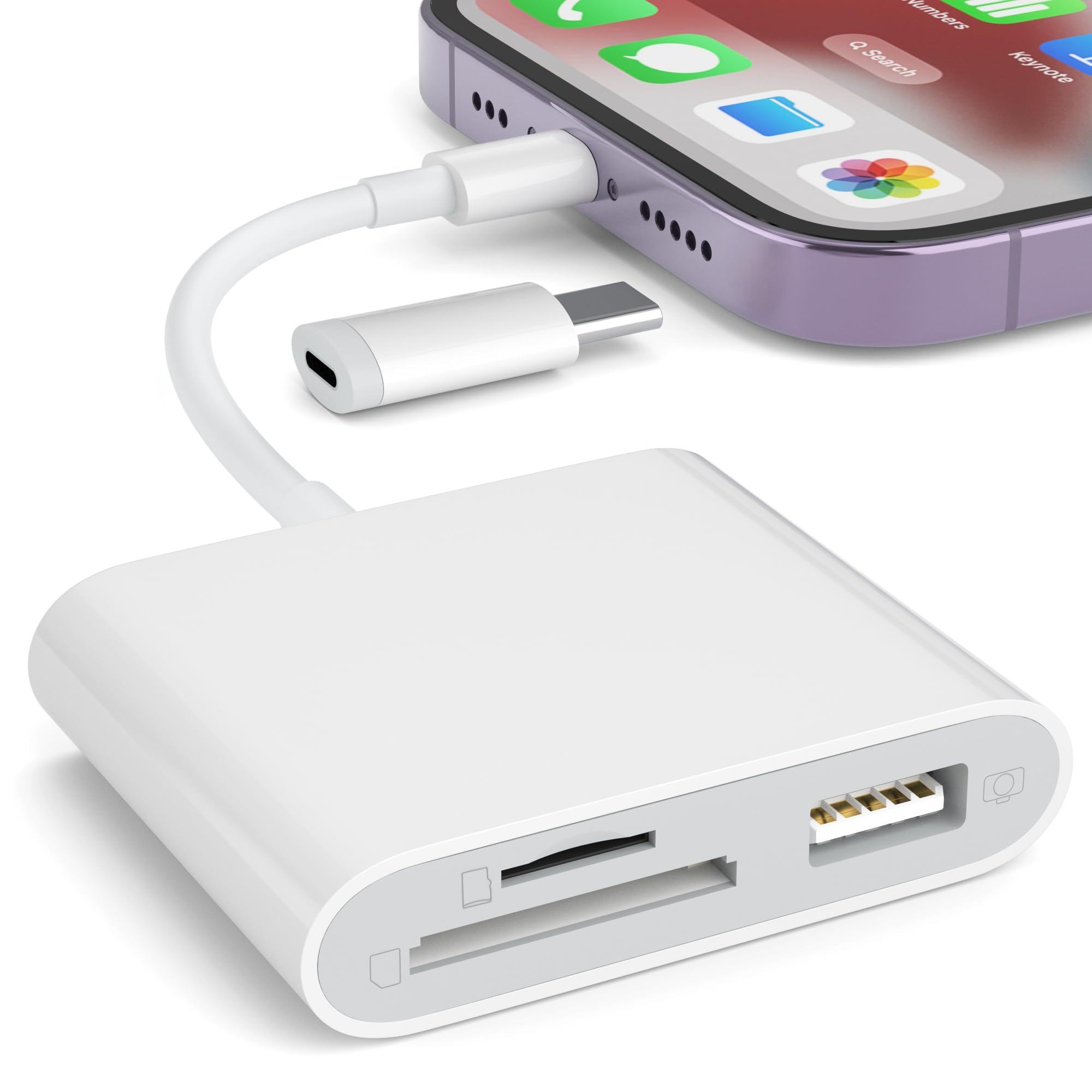
Best Overall

uni SD Card Reader
Key details
- Weight
- 0.46 oz
- Card Slots
- SD and microSD
- Connectors
- USB-A and USB-C
- Rated Speed
- 5 Gbps
Two connectors, one small body: USB-C at one end, USB-A under a cap at the other, so the same reader goes into a MacBook, an older laptop, an Android phone, or a USB-C iPad with no adapter in between. Both connections are rated at 5 Gbps, and the SD and microSD slots read at the same time — one pass for the camera card and the drone card instead of two.
That is why this is the reader we hand to most people. It weighs 13 g, the caps keep pocket lint out of both plugs, and the 18-month warranty runs longer than the usual year. Nothing about it is precious, which is exactly right for something that lives loose in a camera bag.
The 5 Gbps figure is the connector's ceiling, not your card's — a UHS-I SD card tops out well below it, and no reader in this group changes that. If a device does not mount it on the first try, swapping to the other connector or a different port is the usual fix, and it is the same hiccup the other sticks here can give you.
What it really replaces is the little pile of adapters most of us carry: a USB-C hub, an SD dongle, a card wallet. One item covers both machines and both card sizes. That sounds like a small thing until you are standing at a hotel desk with three cables, a full card, and no slot to put it in.
Pros
- USB-A and USB-C connectors on one body
- Reads SD and microSD cards simultaneously
- Rated 5 Gbps on both connections
- Dust caps at both ends, 18-month warranty
Cons
- SD and microSD only
We recommend it because the connector question disappears: USB-A and USB-C on one 13 g body, with two card slots reading at once.