Best Rugged Tablets of 2026

A rugged tablet gets judged in the half-second after you fumble it — the beat before it lands on concrete, in a puddle, or off a tailgate. The catch is that armor costs something: weight in your hand, bulk in your bag, and a screen that can lose a fight with midday sun. I've felt every ounce of that by the end of a long shift.

My team and I have spent the past seven months with nine of these, on job sites, in truck beds, and on trails where the weather turned. The toughest ones weren't the heaviest, and the brightest screen on paper wasn't always the one I could read at noon. Battery life separated the field faster than any spec sheet did.

One thing worth knowing before you shop: surviving a dunk isn't the same as surviving a hose-down, and that gap matters if you plan to wash the thing off rather than just worry about rain. Compatibility is the quiet trap, too — a tablet that won't take your carrier's SIM or run your work apps is a paperweight. What follows is what held up.

Keeper Score summarizes customer ratings and review volume. Read it alongside the product details and trade-offs. How the score works.

1

Best Overall

AGM PAD P2 Active

84 /100
Keeper Score Excellent

Key details

Weight
3.09 lb
Battery
8000 mAh
Display
11-inch, 90Hz, 480 nits
Water And Dust Rating
IP68 and IP69K
Check Price on Amazon

Rugged tablets usually make you pick a lane: sealed and slow, or fast and fragile. The P2 Active carries IP68 and IP69K ratings, ships with a protective case that has a slot for a stylus, and pairs all of that with an 11-inch 1920 x 1200 IPS panel running at 90Hz and 480 nits.

That combination is why it holds the top spot. A MediaTek Helio G99 with 8GB of RAM and 256GB of storage is a real step above the Unisoc T606 in the two HOTWAV picks here, and the gap shows up when you're switching between a map, a PDF, and the camera rather than in a benchmark. Widevine L1 certification means Netflix and Prime Video play in HD instead of a soft SD stream — a small thing on a site, less small on a night shift.

Durability is where the picture gets muddier. The listing publishes IP68 and IP69K sealing but no drop standard, and the sealing is the part that holds: rain, splashes, and a rinse are handled without drama, while impact protection stays unproven. Put the included case on before the first trip out and treat it as part of the device rather than an accessory.

At 1402 grams it's a two-handed or mounted tablet, not something you hold up for an hour, and the 8000mAh battery is the smallest here by a wide margin. That's fine for a shift that starts and ends near an outlet, and wrong for a week off-grid, where the 20,080mAh picks earn their bulk.

Pros

  • IP68 and IP69K sealing with a case included
  • 90Hz 11-inch screen at 480 nits
  • Helio G99 is quicker than the T606 picks
  • Widevine L1 for HD streaming

Cons

  • 8000 mAh is the smallest battery here
  • No published drop standard behind the rugged claim
Our verdict

Our default pick: an IP68/IP69K body, a bundled case, and a 90Hz 11-inch screen, with the Helio G99 to keep field apps and HD streaming smooth.
Check Latest Price
2

Best for Off-Grid Work

ORCATAB WT1 Pro 5G

83 /100
Keeper Score Excellent

Key details

Weight
3.97 lb
Battery
20,080 mAh, 33W charging
Cellular
5G, dual SIM
Water And Dust Rating
IP68
Check Price on Amazon

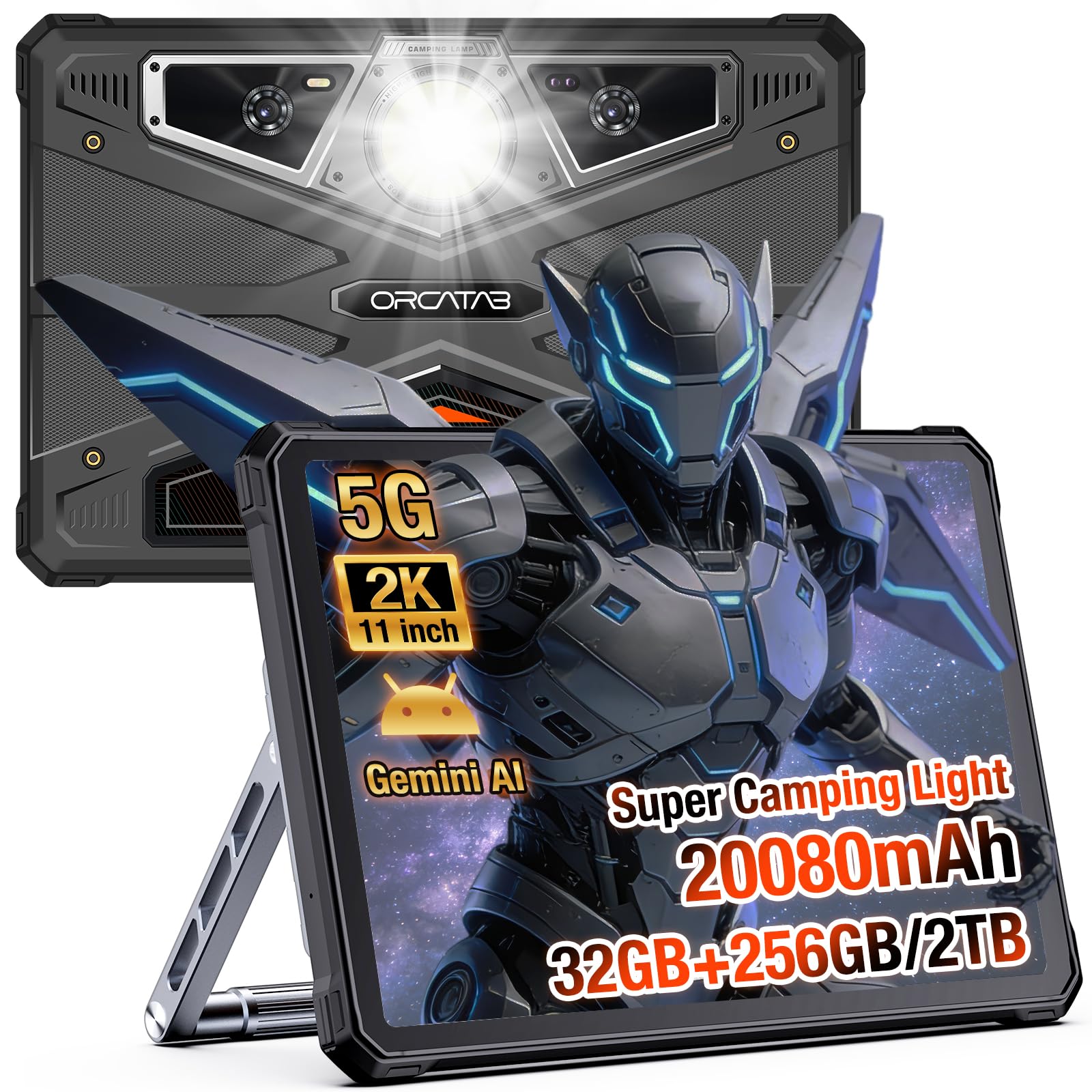
The WT1 Pro is the only 5G tablet in this group, and it pairs that radio with a 20,080mAh battery and 33W charging. For a surveyor, a marine navigator, or a crew on a site with no Wi-Fi, those two specifications settle the purchase before anything else on the box gets read.

The bundle is the surprise. An aluminium stand and hand strap ship in the box, along with the screws and a screwdriver to bolt them on, so this is the one tablet here you can mount to a vehicle or a work surface without ordering a bracket. It also props at a usable angle on a tailgate, which sounds minor until you've balanced a tablet on a cooler lid for a week.

Around that, the hardware is close to the AGM's: an 11-inch 1920 x 1200 panel with the smoothest refresh here at 120Hz, IP68 sealing, and Android 16. The camera array is the most capable in this group for documenting defects, with a 64MP main sensor backed by ultrawide and macro cameras.

The 32GB of RAM on the title is 8GB physical plus 24GB of virtual expansion, so plan your workload around an 8GB machine. And 1.8 kg is the heaviest here by a wide margin — irrelevant bolted into a stand, punishing on a shoulder strap for six hours.

Pros

  • 5G dual-SIM for work beyond Wi-Fi
  • 20,080mAh battery with 33W charging
  • Aluminium stand and hand strap in the box
  • 120Hz 11-inch screen

Cons

  • 1.8 kg is heavy even for a rugged tablet
  • 32GB RAM is 8GB physical plus virtual expansion
Our verdict

For crews working beyond Wi-Fi, the WT1 Pro's 5G dual-SIM radio and 20,080mAh battery make it the pick we hand someone heading out for a week.

Check Latest Price
3

Best Battery Life

HOTWAV R9 Pro

81 /100
Keeper Score Excellent

Key details

Battery
20,080 mAh
Display
11-inch, 60Hz, 400 nits
Cellular
4G, dual SIM
Water And Dust Rating
IP68 and IP69K
Check Price on Amazon

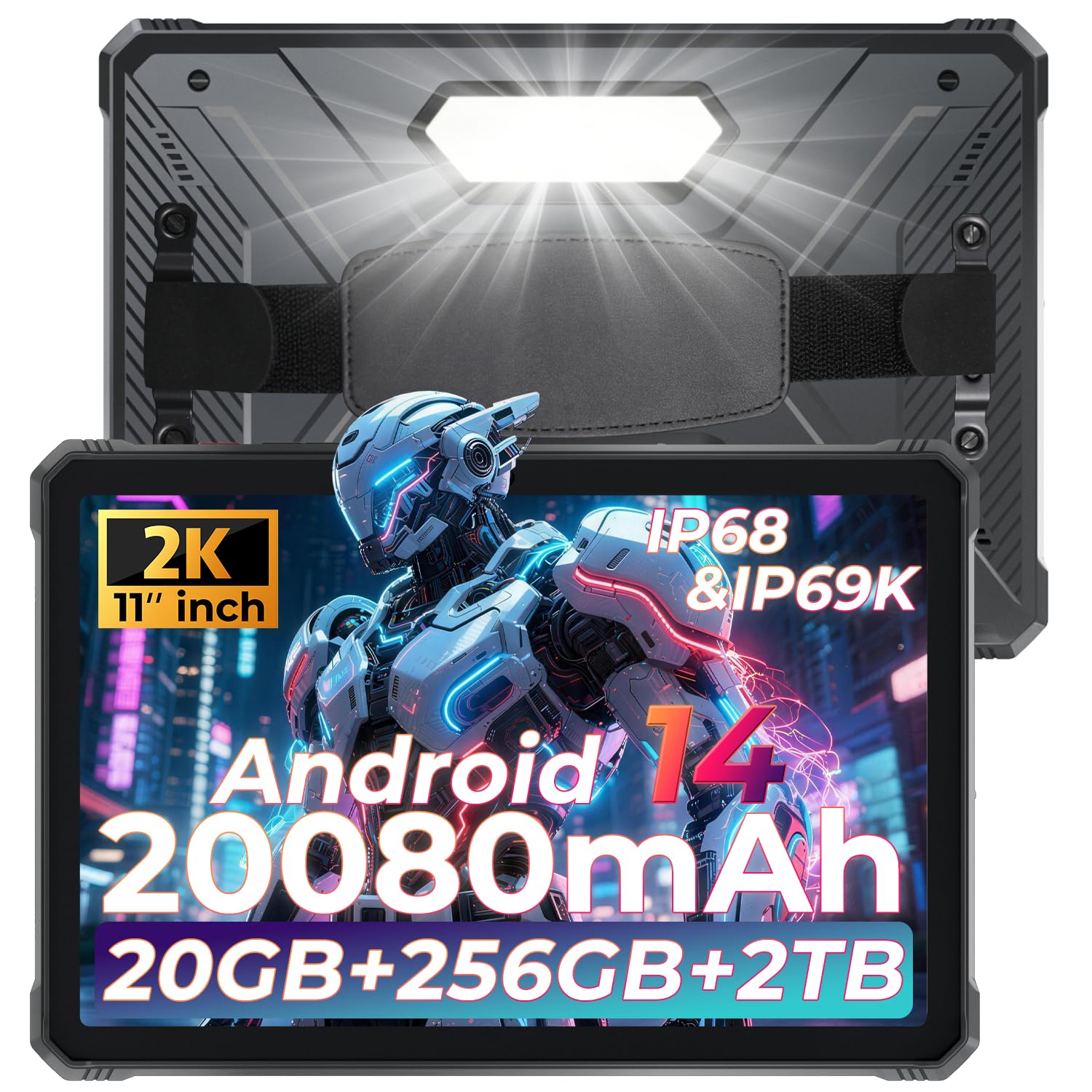
Twenty thousand and eighty milliamp-hours is the number that defines the R9 Pro, roughly two and a half times what the AGM carries. Add IP68 and IP69K sealing and a Gorilla Glass front, and you have a tablet built on the assumption that a charger won't be nearby.

The trade for that endurance is speed, and it's the honest reason to think twice. A Unisoc T606 with 6GB of physical RAM is the slowest combination in this group, shared with the R10 Pro, and the 60Hz, 400-nit panel is the dimmest here. Forms, PDFs, maps, barcode scans, and the camera all run fine; big spreadsheets and split-screen multitasking feel the ceiling.

In the field, the camera and the light earn their place. The 64MP main camera has an underwater shooting mode, so you can photograph a submerged fitting without a housing, and the rear camping light is bright enough to work by inside a cabinet or under a hood. GPS runs on GPS, Beidou, GLONASS, and Galileo alongside 4G dual SIM, which is the configuration that holds a fix where the sky view is limited.

It's a slab: 0.67 inches thick, and it carries that weight in the hand. Mounted or gripped with two hands, the bulk buys you the battery and the armour and it's a fair deal. Carried one-handed around a site for hours, it's the one thing about this tablet we minded.

Pros

  • 20,080mAh battery with OTG output
  • IP68 and IP69K with a Gorilla Glass front
  • Rear camping light is genuinely useful
  • 4G dual SIM with four-constellation GPS

Cons

  • Unisoc T606 is the slowest chip in this group
  • 60Hz, 400-nit screen is the dimmest here
Our verdict

If a shift often runs past the nearest outlet, the R9 Pro's 20,080mAh battery and IP68/IP69K body make it the endurance pick of this group.

Check Latest Price
4

Best Budget Pick

HOTWAV R10 Pro

82 /100
Keeper Score Excellent

Key details

Battery
10,800 mAh
Display
10.1-inch, 1280 x 800, 450 nits
Cellular
4G, dual SIM
Water And Dust Rating
IP68 and IP69K
Check Price on Amazon

A 10.1-inch screen at 1280 x 800 is the softest panel in this group, and you feel it the first time you open a PDF and have to pinch in. It's also the cheapest way here into an IP68/IP69K tablet that takes a SIM, which is the trade it's offering.

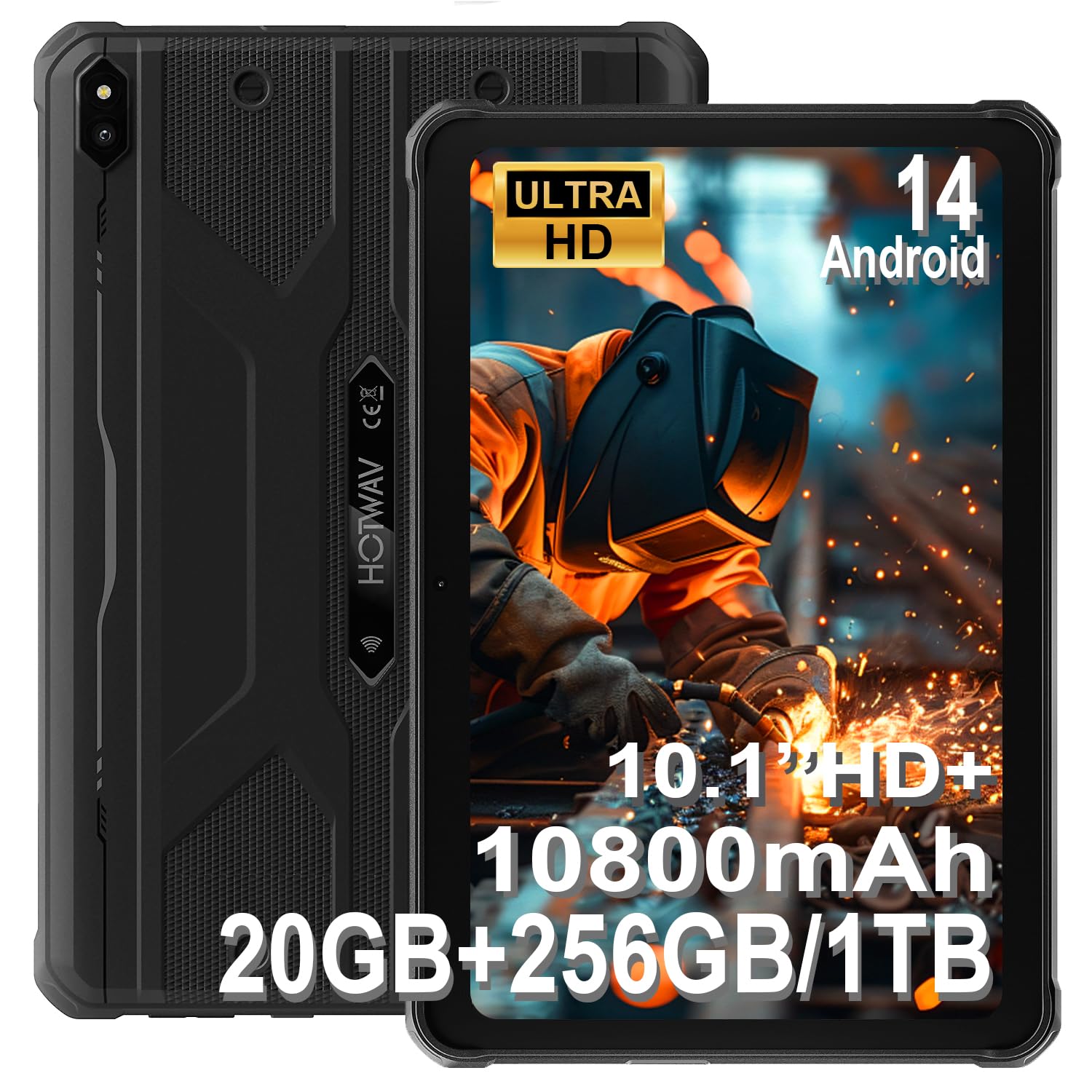
Everything that makes it rugged is intact. IP68 and IP69K sealing, a 10,800mAh battery, dual SIM 4G, face and fingerprint unlock, and GPS across Beidou, GLONASS, and Galileo. For a crew that needs a sealed tablet to check in at a gate, log readings, and take a 13MP photo of a fault, it does the work without asking for much.

Performance is where the savings show. The same Unisoc T606 as the R9 Pro, with 8GB of physical RAM (the 20GB on the box includes virtual expansion), handles messaging, browsers, and video without complaint and starts to drag once you stack apps. We were struck by how much of the price gap sits in the screen and the chip rather than the sealing — the protection here is the same spec you pay far more for elsewhere in this group.

There's no case or stand in the box, just a charger, a screen film, and a SIM pin, so budget for a mount if it's going to live in a vehicle. And if your day is wiring diagrams and dense forms rather than gate logs, the extra resolution of the 11-inch picks is worth the step up.

Pros

  • IP68 and IP69K sealing at the lowest price here
  • 10,800mAh battery with OTG
  • Dual SIM 4G with four-constellation GPS
  • Face and fingerprint unlock

Cons

  • 1280 x 800 screen is the softest here
  • Same slow T606 as the R9 Pro
  • No case or stand included
Our verdict

The cheapest route here into a sealed, SIM-ready tablet: a 10.1-inch IP68/IP69K body with a 10,800mAh battery for gate logs and form work.

Check Latest Price
5

Windows Software

Fusion5 FWIN232 PRO N5

81 /100
Keeper Score Excellent

Key details

Weight
1.4 lb
Battery
6000 mAh, about 5 hours
Operating System
Windows 11 Pro
Memory And Storage
12GB RAM, 256GB SSD
Check Price on Amazon

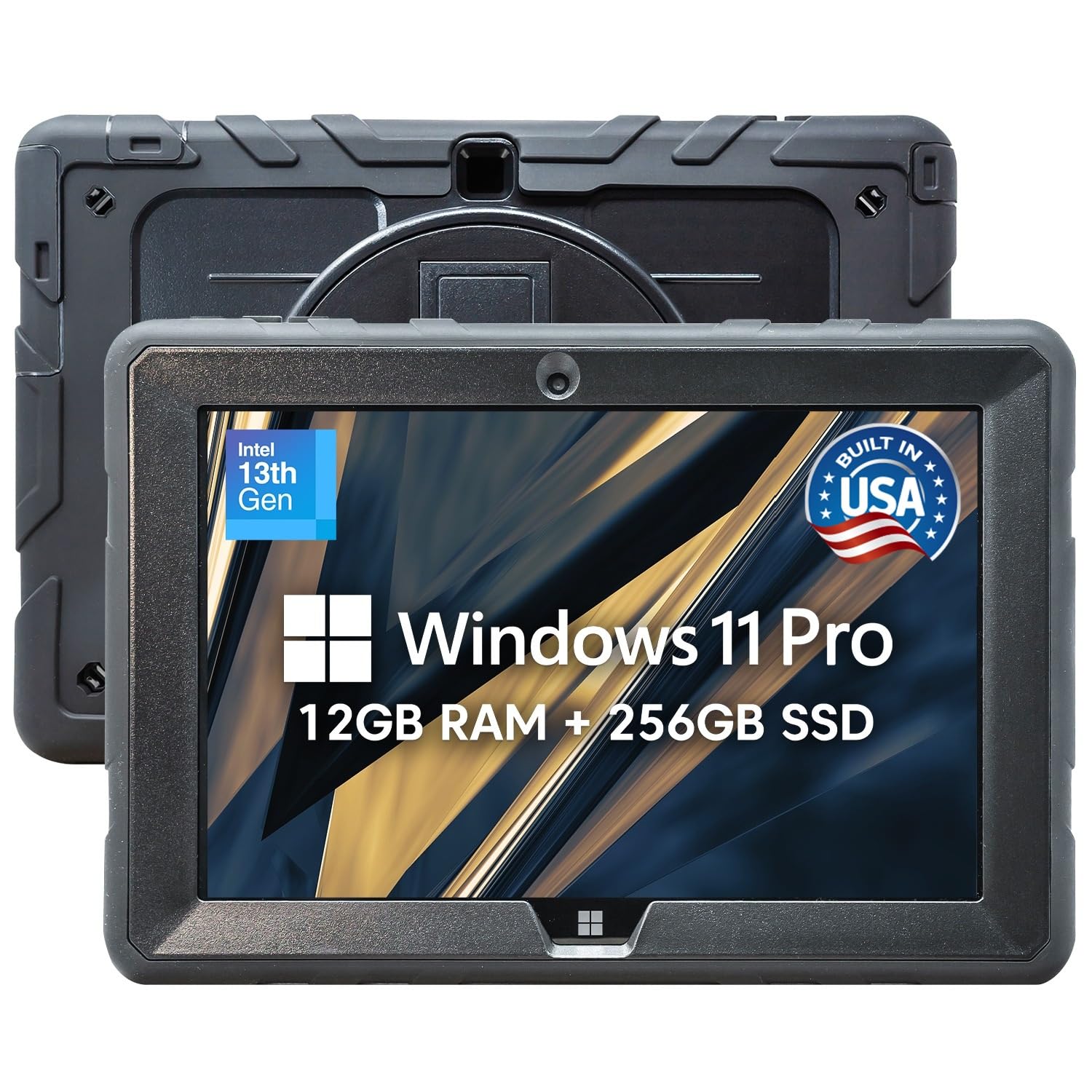
Windows 11 Pro on a 10.1-inch tablet is a narrow need, and this fills it: full desktop software, a real file system, USB-C and HDMI, all in a 636-gram chassis. If your work runs on an application that never made it to Android, nothing else on this page is a substitute.

The hardware is sensible for the job — Intel's 13th-gen N100, 12GB of RAM, a 256GB SSD, and a 1920 x 1200 IPS panel — and the weight is the payoff. At 636 grams it's less than half the AGM and about a third of the ORCATAB, which is the difference between holding a tablet up and propping it on something. Battery is the sacrifice, at about five hours.

The limit deserves plain language. The listing promises resistance to drops, dust, and daily wear, but no IP rating and no MIL-STD number is attached to it. That rules it out of rain, hose-downs, and genuinely dusty sites: take it into a cab, a warehouse office, or a plant room and it's in its element; take it onto a wet deck and it isn't.

Windows 11 in S mode locks you to the Microsoft Store until you switch it off, so leave S mode first and then install your field software. The two-year warranty with accidental damage cover for up to two incidents is the only coverage here that pays for a drop, and it's worth weighing against the missing water rating if your work is dry but clumsy.

Pros

  • Windows 11 Pro runs desktop software
  • 12GB RAM and a 256GB SSD
  • Light at 636 g for a field tablet
  • Two-year warranty with accidental damage cover

Cons

  • No IP rating or MIL-STD claim published
  • About five hours of battery
Our verdict

The only Windows tablet here: buy it if your field software doesn't run on Android, and keep it out of the rain.

Check Latest Price

How We Chose and Tested the Best Rugged Tablets

We started with the rugged tablets actually sold and supported in the U.S., filtered for an IP68 or tougher rating, a current operating system, and enough memory and storage to run real work apps, then read through buyer reviews to flag anything with a pattern of display, charging, or update complaints. Nine made the cut, running from budget models to near-laptop prices.

Those nine spent seven months moving between a job-site trailer, a truck bed, a kitchen counter, and a trail pack. We dropped each from waist height onto concrete and gravel, left them in direct sun for an afternoon, and ran them under a running faucet for a full minute before checking the speaker grilles, port covers, and screen edges for moisture.

Battery was logged as a percentage at the start and end of a mixed day of maps, video, and email, plus how long a top-up took. Screen calls happened outdoors at noon and again at dusk: could we read a map or a PDF without shading the panel with a hand? For weight, we carried each in a daypack and held it one-handed through a full work session, noting when a wrist started to complain.

We also tried the things shoppers ask about most: a carrier SIM in each slot, a Bluetooth keyboard, file transfers over OTG, and whether work apps and streaming services ran without stutter. Ease of use got tested with gloves on and with wet hands — face unlock, port covers, buttons. And we weighed what each one delivered against what it cost, because a tough tablet that stumbles on everyday tasks isn't a bargain at any price.

How to Choose a Rugged Tablet

What IP68 and IP69K Actually Promise

These two numbers cover different hazards. IP68 means the body keeps dust out and survives immersion at a stated depth and time. IP69K adds resistance to high-pressure, high-temperature spray, which is why it appears on tablets used around hoses and washdowns. Neither figure says anything about impact. Where a listing doesn't spell out a drop standard, treat the tablet as water- and dust-resistant rather than drop-proof, and price in a case or a mount accordingly. The shoppers who assume the rating covers drops are the ones who end up with a cracked screen.

Battery Capacity Decides How You Carry It

Capacities here run from 8,000 to 20,080 mAh, a gap you feel in your hand as much as on the clock. The biggest cells give you multiple days between charges and push the body toward 1.8 kg; the smaller ones need a charger most nights and are easier to live with on a ladder. If the tablet lives in a mount or comes inside every evening, take the lighter battery and the better screen. If it leaves on Monday and comes back on Friday, capacity wins every time.

Screens: Brightness for Outdoors, Resolution for Documents

Every tablet here sits between 400 and 480 nits, which is comfortable in shade and in a cab and marginal in direct sun; none of them is a phone-class outdoor display, so plan on shading the screen at noon. Resolution separates them more clearly. The 1920 x 1200 panels make maps, drawings, and long PDFs readable at arm's length, while 1280 x 800 needs pinching. If your day is documents, pay for the higher panel; if it's forms, photos, and dispatch, you won't miss it.

Cellular, SIM Slots, and GPS

Most Android tablets in this class take a SIM, and it changes what the device is for: a 4G or 5G model becomes a mapping and dispatch terminal wherever there's coverage. One tablet here runs 5G with dual SIM; the rest are 4G. Unless you're pushing large files over the air, 4G handles maps, messaging, and syncing, and it costs less. On GPS, check that more than one constellation is listed — Beidou, GLONASS, and Galileo alongside GPS hold a fix better where the sky view is limited.

What Comes In the Box Changes the Real Cost

Cases, stands, hand straps, and screen films vary more than the tablets do. One pick ships with an aluminium stand and hand strap plus the screws to fit them; another includes a protective case with a stylus holder; the budget model arrives with a film and a charger and nothing to mount it with. Add the cost of a mount or a rugged case to any pick that doesn't include one, and check that the port covers seat flush — that's the detail the water rating actually depends on.

Frequently Asked Questions

Final Verdict

The AGM PAD P2 Active is the tablet we hand most people: IP68 and IP69K with a case in the box, a 90Hz 11-inch screen, and a processor that keeps up with field apps and an evening of streaming. It won't outlast a 20,080mAh model and it has no published drop rating, but it's the best balance of the things you use every day.

Two alternatives change the answer. If the tablet goes out for days at a time and needs its own 5G connection, take the ORCATAB WT1 Pro. If your software is Windows-only, the Fusion5 is the only pick here that runs it — keep it out of the rain.