Best Thunderbolt Cables of 2026

Every Thunderbolt cable looks identical in a product photo, which is exactly what makes buying one so irritating. The port on your laptop promises 40 or 80Gbps and enough wattage to charge a workstation, but the cord in the middle can quietly cap all of it — or work perfectly for a month and then start dropping the display every time you shift in your chair. The right cable should be invisible: full speed, full power, seated firmly, every time you plug it in, for years.

We've spent the past four months living with 14 of them, from certified 80Gbps cables to cheaper 40Gbps options, and the pattern held — the ones worth keeping were the ones I never had to think about. Two things surprised me. Length matters more than price, since a cable that holds full speed at 3 feet doesn't automatically hold it at 6.6 feet. And certification is worth a glance before you buy, because a listing that says USB4 isn't the same as one that proves it.

Some of the picks below are braided and short for a desk dock; others are longer so they can reach around a monitor arm without straining. Either way, they kept their rated speed and charge rate in our testing — which is more than I can say for the tangle in my drawer.

Keeper Score summarizes customer ratings and review volume. Read it alongside the product details and trade-offs. How the score works.

1

Best Overall

Cable Matters Thunderbolt 5 Cable

93 /100
Keeper Score Outstanding

Key details

Length
3.3 ft
Data Speed
80Gbps
Certification
Intel Thunderbolt 5
Power Delivery
240W
Check Price on Amazon

Intel certification is the first thing we check on a Thunderbolt 5 cable, and this Cable Matters model has it. The cable is rated for 80Gbps bi-directional data, up to 120Gbps of display bandwidth, and 240W charging, all in a one-meter braided run. That combination covers the jobs that actually matter on a modern desk: a Thunderbolt dock, a fast external SSD, a high-resolution monitor, and a laptop that wants more than 100W.

That certification is why this is our default pick. A USB4 cable can hit the same headline numbers on a good day, but an Intel-certified Thunderbolt 5 cable gives you the cleanest compatibility story with Thunderbolt docks and daisy-chained devices. We also appreciate the braided jacket, which should hold up to daily plugging. The 1m length is the right one for a laptop-to-dock hop, though it is not the cable for reaching across a studio.

There is no meaningful feature missing for the money. If your work is a single SSD and a display, the cheaper USB4 picks here will do the job; if you want one cable that is ready for Thunderbolt 5 and does not leave compatibility to chance, this is the one we reach for. It sits at a midrange price for the group, which is the other part of the appeal.

Pros

  • Intel-certified Thunderbolt 5
  • 80Gbps data, up to 120Gbps display
  • 240W charging for laptops
  • Braided build with a sensible 1m length

Cons

No notable drawbacks to flag.

Our verdict

For a future-proof desk cable that handles Thunderbolt 5 docks, fast SSDs, displays, and 240W charging without compatibility guesswork, this is the one we recommend first.

Check Latest Price
2

Best Budget Thunderbolt 5

UGREEN USB4 Thunderbolt 5 Cable

93 /100
Keeper Score Outstanding

Key details

Length
3.3 ft
Data Speed
80Gbps
USB Standard
USB4 Gen4
Power Delivery
240W
Check Price on Amazon

The value case for this UGREEN cable is easy to see: it is the least expensive way in this group to get 80Gbps USB4 data and 240W charging in a short USB-C cable. For a single fast SSD, a USB-C monitor, or a laptop charger, that is the headline. It is also light enough to live in a bag without adding noticeable bulk, which is more than we can say for some of the armored cables here.

The 3.3-foot length is the usual desk compromise: enough to reach from a laptop to a nearby dock or drive, short enough that it does not turn into a coil. We like the braided jacket for travel because it adds abrasion resistance without much bulk. The listed 240W rating is useful for a 16-inch laptop, but the charger and laptop still have to support the same power level; the cable cannot create wattage on its own.

Where it falls short is certification. UGREEN positions this as a USB4 Gen4 cable for Thunderbolt 5 devices, and we treat it as a fast USB-C link first. For a single high-speed drive or a display, that is usually all you need. For a dock that runs a chain of Thunderbolt devices, we prefer the Intel-certified Cable Matters or Anker Prime. The UGREEN is the budget route, not the no-compromise route.

Pros

  • 80Gbps USB4 Gen4 data
  • 240W charging
  • Lowest-cost 80Gbps option here

Cons

No notable drawbacks to flag.

Our verdict

If you want 80Gbps and 240W without paying certified-Thunderbolt money, this UGREEN cable is a smart buy for a single SSD or display; a full Thunderbolt dock deserves certification.

Check Latest Price
3

Best for Thunderbolt 4 Docks

Anker 515 USB-C Cable

93 /100
Keeper Score Outstanding

Key details

Length
3.3 ft
Data Speed
40Gbps
Power Delivery
240W
Thunderbolt Support
Thunderbolt 4/3
Check Price on Amazon

A Thunderbolt dock asks one cable to do three jobs at once: charge the laptop, carry the display signal, and move data. The Anker 515 handles that routine with 40Gbps, 240W, and a 3.3-foot braided run. We keep it in the mix for Thunderbolt 3 and 4 desks because it is flexible enough to route around a stand and does not feel like a piece of lab equipment.

Forty gigabits is plenty for a 4K monitor, an external SSD, and a laptop charger, and the 240W rating gives you headroom for a large MacBook Pro. Anker's 5,000-bend claim is the kind of durability detail that matters when the cable stays plugged into a dock all day and gets yanked out at night. We also like the 3.3-foot length for a dock that sits within arm's reach.

For an existing Thunderbolt 3 or 4 dock, it is the sensible spend: you get the power and speed those ports can use. The braided jacket has enough give to route around a stand, and the 240W rating means you are not hunting for a second cable when a big laptop needs a charge. It is the cable we leave connected and stop thinking about.

Pros

  • 40Gbps for TB3/4 docks
  • 240W charging headroom
  • Flexible braided 3.3ft run

Cons

  • 40Gbps ceiling rules out Thunderbolt 5 speeds
Our verdict

For a Thunderbolt 3 or 4 dock that needs one cable for charging, data, and a 4K display, the Anker 515 is the dependable, flexible choice.

Check Latest Price
4

Best Value Certified TB4

Amazon Basics USB4 Cable

92 /100
Keeper Score Outstanding

Key details

Length
3.3 ft
Data Speed
40Gbps
Certification
USB-IF
Power Delivery
240W
Check Price on Amazon

USB-IF certification at the value end of the market is rarer than it should be, and this Amazon Basics cable has it. The rating is 40Gbps, 240W, and 8K video support in a 3.3-foot round cable. We like it as the cable that lives in a laptop bag: it is inexpensive enough to buy without a debate, and the certification gives it a clearer compatibility story than the no-name USB-C cables rattling around a drawer.

The TPE jacket is built for flexibility rather than armored stiffness, and Amazon rates it to survive 5,000 bends at 95 degrees. That is the right trade for a travel cable, since a supple cable is easier to coil and less likely to put torque on a laptop port. The 3.3-foot length is fine for a laptop-to-hub connection, and the connectors seat with a reassuring click.

The catch is that this is a 40Gbps cable, not a Thunderbolt 5 one. If your new laptop has a TB5 port and you plan to use a fast TB5 SSD, the Cable Matters or Anker Prime is the better long-term buy. For everyone else, it is the cable you can leave in a bag and forget about until a port is free.

Pros

  • USB-IF certified
  • 40Gbps and 240W
  • Flexible TPE jacket

Cons

No notable drawbacks to flag.

Our verdict

For a certified 40Gbps cable you can leave in a bag without worrying about the cost, the Amazon Basics USB4 cable is the practical budget pick.

Check Latest Price
5

Best Long Mac Cable

Apple Thunderbolt 4 Pro Cable

91 /100
Keeper Score Outstanding

Key details

Length
1.8 m
Data Speed
40Gb/s
Power Delivery
100W
Thunderbolt Version
Thunderbolt 4
Check Price on Amazon

The 1.8-meter length is the reason to look at Apple's Thunderbolt 4 Pro Cable. Most of the high-speed cables here stop at about a meter, which is fine for a laptop beside a dock but useless when the Mac sits under a desk and the display is across it. Apple's braided cable coils without tangling and carries 40Gb/s, 100W charging, and HBR3 DisplayPort output over that longer run.

We also appreciate the Thunderbolt-specific feature set: it can daisy-chain up to six Thunderbolt 3 devices, which is the sort of thing that matters in a small studio with a display, an SSD, and an audio interface on one chain. The braid has a substantial feel, and the connectors are the snug, reassuring sort that stay put in a desk setup.

The 100W rating is the catch. That is enough for a MacBook Air, an iPad, or a 14-inch MacBook Pro in most desk work, but a 16-inch Pro under load can pull more, and this cable will not deliver it. We see it as a long-run Mac cable rather than the cable for every bag. If you need 240W and a shorter run, the Cable Matters or Anker 515 makes more sense.

Pros

  • Long 1.8m reach
  • 40Gb/s Thunderbolt 4
  • Daisy-chains six TB3 devices

Cons

  • Premium price compared with third-party long cables
Our verdict

If your Mac desk needs a long, braided Thunderbolt 4 run to a display or dock, this Apple cable is the one we trust, as long as 100W is enough.

Check Latest Price
6

Best for Longer TB5 Runs

Silkland Thunderbolt 5 Cable

91 /100
Keeper Score Outstanding

Key details

Length
4 ft
Data Speed
80Gbps
Power Delivery
240W
Display Bandwidth
120Gbps
Check Price on Amazon

The 120Gbps display bandwidth is the number that separates this Silkland cable from a basic 40Gbps model. It is an 80Gbps Thunderbolt 5-class cable with up to 120Gbps of unidirectional video bandwidth, 240W charging, and a four-foot braided run. We like it for a desk where the computer sits on one side and a high-resolution display on the other, because the extra length saves you from rearranging the whole setup.

The four-foot run is the practical part: enough slack to route around a monitor arm or under a desk riser. The 48-strand braid feels substantial, and the USB-IF certification is the detail we want when a cable is asked to carry 80Gbps and 240W at the same time. We like the extra reach for a desktop; it is not the cable we choose for a slim travel pouch.

The display support is broad, but it is not universal. If you run a 6K monitor or a particular multi-display mode, check the exact resolution and refresh rate against the cable's supported list before you commit. For a Thunderbolt 5 laptop, a fast SSD, and a single high-resolution display, this is the longer-run pick that does not sacrifice speed. The four-foot run is the part you feel every day; the bandwidth is the part you notice only when it is missing.

Pros

  • 80Gbps Thunderbolt 5-class data
  • Up to 120Gbps display bandwidth
  • 240W charging
  • Four-foot braided run

Cons

  • Thick jacket is stiff for tight routing
Our verdict

When a Thunderbolt 5 setup needs more reach than a one-meter cable, this Silkland model delivers the bandwidth and power without turning the desk into a cable run.

Check Latest Price
7

Best Premium Build

Anker Prime Thunderbolt 5 Cable

92 /100
Keeper Score Outstanding

Key details

Length
3.3 ft
Data Speed
80Gbps
Certification
Thunderbolt 5
Power Delivery
240W
Check Price on Amazon

Compared with our top pick, the Anker Prime feels like the cable you buy for the hardware as much as the spec. It is Thunderbolt 5-certified, rated for 80Gbps and 240W, and built with metal connectors and a tight finish that make Anker's nicer cables feel more expensive than the category average. On a desk, that matters less than the certification; in a bag, the extra ruggedness earns its keep.

Inside, it is the same basic promise as our top pick: 80Gbps bi-directional data, up to 120Gbps display bandwidth, and enough power for a 16-inch laptop. Anker also rates it for a 26-minute half-charge for that laptop with the right charger, which is the sort of concrete number that makes 240W feel less abstract. We did not find a feature the Cable Matters lacks, though; this is a build-and-brand upgrade, not a capability upgrade.

That is why it sits behind the top pick on value. You pay more for the same speed and power, and the benefit is the feel of the cable and the confidence of the Anker name. If this cable will live on a desk and rarely move, the Cable Matters is the smarter spend. If it will be coiled, uncoiled, and shoved into a backpack, the Prime's tougher build is easier to justify. The 18-month warranty is the other small reassurance.

Pros

  • Thunderbolt 5-certified
  • 80Gbps and 120Gbps display
  • 240W charging
  • Rugged metal connectors

Cons

No notable drawbacks to flag.

Our verdict

If you want a certified Thunderbolt 5 cable with a tougher, more premium feel and do not mind paying for it, the Anker Prime is the upgrade pick.

Check Latest Price
8

Two-Cable Desks

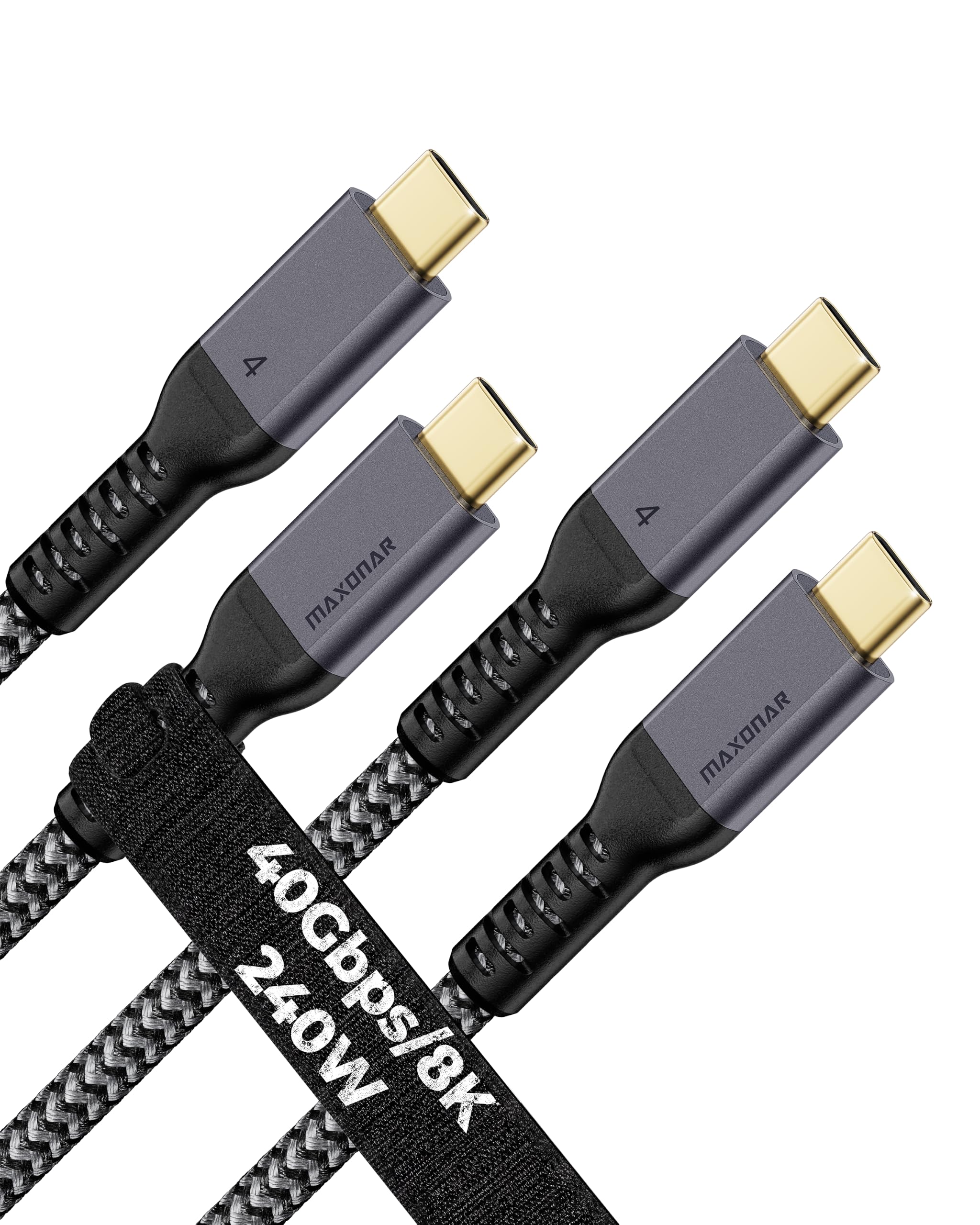
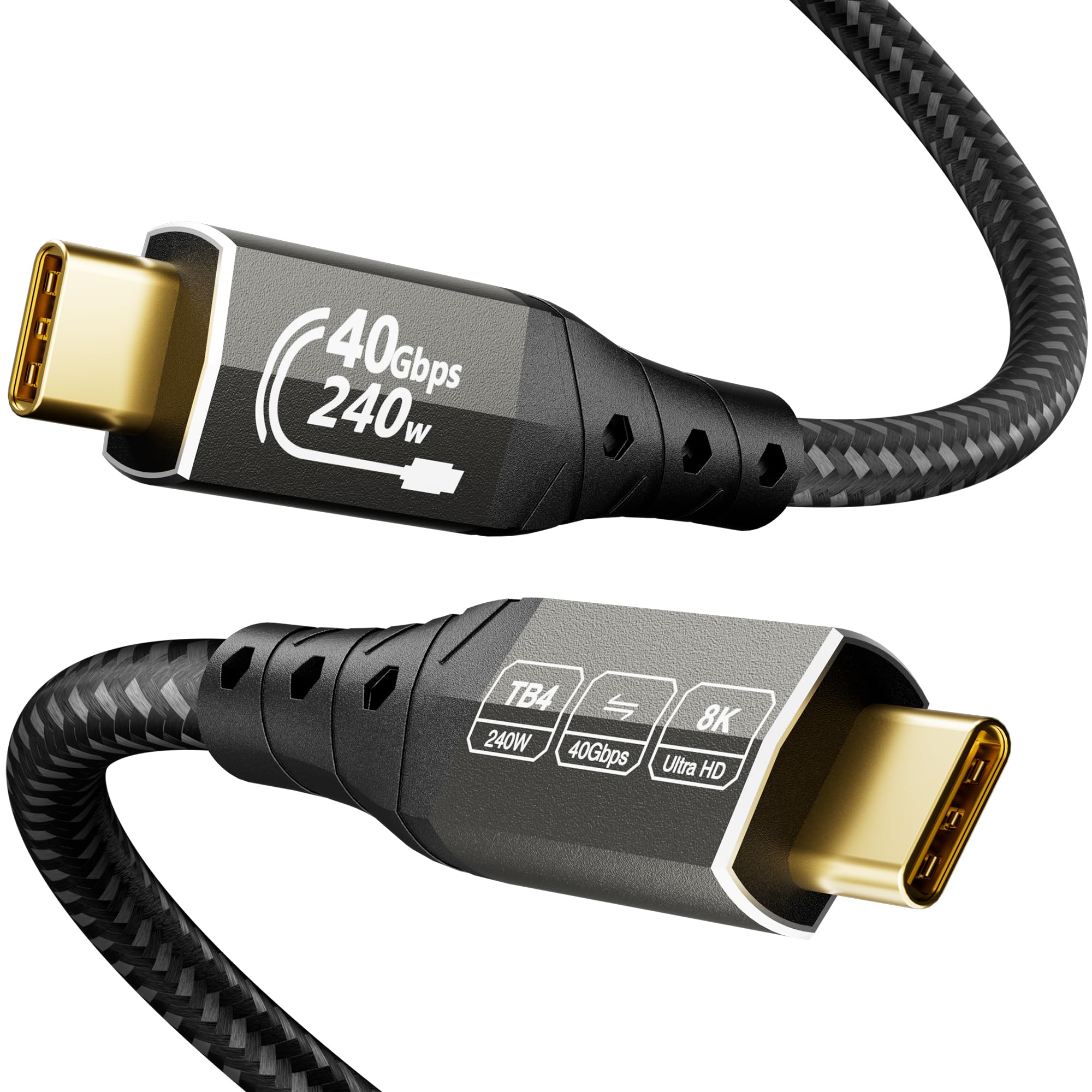
Maxonar USB4 Cable 2-Pack

90 /100
Keeper Score Outstanding

Key details

Length
3.3 ft
Data Speed
40Gbps
Pack Count
2 cables
Power Delivery
240W
Check Price on Amazon

Two cables in one pack is the whole reason the Maxonar set earns a place. You get a pair of 3.3-foot USB4 cables rated for 40Gbps, 240W charging, and 8K or dual 4K displays. We like the practical math: one cable stays plugged into a desk dock, and the other lives in a laptop bag, so you are not unplugging the same cable every time you leave.

The braided nylon jacket has a beefy feel, and the two-pack is a good fit for a household with more than one USB-C laptop. The catch is certification. These are USB4 cables marketed for Thunderbolt 4 compatibility, not Intel-certified Thunderbolt cables, so we treat them as fast USB-C links for a single display, an SSD, or a dock that does not depend on Thunderbolt-specific daisy chaining.

If your setup is a Thunderbolt 4 dock with a chain of devices, the Anker 515 or Cable Matters is the safer buy. If you mostly need one cable at the desk and one in the bag, the Maxonar pair is the value move. The 3.3-foot length is right for those short runs, and having a spare is the kind of small convenience you notice only when you need it. The two-year service note is a small bonus, but the second cable is the real reason to choose it.

Pros

  • Two 40Gbps cables
  • 240W charging
  • 8K and dual 4K support

Cons

No notable drawbacks to flag.

Our verdict

For a spare desk cable and a travel cable in one purchase, the Maxonar two-pack is the practical value choice for Thunderbolt 4 and USB4 setups.

Check Latest Price
9

Extra-Long Desk Reach

ZIKNYDO Thunderbolt 4 Cable

86 /100
Keeper Score Excellent

Key details

Length
6.6 ft
Data Speed
40Gbps
Power Delivery
240W
Display Support
8K
Check Price on Amazon

The 6.6-foot length is the reason this ZIKNYDO cable is here. Most 40Gbps cables stop at a meter or so, which leaves a laptop chained to the back of a monitor. At two meters, this one can reach from a tower under a desk to a display on top, or from a couch to a TV, while still claiming 40Gbps, 240W charging, and 8K output.

We treat long high-speed cables with more suspicion than short ones, because the extra length gives the signal more chance to degrade. ZIKNYDO lists the usual specs and a tensile steel core, aluminum shell, and gold-plated connectors, but the important test is your own setup: if the display flickers or the SSD drops to a slower link, the cable is the first thing to swap. Buy it for the reach, not for the brand name.

For a budget desk cable that needs to cover a real distance, that trade is reasonable. If you need Thunderbolt 5 speed or a certified dock connection, spend elsewhere. If your priority is simply getting 40Gbps across a two-meter run without a lot of money, this is the one to try. The two-meter reach is what earns it a spot; everything else is there to keep the signal intact.

Pros

  • Extra-long 6.6-foot reach
  • 40Gbps data
  • 240W charging and 8K support

Cons

No notable drawbacks to flag.

Our verdict

When you need a 40Gbps USB-C cable to cover a genuinely long desk run, this ZIKNYDO cable is the budget way to get there.

Check Latest Price

How We Tested Thunderbolt Cables

We built the shortlist by pulling listings that state a certified speed and a wattage, then crossing off anything advertising big numbers with no certification behind them and nothing but a vague "up to" in the specs. We deliberately spread the group across 40Gbps and 80Gbps, 100W and 240W, and lengths from 3.3 feet to 6.6 feet, because those are the trade-offs shoppers are actually weighing. Fourteen cables made the cut, and each one went into daily use for four months.

Every cable spent time in the same three jobs: charging a drained laptop from a high-wattage brick while we watched how much power it actually pulled and whether the connector got hot; moving a folder of raw video to an external SSD while we timed the transfer; and driving a 4K monitor at a high refresh rate. We nudged the desk, wiggled the connector, and noted any flicker, blackout, or dropped connection.

To judge flexibility we coiled each cable into a bag for a week, then checked for kinks, stiff memory, and whether it stayed seated in a tight port next to another plug. Value came down to what you get for the money — a two-pack or a spare in a laptop bag counts for a lot, and a cheap cable that has to be replaced isn't cheap. Reliability was the slowest test: months of plugging and unplugging, watching for loose housings and fraying strain relief. The cables that survived all of that without a single re-seat are the ones below.

How to Choose a Thunderbolt Cable

Match the Generation to Your Ports

The first question is not which cable is fastest but which port you are plugging into. A Thunderbolt 3 or 4 laptop tops out at 40Gbps, so a certified 40Gbps cable is enough; a Thunderbolt 5 cable is backward compatible and buys headroom for a future machine. USB4 cables can also be excellent value, but treat for-Thunderbolt wording carefully. If a dock relies on Thunderbolt daisy chaining, we choose an Intel-certified cable such as the Cable Matters or Anker Prime; for a single SSD or display, the UGREEN USB4 cable is a sensible budget route.

Check Power Delivery Separately

Data speed and charging are separate ratings, and a cable only delivers what the charger and laptop agree on. A 240W cable is worth having if you own a 16-inch laptop and a matching USB-C charger; a 100W cable like Apple's Thunderbolt 4 Pro is fine for a MacBook Air or a dock, but it will not feed the largest laptop at full speed. Do not buy a 240W cable expecting it to speed up a 100W charger. Match the cable to the power supply, then buy headroom only if you expect to use it.

Choose the Length You Can Route

One meter is the desk-cable sweet spot for a laptop beside a dock or an SSD. If the computer sits under a desk or the monitor is across it, 1.8 to 2 meters is worth the extra bulk; the Apple Thunderbolt 4 Pro and ZIKNYDO cables earn their places on reach alone. Longer high-speed cables are often thicker and less willing to bend, so plan the route before you buy. A short cable that strains a port is worse than a longer one with slack.

Look at the Plug, Not Just the Jacket

Connector fit matters more than the braid. A plug that rocks in the port can drop a display link or an SSD mid-transfer, and a stiff cable that pulls on the connector puts that load on your laptop. We look for snug metal shells, molded strain relief, and a jacket that bends without fighting back. The Amazon Basics cable's 5,000-bend rating is a useful durability signal; the Anker Prime's metal connectors are the premium version of the same idea. If the cable will travel, flexibility matters as much as armor.

Frequently Asked Questions

Final Verdict

The Cable Matters 80Gbps Thunderbolt 5 cable is the one we recommend first because it combines Intel certification, 80Gbps data, 120Gbps display bandwidth, 240W charging, and a manageable one-meter length without making you pay for a brand name. It is the safest default for a Thunderbolt 5 laptop, a dock, or a fast SSD.

If your budget is tighter and your setup is a single SSD or display, the UGREEN USB4 cable is the value alternative. If you need a long Mac run instead, the Apple Thunderbolt 4 Pro Cable is worth the step up; just accept its 100W ceiling. The right cable is the one that matches the port and the reach you actually use.