Best Monitor Privacy Screens of 2026

A privacy screen works on a simple principle: fine vertical louvers in the film let light straight through to your eyes and block it at an angle, so the person in the next seat gets a gray rectangle instead of your spreadsheet. The catch is that those same louvers dim the screen, and the filters that hide it best usually cost you the most brightness. We've spent three months with 14 of them clipped, hung, and stuck onto monitors, and that trade-off is what separates a keeper from a film you peel off in a week.

Fit is where most buyers get burned. Screen size is sold as a diagonal, but filters are cut to exact width and height, and a 24-inch 16:9 panel is a different shape from a 24-inch 16:10 — measure the glass, not the diagonal. Mounting matters too: adhesive tabs sit flush but leave residue, while hanging and magnetic versions lift off in seconds, and a two-pack makes the second monitor almost free. The picks below all earned their place on a real desk.

Keeper Score summarizes customer ratings and review volume. Read it alongside the product details and trade-offs. How the score works.

1

Best Overall

Zspeed 24-Inch Privacy Screen 2-Pack

88 /100
Keeper Score Excellent

Key details

Finish
Glossy
Pack Size
2 filters
Attachment
Hanging, no adhesive
Filter Size
21 9/16 x 12 5/8 in
Check Price on Amazon

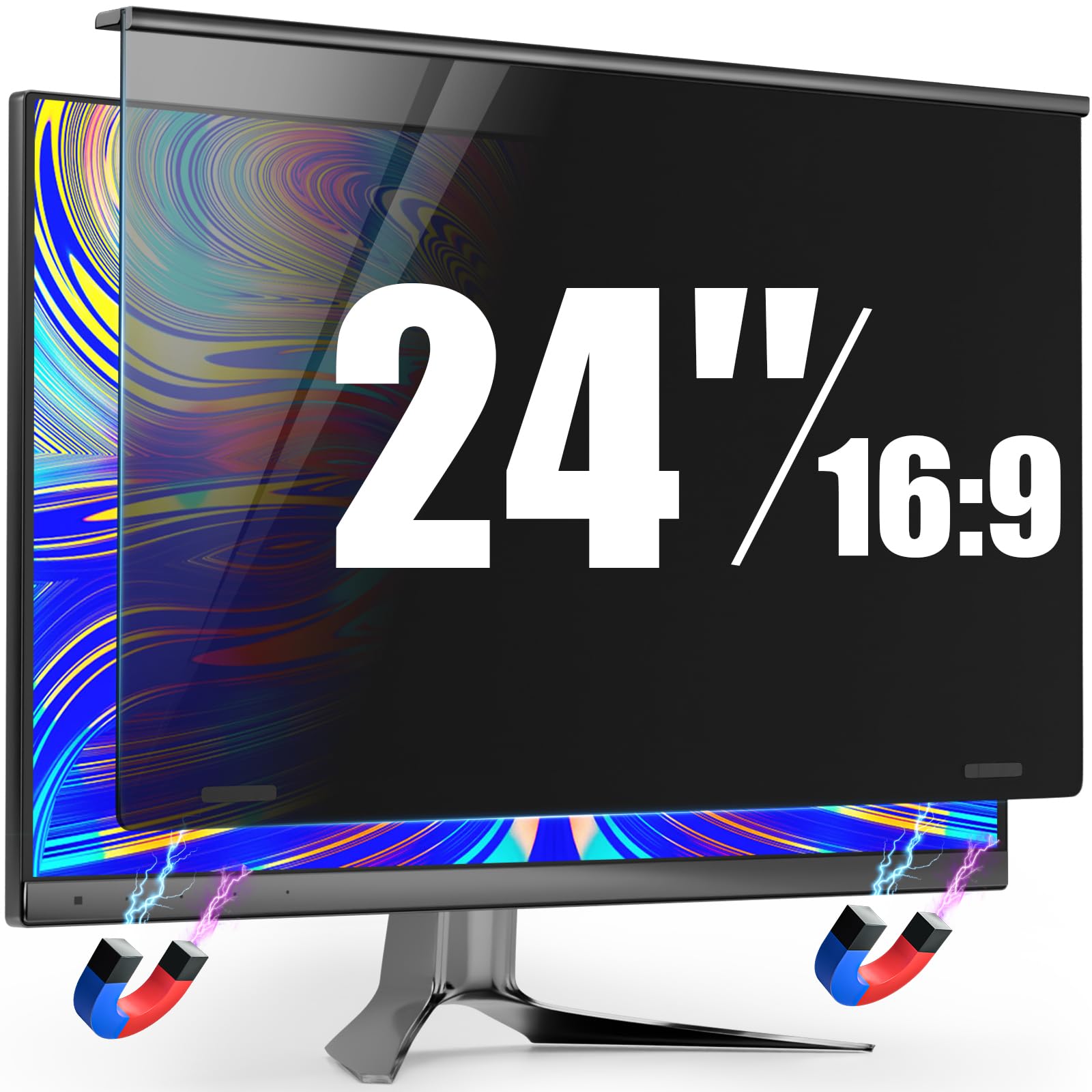
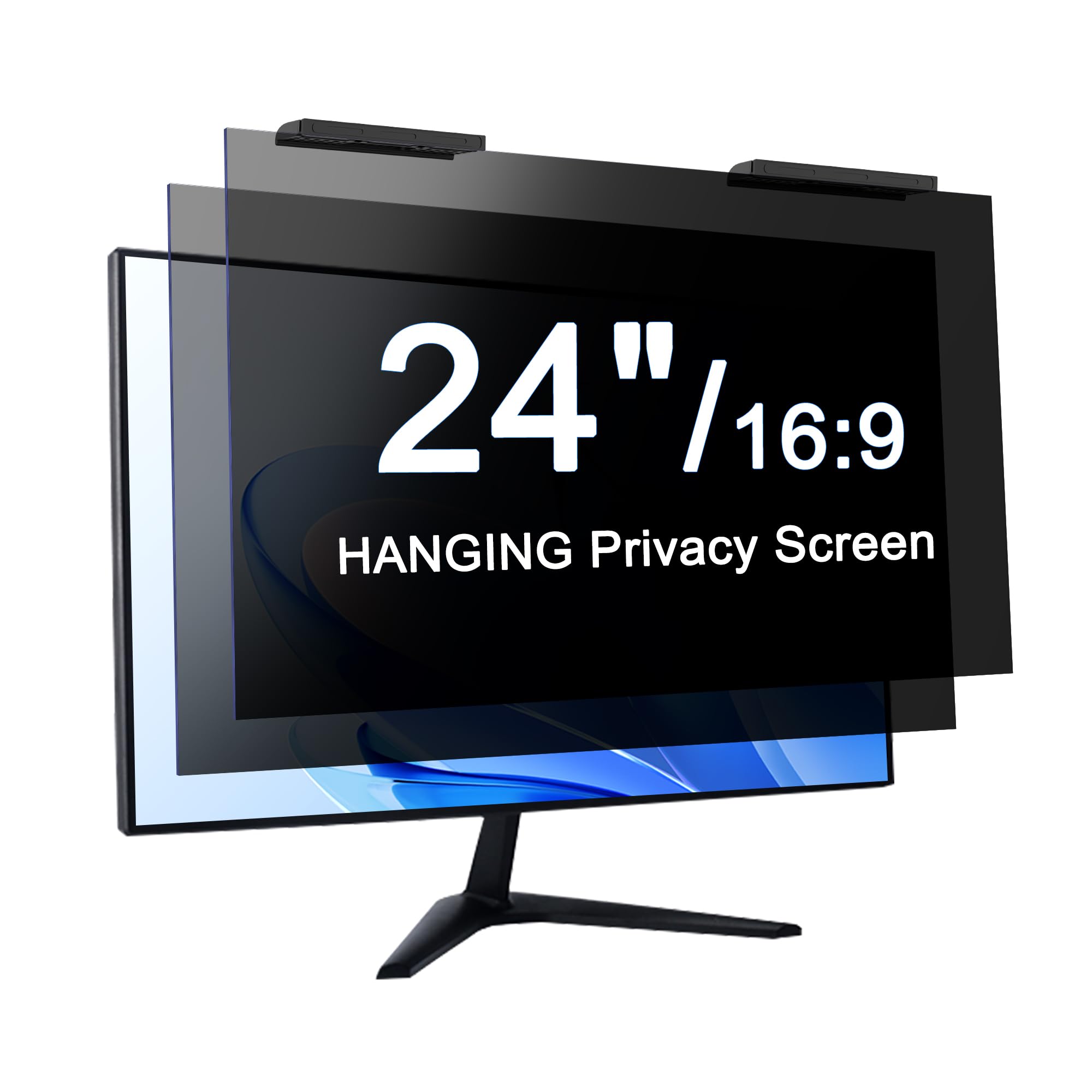
What goes wrong with a privacy filter usually isn't the privacy — it's the mounting. Adhesive strips lose their grip, slide tabs need a bezel lip to catch, and a filter that has flopped forward isn't protecting anything. The Zspeed hangs over the top of the monitor instead, with nothing stuck to your panel, and that single decision is why it leads this list.

In practice it behaves more like a blind than an installation. Pull it off before a video call, set it back when the person at the next desk starts looking over. Two come in the pack, so a pair of monitors is covered at once, and the sheet is cut slightly wider than the screen on purpose — a millimeter of bezel difference won't leave a bright sliver down one side.

Under the frame it's a micro-louver film rated to about 30 degrees off-center, so the screen goes dark for whoever is sitting alongside you. Zspeed also quotes blue-light and UV filtering, a fair bonus on a long day at the screen but not the reason to buy.

The one setup it doesn't suit is a frameless panel: a hanging filter needs a top edge to catch, and there isn't one. That's what the PJOVORY's bracket is for.

Pros

  • Hangs on with no adhesive to fail
  • Lifts off in seconds for calls and editing
  • Cut slightly wide to absorb bezel variation
  • Two filters in the pack

Cons

  • Glossy surface reflects more than a bare screen
  • Costs more than the other two-packs here
Our verdict

For a shared desk or a hot-desk office, this is the filter we recommend: it hangs over the monitor with no adhesive at all and lifts off whenever you want it gone.

Check Latest Price
2

Best Value

Protescreen 24-Inch Privacy Filter 2-Pack

87 /100
Keeper Score Excellent

Key details

Hardness
9H
Pack Size
2 filters
Attachment
Adhesive strips or slide tabs
Filter Size
20 15/16 x 11 13/16 in
Check Price on Amazon

Two 24-inch filters and both mounting kits for a good deal less than the top pick — that's the case for the Protescreen in one line. It's the pick for a dual-monitor desk where privacy has to go on both screens at once.

The appeal is that the box hands you both installation routes: double-sided strips for a permanent mount, or slide tabs if you want to lift the filter off now and then. The film itself is a micro-louver layer that blacks the panel out from the side rather than just dimming it, and the 9H surface shrugs off a stray keycap or a ring.

The picture sits a shade darker and a touch softer than a bare panel, which is normal for this kind of filter and something you offset by nudging brightness up a notch. Press the strips down along the whole edge, not just at the corners; a filter that isn't sitting flat is where softness creeps in.

For a permanent desk setup that's a fair trade — the filter stays where you put it and the second one goes on the monitor beside it. If you take your filter off every day, the hanging design of the Zspeed is worth the extra money.

Pros

  • Least expensive way here to cover two 24-inch screens
  • Adhesive strips and slide tabs both included
  • 9H surface resists scratches
  • Micro-louver film blacks out side views

Cons

  • Picture looks slightly darker and softer
Our verdict

Covering two 24-inch monitors on a tight budget is the whole case for this one, and it's a good case — two filters, both mounting kits, very little money.

Check Latest Price
3

Best for 20-Inch Monitors

Ceydebne 20-Inch Privacy Screen 2-Pack

87 /100
Keeper Score Excellent

Key details

Finish
Matte or glossy
Pack Size
2 filters
Attachment
Magnetic
Filter Size
17.36 x 9.76 in
Check Price on Amazon

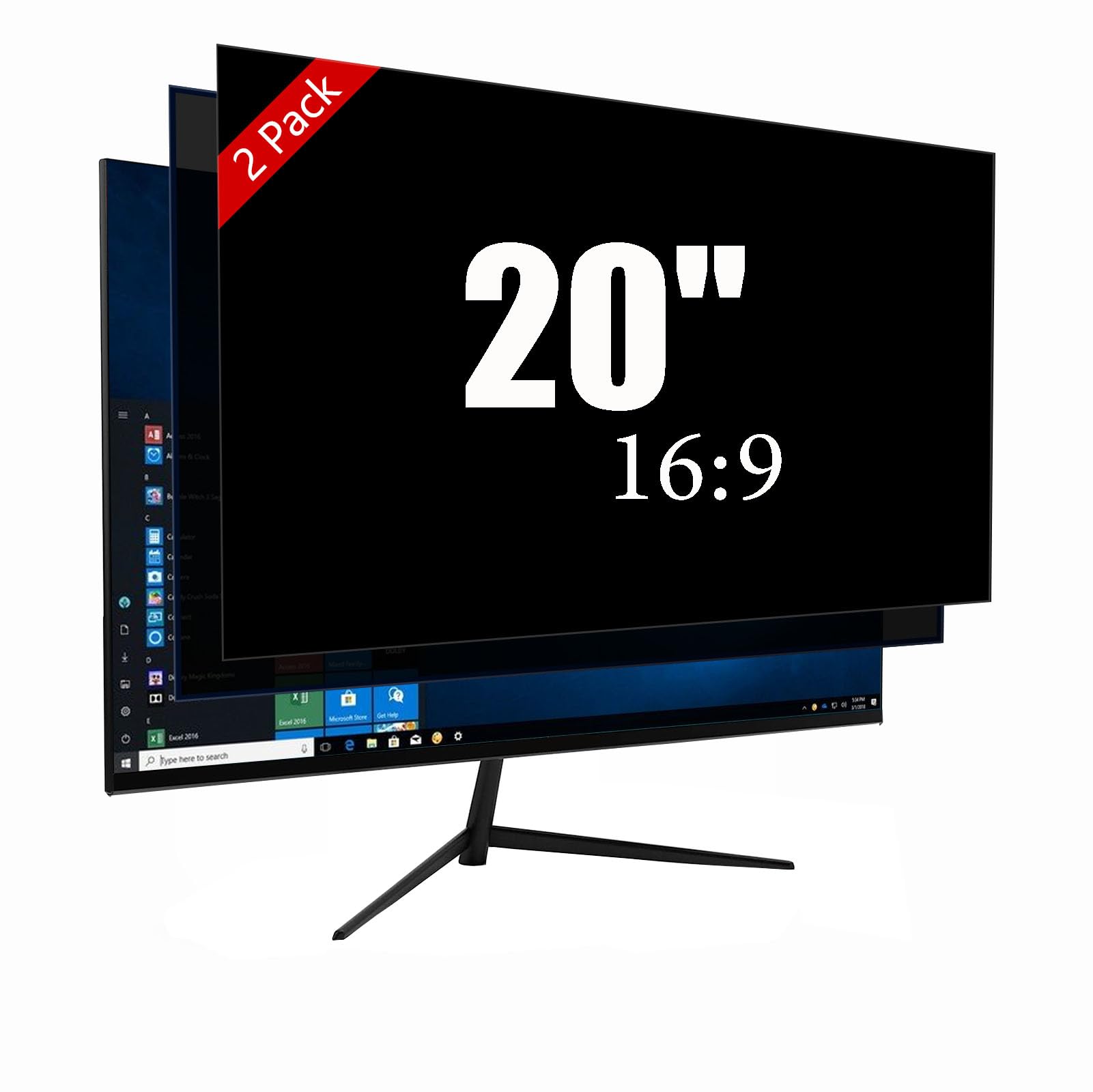
Most of the filters here are cut for 24-inch panels, which leaves anyone running a 20-inch monitor hunting for a size that fits. This is the two-pack we point those readers at: 17.36 by 9.76 inches, two to a pack, and a magnetic mount rather than glue.

Magnetic means one motion on and off, which matters more on a secondary screen than you might expect — pull it off to show someone a document, put it back when the next person walks up. The strip runs along the top edge, so the filter lifts away cleanly and goes back the same way, with no residue to clean off the glass.

Two faces, two jobs: the matte side knocks down overhead reflections, the glossy side tightens the privacy angle and keeps the image crisper. We found that flexibility earns its keep on a small screen, where you sit closer and notice reflections sooner.

The 9H surface takes a knock without marking and wipes clean with a cloth. Two in the box covers a pair of small monitors, or one monitor plus a spare for the day the first one gets scratched.

Pros

  • Cut for 20-inch 16:9 panels
  • Magnetic mount lifts off in one motion
  • Matte or glossy face, your choice
  • Two filters in the pack

Cons

  • Bottom edge isn't secured and can lift
Our verdict

If your monitor is a 20-inch panel, this is the two-pack that actually fits it, and the magnetic mount makes it easy to pull off.

Check Latest Price
4

Best for Frameless Monitors

PJOVORY Magnetic 24-Inch Privacy Screen

82 /100
Keeper Score Excellent

Key details

Fits
23.6 to 24 in frameless
Weight
2.64 lb
Attachment
Aluminum bracket, magnetic
Privacy Angle
29 degrees
Check Price on Amazon

Frameless monitors are a problem for privacy filters. There's no raised bezel for slide tabs to catch, and adhesive strips on a nearly edge-to-edge panel look like a mistake the moment they start to peel. PJOVORY's answer is a pair of aluminum brackets that hook over the top of the panel and hold the filter magnetically.

Nothing is glued to your screen, the filter lifts straight off the brackets, and the hardware is metal rather than plastic. The whole assembly weighs 2.64 pounds, noticeably more than a plain film, and it feels like a piece of equipment rather than a sheet of plastic — which is roughly what the price suggests too.

On a flat, thin-bezel panel this is the sturdiest no-adhesive mount in the group, and the only one that doesn't need a bezel lip to hold on. Check two things first: it's cut for 23.6- to 24-inch screens, and the top clip doesn't fully clear every thicker monitor, so measure the depth of your panel's top edge.

The picture goes a shade darker and slightly cool, and you'll notice it most sitting beside a bright window in the afternoon. For a single desk in an open office, the bracket work is where the money goes.

Pros

  • Hooks over frameless and thin-bezel panels
  • No adhesive, no screws, no residue
  • Filter lifts off in one motion
  • Aluminum brackets feel solid

Cons

  • Noticeably heavier than a film filter
  • Flat panels only; curved screens don't hold it
Our verdict

Frameless and thin-bezel panels defeat most filters here; this one brackets over the top without glue, and that's the reason to choose it over an adhesive filter.

Check Latest Price
5

Best Single Filter

Izmapaic 24-Inch Privacy Filter

86 /100
Keeper Score Excellent

Key details

Finish
Matte or glossy
Pack Size
1 filter
Attachment
Adhesive strips or slide tabs
Filter Size
20 15/16 x 11 13/16 in
Check Price on Amazon

A privacy filter is a light trick, and the trick stops working in a dim room: with the screen as the brightest thing in view, the louvers have little to block. Izmapaic is unusually candid about that, and it's the first thing to know about this filter.

The second is that it's reversible. One face is matte and tames overhead reflections; the other is glossy, which tightens the privacy and keeps the image sharper at the cost of a little bounce. We like having both on a single filter, because which one you want changes with the desk you're sitting at.

It's one filter rather than a pack, sold at the low end of what's here, with adhesive strips and slide tabs in the box so you can mount it permanently or lift it off. The cut is the standard 24-inch 16:9 shape, 20 15/16 by 11 13/16 inches, and the 3H surface resists scratches and wipes clean.

If two desks need covering, a two-pack works out cheaper per screen; for one, there's no reason to buy a filter you'll leave in a drawer.

Pros

  • Matte and glossy faces on one filter
  • Adhesive strips and slide tabs both included
  • Standard 24-inch 16:9 cut
  • Lowest-cost single filter here

Cons

  • Only blackout well in a brightly lit room
Our verdict

A single 24-inch filter with a matte face for glare and a glossy face for stronger privacy, at the low end of what this set costs.

Check Latest Price
6

Quick-Release Setups

Mamol 24-Inch Privacy Screen 2-Pack

85 /100
Keeper Score Excellent

Key details

Hardness
9H
Pack Size
2 filters
Attachment
Magnetic top strip
Filter Size
20 15/16 x 11 13/16 in
Check Price on Amazon

Mamol's two-pack works on the same principle as the Ceydebne: a magnetic strip across the top, nothing stuck to the glass, and a filter you pull off one-handed. Two sheets come in the pack, and the magnet is the only thing holding them.

That's the part to think through before you buy. With the top held and the bottom free, the lower edge can stand away from the panel, and a filter with a gap behind it goes soft at the edges. On a monitor with a deep bezel the sheet has something to rest against; on a flush panel it has less.

What the money buys is a matte 9H surface that wipes down and can be rinsed, an anti-reflective layer, and blue-light and UV figures that read well on paper. We're less interested in those numbers than in the matte finish, which doesn't bounce light back the way a glossy filter does.

Our read: a sensible second choice for anyone who wants a quick-release filter and two screens covered, provided your monitor gives the bottom edge something to sit against. On a flush panel, an adhesive-mounted filter like the Protescreen is the safer call.

Pros

  • Magnetic strip pulls off one-handed
  • Matte surface avoids added reflections
  • 9H coating wipes or rinses clean
  • Two filters in the pack

Cons

  • Bottom edge can stand away from the panel
Our verdict

A two-pack for anyone who wants a magnetic quick-release filter, as long as the bottom edge has something to rest against.

Check Latest Price
7

One-Screen Offices

SightPro 24-Inch Privacy Filter

85 /100
Keeper Score Excellent

Key details

Hardness
2H
Pack Size
1 filter
Attachment
Adhesive strips or slide tabs
Filter Size
20 15/16 x 11 13/16 in
Check Price on Amazon

We like that SightPro sends both mounting kits: two sets of clear adhesive strips, two sets of slide tabs, and a microfiber cloth. You choose permanent or removable, and you've got spares either way.

The film is a micro-louver layer with an anti-glare finish. Privacy is the real thing here — from the side the screen reads black, and from the front your work stays readable, which is the balance a filter has to get right.

Two details decide whether it suits you. The 2H hardness is on the soft side, so this is a film to wipe rather than scrub. And the filter measures 20 15/16 by 11 13/16 inches; a panel with a different visible area will show a gap along one edge. On mounting, the clear strips are the weak part of the kit, so if your monitor has a raised bezel, use the slide tabs and leave the strips in the box.

For one monitor and one buyer who wants both options in the box, this does the job without paying for a second filter. It's a fair buy at the middle of this set's prices rather than a bargain — the two-packs here cover two screens for similar money.

Pros

  • Both adhesive strips and slide tabs included
  • Privacy blacks out cleanly from the side
  • Anti-glare finish and cloth in the box

Cons

  • Softer 2H surface than the 9H films here
  • Anti-glare finish darkens the picture
Our verdict

For one monitor and one buyer who wants to choose between a permanent and a removable mount, this kit gives you both without paying for a second filter.

Check Latest Price
8

27-Inch Monitors

ZCAZY 27-Inch Privacy Screen

77 /100
Keeper Score Very Good

Key details

Fits
27 in 16:9
Finish
Matte
Pack Size
1 filter
Filter Size
23.34 x 13.18 in
Check Price on Amazon

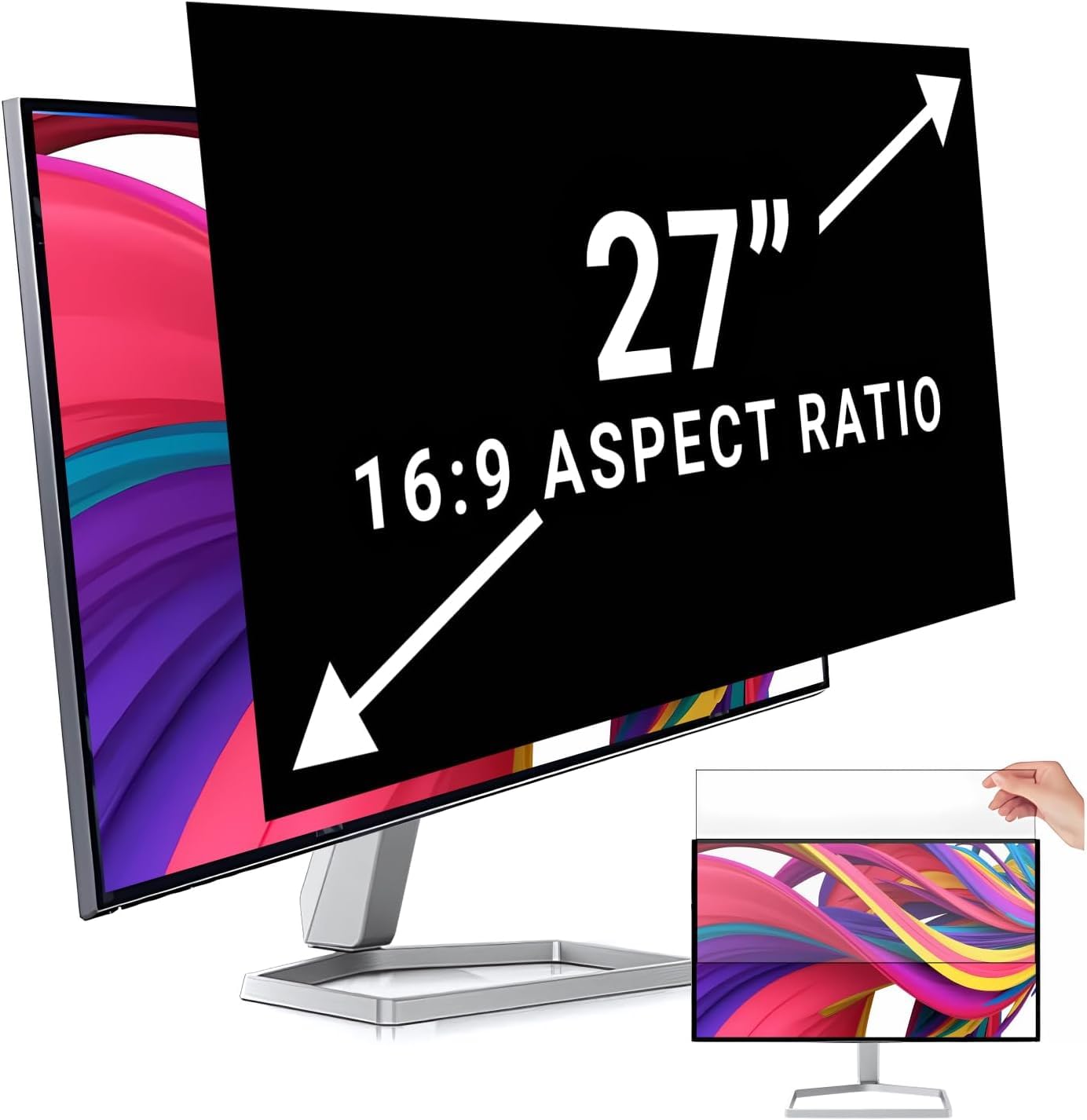
Twenty-seven-inch panels are the odd size out in this group, where everything else is cut for 24 inches or less. If that's your monitor, ZCAZY is the only filter here sized for it, at 23.34 by 13.18 inches.

The matte finish is the right call on a screen this big — you take in more of the room at 27 inches, and a glossy face shows you every window behind you. ZCAZY also quotes 95 percent reflected-light blocking and 65 percent blue-light filtering, figures that matter less than the matte surface doing its job.

Our take: it does the basic job at the bottom of the price range, without fuss — and the mounting is the part to plan for. The kit is thin on instructions and the adhesive is the weak link, so set aside ten minutes to line it up square the first time. Repositioning a filter this size is fiddly, and a corner that lifts will show.

Pros

  • The only 27-inch cut in this set
  • Matte surface suits a large panel
  • Low entry price for the size

Cons

  • Thin instructions and weak adhesive
Our verdict

The only 27-inch filter in this group, and a sensible low-cost way to put privacy on a big desk monitor.

Check Latest Price

How We Tested Monitor Privacy Screens

We started by pulling every 20-, 24-, and 27-inch filter we could find that specified a 16:9 ratio and listed physical dimensions in millimeters, then crossed off anything whose numbers didn't match a standard panel — a surprising number of listings sell a 16:10 sheet as a 24-inch screen. Fourteen filters made it onto a desk, and each stayed there for the full three months rather than an afternoon, because the failures here are slow ones: a tab that lets go in week two, a film that sags away from the panel at the top edge, adhesive that welds itself to the bezel.

The first thing I did with each was hold it against the monitor and run a ruler along all four edges, noting any overhang past the bezel or any bare strip of screen left uncovered. Then a colleague sat a few feet to the side at roughly 45 degrees while I opened email and a spreadsheet, and told me what they could still read. Straight on, I checked clarity against a white document and a photo, looking for a visible grid, a yellow cast from the blue-light coating, or small text going soft, then repeated the pass with the desk facing a window in the afternoon to see how much glare bounced back.

Installation got its own round. I mounted each filter the way the instructions said, lived with it for a week, peeled it off, and put it back — checking for tacky residue on the bezel and whether the tabs still gripped. I counted what came in the box, since multi-packs are common here, and asked whether the spare sheet actually made the price make sense. The ones still hanging are the ones below.

How to Choose a Monitor Privacy Screen

Measure the visible area, not the diagonal

The 24-inch figure on the box is a diagonal, and it tells you almost nothing about whether a filter covers your screen. Every filter here is cut to a width and height — 20 15/16 by 11 13/16 inches for the 24-inch 16:9 models — and that has to match the lit part of your panel with the bezel excluded. Measure width and height with a ruler, then confirm the aspect ratio.

The trap is a 24-inch 16:10 monitor, a different shape entirely: a 16:9 filter leaves a strip of bright screen showing along one edge. If your measurements land a few millimeters off the standard cut, buy the model that matches your numbers, not the one that matches your diagonal.

Choose the mount before the filter

Four mounting styles run through this set, and the one you pick decides how much use the filter gets. Adhesive strips hold firm and are effectively permanent. Slide tabs let you lift the filter off, but need a raised bezel to clip to. A magnetic strip along the top gives one-handed removal with the bottom edge unsecured. A metal bracket hooks over a frameless panel with nothing glued at all.

For a desk that never changes, adhesive is fine. If you pull the filter off for calls or share the screen, choose a removable design — the hanging frame on the Zspeed or the bracket on the PJOVORY — and check your bezel and panel depth before ordering.

Privacy is a side view, and it needs light

Micro-louver film blocks the light that leaves the screen at an angle, which is why the picture goes black for someone sitting alongside you while it stays readable to you. It does nothing about the person directly behind you, and it works poorly in a dim room, where the screen is the brightest thing in view and the louvers have little to block.

So a filter earns its keep at a desk under office lighting or beside a window, and disappoints in a dark home office at night. If you work with the lights low, fix the sightlines first — move the desk, angle the screen — before spending anything on a filter.

Matte, glossy, and what you trade in picture quality

Reversible filters let you choose a face. Matte knocks down overhead reflections but softens contrast and loosens the privacy a little; glossy tightens the viewing angle and keeps the image crisper but bounces more light back at you. Either way, expect to nudge your brightness up a notch.

On pack sizes, a two-pack is the better buy if you run two screens, which most desk setups do; a single filter is the right purchase for a single monitor. Paying for a second sheet you'll leave in a drawer is the one upgrade here that never pays off.

Frequently Asked Questions

Final Verdict

The Zspeed is the filter we recommend first, because it holds on without adhesive and comes off without a fight — more than most of the filters here manage. Covering two 24-inch monitors on a budget instead? The Protescreen does the same job for a good deal less.

And if your panel is frameless, skip both and hang the PJOVORY on its bracket. Match the mount to your desk and the rest of the decision gets easy.