Best Monitor Arms of 2026

A monitor arm looks like a simple upgrade until you tighten the clamp and watch your screen slowly dip toward the desk. The right one is less about lifting a monitor and more about holding it exactly where you put it — through typing, standing up, and the occasional desk bump. I've had an arm sag under a 27-inch display, so I'm picky about the clamp and weight rating. We tested 12 arms over eight months, from single gas-spring models to dual and heavy-duty setups, and the differences came down to stability and setup more than spec sheets.

Assembly is where most arms win or lose you. A clamp that needs three hands or a VESA plate that won't hold the monitor while you tighten screws can turn a half-hour project into an afternoon. The best arms felt solid at the joints, made the clamp and VESA connection obvious, and stayed put once adjusted. The picks below cover single and dual setups, lighter monitors, and heavier ultrawides; they earn their price by not moving when you don't want them to.

Keeper Score summarizes customer ratings and review volume. Read it alongside the product details and trade-offs. How the score works.

1

Best Overall

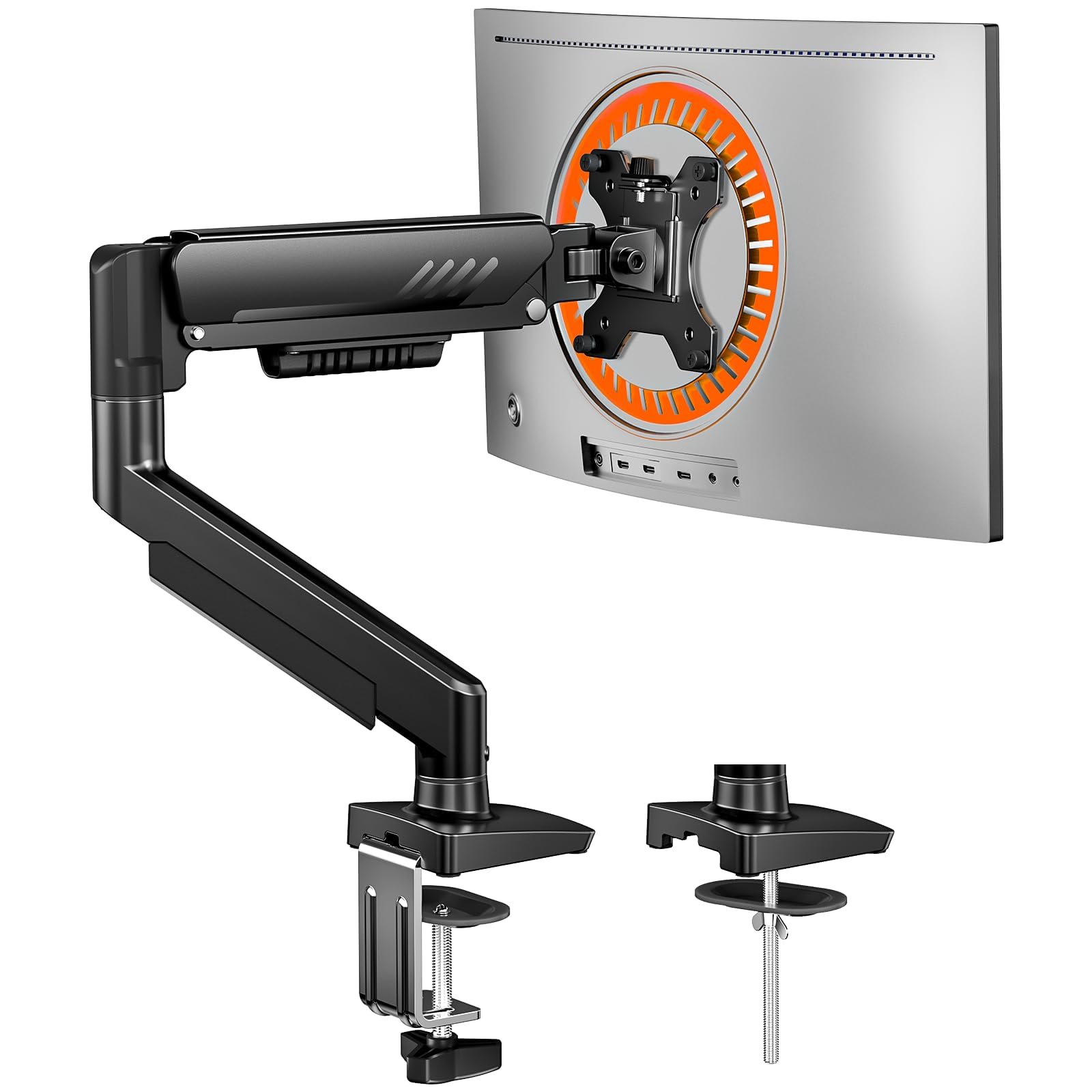
VIVO STAND-V002 Dual Monitor Arm

93 /100
Keeper Score Outstanding

Key details

Warranty
3 years
Screen Size
13 to 30 inches
Desk Mounting
C-clamp or grommet, up to 3.25 inches
Weight Capacity
22 lbs per arm
Check Price on Amazon

Two monitors, one clamp, and a price below most of the single arms on this page — that combination is why the STAND-V002 is the arm we point most people to first. The steel is heavier than the money suggests, the clamp opens to 3.25 inches of desktop, and each arm carries 22 lbs, which is more than a typical 27-inch panel asks for.

Setup is the part we appreciated most. The VESA plates detach, so you screw each one to the back of a monitor while it still sits on the desk, then hang the plate on the arm and tighten it down. In our testing the second screen went on faster than the first, and neither the clamp nor the center collar crept afterward. Height is set by loosening a collar on the pole, and each joint holds its angle with a bolt rather than a spring you have to keep dialing in.

Where it gives ground is flexibility. Both arms ride the same pole, so raising one screen raises the other, and the only offset available is the short slide built into each VESA plate. If you like one monitor noticeably lower for reading, a dual gas-spring arm suits you better. The snap-on cable clips are the one flimsy note — thin plastic that rewards a gentle hand.

Three years of coverage and 360° rotation into portrait finish the case. For a two-screen desk that gets set up once and then left alone, this is the least fussy way to spend the money.

Pros

  • Steel build that stays put once clamped
  • Detachable VESA plates make mounting quick
  • 22 lbs per arm with a 3-year warranty

Cons

  • Height is shared across both arms
  • Cable clips are brittle plastic
Our verdict

The dual arm we tell most people to buy: steel construction, 22 lbs per arm, and joints that stay where you set them, all for less than most single arms here.
Check Latest Price
2

Best Single Arm

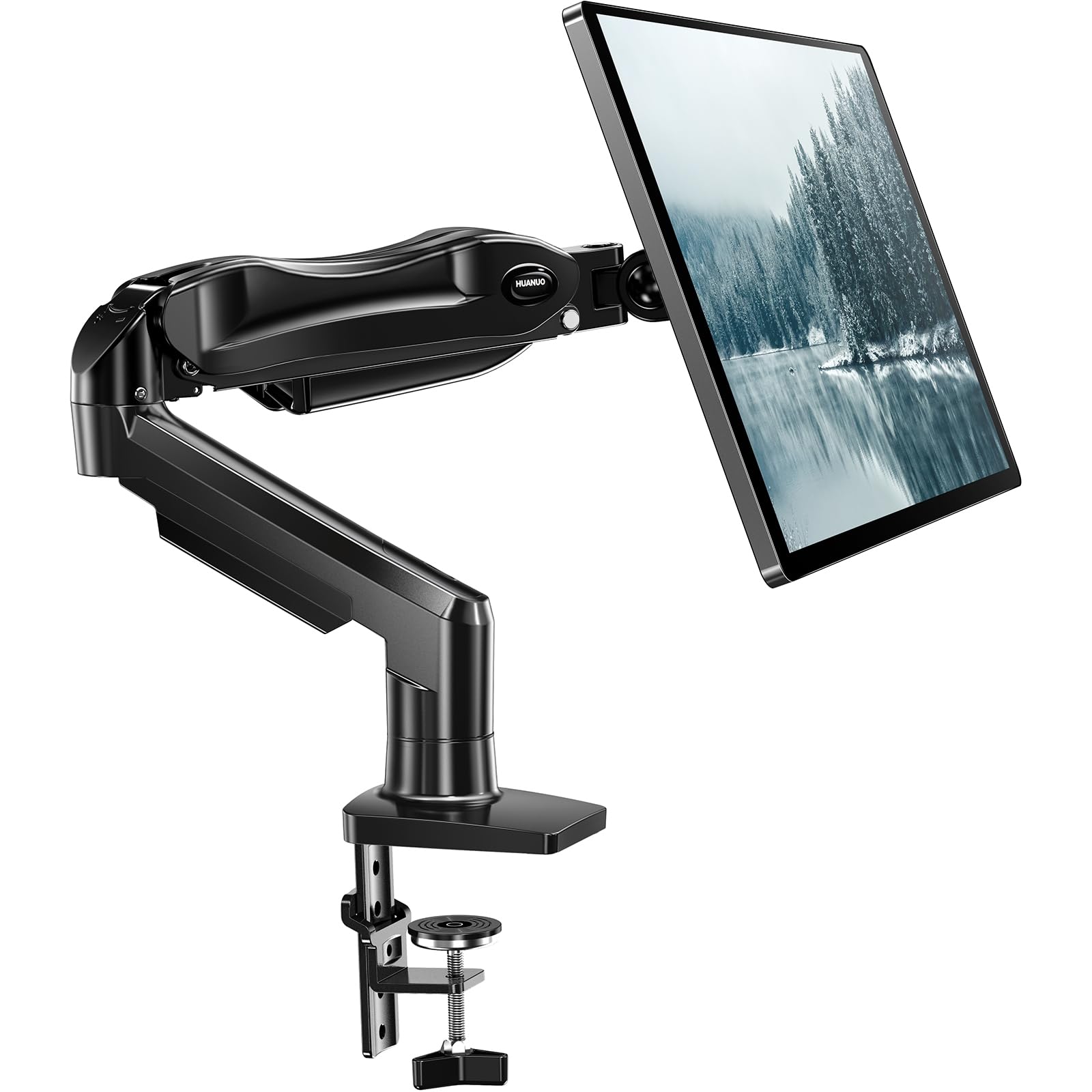
HUANUO FlowLift Single Monitor Arm

93 /100
Keeper Score Outstanding

Key details

Warranty
5 years
Desk Mounting
C-clamp or grommet
VESA Patterns
75 x 75 and 100 x 100 mm
Weight Capacity
4.4 to 19.8 lbs
Check Price on Amazon

The FlowLift arrives as one piece, so there's no VESA plate to line up and no arm segment to bolt together: clamp the base, hang the screen, done. That's the fastest install of anything in this guide, and it's why this is the single arm we hand to someone who wants one monitor lifted without giving up an evening to it.

What matters after the first ten minutes is that the arm keeps its position, and the joint does hold once the tension is set to the screen's weight — HUANUO rates it from 4.4 to 19.8 lbs. Tilt runs to 85°, and there's enough reach to pull the screen forward for a video call and push it back against the wall afterward, which is exactly the kind of small movement that makes a single arm worth owning.

Heavier panels are where it gets wobbly. Swing a loaded arm quickly and the base flexes before the screen settles. Set the tension with the monitor already mounted rather than before, and keep the clamp over a solid part of the desk instead of an overhang. Five years of coverage is the longest of the single arms here and takes some of the risk out of the plastic parts.

Pros

  • One-piece design installs faster than any rival here
  • Holds a set position once tension is matched
  • 5-year warranty on a midrange single arm

Cons

  • Base flexes when a heavy screen is swung quickly
Our verdict

Buy this one if you're lifting a single monitor and want the fastest install here — it holds a screen up to 19.8 lbs and comes with five years of coverage.

Check Latest Price
3

Best for Heavy Ultrawides

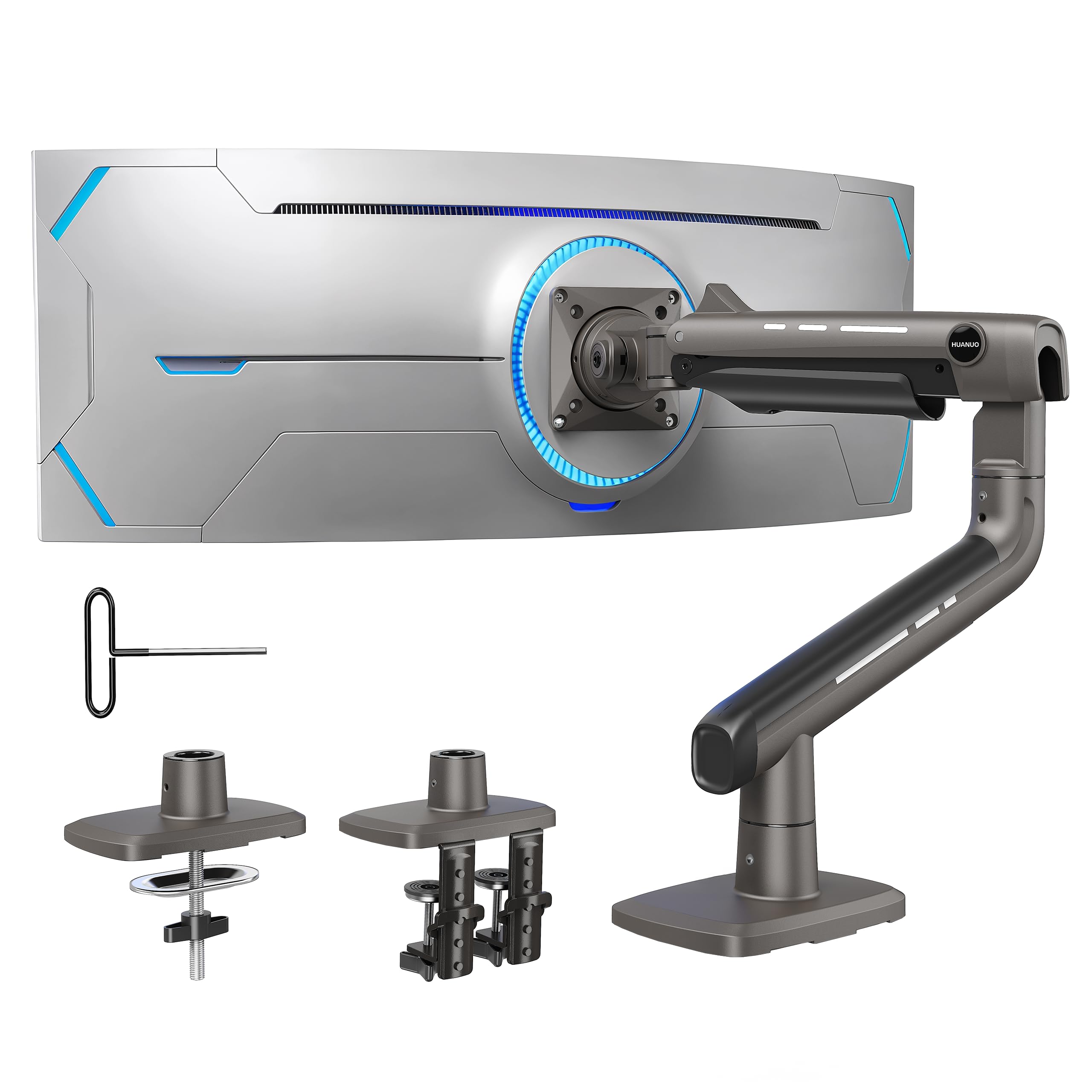
HUANUO TitanLift Heavy-Duty Monitor Arm

90 /100
Keeper Score Outstanding

Key details

Warranty
5 years
Screen Size
17 to 49 inches
VESA Pattern
Up to 100 x 100 mm
Weight Capacity
44 lb
Check Price on Amazon

Forty-four pounds is the number that matters here. Most arms in this guide top out around 20 lbs, which is why a 49-inch ultrawide with a deep curve ends up drooping on them; the TitanLift is built for that panel and hardly anything else.

The clamp is usually where big-monitor arms fail, and this one answers with a dual C-clamp on a wider base, spreading the load across two points instead of one. We like that the tension is adjusted one-handed while the screen hangs, so you can feel the arm take the weight instead of guessing at a bolt you can't see. A 49-inch ultrawide sits still on it once that tension is set, and the aluminum doesn't flex when you nudge the screen.

The trade-offs are money and real estate. It costs several times what a basic single arm does, and it wants a solid-top desk with a clear edge — a hollow-core top will compress under that clamp. Check the supplied VESA screws against your monitor's recessed holes and use the spacers; the head sits deep, and long screws can bottom out.

Pros

  • 44 lbs of capacity for 49-inch ultrawides
  • Dual C-clamp spreads the load on the desk
  • One-hand tension adjustment with the screen mounted

Cons

  • Premium price for a single screen
  • Needs a solid desktop under the clamp
Our verdict

The only arm here rated for a 49-inch ultrawide, and its dual clamp makes 44 lbs feel ordinary — worth the premium if your screen is genuinely heavy.

Check Latest Price
4

Best Budget Single

ErGear Single Monitor Arm

89 /100
Keeper Score Excellent

Key details

Warranty
2 years
Screen Size
13 to 34 inches
Weight Capacity
19.8 lb
Height Adjustment
Up to 17.5 inches
Check Price on Amazon

The tool-free VESA plate is the detail that makes the ErGear worth a look at this price. The bracket that holds the monitor clicks into the head without screws at the joint, so a screen goes on and comes off in seconds — handy on a desk where the monitor gets swapped for a laptop dock and back again.

It also covers the widest screen range of the single arms here, up to 34 inches, and the VESA head is reinforced with a wider panel than the usual pattern, which cuts the shimmy you get from cheaper arms. Height reaches 17.5 inches above the desktop and reach runs to 18.1, enough to put a 27-inch panel at eye level on a standard desk.

Two things to know before you buy. The bolt that sets the arm's height arrives very stiff on some units, so break it loose before the monitor is on rather than after. And a screen close to the 19.8-lb ceiling will sag at the tilt joint however hard you tighten it. Keep your panel comfortably under the limit and this is a lot of arm for the money.

Pros

  • Tool-free VESA plate makes swaps quick
  • Wider VESA head resists side-to-side shimmy
  • 13-34 inch range is the widest of the single arms here

Cons

  • Sags at the tilt joint near its 19.8-lb limit
Our verdict

A budget single arm that still gets a 34-inch screen to eye level, with a tool-free plate that makes monitor swaps painless.

Check Latest Price
5

Fingertip Single Adjustment

Amazon Basics Gas Spring Single Arm

88 /100
Keeper Score Excellent

Key details

Tilt Range
-90° to +85°
Screen Size
15 to 27 inches
Desk Thickness
0.39 to 4 inches
Weight Capacity
4.4 to 15.4 lbs
Check Price on Amazon

A gas spring is the whole personality of this arm: nudge the screen and it follows, which is what you want when the desk is shared with a treadmill, a reading chair, or a second person. It only behaves that way between 4.4 and 15.4 lbs, so this is an arm for a normal office monitor rather than a big gaming panel.

The hardware is more generous than the price suggests: C-clamp or grommet, desktops from 0.39 to 4 inches thick, 20.5 inches of extension, 360° rotation, tilt from -90° to +85°, and both common VESA patterns without an adapter. That desk range is wider than most mounts in this guide manage.

Two irritations showed up. The mounting screws run long for monitors with shallow recesses, so dry-fit them and add the spacers before you tighten anything. And the head that attaches to the monitor can be stiff enough that rotation becomes a two-handed job. A one-year warranty is the shortest coverage here, which tells you what Amazon expects of it.

Pros

  • Fingertip gas-spring movement at a low price
  • Fits desks from 0.39 to 4 inches thick
  • 20.5 inches of extension for a deep desk

Cons

  • Monitor head can be stiff to rotate
  • Rated only to 15.4 lbs
Our verdict

The affordable way to get fingertip gas-spring movement for one light monitor, as long as your panel sits between 4.4 and 15.4 lbs.

Check Latest Price
6

Large Dual Setups

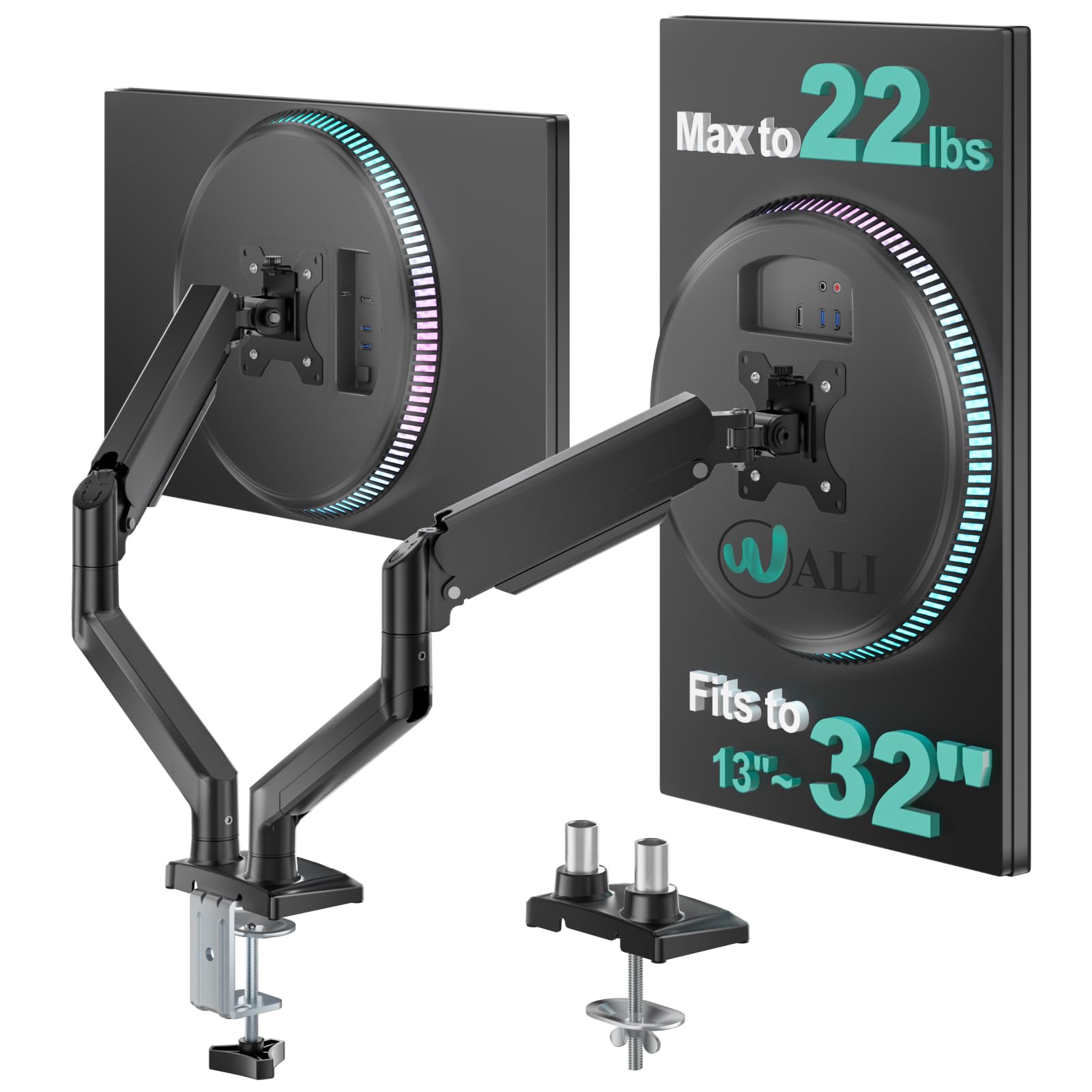
WALI GSMP002N Dual Monitor Arm

88 /100
Keeper Score Excellent

Key details

Warranty
10 years
Arm Reach
19.3 inches
Desk Thickness
0.39 to 2.76 inches
Weight Capacity
22 lbs per arm
Check Price on Amazon

Same money as our top pick, more room for bigger screens — on paper the WALI GSMP002N looks like the better dual arm. Each side carries 22 lbs, reach runs to 19.3 inches, and the pole lifts a screen 17.3 inches above the desk, so a pair of 32-inch panels sits inside the spec instead of at the edge of it.

The hardware is sorted too: C-clamp or grommet base for desktops from 0.39 to 2.76 inches, a channel through each arm for cables, and a 10-year warranty that is by far the longest in this guide. On a clamp holding two monitors above your knees, that term counts for something.

Where it slips is holding an angle. The tilt joint on a heavier screen drifts, and the tension screws need a firm hand plus a second pass after a week of use — set them with both monitors mounted rather than empty. Across the board this arm is fussier than the VIVO: less fingertip, more Allen key.

So it's the dual arm for a fixed desk with larger screens, positioned on a Saturday and then left alone. If you want to shove a screen aside every afternoon, we point you to the VIVO instead.

Pros

  • More screen room per arm than the top pick
  • 10-year warranty, the longest here
  • Clean cable routing through the arms

Cons

  • Tilt joints drift under heavier screens
  • Clamp only fits desks up to 2.76 inches
Our verdict

A dual arm that fits bigger screens than our top pick for the same money, provided you set the joints once and leave them alone.

Check Latest Price
7

Light Dual Monitors

Amazon Basics Gas Spring Dual Arm

83 /100
Keeper Score Excellent

Key details

Screen Size
15 to 27 inches
Desk Thickness
0.39 to 4 inches
Weight Capacity
4.4 to 15.4 lbs per arm
Check Price on Amazon

Two arms that tension independently is the reason to consider this over a pole-mounted dual: each side is set to its own monitor's weight, so a 24-inch and a 27-inch can share the clamp without one of them drifting upward. The catch is in the spec — 4.4 to 15.4 lbs per arm means light office panels, not gaming screens.

It mounts like the single version: C-clamp or grommet, desktops from 0.39 to 4 inches thick, and both common VESA patterns. The joints ship tight for transport, and the manual says so — loosen first, mount second, then set the gas spring one arm at a time with the monitor hanging.

Patience is the price of admission. Turn the tension in small increments and check the arm at both ends of its travel, because overshooting makes the screen float up, which is a stranger feeling than droop. What you get for it is a dual setup you can reposition one-handed on a desk where a center pole would have eaten the space. If either monitor is heavy, look at the WALI or the VIVO instead.

Pros

  • Independent tension per arm for mismatched monitors
  • Fits very thick desks, up to 4 inches
  • Both standard VESA patterns supported

Cons

  • 15.4-lb limit per arm rules out heavier panels
Our verdict

Independent tension on each arm makes this a good fit for two mismatched light monitors, though heavier panels belong on a pole arm.

Check Latest Price

How We Tested Monitor Arms

We started with a shortlist of more than 30 monitor arms, then narrowed it by VESA compatibility, monitor weight range, desk thickness limits, clamp and grommet options, single-versus-dual configuration, and price. That left 12 arms to test over eight months. We mounted them on two desks — a fixed laminate desk and a height-adjustable standing desk — using both C-clamps and grommet bases where the arm allowed it, and hung monitors from 24 inches up to a 49-inch ultrawide, often near the top of each arm's weight range.

Assembly was timed from opening the box to a level monitor, working alone. We noted how many tools were needed, whether the VESA plate could be attached before lifting the monitor, how much force the clamp needed to feel secure, and whether the gas spring held its position after a few adjustments. For stability, we typed on the desk, bumped it on purpose, and left each monitor in place overnight to see whether the joint sagged. We also pushed every arm through its full range of motion — tilt, swivel, rotation, and height — and checked for drift at full extension.

Build quality came down to joint play, clamp pad grip, and whether the arm felt solid or flexible under load. We also noted whether the arm actually cleared desk space or just shifted the clutter. To judge value, we compared what each arm could hold, how easily it adjusted, and how much room it freed against the rest of the group. The arms that stood out stayed put after setup and didn't make us re-tighten anything a week later.

How to Choose a Monitor Arm

Weight Comes Before Screen Size

Every arm here is sold with a weight window, and that number decides whether you'll be re-tightening a drooping screen a month from now. A 27-inch panel usually sits comfortably inside a 19.8-lb limit; a 34-inch ultrawide can land near 20 lbs without its stand, and a 49-inch curved screen goes past it. Leave roughly a fifth of the capacity spare, and remember that a dual arm is rated per arm, not per pair.

If your monitor is genuinely heavy, buy for it directly. The TitanLift's 44 lbs is the only rating in this group that clears a big ultrawide with headroom, which is why we don't send heavy-screen buyers to a cheaper mount and hope.

Pole Arms and Gas Springs Ask Different Things of You

A pole-mounted arm — the VIVO, the WALI, the ErGear — locks its angle with bolts at each joint. It stays where you put it and asks almost nothing afterward, but it moves in deliberate steps, and on a dual the two arms share one height collar, so both screens rise together.

Gas springs, like the two Amazon Basics arms, follow a fingertip but only after you've matched the tension to the monitor's weight. If you reposition a screen once a week, take the pole. If you shove it aside several times a day — for a second screen, a sketchpad, a window — take the spring and budget ten quiet minutes for setup.

Check the Desk Under the Clamp

Desk thickness is the spec buyers skip and the one that stops an install. The arms here clamp tops from 0.39 inches up to 4 inches, and the WALI stops at 2.76, so a thick butcher block won't fit it. Look underneath before you order: a crossbar, a drawer box, or a cable tray can block the clamp entirely, and a hollow-core top will crush under the pressure.

A grommet mount through a hole you already have sidesteps the rear lip and is the calmer choice on a thin desk. If you have to drill, measure twice and put a plate on both faces of the top.

Reach, Height, and Where the Screen Ends Up

The arms here raise a screen between roughly 17 and 21 inches above the desktop and reach 18 to 20.5 inches forward, which covers a standard desk. The trap is depth: a short arm can't bring a screen close on a deep desk, and a long one needs clearance behind the monitor or it hits the wall before the screen reaches you.

Sit down, note where your eyes fall relative to the desktop, then measure from the spot you can clamp to the spot you want the screen. That distance, not the diagonal of your monitor, is what decides whether an arm feels generous or cramped.

Warranty Tells You What the Maker Expects

Coverage across these picks runs from a single year on the Amazon Basics arm to ten on the WALI, with VIVO at three and HUANUO at five. The parts that fail are the tilt head and the clamp, not the pole, so the term is a fair proxy for how much trust the maker has in its own joints.

On a mount holding a screen above your desk for years, the longer term is worth paying for — it's a good part of why we're comfortable with the HUANUO singles.

Frequently Asked Questions

Final Verdict

The VIVO STAND-V002 is the arm we recommend to most people: it holds two screens with the least fiddling for the least money, and its joints stay where you set them. If you run a single monitor, the HUANUO FlowLift gets it to eye level faster and backs it with a longer warranty.

And if your screen is a 49-inch ultrawide, none of the others here will carry it. The HUANUO TitanLift is the one rated for that weight, and that's the whole reason to spend more.