Best Laptop Privacy Screens of 2026

A privacy screen is usually bought right after a bad moment: a seatmate on a flight reading your inbox, or a colleague wandering over while your review notes are open. The product itself is simple — a thin film or panel that narrows your display's viewing angle so the person beside you sees a dark rectangle. The good ones do that without wrecking your brightness or the feel of the screen.

We've lived with 16 of them over the past four months, from stick-on films to magnetic panels that lift off in a second. Sizing trips up more people than anything else: a 14-inch laptop can be 16:9 or 16:10, and a filter cut for one leaves a bright stripe of bare screen on the other. Measure the lit area, not the bezel.

Magnetic mounting has quietly become the friendlier option, since you can flip the panel off for a video call and back on when the train fills up. The picks below cover both mounting styles across the sizes you're most likely to be shopping for.

Keeper Score summarizes customer ratings and review volume. Read it alongside the product details and trade-offs. How the score works.

1

Best Overall

ZOEGAA 4-Way 14-Inch Privacy Screen

88 /100
Keeper Score Excellent

Key details

Privacy
4-way 360°
Attachment
Slide tabs or adhesive
Aspect Ratio
16:10
Viewable Area
11 14/16 x 7 6/16 in
Check Price on Amazon

Four-way blackout is what puts this one at the top of our list. Most filters here only darken the view from the left and right, which leaves the person leaning in from behind you, the one standing in the aisle behind your seat or reading over your shoulder at a shared bench, with a perfectly usable screen. ZOEGAA cuts the angle on all four sides, and we stopped thinking about who was standing where.

It also gives you two ways to live with it. Slide-mount tabs hold the sheet in a frame you stick to the bezel, and the filter lifts straight out when you want to show someone your screen, with no peeling and nowhere to set it down carefully. The adhesive strips are in the box if you prefer it fixed. At 3.2 ounces it adds nothing you notice when the lid closes.

The measurement is the part to get right before you order. ZOEGAA cuts this for a 14-inch 16:10 panel at 11 14/16 inches wide by 7 6/16 inches high, and a 14-inch 16:9 laptop has a different lit rectangle entirely, so forcing this sheet leaves a bright strip down one edge. Measure the glowing area, not the bezel.

One face is matte and the other glossy, so you can turn the anti-glare finish outward under office lighting or flip to the clearer side when color matters more than reflections. Two-year warranty, 3H surface, an alcohol prep pad and a cloth in the box: the small things a filter needs to survive a year in a laptop bag.

Pros

  • Blocks side and overhead views
  • Slide tabs let you pull it out
  • Matte and glossy faces in one sheet
  • Two-year warranty

Cons

  • Only fits 14-inch 16:10 panels
  • Dims the screen in bright rooms
Our verdict

Our pick for a 14-inch 16:10 laptop: it blacks out side and overhead views and lifts out of its tabs whenever you need to share.

Check Latest Price
2

Best for MacBook Air

SightPro Magnetic MacBook Air Screen

88 /100
Keeper Score Excellent

Key details

Privacy
Side blackout, clear head-on
Warranty
One-year limited
Attachment
Magnetic snap-on
Compatibility
MacBook Air 13/13.6 in, 2022-2026
Check Price on Amazon

The magnet does the work here. A slim strip along the top grabs the MacBook Air lid, the sheet drops into place, and pulling it off before a screen share takes about as long as opening a notebook. SightPro includes a storage folder, which matters more than it sounds: a loose filter rattling around a backpack picks up grit and then scratches itself.

This is the one to buy if your laptop is a MacBook Air from 2022 or later, because the cut is matched to the 13.6-inch Liquid Retina display rather than to a nominal diagonal. SightPro names the models it covers, A2681, A3113 and A3240, and that list is worth thirty seconds before you order. In use the blackout is convincing from a desk away and fades to a dim gray only when you are almost beside the screen.

The microlouver film charges you for that. Text loses a little crispness, and the matte surface scatters reflections instead of showing you the window behind you, which also knocks down the brightest whites. We settled on running the backlight a notch below maximum and stopped noticing by the second day.

Pros

  • Snap-on magnet comes off in seconds
  • Cut to the Air's viewable area
  • Storage folder keeps it clean
  • Convincing side blackout

Cons

  • Only fits MacBook Air 13 and 13.6 inch
  • Bottom edge can lift when the lid is flexed
Our verdict

The cleanest MacBook Air option we tested: exact fit, a magnet that lets you share your screen in a second, and a folder to carry it in.

Check Latest Price
3

Best Budget

Magicmoon 15.6-Inch Privacy Filter

82 /100
Keeper Score Excellent

Key details

Privacy
Blackout outside 60°
Attachment
Slide-on or adhesive
Aspect Ratio
16:9
Viewable Area
13 9/16 x 7 5/8 in
Check Price on Amazon

This is the cheapest screen we recommend, and it does the one thing that matters: step to the side and the panel goes dark. Magicmoon rates the viewing angle at 60 degrees total, roughly 30 each way, so a seatmate at the next table gets a black rectangle while you read straight on.

The cut is 13 9/16 by 7 5/8 inches, the lit area of a standard 15.6-inch 16:9 laptop at 1920 x 1080. You get slide-on tabs or an adhesive mount, a 3H surface, and a claimed 30 percent blue-light cut. Two things to know up front: it is not for touchscreens, and the printed instructions are thin enough that the mounting steps are worth reading twice before anything touches the glass.

Set against the rest of this group, it is the one we hand to someone who needs privacy this week and does not want to spend for it. Grip is the weak point, so expect a corner to work loose after a run of opening and closing the lid, and expect to press it back as part of the routine. For the money, that is a fair trade.

Pros

  • Cheapest working barrier in this group
  • Exact fit for 15.6-inch 16:9 panels
  • Slides off when you do not need it

Cons

  • Not compatible with touchscreens
  • Adhesive tape is the only fixed mount
Our verdict

If you have a plain 15.6-inch 16:9 work laptop and want the least expensive filter that genuinely blacks out the side view, start here.

Check Latest Price
4

Best for 16-Inch 16:10 Laptops

Kensington MagPro 16-Inch

83 /100
Keeper Score Excellent

Key details

Attachment
Magnetic strip
Aspect Ratio
16:10
Privacy Angle
±30°
Viewable Area
13.57 x 8.48 in
Check Price on Amazon

Sixteen-inch laptops with 16:10 screens and bezels thin enough to disappear are awkward to fit, because the sheet has to match the lit area exactly or it hangs over the edge. Kensington cuts this one to 13.57 by 8.48 inches for precisely those machines, and that is why it sits at the top of our price range rather than in the middle of it.

The mount is a slim magnetic strip instead of a full frame, so the filter sits close to the glass and comes off with a fingernail. The privacy angle is the standard plus or minus 30 degrees, and the sheet is reversible: matte on one side to dull reflections and fingerprints, glossy on the other for a cleaner view. Kensington backs it with a two-year manufacturer warranty.

What you give up is image quality. Text through the sheet looks softer and slightly grainy, and on some lids the extra thickness keeps the display from closing flush, which is worth checking on your own machine before you commit to leaving it on permanently.

On a work laptop where the data on screen is someone else's problem if it leaks, that trade is easy to make, and being able to lift the filter off for a client call is most of the value. On a personal 14-inch machine, the same money buys a better picture elsewhere in this guide.

Pros

  • Sized for slim-bezel 16-inch 16:10 panels
  • Magnetic strip is quick to remove
  • Reversible matte and glossy faces
  • Two-year manufacturer warranty

Cons

  • Premium price for a standard 30-degree angle
  • Softens and grains up the display
  • Can keep the lid from closing flush
Our verdict

For a company-issued 16-inch 16:10 laptop where the screen carries sensitive work, the exact cut and the two-year warranty justify the premium.

Check Latest Price
5

Best Magnetic Mount for Travel

F FORITO 15.6-Inch Magnetic

81 /100
Keeper Score Excellent

Key details

Privacy
360°
Attachment
Magnets and adhesive
Aspect Ratio
16:9
Viewable Area
13 9/16 x 7 5/8 in
Check Price on Amazon

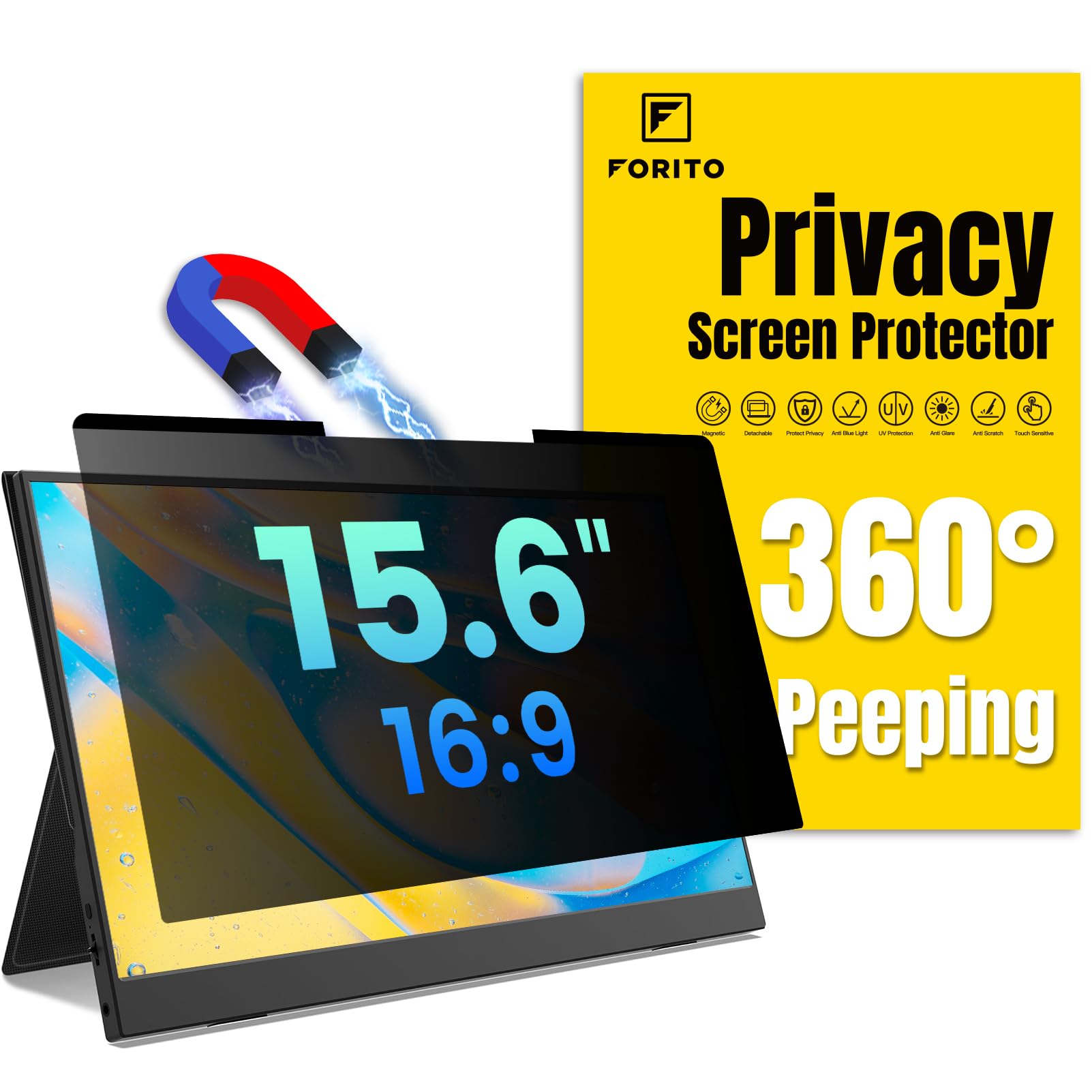
Almost no laptop lid is magnetic all the way around, which is why this mount is a hybrid: magnets across the top and a strip of adhesive along the bottom. The sheet stays put when you tilt the screen or slide the laptop into a sleeve, and it still lifts away from the top edge without tools when a colleague wants to see what you are working on.

The cut is 13 9/16 by 7 5/8 inches for a 15.6-inch 16:9 panel, and F FORITO claims 360-degree privacy, meaning the view dims from above and below as well as from the sides. The matte finish handles overhead lighting, and the 6H surface is the hardest of anything in this guide.

Alignment took us one pass. The magnets pull the sheet into position and the bottom adhesive stops the corners from curling, which is the first failure we look for on a removable filter. A storage folder, cleaning kit and lifetime warranty round out a package that is built to be carried.

The catch is that the bottom adhesive is not meant for constant removal, so peeling it off every afternoon will cost you grip. Treat it as a leave-on filter with an occasional lift and it rewards you with the steadiest fit of the 15.6-inch options here.

Pros

  • Hybrid magnet-and-adhesive mount stays aligned
  • Blocks views from above and below too
  • Hardest surface in this group
  • Lifetime warranty and storage folder

Cons

  • Bottom adhesive is not built for daily removal
  • Edges soften when you look from an angle
Our verdict

The travel pick for a 15.6-inch Windows laptop: a hybrid mount that stays aligned in a bag and a 360-degree shield that also covers the row behind you.

Check Latest Price
6

14-Inch Windows Laptops

PYS Magnetic 14-Inch

81 /100
Keeper Score Excellent

Key details

Attachment
Magnetic
Aspect Ratio
16:9
Privacy Angle
±30°
Viewable Area
12.2 x 6.9 in
Check Price on Amazon

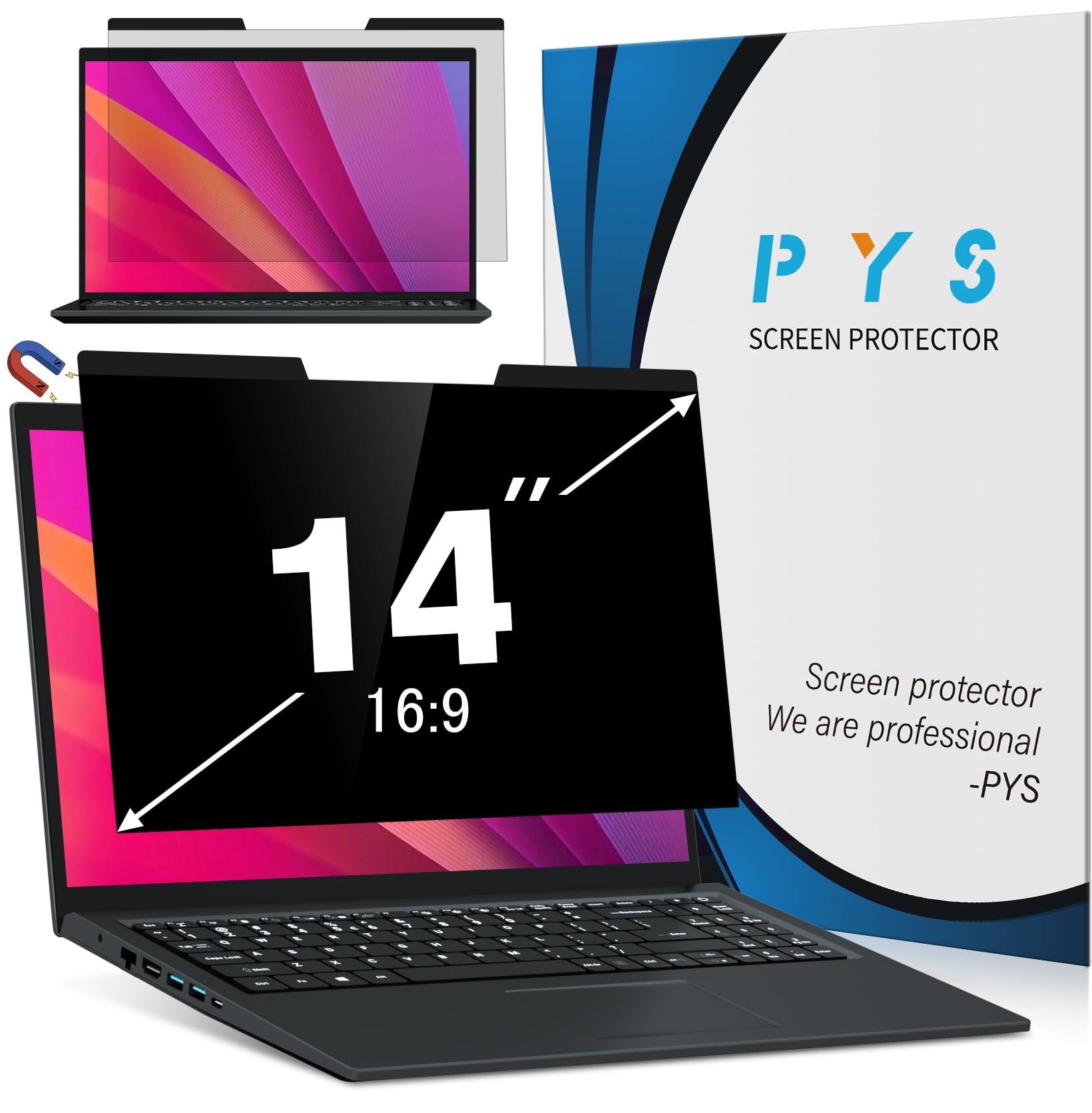
Read the fine print first: PYS says this is not compatible with MacBooks and not optimized for touchscreens. For a 14-inch Windows laptop with a 16:9 panel, though, the 12.2-by-6.9-inch sheet is the right shape, and the magnetic mount is the version of this category that makes sense for daily carry.

The magnet grabs steel inserts in the lid, the sheet aligns itself, and it comes off in one motion before a meeting. The matte finish does a decent job with an overhead light, blue light is filtered, and the 3H surface resists the fingerprints that otherwise make a matte filter look smeared by Thursday.

Two things we noticed. It can slide a few millimeters on lids with weak steel, so you push it back into line when you open the laptop. And the 30-degree angle means the person directly behind your shoulder still gets a usable view, which is the nature of a side-view filter rather than a flaw. Three-year warranty and a storage folder in the box.

Pros

  • Magnetic mount with storage folder
  • Exact cut for 14-inch 16:9 viewable areas
  • Three-year warranty
  • Matte finish tames overhead glare

Cons

  • Not compatible with MacBooks or touchscreens
  • Can slide out of line on lids with weak steel
Our verdict

A well-equipped magnetic 14-inch sheet for a Windows laptop that travels, as long as that laptop is not a MacBook and not a touchscreen.

Check Latest Price
7

Budget Office Setups

Mao Yeye 14-Inch Reversible

84 /100
Keeper Score Excellent

Key details

Surface
Matte and glossy
Attachment
Adhesive or slide tabs
Aspect Ratio
16:9
Viewable Area
310 x 175 mm
Check Price on Amazon

Two surfaces, one sheet: flip it one way for a matte anti-glare face, the other for gloss. That reversibility is worth more than it sounds on a low-priced filter, because the room changes. A window seat at home, a fluorescent office and an airport gate all want something slightly different from the same screen.

The 14-inch version measures 310 by 175 millimeters, which is the lit area of a 16:9 panel, and it arrives with both double-sided tape and slide tabs. At the bottom of the price range it is the one we point people toward when the requirement is simply to stop the person alongside reading their email over their shoulder. Installation is where it wins: the tabs go on the bezel, the sheet drops in, and there is no adhesive across the panel to trap dust.

Grip is the weak point. The tapes hold, then need re-pressing after the lid has been opened wide a few times, and the sheet is not water resistant, so clean it with the cloth rather than anything wet. Neither is a dealbreaker at this end of the market; both are things to expect going in.

Pros

  • Matte and glossy in one sheet
  • Tape and slide tabs both included
  • Hardest-rated surface at this price
  • Cheapest 14-inch option here

Cons

  • Adhesive tabs need re-pressing over time
  • Not water resistant
Our verdict

The cheapest route to privacy on a 14-inch 16:9 laptop, and the one we hand to anyone who needs it working this week.

Check Latest Price
8

14-Inch 16:10 Laptops

Halloive Magnetic 14-Inch

79 /100
Keeper Score Very Good

Key details

Weight
5.6 oz
Attachment
Magnetic
Aspect Ratio
16:10
Viewable Area
11.87 x 7.42 in
Check Price on Amazon

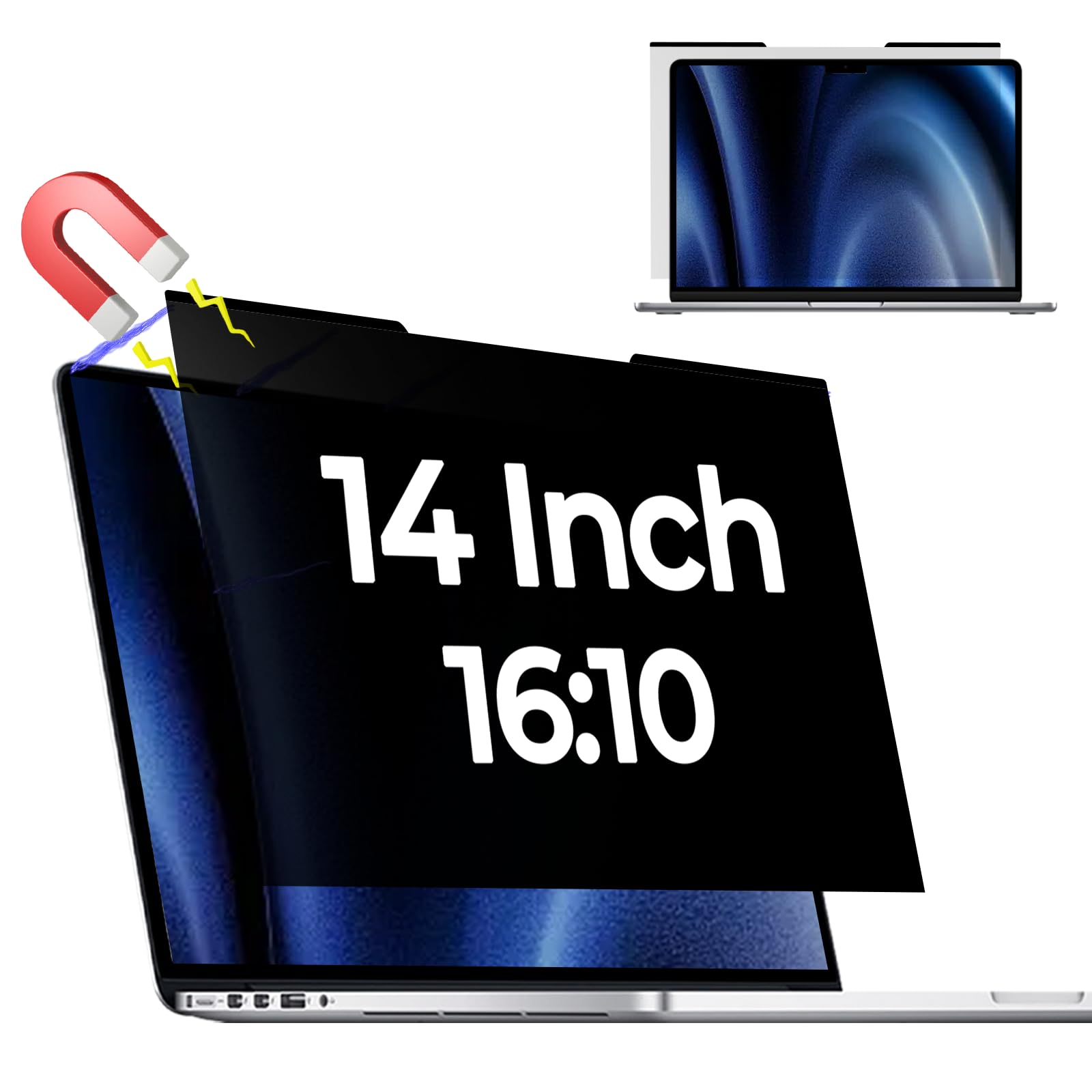
Halloive ships a magnetic sheet along with a set of single-sided adhesive magnets, which tells you the company knows not every 14-inch lid offers steel where you need it. The sheet measures 11.87 by 7.42 inches for a 16:10 panel and weighs 5.6 ounces, heavier than most of the sheets here but nothing you feel once it is seated.

Both faces work. Anti-glare on one side for a bright room, glossy on the other when you want the picture back, and the magnet means it comes off for a video call without leaving residue behind. The privacy angle is the familiar plus or minus 30 degrees, effective from the next seat and less so from the doorway.

The honest trade is brightness. Colors go flat and you will run the backlight higher than usual, which is the cost of the darker coating. If your laptop is already dim, or you retouch photos on it, spend the money on the ZOEGAA or the Kensington instead. If you mostly read documents and want a 16:10 sheet that survives being taken on and off all week, this one does that job without complaint.

Pros

  • Magnetic with backup adhesive magnets
  • Matte and glossy faces
  • Cut for 14-inch 16:10 panels
  • Removes cleanly for video calls

Cons

  • Magnet grabs only along the top edge
  • Heavier than the other sheets here
Our verdict

A removable 16:10 sheet for a 14-inch laptop, provided you can live with a dimmer, flatter picture than the panel can produce.

Check Latest Price

How We Tested Laptop Privacy Screens

We started by pulling every privacy screen we could find for 13- to 16-inch laptops, then narrowed by aspect ratio and mounting style so both 16:9 and 16:10 were represented, alongside stick-on films and rigid magnetic panels. Sixteen of them went onto laptops we actually use, for four months.

Privacy was judged by people, not spec sheets. I sat a colleague at arm's length, straight on and then roughly 30 and 45 degrees off-center, and asked them to read a headline in an open document. Panels that only dimmed at an angle were marked down; the ones that went genuinely black from the side earned their spot. Fit got checked first, though: I measured the lit area of each display with a ruler, held it against the listed dimensions, and logged overhang, gaps at the bezel, and whether a 16:9 filter was being asked to cover a 16:10 screen.

I timed installation solo, noting bubbles, whether the adhesive strips could be peeled up and repositioned, and what residue was left after two weeks. Magnetic panels got rougher handling: lid closed, laptop into a backpack with no sleeve, and a check a week later on whether the panel still sat flush. I also watched whether the layer kept the keyboard off the glass, since a privacy screen doubles as scratch insurance.

Under office fluorescents and beside a window, I tilted each screen to see how much glare survived and how much brightness was lost at 50%. Touchscreen models got tapped and swiped. And we counted what shipped in the box — cloth, sleeve, spare strips — because a filter with nothing in it is a worse buy, not a cheaper one.

How to Choose a Laptop Privacy Screen

Start With the Lit Area, Not the Screen Size

Screen size is a diagonal, and two laptops sold as 14-inch do not have the same glowing rectangle: a 16:9 panel runs about 310 by 175 millimeters, while a 16:10 panel is closer to 302 by 188 millimeters. Order for the rectangle you measured, not the number on the sticker. Every pick here lists width and height, which is what makes the comparison possible at all.

Turn the laptop on a white page, hold a ruler against the lit area rather than the bezel, and write both numbers down. Halloive's 16:10 sheet is 11.87 by 7.42 inches; Magicmoon's 15.6-inch sheet is 13 9/16 by 7 5/8. If your measurement falls between two of those, you have the wrong aspect ratio rather than the wrong brand.

Choose a Mount You Will Keep Using

Magnets are the nicest thing about a good filter and the most common source of frustration. A magnetic strip needs steel in the lid, and plenty of lids only offer it in patches, which is why several picks here pair a magnet across the top with adhesive along the bottom. Slide tabs work differently: a frame sticks to the bezel and the sheet lifts out cleanly, which is what you want if you share your screen often during the day.

Before ordering a magnetic model, hold a kitchen magnet against your lid and see how much of it grabs. If your laptop has a touchscreen, read the listing first: Magicmoon says outright that its filter is not touch compatible, and most films add a layer that dulls the response.

Know What the Privacy Angle Buys You

Nearly every filter here quotes roughly plus or minus 30 degrees, which means the screen stays readable in a narrow cone in front of you and goes dark beside it. That is not a cone of silence. Someone standing directly behind your shoulder still looks through the film, and the blackout weakens in a bright room or at a shallow angle.

Where you sit decides how much that matters. A desk with a partition on one side needs less than an open bench or a plane seat, and if the person behind you is the risk rather than the person beside you, a four-way filter such as the ZOEGAA is doing work a standard sheet does not.

Budget for the Brightness and Clarity Tax

Every film in this group costs you light. A privacy layer works by suppressing the angles you are not sitting at, and the same coating that darkens the side view takes something off the straight-on view too; matte surfaces add a slight softness that shows up most in small text.

Plan on running the backlight a step or two higher than usual and pick the finish for your room: matte where a window or an overhead fixture sits behind you, gloss where color and sharpness matter more. A reversible sheet such as the Mao Yeye or the Kensington lets you change your mind without buying twice.

Frequently Asked Questions

Final Verdict

The ZOEGAA four-way sheet is the one we point most people toward. It fits the 14-inch 16:10 panels that keep showing up in business laptops, and it closes the angle nobody else in this group covers, the view from behind rather than from the next seat over.

If your laptop is a MacBook Air, buy the SightPro instead. A universal sheet cannot match a cut made for that lid, and the magnet is the difference between a filter you use every day and one that ends up in a drawer.