How to Use an ND Filter: Calculate and Check Your Exposure
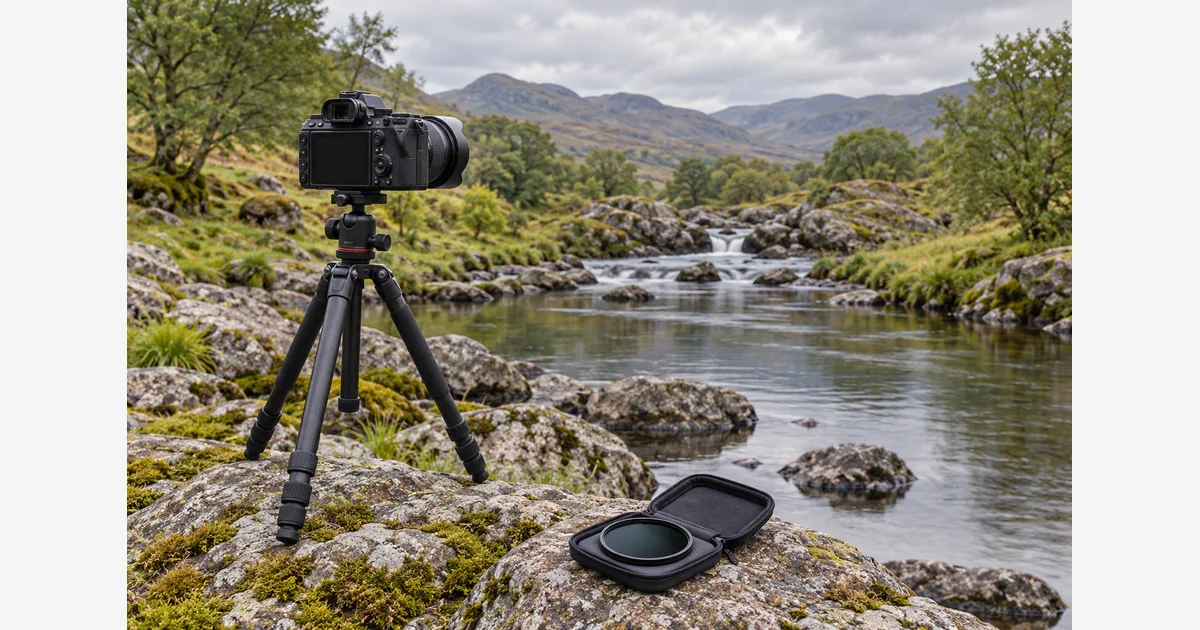
Use a neutral-density filter when you want less light reaching the sensor while keeping a chosen aperture or shutter-time goal. For a longer still-photo exposure, establish a correct baseline without the ND, then multiply that time by 2 for each stop of reduction. Check the result rather than assuming the label predicts every field condition.
An ND filter reduces light; it does not freeze motion, correct focus, or automatically make water look a particular way. Start with the motion you want to show and the exposure your scene actually needs.
ND factor, stops, and optical density are different scales
HOYA explains fixed and variable ND filters. A fixed filter has a stated density; a variable filter changes reduction within a specified range. Read the manufacturer's scale carefully: an ND factor of 8 means roughly 3 stops, not 8 stops.
| Stops | Ideal factor 2ⁿ | Approximate optical density | Common factor label |
|---|---|---|---|
| 3 | 8 | 0.9 | ND8 |
| 6 | 64 | 1.8 | ND64 |
| 10 | 1024 | 3.0 | ND1000 |
NiSi lists these common strength labels. Their effect on time depends on your baseline. A 6-stop filter does not universally mean a one-minute exposure.
ND exposure-time calculator
With aperture, ISO, and illumination held constant: new time = base time × 2stops. NiSi documents this doubling relationship. Enter seconds, not a shutter denominator: 1/125 second is 0.008 seconds.
The result is a mathematical starting estimate, not a timed camera command. Check actual filter transmission, changing light, supported shutter/Bulb limits, and the capture. The tool does not calculate film reciprocity compensation or combine a variable filter's unmeasured ring position.
A repeatable sequence for a long still exposure
- Choose a safe, stable position. Set up support on firm dry ground and keep equipment away from waves or unstable edges. Compose the scene before darkening the view.
- Make the baseline. Set the intended aperture and ISO, meter the scene, and make a usable reference exposure without the ND. Include other filters already intended for the shot when establishing the baseline.
- Set focus deliberately. Focus before adding a very dark filter if needed. Prevent unwanted refocusing using the camera's supported method; check the manual rather than guessing.
- Fit the correct filter. Match thread or holder dimensions, handle edges, and avoid forcing threads. Check for holder gaps and unwanted light paths.
- Enter the stops and time. Use the estimate with the same aperture and ISO. Set a supported exposure mode or timer for times beyond the camera's normal dial range.
- Check the capture. Inspect exposure warnings/histogram, framing, sharpness, and the motion effect. If light or another setting changed, update the baseline.
Fix the specific symptom
| Symptom | Check first |
|---|---|
| Exposure different from estimate | Seconds versus denominator, factor versus stops, changed ISO/aperture/light, actual filter reduction. |
| Soft stationary details | Support movement, refocusing, wind, and the unfiltered reference. |
| Color cast or dark corners | Filter/system combination and stacking; compare the baseline rather than claiming all filters behave alike. |
| Uneven cross-shaped darkening | Variable ND position, supported range, and wide-angle limitations; reduce the setting or use a suitable fixed filter. |
| Motion effect not as intended | Actual subject speed and duration. Change the creative time goal, not just the filter label. |
For video, first choose frame rate and a shutter setting appropriate to the intended motion rendering, then use ND to control exposure at the selected aperture/ISO. This still-photo time calculator does not prescribe a video shutter rule.
Download the ND field record (.txt)
Compare fixed ND and variable ND options after checking the lens and exposure goal. For reflections rather than overall light reduction, see using a polarizer.
Sources
Frequently Asked Questions
-
No. In the common factor scale, ND8 means a factor of 8, or 3 stops. Manufacturers also use stop and optical-density scales, so check the exact label.
-
Enter 0.008 seconds. The calculator accepts exposure duration in seconds, not the number 125 from the denominator.
-
No. The result depends on the baseline exposure. At unchanged settings and light, multiply the baseline duration by 64.
-
Check the unit and filter scale, then changes in light, aperture or ISO, actual filter transmission, and any timing limits. The calculation is a starting estimate, not a guaranteed capture.