Best TVs of 2026

Walk down any TV aisle and every screen looks fine. Get one home and the differences show up within a week — a lamp reflecting off the glass, a window behind the couch, a news ticker at noon. A TV is the rare purchase you look at every single day, so the small stuff compounds: whether the picture holds up in daylight, whether the remote makes sense at midnight without your glasses on. Our team has spent eight months living with 11 sets, from 32-inch bedroom models up to 50-inch living room ones.

The good news is that value has moved down the size chart. Sets at the smaller end now ship with quantum dot layers, mini LED backlights, and HDR, plus a voice remote and free ad-supported channels built in. What hasn't changed: presets arrive badly calibrated, so a new set looks worse than it should until you spend ten minutes in the settings menu. We judged these on picture in a dark room and in afternoon glare, on sound without a soundbar, and on setup, Wi-Fi, and the irritations that only surface in month two. What held up is below.

Keeper Score summarizes customer ratings and review volume. Read it alongside the product details and trade-offs. How the score works.

1

Best Overall

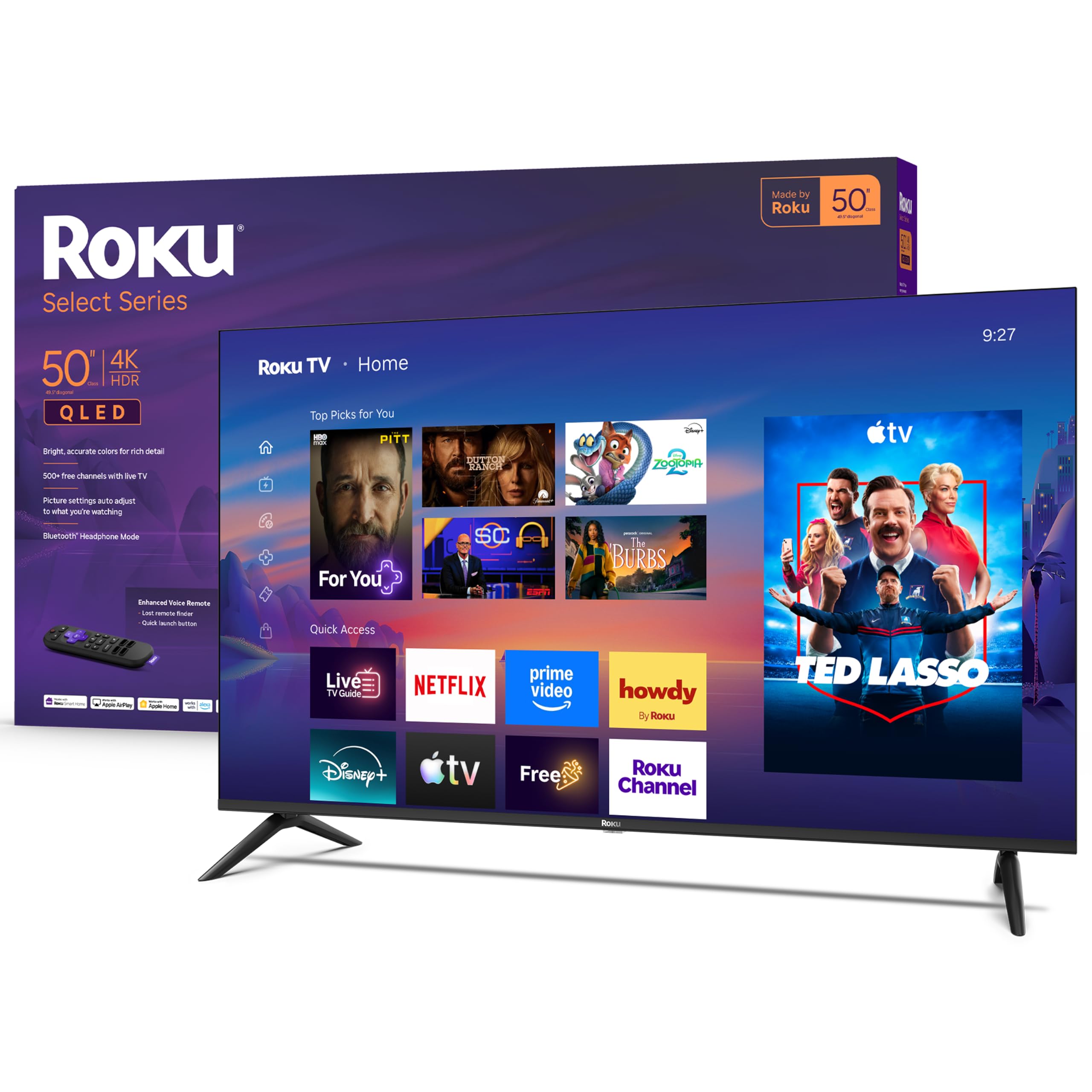
Roku 50-Inch Select Series 4K QLED

88 /100
Keeper Score Excellent

Key details

Resolution
4K UHD
HDMI Inputs
4
Screen Size
50 inches
Peak Brightness
250 nits
Check Price on Amazon

Fifty inches of 4K QLED for less than the 43-inch Samsung is the reason this one leads our list, and we think it is the right default for most living rooms. The panel is direct-lit LED with QLED color and handles HDR10, HDR10+, and HLG, and Roku's Smart Picture does the tuning instead of leaving you in a picture menu for an hour. Four HDMI inputs is more than anything else in this group — enough for a console, a soundbar, a streaming stick, and a cable box without a switcher.

The number worth knowing before you buy is 250 nits, the lowest peak brightness here and the one place this set gives ground. In a bedroom, or a living room with blinds you can close, that is plenty and the picture looks rich. Point it at a wall of afternoon windows and the glossy screen turns into a mirror. Better to hear that from us than discover it on moving day.

Where it earns its keep is the day-to-day. Setup is the shortest of any set here — plug in, sign in, and the apps are where you expect them. The voice remote is Bluetooth, so it works without aiming, and Bluetooth Headphone Mode is a genuinely useful touch for late-night viewing when someone else is asleep. Game Mode and VRR are there if a console is part of the plan, and Art Mode lets the screen sit as a picture rather than a black rectangle.

Pros

  • 50 inches of 4K QLED for less than the 43-inch Samsung
  • Four HDMI inputs, the most in this group
  • Quickest, least fussy setup of the sets here
  • Bluetooth headphone mode for late-night watching

Cons

  • No motion processing, so fast sport can smear
  • 20W speakers are fine, not room-filling
Our verdict

For most living rooms this is the set we point people to: 50 inches of 4K QLED, four HDMI inputs, and the calmest software here.

Check Latest Price
2

Best Picture for the Money

Samsung 43-Inch M70H Mini LED

86 /100
Keeper Score Excellent

Key details

Resolution
4K UHD
HDMI Inputs
3
Screen Size
43 inches
Peak Brightness
1,000 nits
Check Price on Amazon

Mini LED backlighting with a 1,000-nit peak is the most serious panel hardware in this group, and at 43 inches it gives you the best picture of the five. The extra brightness is not a box number: it is what lets HDR10+ highlights actually glint, and the Mini LED dimming keeps the bars around a letterboxed film properly dark. Set this beside the 250-nit Roku in a sunlit room and the difference is not subtle.

The trade-offs are size and ports. This variant gives you 43 inches and three HDMI inputs where the Roku gives you four, and one of those three usually disappears into a soundbar. If your sofa sits eight feet back, 43 inches will feel small, and that is the honest argument for the bigger Roku rather than a fault in the Samsung.

Tizen is quick to set up if you already have a Samsung account, and the free channels on Samsung TV Plus mean something is on before you have subscribed to anything. Object Tracking Sound Lite does a convincing impression of audio coming from the screen rather than below it — good enough that a soundbar is not urgent, which is rare at this size. It is also the most efficient set here at 78 kWh a year, so a bright panel does not have to mean a heavy bill.

Pros

  • Brightest panel here at a 1,000-nit peak
  • Mini LED dimming gives the deepest blacks in this set
  • Object Tracking Sound Lite is decent built-in audio
  • Lowest annual energy draw in this group

Cons

  • Fiddly, lag-prone remote
  • Only three HDMI inputs, one often lost to a soundbar
Our verdict

If your room is bright or you care about contrast above all, this Mini LED Samsung is the best picture in the group — provided 43 inches suits your wall.

Check Latest Price
3

Best for Small Rooms

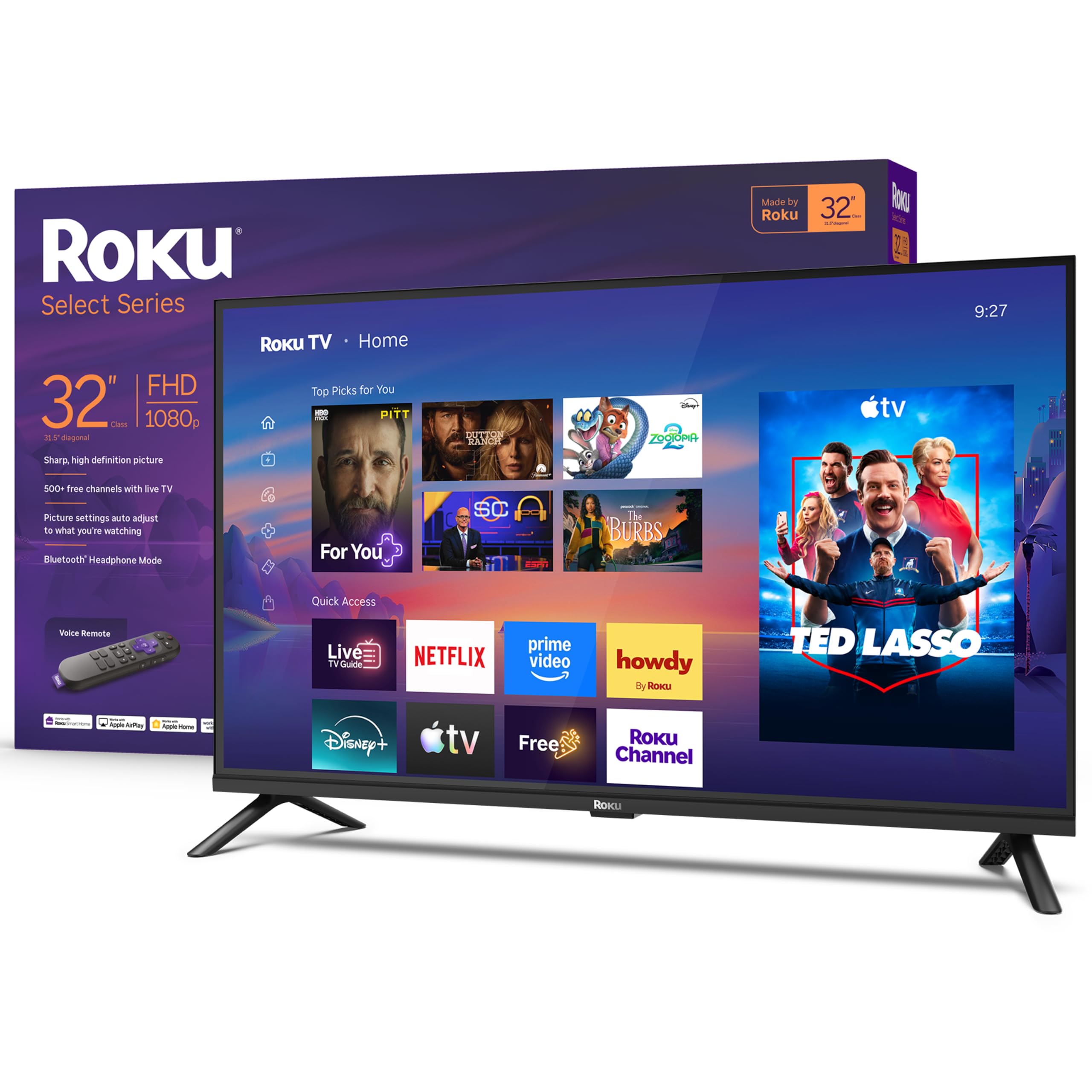
Roku 32-Inch Select Series FHD

90 /100
Keeper Score Outstanding

Key details

Resolution
1080p Full HD
HDMI Inputs
3
Screen Size
32 inches
Weight With Stand
7.7 lb
Check Price on Amazon

A 32-inch set is a room decision before it is a spec decision — the kitchen counter, the spare bedroom, the corner of a studio where a 50-inch screen would swallow the wall. At 7.7 pounds with the stand on, this one is a one-person lift, and the 200 x 200 mm VESA pattern means the bracket that held your last small TV will most likely take it.

What we appreciate most is that Roku did not strip the resolution to hit the price. This is true 1080p where the cheaper Hisense here settles for 720p, and at this size the difference shows up in menu text, scoreboards, and subtitles rather than in wide shots. Three HDMI inputs is generous for the size — a console and a streaming stick both fit without a switcher.

It runs the same Roku OS as our top pick, which means the same short setup and the same uncluttered remote, and Bluetooth Headphone Mode is more valuable here than anywhere else on the list: a bedroom TV that goes quiet at night without waking anyone. The 14W speakers are tuned for exactly that setting, so treat a living room as out of scope.

Pros

  • True 1080p where the cheaper 32-inch here is 720p
  • Light enough to move and hang alone
  • Three HDMI inputs on a small set
  • Bluetooth headphone mode suits a bedroom

Cons

  • Some sets power off or lose Wi-Fi on their own
Our verdict

The small TV we actually enjoy living with: true 1080p, three HDMI inputs, and a 7.7-pound body one person can hang alone.

Check Latest Price
4

Alexa Households

Amazon Ember 50-Inch 4-Series

84 /100
Keeper Score Excellent

Key details

Wireless
Wi-Fi 6
HDR Format
HDR10+
Resolution
4K UHD
Screen Size
50 inches
Check Price on Amazon

Fire TV is the reason to look at this one, and the 2026 version is the biggest change to the platform in a while: a rebuilt home screen with dedicated rows, apps you can pin, and Alexa+ that takes a sentence like "something funny under two hours" and searches across your services. It is also the only set here that specifies Wi-Fi 6, which is the right call in a house where the router is a room away and everything else is already competing for bandwidth.

The 4K panel with HDR10+ and Dolby Audio reads well, and the picture is the part of this TV we worry about least. What gives us pause is everything around it. The interface can stutter between apps and take its time loading a channel, and in some units the set needs a reset before it holds a Wi-Fi connection again. Sound is the other known soft spot — thin enough that a soundbar is not optional if you watch movies at volume.

Our read is that this is a software purchase as much as a panel purchase. You pay the most here and get the least panel hardware for the money — no QLED, no Mini LED — in exchange for the smartest interface and the best wireless in the group. That is a fair trade in an Alexa household and a poor one anywhere else.

Pros

  • Deep Alexa+ integration with natural-language search
  • Wi-Fi 6, the only set here that specifies it
  • 4K with HDR10+ and Dolby Audio

Cons

  • Interface can stutter and channels load slowly
  • Can need a reset to hold a Wi-Fi connection
Our verdict

Worth it if Alexa already runs your home: the Fire TV interface and Wi-Fi 6 are the draw, and a soundbar is part of the budget.

Check Latest Price
5

Spare Rooms

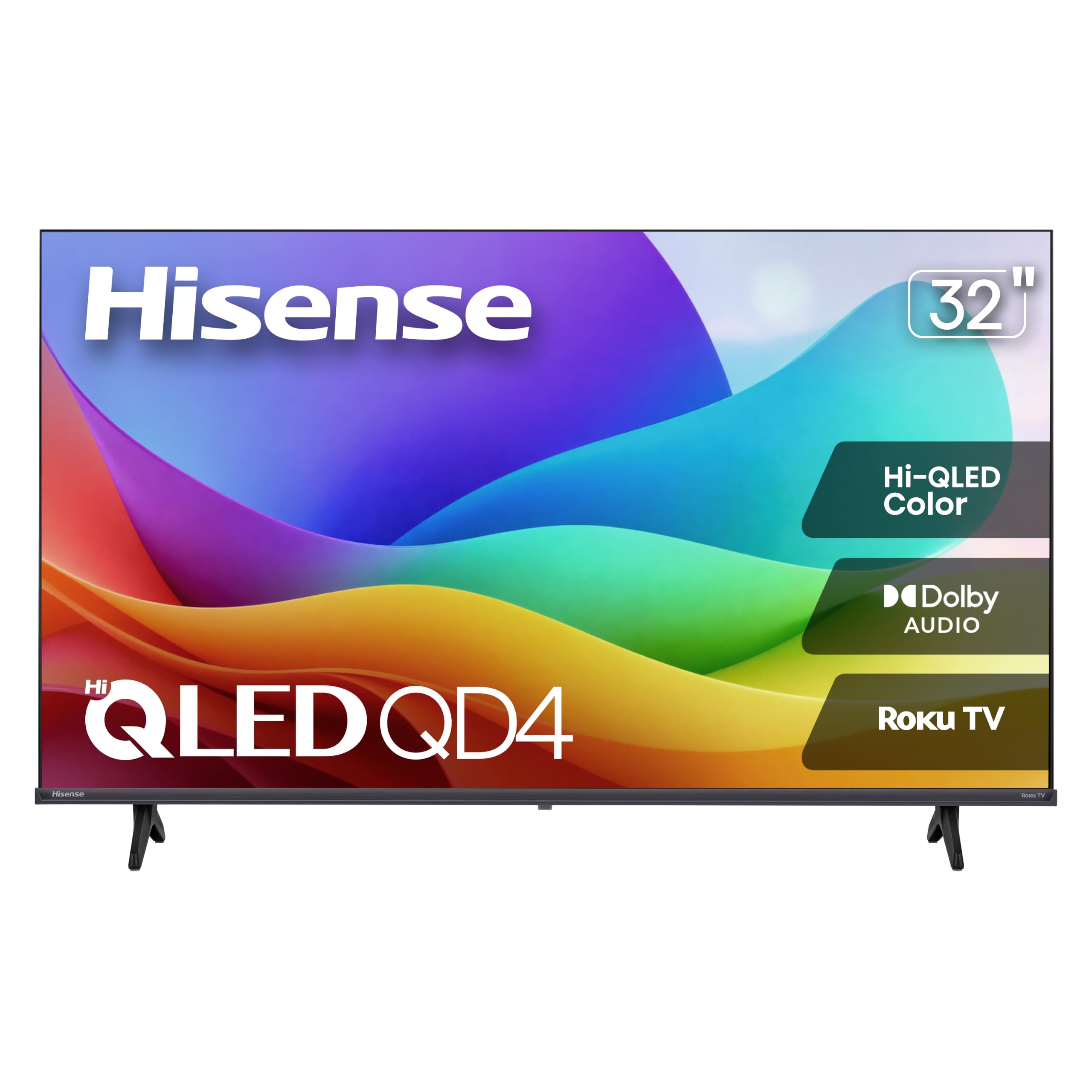
Hisense 32-Inch QD4SR

86 /100
Keeper Score Excellent

Key details

Panel
Hi-QLED
Resolution
720p
HDMI Inputs
3
Screen Size
32 inches
Check Price on Amazon

The QD4SR is a 32-inch 720p set with Hi-QLED color and Roku built in, which looks like an odd combination on paper and makes sense in a spare room. At 720p you get a little under half the pixels of a 1080p screen the same size, so menu text and a sports ticker look soft, and sitting closer than about five feet makes that obvious. Back on the couch with a sitcom on, it is perfectly watchable, with color richer than the resolution deserves.

We think of it as the set you put where nobody watches closely. It weighs 7.5 pounds, uses the 100 x 100 mm VESA pattern for a small bracket, and carries three HDMI inputs for a streaming stick and a console. AirPlay mirroring is there if someone wants to throw a phone video onto it. It also draws the least power of anything here at 30 kWh a year, which matters for a screen that is on for hours in an otherwise empty room.

Pros

  • Cheapest 32-inch set in this group
  • Hi-QLED color is richer than the resolution suggests
  • Lowest annual energy draw here
  • Three HDMI inputs and AirPlay mirroring

Cons

  • 720p resolution looks soft on text and up close
  • Rear-facing speakers sound thin
Our verdict

The cheapest way into a 32-inch set here — Hi-QLED color and Roku software, with 720p softness you should accept going in.

Check Latest Price

How We Tested 11 TVs Over Eight Months

We started with spec sheets and price, focusing on the small-to-mid sizes most people actually buy. We compared panel type, HDR support, port count, and what the money bought at each size, then cut anything running an outdated smart platform or shipping with only one or two HDMI inputs. That left 11 sets, which came in and stayed in our homes for eight months.

Every one went into a real room. We watched movies after dark with the lamps on, sat through Sunday football with the blinds open to see how each picture handled glare, and ran the same streaming apps on all of them over the same Wi-Fi, including a bedroom at the far end of the house where the signal is weakest. We timed setup from opening the box to the first thing playing, and paired each voice remote without touching the manual to see how quickly it became second nature.

Sound got its own pass with no soundbar in the room — dialogue in a quiet drama, crowd noise in a game. We plugged a console into each set to feel latency on a racing game, paired Bluetooth headphones for late-night viewing, and kept a running log of dropped connections and apps that stalled. At the eight-month mark we went back and checked which sets still opened apps quickly and which had started to drag.

How to Choose a Tv

Start with seating distance, not the wall

Size is the biggest upgrade most people can buy, and the limit is rarely the wall — it is the sofa. At 32 inches you want to be within about six feet before the picture starts to feel like a computer monitor. At 43 to 50 inches, seven to nine feet is comfortable. Measure that gap before you compare panels and half your shortlist disappears on its own.

The corollary is that a sharp 43-inch set you sit too far from is a worse purchase than a dimmer 50-inch one at the right distance. Work out your distance first, then spend the budget inside the size band it gives you.

Brightness decides more than the HDR badge

Every set in this group advertises HDR, but high dynamic range needs headroom to mean anything. The 50-inch Roku peaks at 250 nits and the Samsung M70H reaches 1,000, and that gap shows up as highlights that glint versus highlights that just look pale.

In a bedroom or a room with blinds you can close, 250 nits looks rich and the QLED color does the heavy lifting. In a room where afternoon sun lands on the glass, a low-nit panel goes grey and the glossy finish turns into a mirror. Shop for the worst hour of the day in your room, not the best.

Sixty hertz is fine, and honest about the rest

All five of these panels run at 60Hz, with the Samsung adding motion processing on top. For drama, comedy, and streaming series that is invisible. For fast sport, a scrolling news ticker, or a game console, motion shows up as a smear behind the ball or a softness in a slow pan.

The Roku 50-inch adds VRR and a Game Mode instead, which helps a console more than a smoothing engine does. If Saturday football is the main event, put motion processing on your list; if it is not, do not pay for it.

You live in the software, not the panel

Roku OS gets you from box to show faster than anything else here, and its remote is the least fiddly of the three platforms. Tizen on the Samsung is capable but busier, and Fire TV is the most powerful and the most demanding. None of them is bad; they just age differently over five years of nightly use.

The trap is buying purely on panel specs and then resenting the remote. The Samsung's remote is the weakest part of an otherwise excellent package, and that is the sort of detail that decides whether a TV feels good to own.

Count your ports and budget for sound

Add up your sources before you order. A console, a soundbar, a streaming stick, and a cable box is four inputs, and only the 50-inch Roku has four. Three is workable if the soundbar takes the audio return channel; two is tight and usually means a switcher.

Then assume you will add sound at some point. A flat panel has no cabinet for a speaker, so built-in audio is the first thing to disappoint and the cheapest thing to fix. A modest soundbar will do more for movie night than another hundred nits of brightness.

Frequently Asked Questions

Final Verdict

The Roku 50-inch Select Series is the set we point most people to: the biggest screen in this group, four HDMI inputs, and the calmest software, for less than the 43-inch Samsung. Put the difference toward a soundbar and a living room is sorted.

If your room is bright or contrast matters more to you than inches, the Samsung M70H's 1,000-nit Mini LED panel is the better picture and worth the trade in size. Buy that one for the wall it is going on, not for the spec sheet.