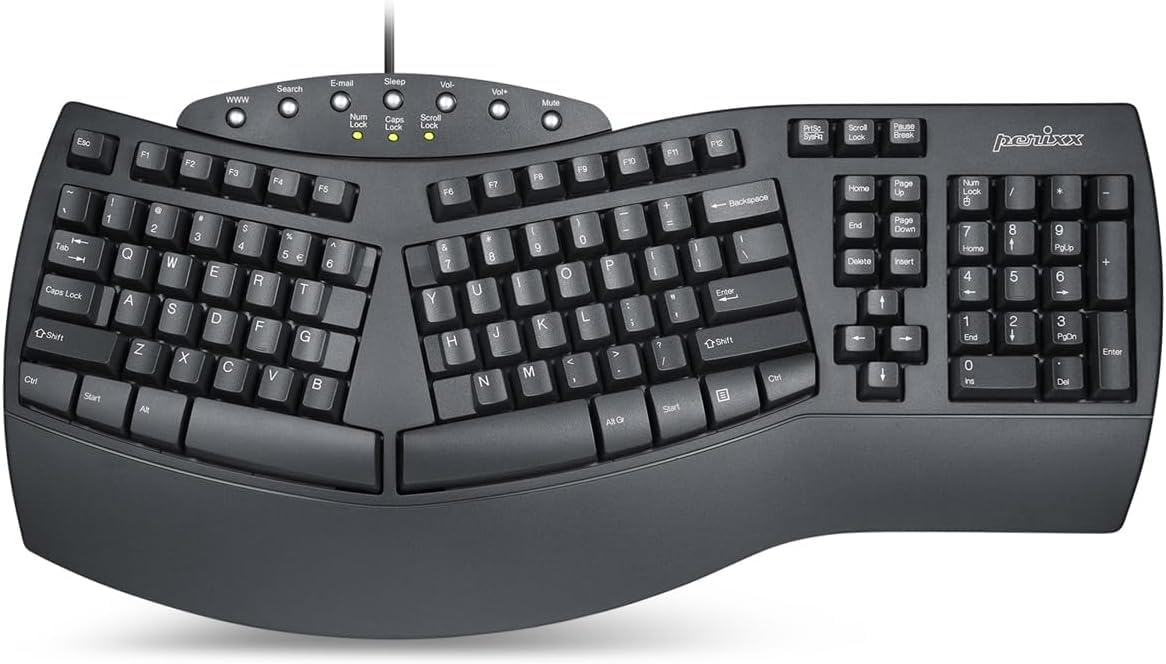
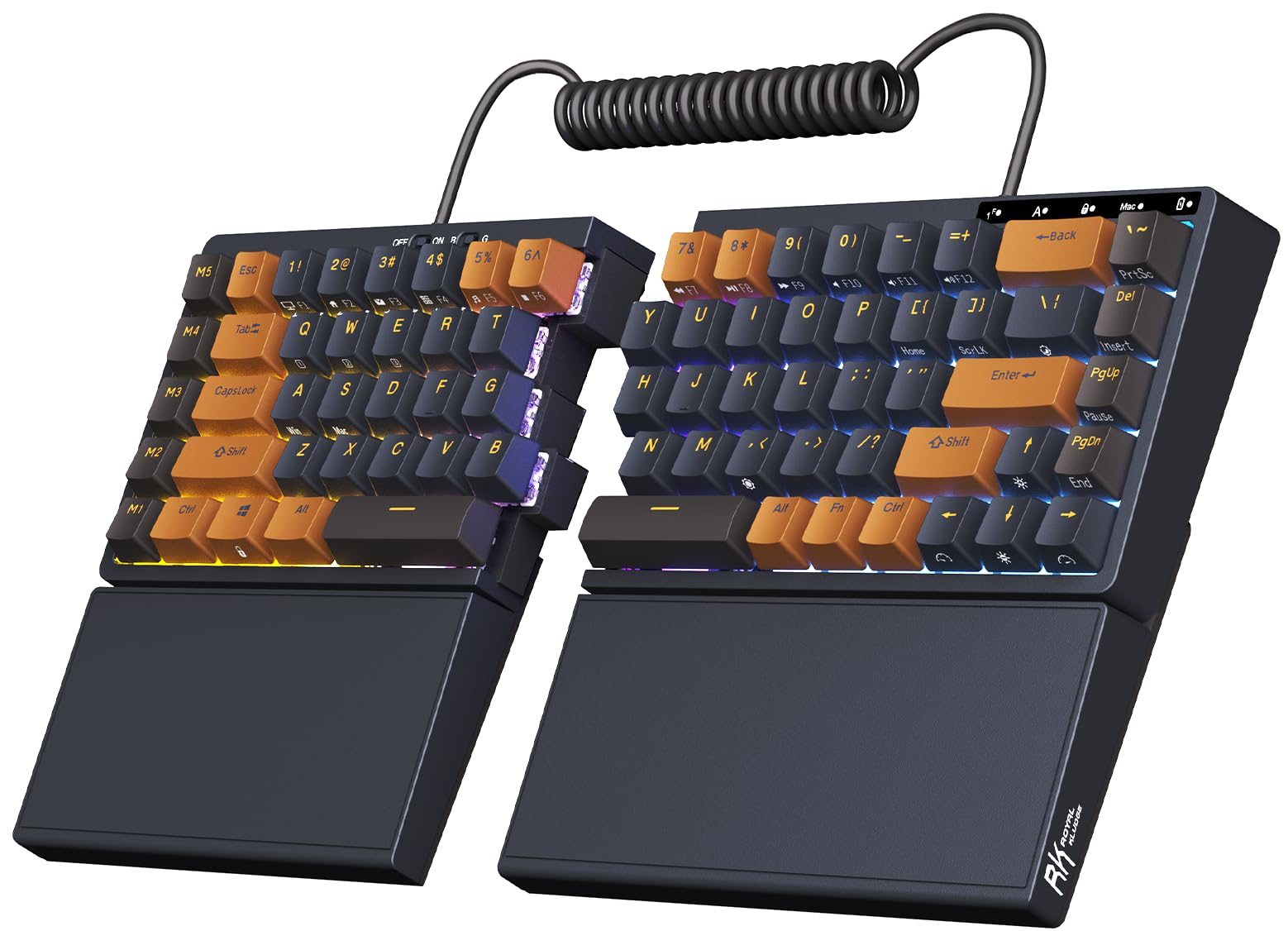
Best Overall

Kinesis Freestyle2
Key details
- Layout
- Standard Windows
- Separation
- Up to 9 in
- Switch Type
- Low-force membrane
- Connectivity
- USB wired
The Freestyle2's two halves sit on a detachable pivot tether, and that one detail is why it earns the top spot. You can set them a few inches apart or open them to 9 inches, then splay each side to match your shoulders. We spent time adjusting the spread rather than just typing on it, because that is the point: the keyboard should fit your body, not the other way around. The low-force membrane keys take little effort, and the Windows layout keeps copy, cut, paste, and multimedia shortcuts close at hand.
Where it surprised us was wrist comfort. The flat, low-profile halves encourage a neutral wrist angle without a built-in rest, and the optional tenting accessory is the sort of thing you add only if you want more lift. The trade-off is a short adjustment period: the halves are not where your hands expect them at first, and the 6 key on the left side is a common stumbling block. Give it a week, and the wider stance starts to feel ordinary.
It rewards a little patience with a typing position you can fine-tune for hours. For anyone whose main complaint is shoulder or wrist tension, this is the first keyboard we point to.
Pros
- Halves separate up to 9 inches
- Detachable pivot tether adjusts splay
- Low-force membrane keys reduce finger effort
Cons
- Wired-only USB connection
Our first choice for adjustable all-day typing is the Freestyle2, because its halves move to fit your shoulders instead of asking you to fit the keyboard.