Best Overall

Logitech Ergo K860
Key details
- Tilt
- 0, -4, -7 degrees
- Key Layout
- Curved split keyframe
- Wrist Rest
- Pillowed memory foam
- Connectivity
- Bluetooth and USB receiver
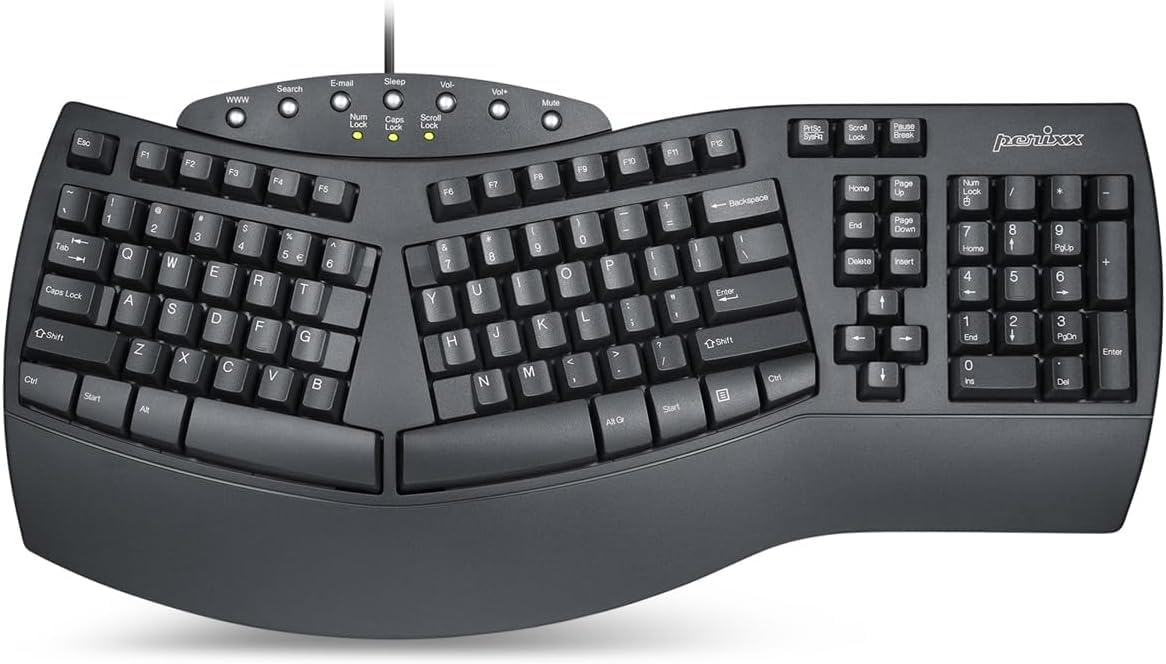
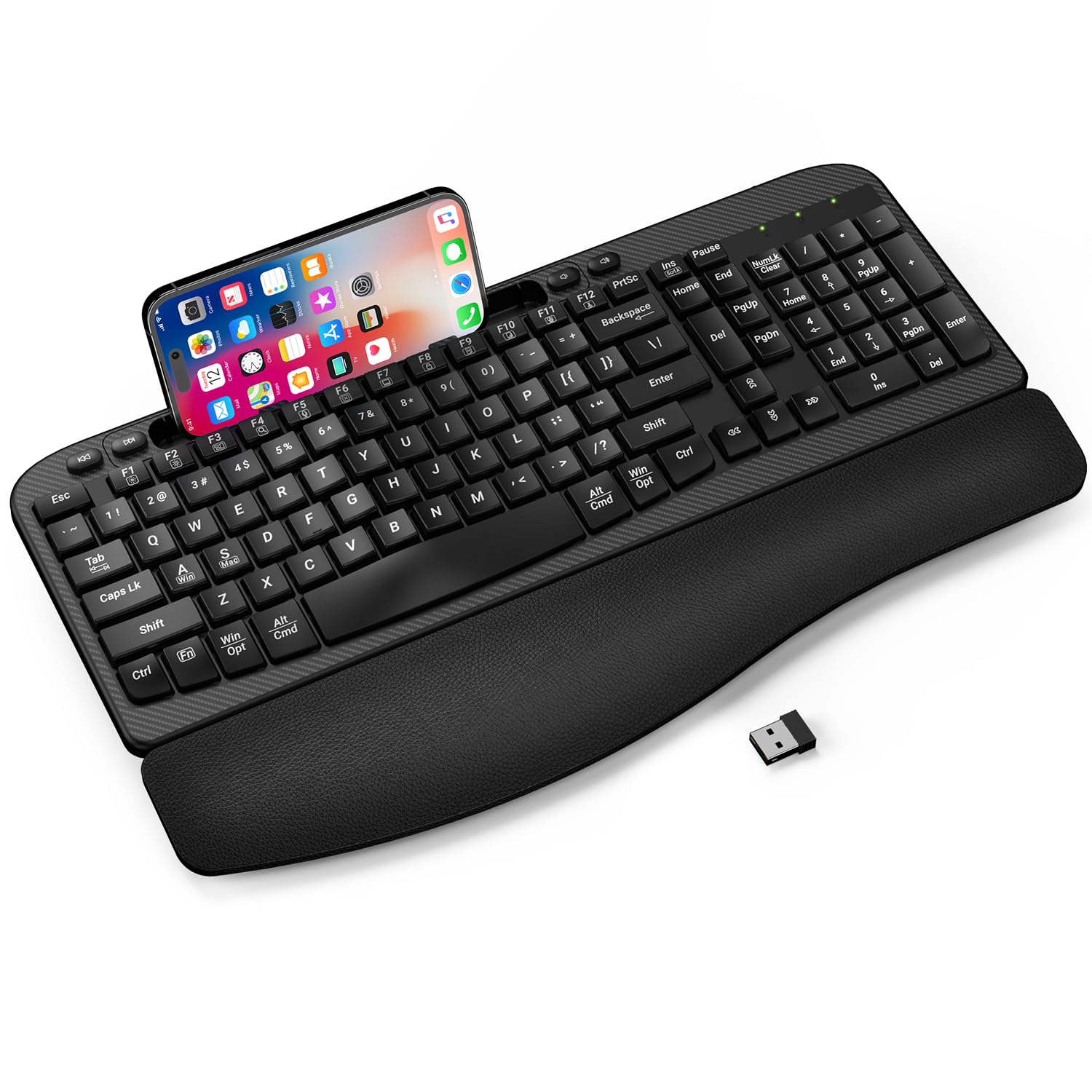
The adjustable palm lift is what separates the K860 from most of this list. Three positions — flat, a four-degree negative tilt, and seven degrees — change where your wrists sit relative to the keybed, and the negative angles are the ones that stop the wrist arching back over the keys. Put that under a keyframe split down the middle and curved across each half, and your hands end up at shoulder width with the palms supported instead of hovering.
None of those ideas is novel on its own — split keys, a padded rest, an angle adjustment — but here they are executed together to a standard the cheaper boards don't reach. The pillowed rest is thick enough to take the heel of the palm without a pressure point, the scissor keys are quiet and crisp, and the board talks to a computer over Bluetooth or the bundled USB receiver on Windows, macOS, Linux, and Chrome OS. The United States Ergonomics certification is a badge; the geometry behind it is the actual argument.
The connection is the part to think about. Bluetooth can drop mid-session and take a re-pair to recover, so if the machine lives on one desk, use the bundled receiver and skip the radio entirely. The wireless route earns its keep only if you genuinely move between computers — and if you do, keep the receiver plugged into the one you use least.
Pros
- Genuine split with curved key rows
- Three palm-lift angles, including negative tilt
- Pillowed memory-foam rest supports the palm
- Bluetooth or receiver across four systems
Cons
- Keys and tilt feet can fail within a year
- Nearly 18 inches of desk width
If you type all day and want the change to stick, this is the board we point to: a real split, a pillowed rest, and three tilt settings that let you dial in wrist angle.