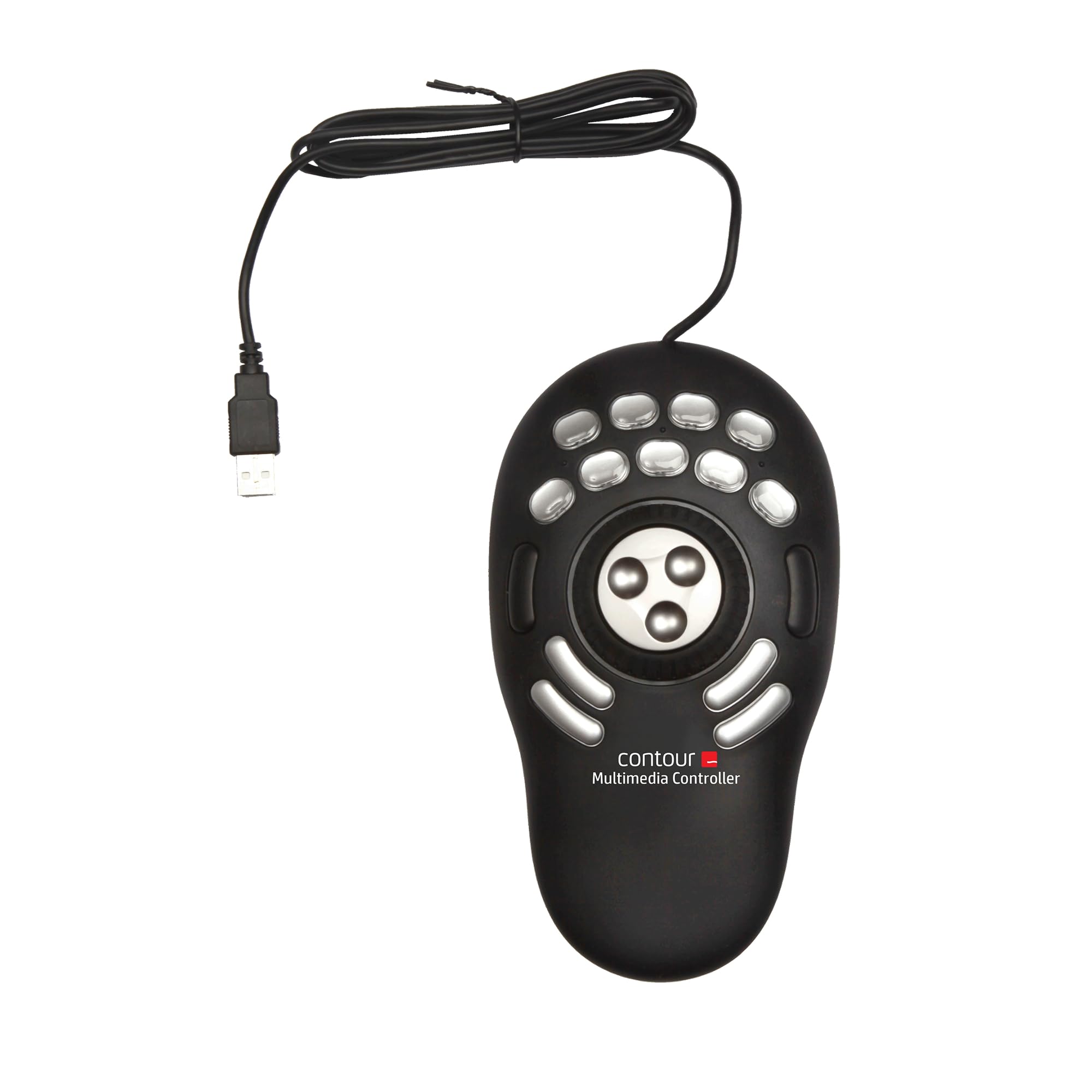
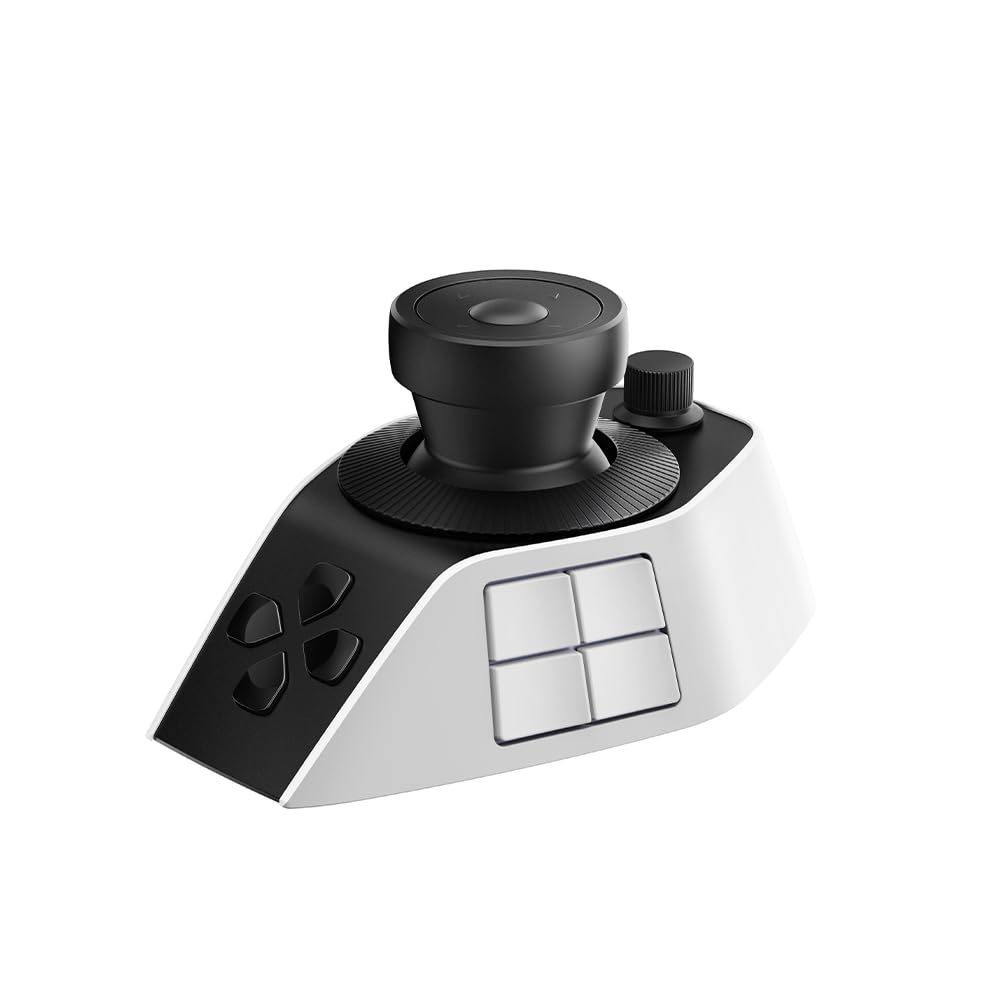
Best Overall
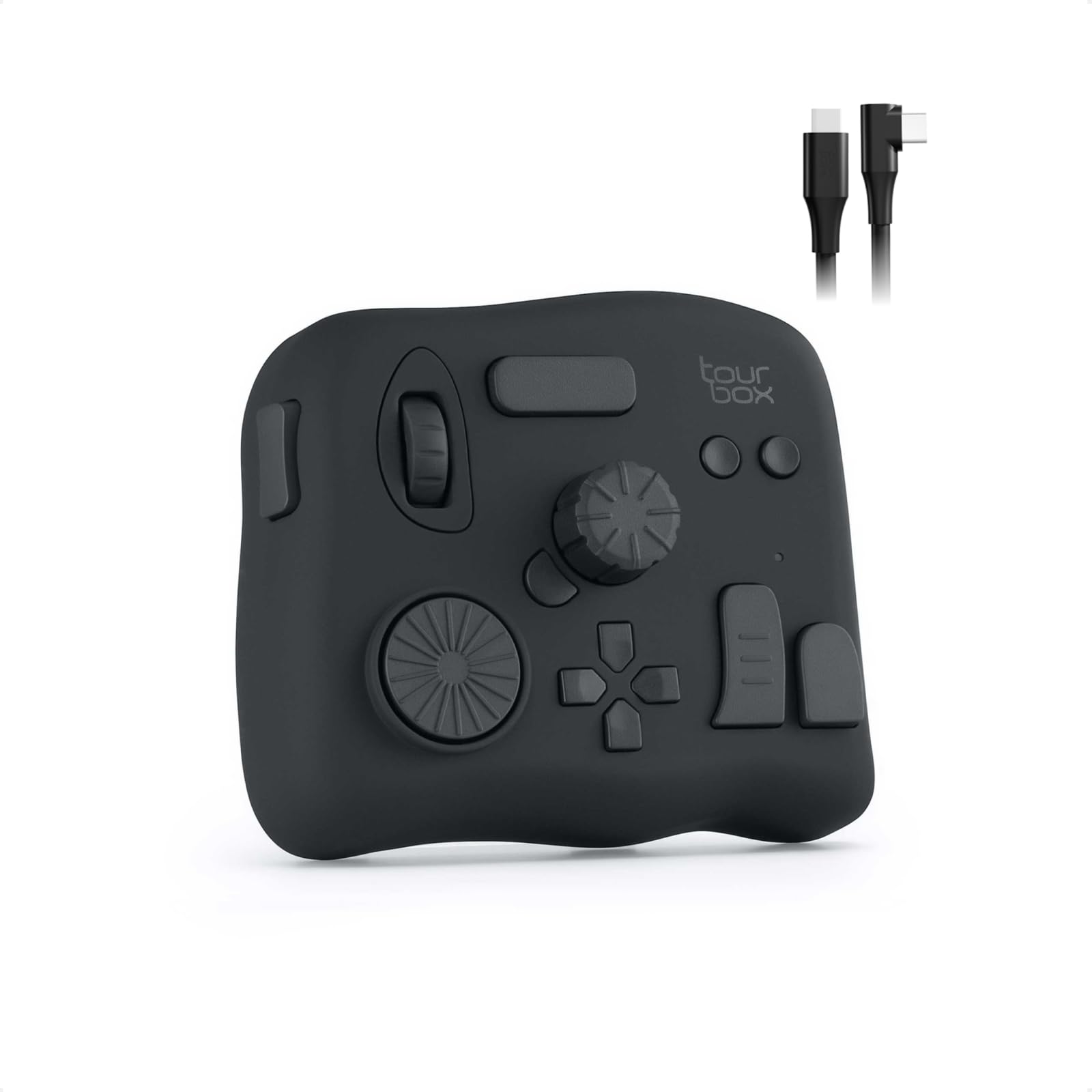
TourBox NEO
Key details
- Weight
- 13.1 oz
- Controls
- 14 controls
- Connection
- USB-C wired
- Included Presets
- Lightroom, Photoshop, Premiere Pro
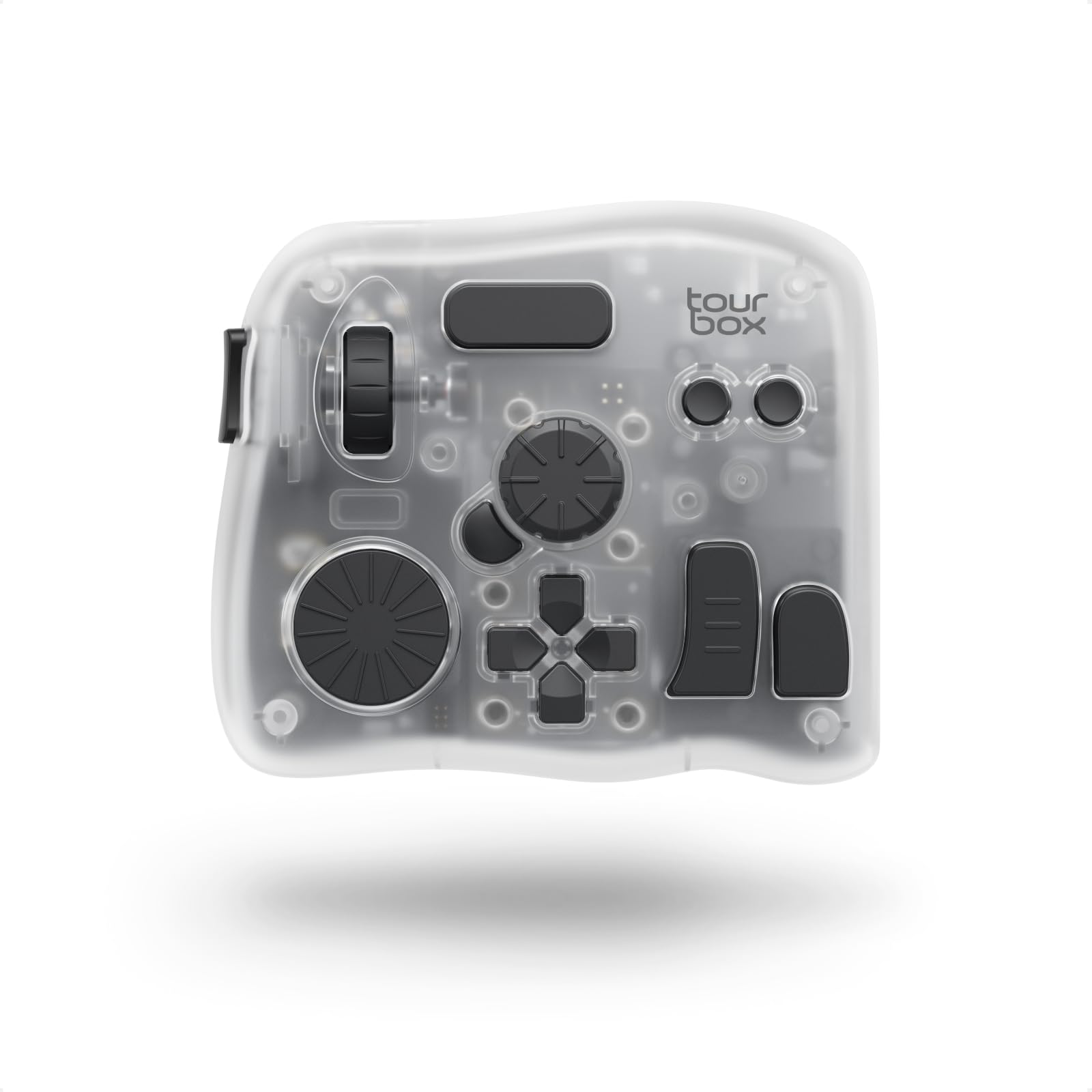
Fourteen controls, one cable, and no pairing step: the NEO is the version of the TourBox idea we point most photographers toward. Plug it in, load the Lightroom or Photoshop profile, and the large dial is already moving the slider your cursor hovers over while the scroll wheel walks the filmstrip. Good presets are the difference between a controller you use on day one and one that waits in a drawer for a free weekend.
The count matters because the shapes differ. A dial, a knob, a scroll wheel, a D-pad, and a cluster of buttons all sit under one hand, each with its own size and resistance, so your fingers can tell them apart without a glance. That is the whole promise of a control surface — that you stop looking down — and the NEO delivers it with the least ceremony of anything here. The D-pad turned out to be the control we reached for most, stepping through images and menus in a way a dial never quite manages.
What it asks in return is a week. The first sessions are slower than your keyboard, as they are with every controller on this page, and the presets shorten that without removing it; by the third day the reaching stops and your left hand starts moving on its own. The presets also cover Premiere Pro and DaVinci Resolve, so a video detour does not mean starting from an empty layout. For a desk that stays in one place, this is where we would begin.
Pros
- Fourteen controls, each a different shape
- Ready-made Lightroom and Photoshop presets
- Wired connection with no pairing or dropouts
Cons
- Wired USB-C only
- Some dial functions are fixed, not remappable
The best all-around controller here for Lightroom and Photoshop: fourteen distinct controls, presets that work out of the box, and a wired connection that never argues.