Best Photo Backup Devices for Travel of 2026

My phone hit 98 percent storage outside a train station in southern Spain, and the first thing it refused to do was take a photo. That's the trouble with camera rolls now — the thing meant to capture the trip is also the thing running out of room. A photo backup drive fixes it: a stick or pocket drive you plug straight into your phone, offload a few thousand pictures and videos, and get your space back without a laptop or a cloud plan.

My team and I have spent the last six months carrying 14 of them around, including a two-week trip where every museum label and wrong turn got photographed. The differences that actually matter turn out to be the unglamorous ones.

A 512GB drive doesn't hand you 512GB of usable space, "iPhone compatible" isn't the same as MFi certified, and a genuinely good companion app is a very different thing from no app at all. We weighed all of it, and the picks below are the ones we'd press into a friend's hand before a flight.

Keeper Score summarizes customer ratings and review volume. Read it alongside the product details and trade-offs. How the score works.

1

Best Overall

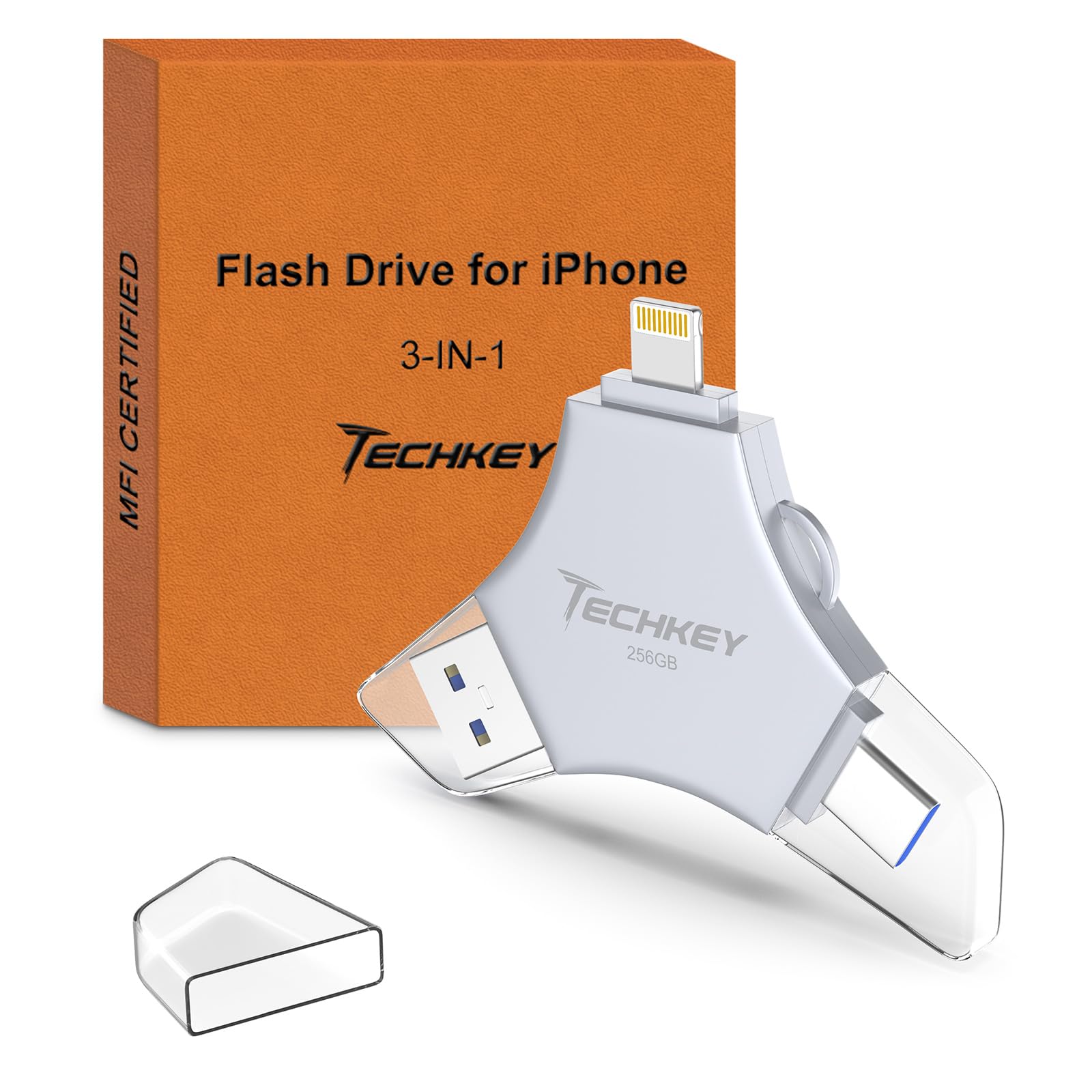
Techkey 256GB 3-in-1 Flash Drive

88 /100
Keeper Score Excellent

Key details

Storage
256 GB
Warranty
2 years
Connectors
Lightning, USB-A, USB-C
Transfer Speed
40 MB/s read and write
Check Price on Amazon

Three connectors in one body is why this Techkey sits at the top: Lightning for older iPhones and iPads, USB-C for everything newer, and a plain USB-A end that goes into a laptop, a hotel PC or a rental car's port. One 256GB stick covers every device in the bag, and nothing else in this guide except the EATOP spans quite that range.

Speed is the compromise. Read and write are both rated at 40 MB/s, which is fine for photos and slow for a card's worth of 4K video — the SanDisk claims nearly four times that on reads. In use it's a set-it-going job: start the copy, then repack your bag rather than watching the bar. We paid close attention to the warranty, too, because two years of coverage at the lowest price in the group is the combination that settles it, and only the EATOP and the SanDisk match that term.

The backup itself runs through Techkey's app, which handles the one-click copy of photos, videos and contacts, and can save anything shot with its in-app camera straight to the drive as you take it. Two things to do before you leave: install the app on home Wi-Fi, and copy a single test photo. Some phones don't recognize the drive on the first attempt, and that's a far better discovery at your kitchen table than in an airport queue.

Pros

  • Lightning, USB-C and USB-A in one stick
  • Lowest price of the picks here
  • Two-year manufacturer warranty
  • One-click backup with in-app camera auto-save

Cons

  • Backup runs through a third-party app
  • 40 MB/s transfers are slow for video
Our verdict

If you carry a mix of Apple, Android and laptop gear, this is the drive we hand people first: three connectors, 256GB and a two-year warranty for the least money here.
Check Latest Price
2

Best for iPhone Households

SanDisk Phone Drive 256GB

87 /100
Keeper Score Excellent

Key details

Weight
0.18 oz
Storage
256 GB
Connectors
Lightning and USB-C
Read Speed
150 MB/s
Check Price on Amazon

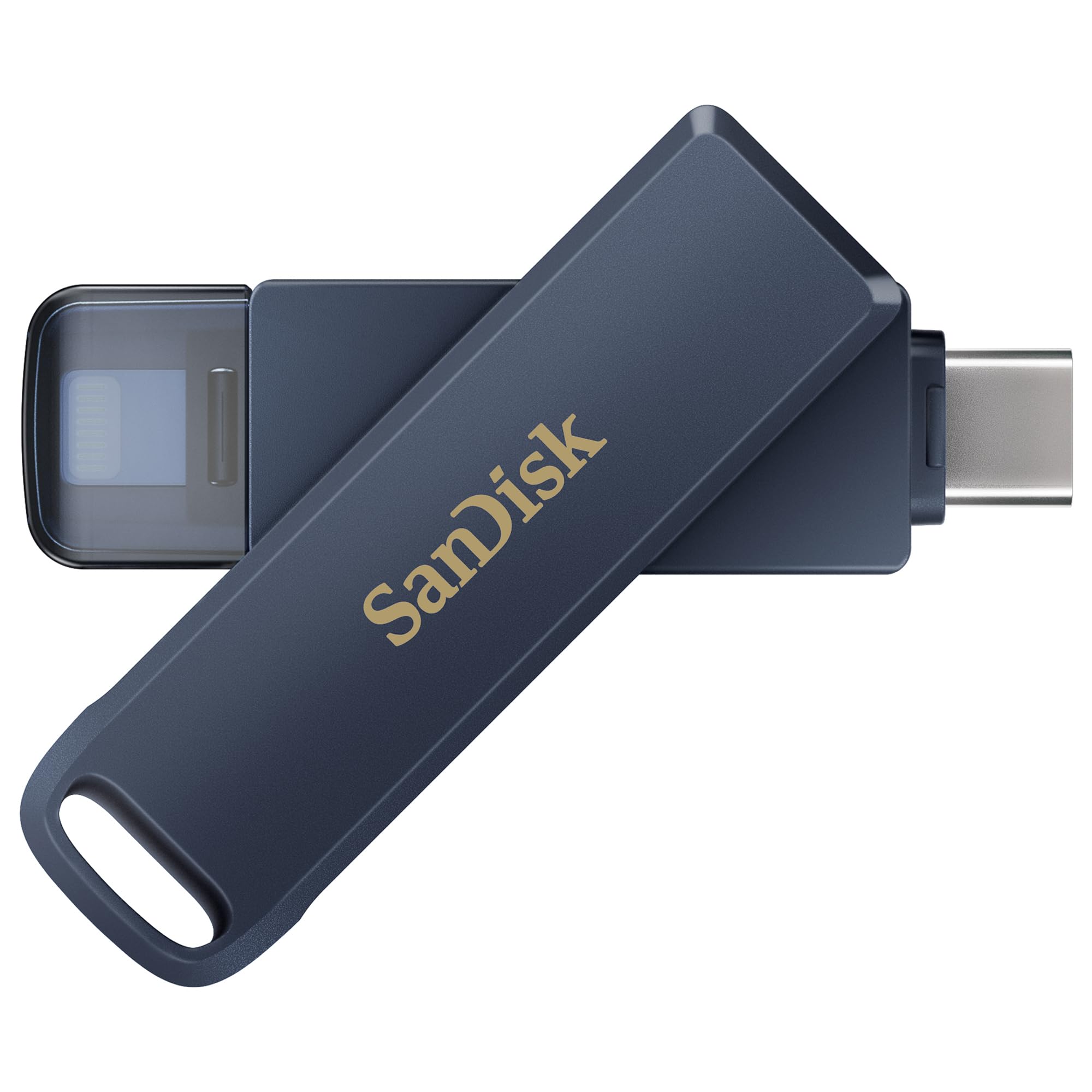
SanDisk asks roughly twice what our top pick does for the same 256GB, and the first minute with the Phone Drive explains where it went. The body is metal, a swivel exposes the Lightning plug on one side and USB-C on the other, and a snap-on cap covers whichever end is out. At 5 g it disappears into a passport holder, and it's the only drive in this guide that feels designed rather than assembled.

The Memory Zone app is the best of the app-based backups here: manual or automatic, with progress you can watch and partial-backup support when a copy has to stop early, which on a nearly full phone happens more often than anyone admits. A 150 MB/s read speed is the fastest in this group, and you feel it when you're scrolling a copy of the trip on the drive instead of on the phone.

Two things to weigh. Writes run at 10-50 MB/s, so reading is quick while backing up is not — budget the same sit-and-wait as the cheaper sticks. And it's fussy about cases and about which iPhone it meets: thick cases and some newer models give it trouble, so try it on your own phone in the first week, case off, before you trust it with a trip.

Pros

  • Metal body with swivel dual connectors
  • 150 MB/s reads, fastest in this guide
  • Partial backups survive an interrupted copy
  • 5 g and genuinely pocketable

Cons

  • Backing up is slow despite fast reads
  • Thick cases and some newer iPhones block it
Our verdict

Worth the premium if everyone in your house is on iPhone and you want the best-built, fastest-reading drive here, as long as you can live with slow writes.

Check Latest Price
3

Best for Big Libraries

iDiskk 2TB iPhone Hard Drive

83 /100
Keeper Score Excellent

Key details

Weight
7.76 oz
Storage
2 TB
Drive Type
Mechanical, 5,400 rpm
Built-in Battery
5,000 mAh
Check Price on Amazon

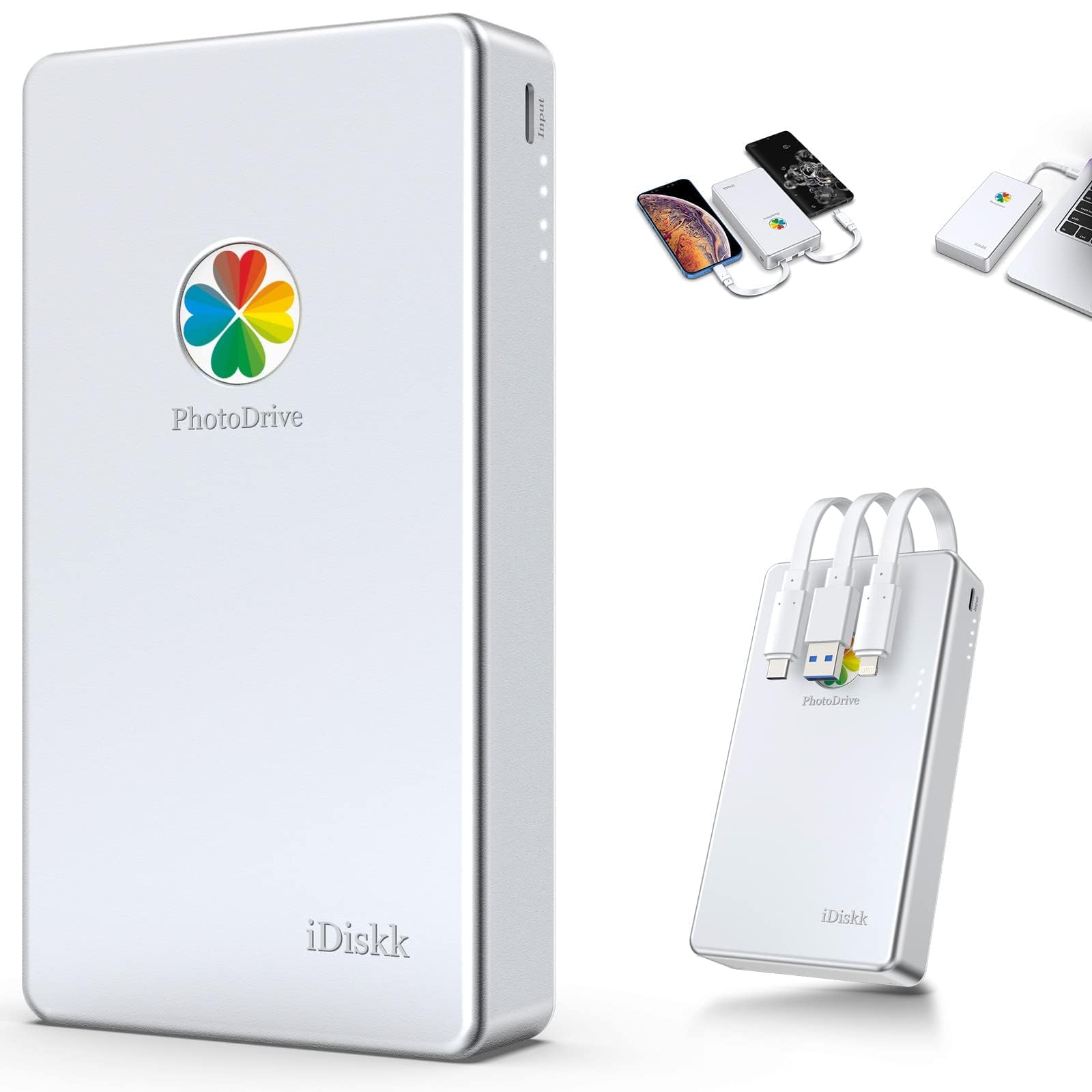
Two terabytes in a coat pocket sounds like the end of every storage problem, and then you pick it up. At 220 g the iDiskk weighs about as much as a small phone, and it carries a 5,000 mAh battery of its own — that's the price of grinding through a full phone library without draining the phone you're standing in a queue with.

The capacity earns its keep on a long trip. 2TB is roughly eight times the biggest stick here, and the app backs up only what's new after the first pass, so a nightly top-up takes minutes instead of repeating the whole camera roll. It's a mechanical 5,400 rpm drive inside that aluminum shell, so treat it like one: a padded pocket, not the bottom of a rucksack.

Reliability is the part that gives us pause. The failure that matters for a backup drive isn't a slow copy, it's a drive that stops being recognized after a few days, and that's the shape of the trouble here — units that quit, backups that never finish. Keep every original on the phone until you've opened a sample file from the drive on a computer. If that sounds like more admin than you want on holiday, one of the sticks is the safer buy.

Pros

  • 2TB, the most storage in this guide
  • Built-in 5,000 mAh battery
  • Incremental backups skip files already copied

Cons

  • 220 g plus a battery to keep charged
  • Reliability is the open risk at this price
Our verdict

The one to buy if you're offloading a whole trip of video and RAW files into a single pocket drive, provided you keep the originals until you've checked the copy.

Check Latest Price
4

Best App-Free Option

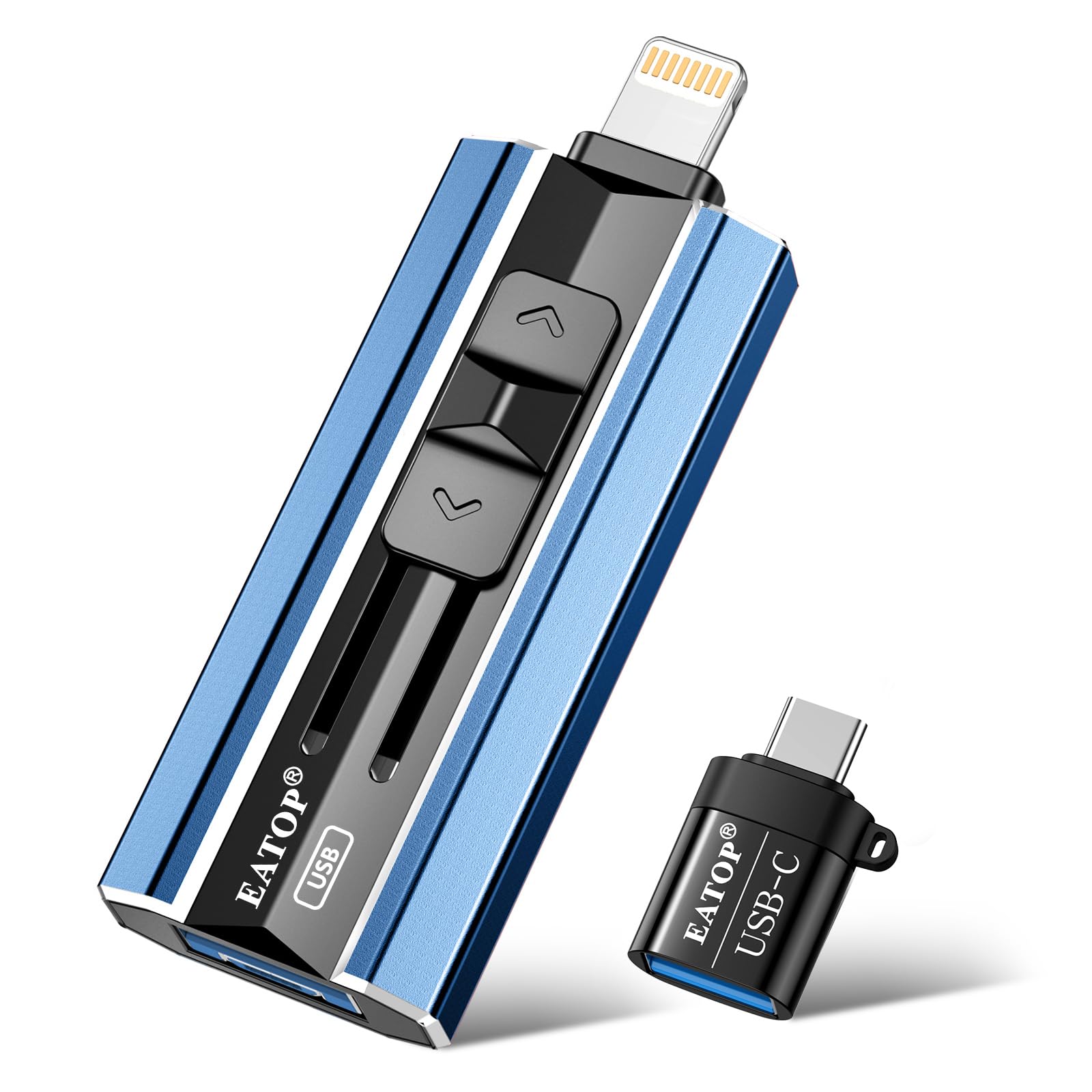
EATOP 512GB Photo Stick

82 /100
Keeper Score Excellent

Key details

Weight
0.12 oz
Storage
512 GB
Connectors
USB-A, Lightning, USB-C, Micro USB
Transfer Speed
30 MB/s read, 15 MB/s write
Check Price on Amazon

If you resent installing an app to copy a photo, this is your drive. The EATOP mounts in your phone's Files app as an ordinary folder, so backup is drag-and-drop: no account, no permissions carousel, no vendor software that might not exist in three years. On a trip that's worth more than it sounds. Hand the stick to a travel companion, or plug it into a hotel PC, and the files are just files.

512GB is the most storage of any stick here, and it costs about what the 256GB drives do. The catch is speed — 30 MB/s reads and 15 MB/s writes, the slowest in this group. For photos that's a shower-and-coffee job; for video it's an evening, so start it before dinner rather than before bed.

Consistency is what tempers our enthusiasm. Some units hold far less than the label promises, and some phones never see the drive at all. Fill it early: copy a few hundred photos the day it arrives and check the count against your phone. You'll know where you stand long before you're relying on it in another country.

Pros

  • No app needed, works through the Files app
  • 512GB at the price of a 256GB stick
  • Four connectors including Micro USB
  • Two-year warranty

Cons

  • Slowest transfers here at 15 MB/s writes
  • Some units fall short of the full capacity
Our verdict

Buy it if you want to back up without installing an app and you're willing to test the drive the week it arrives, because 512GB this cheap asks for a check.

Check Latest Price
5

Month-Long Trips

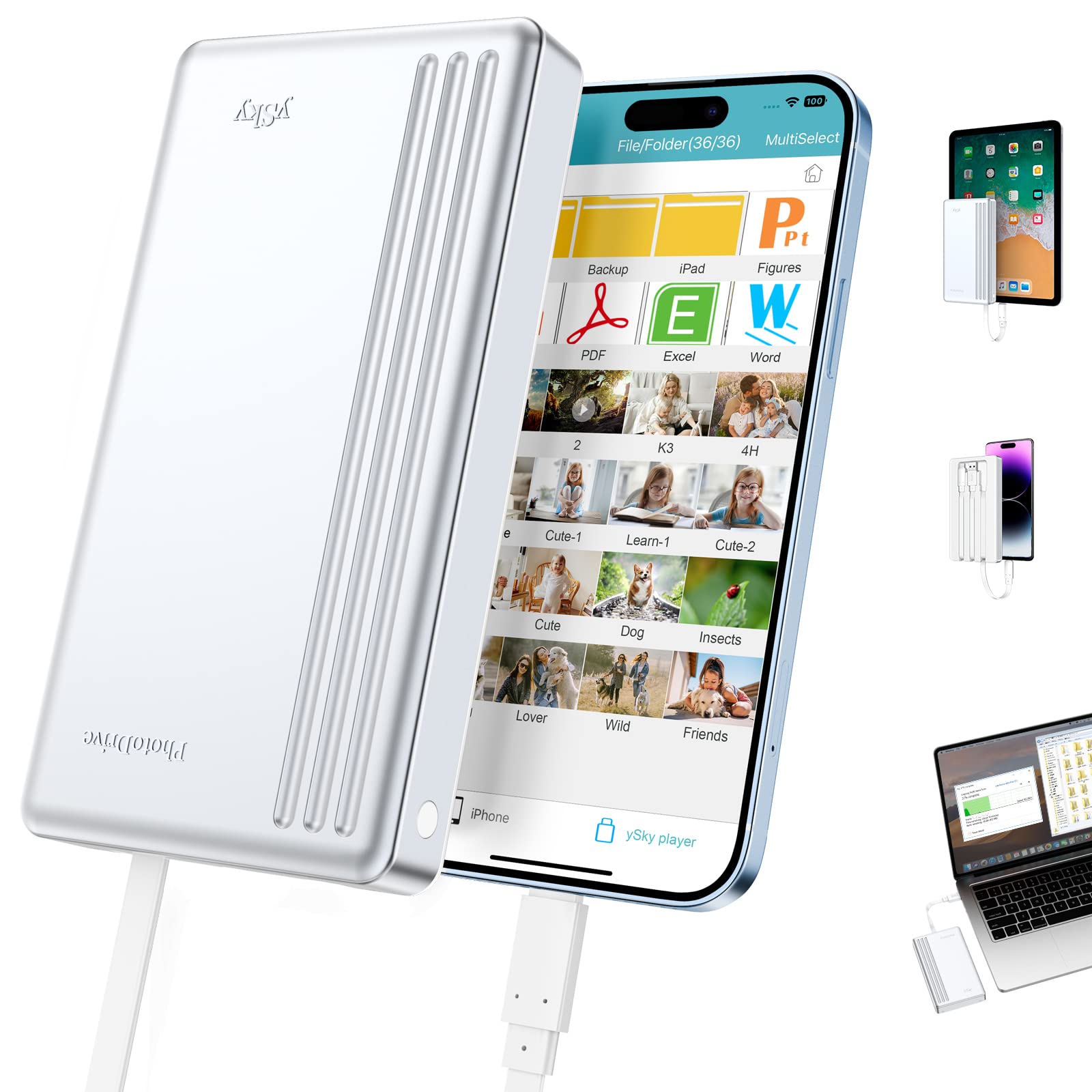
ySky 1TB Portable Drive

82 /100
Keeper Score Excellent

Key details

Storage
1 TB
Warranty
12 months
Built-in Cables
Lightning, USB-C, USB-A
Built-in Battery
5,000 mAh
Check Price on Amazon

A month on the road with video every day is where 1TB stops being overkill. The ySky carries it in a body with three cables built in — Lightning, USB-C and USB-A — plus a 5,000 mAh battery, so there's no dongle to lose and no laptop needed to top up at the end of a day.

It's the cheaper route to that much space than the 2TB iDiskk, and we like the built-in leads better than a pouch of adapters: a lost dongle in a hotel room is the most ordinary way a backup plan dies. What you give up shows in the warranty, 12 months where the sticks offer two years, and in transfers that can stall part-way.

Capacity is the least predictable part. Copies can come up short of what was on the phone, so treat the ySky as a working drive for the trip rather than the archive you never open. Copy in batches of a few hundred, check that the count matches, then clear those from the phone and start the next batch.

Pros

  • 1TB with three built-in cables
  • 5,000 mAh battery for long sessions
  • No adapters or extra cables to pack

Cons

  • 12-month warranty, shortest in this guide
  • Transfers can stall part-way
Our verdict

For a long trip with heavy video, the 1TB ySky is the cheaper route to real space, as long as you copy in batches and check as you go.

Check Latest Price
6

Rugged Everyday Carry

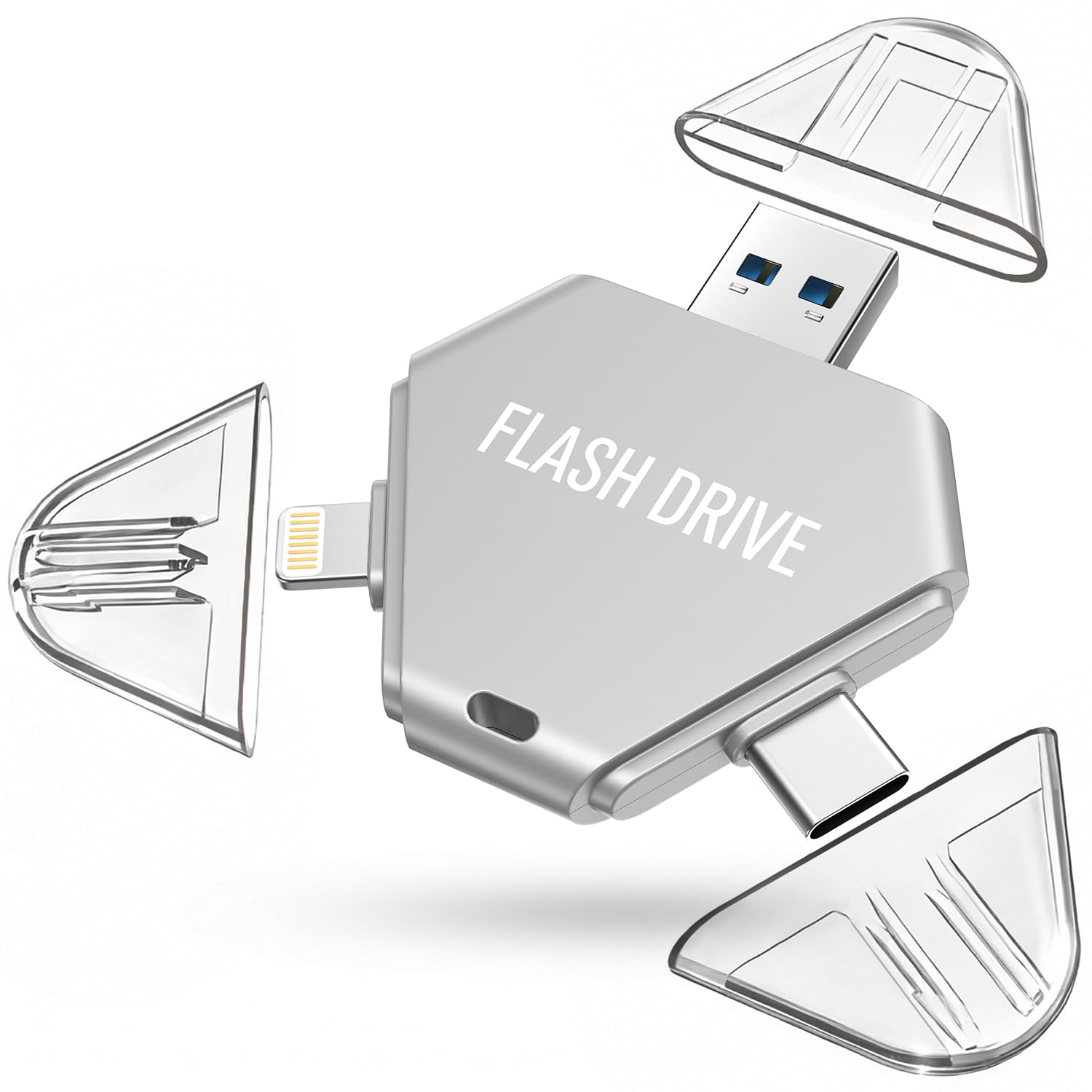
Cixepz 512GB Photo Stick

82 /100
Keeper Score Excellent

Key details

Storage
512 GB
Warranty
1 year
Connectors
Lightning, USB-C, USB-A
Usable Space
~484 GB
Check Price on Amazon

A solid metal shell with a clear cap over each connector separates the Cixepz from the plasticky sticks in this guide, and that's the part that matters when a drive lives loose in a camera bag for two weeks.

The listing is unusually straight about capacity: 512GB on the label, roughly 484GB actually usable. That's a fair picture of the whole class, where the number on the box is never the number you get. Three connectors cover Lightning, USB-C and USB-A, the app backs up photos, videos and contacts in one click, and a password option locks the folder you'd rather a stranger couldn't browse if the drive went missing.

What you're buying here is hardware rather than a bargain. The caps stay put, the body doesn't flex, and it's a drive you don't have to baby at the bottom of a day bag — which is exactly the argument for spending a little more than the same-capacity EATOP costs. Pack it for a trip where the drive rides in with the cameras rather than in a zipped pocket.

Pros

  • Metal shell with a cap per connector
  • Honest usable capacity of about 484GB
  • Password protection in the app

Cons

  • Costs more than the same-capacity EATOP
  • One-year warranty
Our verdict

A well-built 512GB stick for anyone who wants metal and proper caps over the lowest price, and doesn't mind paying a little more than the EATOP for it.

Check Latest Price

How We Tested Photo Backup Drives on the Road

I started with a list of roughly 40 drives pulled from retailer listings and narrowed it by the things that decide whether one actually works: which connectors it carries (Lightning, USB-C, USB-A), whether MFi certification is stated outright, capacity, and whether it needs a companion app to do anything at all. Anything with a visible pattern of complaints about failing to mount or scrambled files got cut before it ever shipped. Fourteen made the final group, and we used them for six months — at home, at a desk, and on a two-week trip.

On the road, that meant pulling a drive out on a hotel bed at 11 p.m. with a full phone and a 6 a.m. flight, and again at airport gates with a laptop balanced on a knee. We timed how long each took to move a fixed folder of 2,000 photos and 20 short videos, and noted whether speed held steady or collapsed partway through. Then we opened a sample of files from the drive on a second device to confirm nothing arrived corrupted.

Compatibility got checked the hard way: the same drive, four devices — an iPhone, an iPad, an Android phone, and a Windows laptop — plus a Mac. We also compared the capacity printed on the package against what a computer reported once the drive was formatted, since that gap runs wider on some drives than others.

Usability came down to setup and daily handling: whether the drive worked the second it was plugged in or demanded an app download first, how many taps a one-click backup really took, and how the connector caps and metal bodies survived a week loose in a tote bag. We judged value on cost per usable gigabyte and on how much of the process happened without a subscription attached.

How to Choose a Photo Backup Device for Travel

Connectors Decide More Than Capacity

Count the ports on the devices you're traveling with before anything else. A Lightning plug covers iPhone 14 and older plus most iPads, USB-C covers iPhone 15 and later, Android phones and newer laptops, and USB-A is what you'll find on a hotel PC or a rental car's dash. A three-connector stick like our top pick covers all of it, which is why we rank connector coverage above capacity.

The trap is a Lightning-only drive bought alongside an iPhone 15, where it simply doesn't fit. MFi certification is worth having on a Lightning connector, since it's the Apple-licensed version of that plug; printed next to a USB-C specification it means nothing at all.

Match Capacity to the Trip, Not the Decade

Photos are small and video is not. A few thousand phone photos sit comfortably inside 256GB, while an hour of 4K footage can eat a tenth of that, so anyone who records everything should be looking at the 1TB and 2TB drives. Whatever you pick, treat the drive as a transfer station rather than your only archive: copy the trip onto it, then move it onto a computer or a second drive once you're home.

The other trap is jumping at the biggest number. A 2TB mechanical drive weighs 220 g and needs charging; a 256GB stick weighs almost nothing and never asks for a cable. Capacity you leave in the hotel room is worth less than capacity in your pocket.

One-Click Apps or Plain Files

Most sticks here ship with an app that copies the camera roll in one tap and, on a good implementation, saves only what's new since the last run. That's the least error-prone way to back up a full phone, and it's how the Techkey, SanDisk and iDiskk work. The alternative is the Files app: the EATOP mounts as an ordinary folder and you drag across what you want. Slower, more manual, and entirely independent of a vendor's software, which some travelers value more than automation.

Install the app before you leave. App-store downloads need a connection, and hotel Wi-Fi at midnight, with a phone that has 200MB free, is not the moment to discover otherwise.

What Survives a Bag

Weight runs from 3.4 g for the EATOP to 220 g for the 2TB iDiskk, and that difference decides where each one lives. A stick with a metal shell and caps, like the Cixepz or the SanDisk, can rattle around a camera bag; a mechanical hard drive wants a padded pocket and a flat surface to work on.

Built-in cables are an underrated travel feature. The ySky's three leads fold away into the body, which removes the small, ordinary disaster of a lost adapter in a hotel room, and it removes the pouch of dongles that otherwise ends up in the bottom of your day bag.

Verify Before You Delete

The moment that loses photos is not the failed copy; it's the copy that looked successful followed by deleting the originals. Open one file from the drive on a different device before you clear the phone, and check the file count against what you started with.

If a drive is recognized but transfers stall part-way, copy in batches of a few hundred photos so a stall costs you one batch rather than the whole trip. On the slower sticks that means starting the copy before dinner rather than after.

Frequently Asked Questions

Final Verdict

The Techkey 256GB 3-in-1 is what we tell most travelers to buy: Lightning, USB-C and USB-A on one stick, a two-year warranty, and the least money in this guide. It covers every device in the bag, which is the whole job.

Change the requirement and the pick changes. If everyone in the household is on iPhone and you want the best-built, fastest-reading drive here, the SanDisk is worth the step up. If you're offloading a month of video, the iDiskk's 2TB is the capacity answer, provided you keep the originals until you've opened a copy.