Best Thermal Cameras of 2026

A thermal camera's spec sheet is a bit of a magic trick: the number in the biggest font is rarely the number of pixels the sensor actually has. Two cameras can both claim 320-by-240 and look completely different on screen, because one is showing you the sensor and the other is showing you software guessing at the gaps. I've spent a winter pointing these at the cold stripe above a window frame and at the breaker that's warm when it shouldn't be, and my team has now tested eight handheld models over seven months.

What surprised me is that image quality matters slightly less than whether you can act on what you see. A camera that takes two hands and four button presses to save a photo is one you eventually stop carrying, and two units disagreeing by a few degrees on the same patch of drywall is worse than no reading at all.

The picks below are the ones that stayed useful after the novelty wore off, whether you're a homeowner chasing a draft or someone who does this for a living.

Keeper Score summarizes customer ratings and review volume. Read it alongside the product details and trade-offs. How the score works.

1

Best Overall

TOPDON TC005

87 /100
Keeper Score Excellent

Key details

Battery
Up to 8 hours
Display
3.5 inches
Temperature Range
-4°F to 1022°F
Enhanced Resolution
512 x 384 (TISR) from 256 x 192
Check Price on Amazon

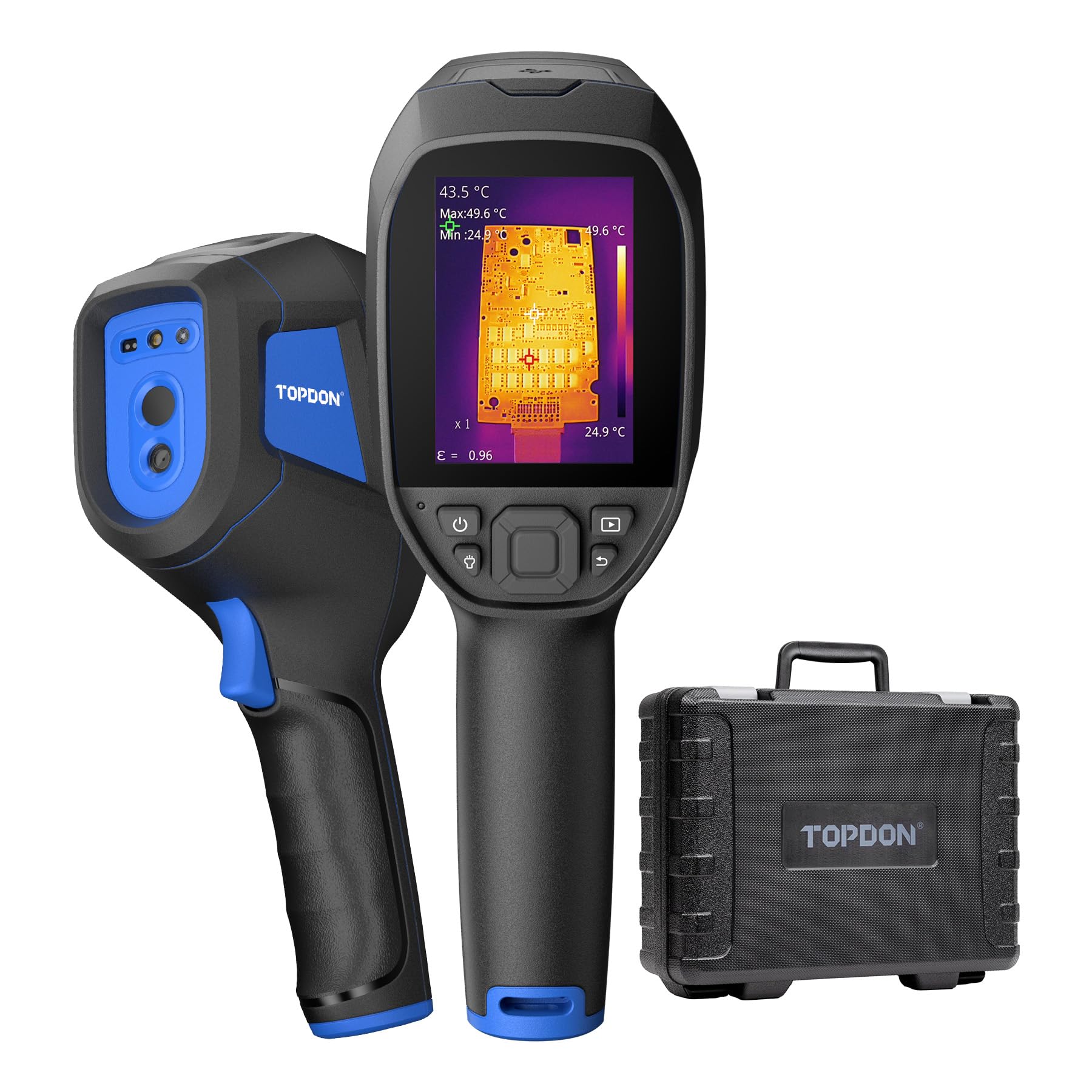
The screen is what convinced us. At 3.5 inches it is one of only two displays this large in the set, and the practical effect is that you can read the temperature numbers and pick out the cold corner of a wall at arm's length instead of pressing the camera to your face. Over an hour of walking a house, that is the difference between a tool you keep using and one you set down.

Underneath sits a 256 x 192 sensor that TISR processing takes to 512 x 384, which is where the useful detail lives: enough to trace a stud pattern through paint or the outline of a warm pipe behind a panel. The 2MP visual camera makes the fusion and picture-in-picture modes worth using rather than a novelty, because the overlay is how you point at one specific breaker and show someone which one it is.

Documentation is where it separates from the cheaper picks. There is 64GB inside, and images move to the TopInfrared app over Wi-Fi or to TopView software over USB for a proper report with measurement points marked. The laser distance measurement up to four meters gives you a reference point on tall walls and ceilings. None of it is hard, but budget an evening with the software before your first paid job.

Eight hours of runtime and a two-hour recharge covers a normal inspection day, and the 1.04-pound body with an IP54 housing takes being set down on concrete without ceremony. It is the camera we hand to anyone whose findings have to survive a second look from a client or a contractor.

Pros

  • 3.5-inch screen readable at arm's length
  • 512 x 384 enhanced detail from a 256 x 192 sensor
  • Laser distance measurement up to 4 meters
  • 64GB storage plus Wi-Fi and PC reporting

Cons

  • Premium price tier
Our verdict

If you want one thermal camera that covers inspection, documentation, and reporting without excuses, we recommend the TC005 — it is the most complete handheld here, and its bigger screen is what sold us.

Check Latest Price
2

Best Budget

AMPBANK H128

88 /100
Keeper Score Excellent

Key details

Battery
Up to 24 hours
Accuracy
±1%
Drop Rating
6.6 ft
Enhanced Resolution
240 x 240 (TISR) from 128 x 128
Check Price on Amazon

The H128 is the camera we hand to someone who is not yet sure a thermal camera is worth owning. It sits at the bottom price tier of this set and still turns a 128 x 128 sensor into a 240 x 240 image good enough to find the cold corner of a room from across it.

Pointed at window frames, door seals, vents, and a breaker panel on a cold morning, it does the job we ask of a budget camera: it tells you where to look next. The temperature alarm is the feature we used most, because setting a threshold and letting the camera flag anything past it beats reading numbers off a small screen. The ±1% accuracy figure is a guide rather than a certification, so treat readings as relative until you have confirmed one with a meter.

Battery is the reason it stays in a toolbox. Up to 24 hours is the longest claim in this set, so it is charged when you finally need it, and a 6.6-foot drop rating means it survives being knocked off a ladder. It is the camera for finding problems, not for documenting them for somebody else.

Pros

  • Up to 24 hours per charge
  • 240 x 240 enhanced image from 128 x 128
  • Survives a 6.6-foot drop
  • Temperature alarm flags hot and cold spots

Cons

  • Small screen is hard to see in bright light
  • Soft detail next to the 256 x 192 models
Our verdict

We keep the H128 in the budget slot because it finds the leaks and hot spots that matter at the lowest price tier here, and its 24-hour battery outlasts everything else in this set.

Check Latest Price
3

Best Midrange

FOXWELL RT280

87 /100
Keeper Score Excellent

Key details

Storage
8GB eMMC
Color Palettes
9
Temperature Range
-4°F to 1022°F
Enhanced Resolution
240 x 180 (TISR)
Check Price on Amazon

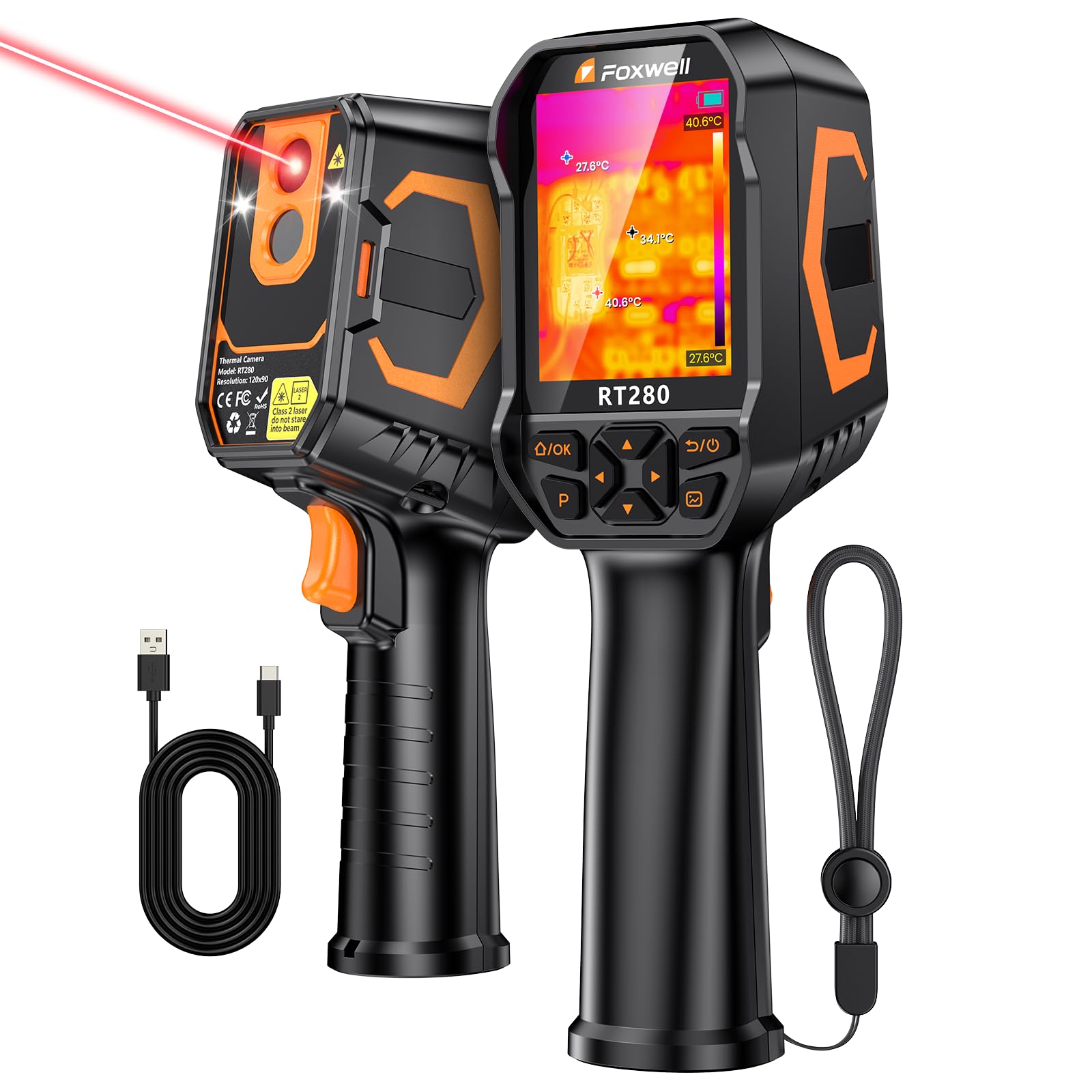
The RT280 does most of what our top pick does for a good deal less money. It puts a 320 x 240 screen, nine color palettes, a laser pointer and 8GB of internal storage into a handheld that sits a tier below the premium cameras here, and it measures the same -4°F to 1022°F range with ±3.6°F accuracy.

Nine palettes sounds like a toy feature until you are hunting a two-degree difference across a wall. The high-contrast and rainbow options make an edge pop in a way iron red does not, and the laser settles which of two identical breakers you are actually pointing at — the sort of small certainty that keeps a job moving. Storage for more than 20,000 images means you stop deleting things mid-inspection.

One thing to know before your first job: the USB-C port does not behave like a standard one on every power adapter, so charge it from the cable in the box and confirm it is taking a charge rather than assuming. It is a small annoyance rather than a fault, and it is worth checking the night before.

Learn two of those nine palettes well and you will read most houses in a single pass. That is what this camera is for: a working tech's tool at a price that does not require a business case.

Pros

  • Nine palettes expose small temperature differences
  • Laser pointer confirms the target
  • 8GB holds over 20,000 images
  • Full-size handheld at a midrange price

Cons

  • 240 x 180 enhanced image trails sharper models here
  • PC analysis software runs on Windows only
Our verdict

A 320 x 240 screen, nine palettes and laser targeting for a midrange outlay — we think the RT280 is the best value in this set for HVAC and electrical work.

Check Latest Price
4

Best Thermal Detail

HSFTOOLS F2VW

86 /100
Keeper Score Excellent

Key details

Weight
2.07 lb
Display
3.2 inches
Temperature Range
-4°F to 1022°F
Enhanced Resolution
640 x 480 (super resolution) from 256 x 192
Check Price on Amazon

Two pounds is roughly double the weight of the compact handhelds here, and the F2VW is the one camera in this set that feels like equipment rather than a gadget. Set it down beside a panel and it stays put; hold it out at arm's length for a while and you will notice it. What you carry the extra weight for is at the top of the specification sheet.

That is a 256 x 192 sensor with live AI super resolution to 640 x 480, the sharpest thermal image in this group. In practice it means edges: the outline of a manifold behind drywall, a stud pattern through paint, a footprint still cooling on tile. The 2MP visual camera and four display modes make the overlay useful when you are explaining a finding to someone standing next to you, and 16GB onboard holds a full day of images.

We rate it the pick for anyone whose images end up in a report, a client email, or an insurance file. A homeowner looking for a draft does not need 640 x 480 and should not pay for it; a technician who has to prove a finding does. Point it at a warm manifold and the fusion image tells the story without a caption.

Pros

  • 640 x 480 enhanced detail, sharpest here
  • 2MP visual camera for fusion and overlay
  • Wi-Fi sharing to a phone or tablet
  • 16GB storage plus a carry case

Cons

  • Premium price tier
  • Wi-Fi hotspot takes your phone off its network
Our verdict

We recommend the F2VW for anyone whose thermal images leave the job site: its 640 x 480 enhanced picture carries detail the budget end of this set simply cannot show.

Check Latest Price
5

Best Pocketable

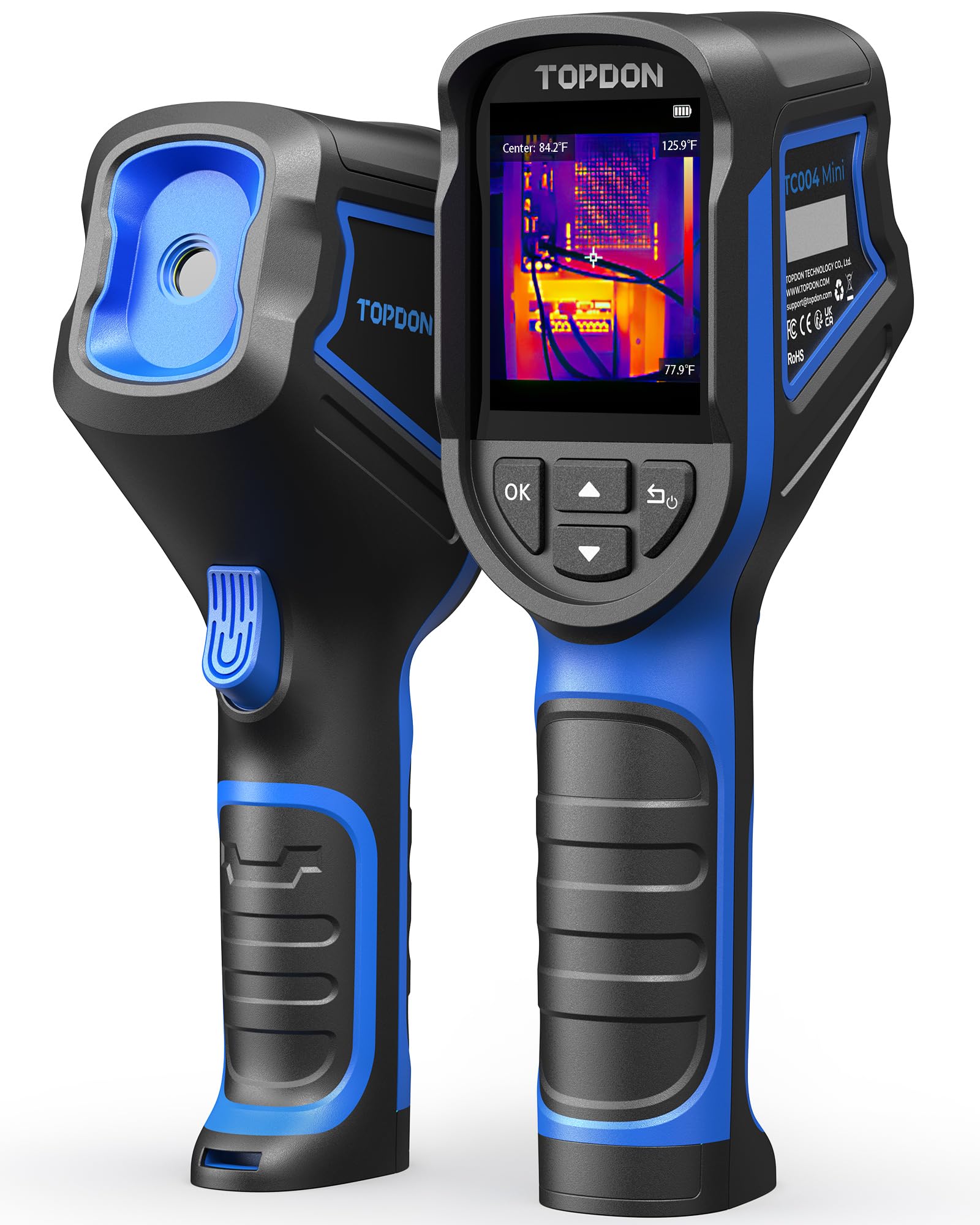
TOPDON TC004 Mini

87 /100
Keeper Score Excellent

Key details

Battery
Up to 15 hours
Field Of View
40° x 30°
Temperature Range
-4°F to 842°F
Enhanced Resolution
240 x 240 (TISR) from 128 x 128
Check Price on Amazon

Forty by thirty degrees is a narrower window on the world than the 50-degree lenses on most of the cameras here, and you notice it the first time you scan a whole wall: you either step back or you pan. What you get in exchange is a body that disappears into a jacket pocket, which changes how often you actually use the thing.

The sensor is 128 x 128, enhanced to 240 x 240, and the range runs from -4°F to 842°F with ±3.6°F accuracy — plenty for drafts, insulation, radiators, and an overheating laptop. Fifteen hours of runtime, plus auto-shutdown at 5, 10, or 20 minutes, means it is charged when you grab it rather than when you planned to.

Where it earns its place is as the camera you do not have to plan around: throw it in a bag, pull it out for ten seconds at a vent or a window frame, put it away. As a first or only thermal camera for serious inspection work it will run out of detail; as a constant companion, it is the one we have used most.

Pros

  • Fits a jacket pocket at 1.03 pounds
  • Up to 15 hours per charge
  • 240 x 240 enhanced detail from 128 x 128
  • Auto shutdown at 5, 10 or 20 minutes

Cons

  • No memory card slot for offloading photos
Our verdict

The pocket-sized TC004 Mini is the camera we recommend when portability beats detail — it runs 15 hours and finds drafts and hot spots without a case or a plan.

Check Latest Price
6

Best Phone Module

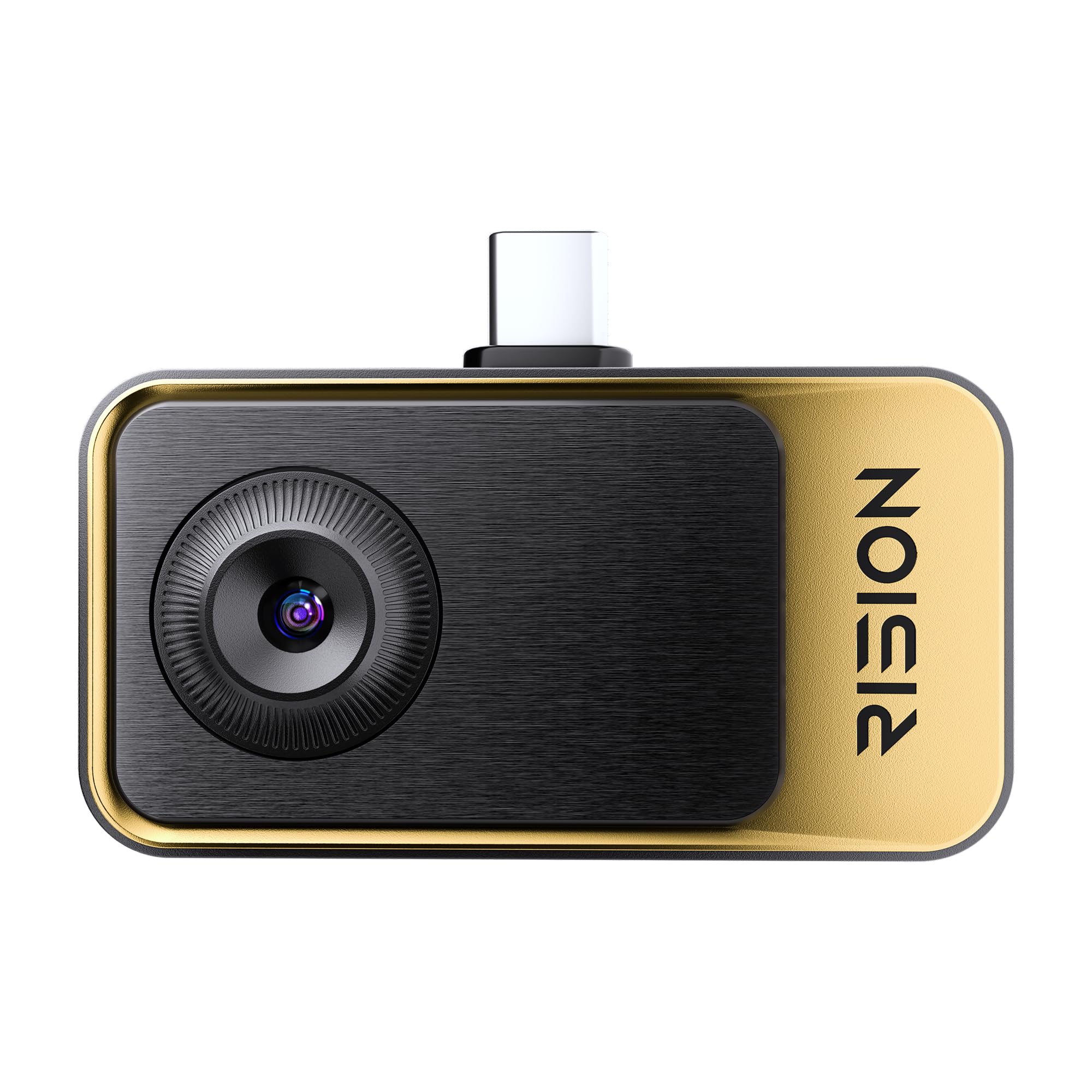
RISION Magic

87 /100
Keeper Score Excellent

Key details

Weight
0.8 oz
Connection
USB-C, iOS/Android/Windows
Temperature Range
-4°F to 1112°F
Enhanced Resolution
320 x 240 (QuadIR) from 160 x 120
Check Price on Amazon

There is an extra step with any phone module: it only works when it is plugged into something. The Magic makes that step worth taking. It weighs 0.8 ounces, has no battery to charge, and turns a USB-C device into a 320 x 240 thermal imager in about the time the app takes to open. Of the modules we handled, this is the one we recommend first.

The sensor is 160 x 120, upscaled to 320 x 240 with QuadIR processing, and the range runs from -4°F to 1112°F — the highest ceiling in this set, which matters if you are looking at exhaust components or a hot motor rather than a drafty wall. Hot and cold tracking stays live as you pan, and the app lays spot, line, and area measurements onto the image without asking you to register an account.

Expect the plug to be the fussy part. Modules like this can need reseating before the app recognizes them, so plug in and confirm an image appears before you walk a building. Once it is running, the isotherm is the tool we came back to: set a temperature and everything colder than it turns one color, which is the fastest way to find a cold streak running across a ceiling.

Pros

  • Weighs 0.8 ounces with no battery
  • Measures to 1112°F, highest here
  • Spot, line and area analysis in the app
  • No app registration required

Cons

  • Needs a USB-C device, no Lightning support
  • No Mac support in the software
Our verdict

Plug the Magic into a USB-C phone or laptop and you have a capable thermal imager for the price of an accessory — it is the phone module we recommend first.

Check Latest Price
7

Documentation Work

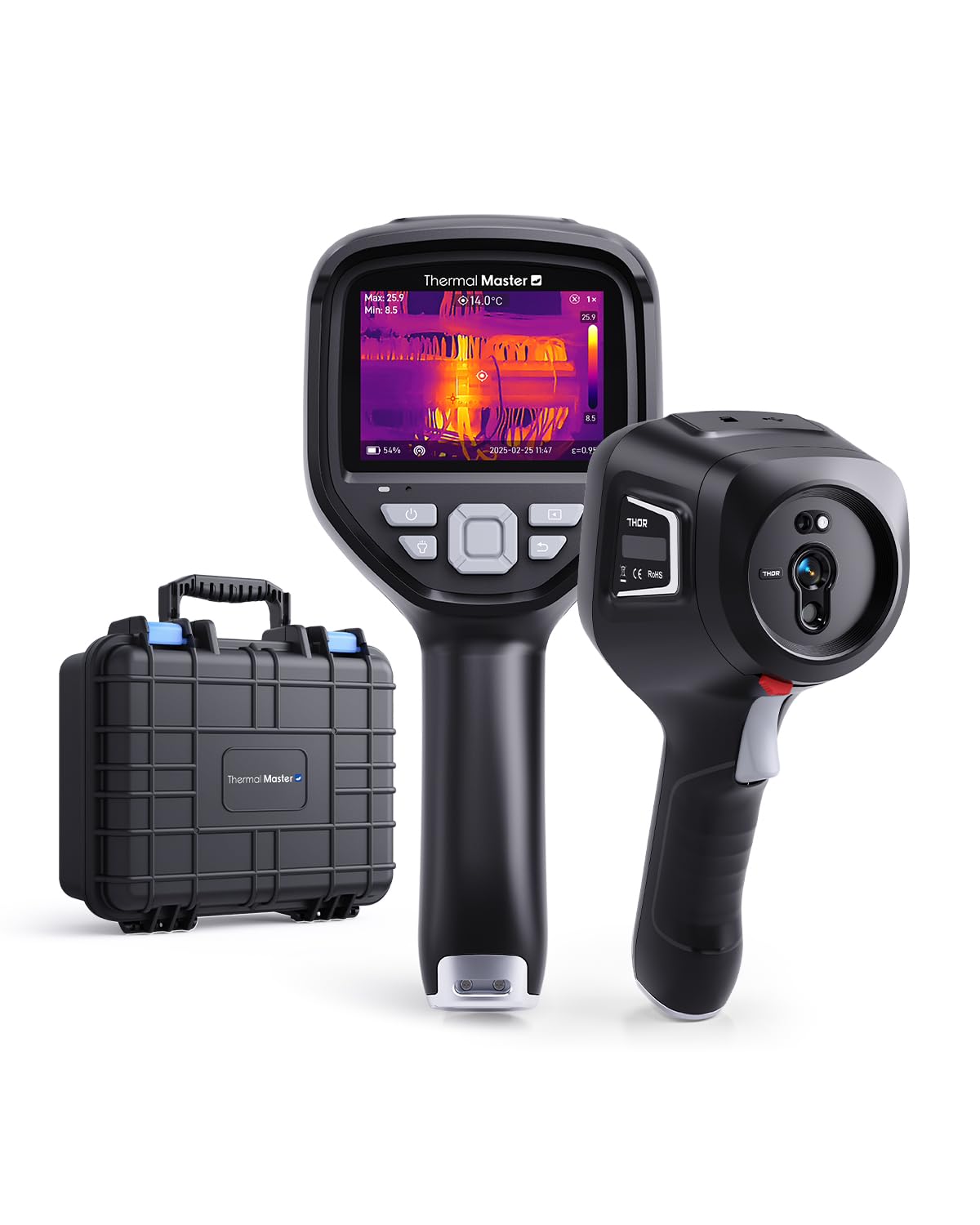
Thermal Master Thor002

84 /100
Keeper Score Excellent

Key details

Display
3.5 inches
Storage
32GB card
Temperature Range
-4°F to 1022°F
Enhanced Resolution
512 x 384 (X³) from 256 x 192
Check Price on Amazon

Five imaging modes is more than most people will ever switch between, but two of them are the reason to look at the Thor002. Pro-Mix blends thermal and visible detail so a hot connection appears inside a recognizable photo of the panel, and PIP puts the same pairing in a corner of the frame. Both make a finding easier to explain than a pure thermal image ever does.

Underneath is a 256 x 192 sensor that X³ processing takes to 512 x 384, with 40mK sensitivity and a 3.5-inch IPS screen rated scratch-resistant for daily field use. You get a 32GB memory card, a rugged hard case, and a two-year warranty in the box, which is a more complete kit than most cameras here ship with.

Wi-Fi streaming to a phone or tablet is handy when you are working alone and want the screen where your hands are not, and the PC software handles the analysis once you are back at a desk. The modes take a session to learn properly; flip through all five on the first job and you will spend more time in menus than in walls.

We see the Thor002 as a serious alternative to our top pick for someone who likes working with overlays and wants a hard case from day one. The choice comes down to the modes and the kit versus our top pick's screen and its more complete reporting workflow.

Pros

  • Five imaging modes including Pro-Mix and PIP
  • 512 x 384 enhanced detail from 256 x 192
  • 32GB card and hard case included
  • Two-year warranty

Cons

  • Heavy at 4.2 pounds for one-handed work
  • Digital zoom adds pixels rather than detail
Our verdict

The Thor002 earns its place on imaging modes and packaging: five overlay styles, a scratch-resistant screen, and a hard case, at the same price tier as our top pick.

Check Latest Price
8

Drafts and Vents

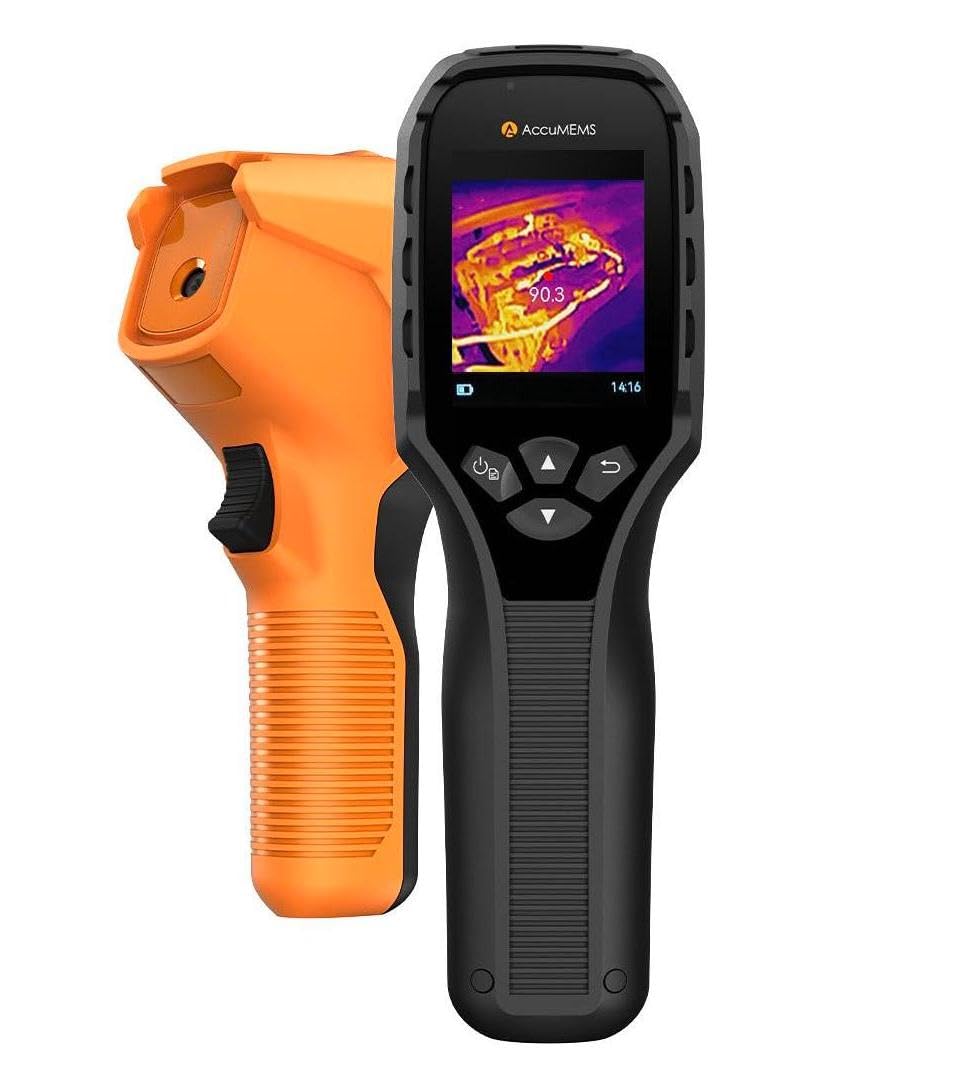
AccuMEMS GT14S

87 /100
Keeper Score Excellent

Key details

Weight
8.47 oz
Battery
Up to 14 hours
Temperature Range
-4°F to 1022°F
Thermal Sensitivity
NETD < 50mK
Check Price on Amazon

A stated sensitivity of 0.05°C is the number to look at, because it is what lets a camera show you a difference you would never feel with a hand. That is the GT14S's pitch: fractions of a degree, in a 240-gram body, for less than any other full handheld in this set.

The rest of the specification supports it. The range runs from -4°F to 1022°F, the lens covers 50 degrees so you are not panning constantly, and a thermometer mode plus settable high and low alarms let you walk a room and let the camera flag what is out of bounds. A 2500mAh built-in battery charged over USB-C is good for up to 14 hours.

What is missing is the sensor resolution. AccuMEMS does not publish one for the GT14S, so this is not the camera to buy if you need to show a client a crisp thermal image of a specific component. Judge it on temperature work instead, where it has everything it needs.

For vents, radiators, door seals, and the general question of where the heat is going, it does the job for less than anything else here. We think it is the right first thermal camera for a homeowner who wants numbers more than pictures.

Pros

  • Lightest full handheld at 240 grams
  • Up to 14 hours on a built-in battery
  • Wide -4°F to 1022°F measurement range
  • Thermometer mode with high and low alarms

Cons

  • No published sensor resolution to compare on
Our verdict

The GT14S is the lightest full handheld here and covers a wide temperature range for the least money — buy it for finding hot and cold spots, not for fine detail.

Check Latest Price

How We Chose and Tested These Thermal Cameras

We started with every handheld model we could find in the entry-level-to-prosumer range, then filtered out anything with a fixed-focus lens that couldn't read a breaker up close, a screen that washed out outdoors, or a sensor below 128 by 128. That left eight cameras. We ran them through seven months of the same problems, in the same order, so the images could be compared side by side afterward.

The scenes were real ones. In August I crawled through a friend's attic looking for missing insulation and along the rim joist of a crawl space. In January I walked the outside walls of my own house at dusk, when the indoor-outdoor temperature difference is sharpest. We also aimed them into a loaded breaker panel, at supply and return vents, at ductwork in a finished basement, at under-sink plumbing on a cold morning, and at the underside of a laptop that was running hot.

Image quality we judged by comparison. We looked at the same stud bay in native and in super-resolution mode to see whether edges stayed clean or smeared, and swept each camera across a room to watch how far the picture lagged behind the pan. For accuracy, every unit read the same patch of drywall and the same glass of ice water, and we set each high/low alarm to see whether it fired where the manual promised. Ease of use came down to button presses: how many it took to save a photo one-handed, whether the menu made sense with work gloves on. Connectivity got timed three ways — card into a reader, cable into a laptop, and each maker's PC software. Battery life was run down in a cold garage, which is where it dies in real life, and we weighed price last, against what each camera could actually do.

How to Choose a Thermal Camera

The Enhanced Number Is Not the Sensor

Every camera here advertises an impressive second figure — TISR, X³, QuadIR, live AI super resolution — and every one of those is processing on top of a smaller sensor. The sensor itself is 128 x 128 on the budget handhelds, 160 x 120 in the phone module, 256 x 192 on the midrange and premium models. Enhancement sharpens an edge you have already found; it cannot recover detail the sensor never captured.

If your images end up in front of a client, start at 256 x 192 native. If you are chasing a draft under your own window, a 128 x 128 camera with good enhancement will find it.

Field of View Changes How You Work

A wide lens takes in a whole wall from a few feet back, which is what you want when you are walking a house looking for the cold room. A narrower lens puts more pixels on the thing in front of you and less of the room around it — better for a breaker, a manifold, or a circuit board.

The difference is easy to underestimate, because two cameras with the same sensor can feel like different tools. If you inspect buildings, go wide. If you troubleshoot components, get closer and accept the panning.

Handheld or Phone Module

A module has no screen and no battery, so it is always with you and never needs charging — and it makes your phone the display, which is either convenient or awkward depending on whether you are up a ladder. A handheld is faster to point and easier to hand to a colleague, but it is another device to charge and carry.

Check the software before you commit. Several desktop analysis packages here are Windows only, and a Mac-based workflow needs a plan before the camera arrives.

Range, Accuracy, and the Emissivity Trap

Most of these cameras measure from -4°F to around 1022°F, which covers HVAC, electrical, and automotive work; a couple go higher, and one stops lower. Accuracy of ±2% or ±3.6°F is normal at this level, and it is a claim about a cooperative surface.

Bare copper, polished aluminum, and shiny pipe are not cooperative — they read low because they reflect rather than emit. Put a strip of matte tape on the target and measure that instead, and check the low end of the range if you work outdoors in winter.

Frequently Asked Questions

Final Verdict

The TOPDON TC005 is the camera we recommend to anyone who needs thermal imaging to do real work. It has one of the two biggest screens here, detail that survives being blown up on a laptop, and the software to turn a walk-through into a report someone else can read.

Tighter budget? The AMPBANK H128 finds the same leaks for far less. Want nothing extra to charge? The RISION Magic turns the phone in your pocket into the camera.