Best Streaming Controllers of 2026

You're twenty minutes into a stream, the dog starts barking, and you need your mic muted — now. Alt-tabbing out of a game to hunt for a hotkey is how you end up broadcasting dead air, your desktop, and a very confused chat. A streaming controller solves that with a row of physical keys that fire the actions you actually use: mute, scene changes, clip saves, camera on and off.

I've been building scenes and hotkeys for years, and over the past six months my team and I have run a dozen of these decks through real streams, recordings, and editing sessions. What separates them isn't the key count. It's the software, the feel of the press, and whether you can relabel a key without opening a manual. Most decks now put a small screen under each button, and a few add a dial or two for volume and scrolling — worth having once you've used them, easy to overpay for if you haven't. The ones below are what we kept reaching for after the novelty wore off.

Keeper Score summarizes customer ratings and review volume. Read it alongside the product details and trade-offs. How the score works.

1

Best Overall

Elgato Stream Deck MK.2

96 /100
Keeper Score Outstanding

Key details

Stand
Desktop stand included
Controls
15 LCD keys
Software
Elgato plugin store
Connection
USB-C
Check Price on Amazon

Every deck here gets measured against the Stream Deck MK.2, and after a few weeks of switching between them we understand why: Elgato's software is the only one that never interrupted what we were doing. Fifteen LCD keys, a plugin library that reaches OBS, Twitch, YouTube, Discord, Spotify and Philips Hue, and a layout editor simple enough to hand to someone who has never built a macro. That combination is why it's the deck we recommend first.

The keys matter, but multi-actions are what turned it into a habit. A single press can cut to a scene, unmute the mic and start recording, which is the kind of thing you stop thinking about after a week. The key screens stay readable at a glance in a bright room, the included stand tilts the deck toward you, and the unit itself is light enough to move between a desk and a bag without a second thought.

What we didn't expect to lean on is the hotkey action, which fires plain keyboard shortcuts into programs that have no plugin at all. That's how the MK.2 ends up driving Lightroom exports and a few spreadsheet macros on days when nothing is being streamed. A two-year warranty covers it, and it's compact enough to sit behind the keyboard rather than beside it.

Pros

  • Fifteen LCD keys with sharp, readable labels
  • Broadest plugin coverage of any deck here
  • One press can run a multi-step action
  • Hotkey actions cover apps with no plugin

Cons

  • No dials for audio or scrubbing
  • Costs more than the budget decks here
Our verdict

We recommend the MK.2 to almost anyone who streams: the widest plugin support, the fastest setup, and 15 keys that do exactly what their labels say.
Check Latest Price
2

Best Value

Fifine D6W

90 /100
Keeper Score Outstanding

Key details

Finish
White with RGB
Controls
15 LCD macro keys
Profiles
Multi-scene switching
Compatibility
PC and Mac
Check Price on Amazon

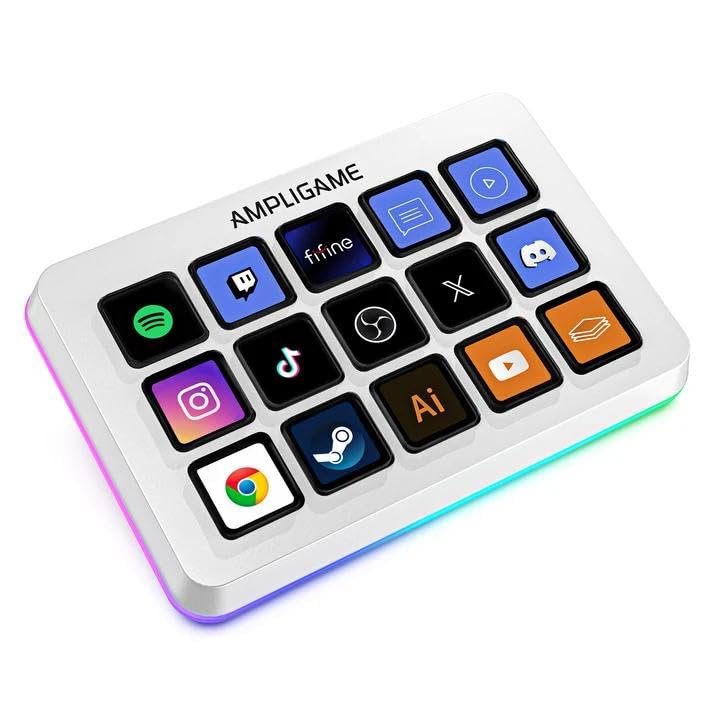
Fifteen display keys, a white shell, and a smaller price tag than the deck we recommend first: the Fifine D6W exists to give you the 15-key layout without Elgato money. It's the deck we point people toward when the top pick is more than they want to spend on a first controller.

The part we appreciate most is how little the software gets in the way. Download it, drag actions onto keys, drop in your own icons or images, and you're running scenes; there's no account layer between you and the buttons. The 15 keys also hold separate profiles, so a gaming layout, an office layout and a streaming layout can all live on the same deck and switch with the room you're working in.

The white finish is the detail that decides it for a lighter desk — every other deck here is black — and the RGB behind the keys can be turned down to a quiet glow or pushed for a colored setup. You can put a photo or a plain word on a key instead of an icon, which is how we ended up labeling scenes in text rather than hunting for the right symbol.

Pros

  • Fifteen display keys at a lower price
  • Clean white finish with controllable RGB
  • Separate profiles for gaming, office and streaming
  • Quick to set up in its own software

Cons

  • Smaller plugin library than Elgato's
  • Key presses need a firm push
Our verdict

Buy the D6W if you want fifteen labeled keys and a bright white deck without paying top-pick money — it does the same job with a smaller plugin library.

Check Latest Price
3

Best for Audio Control

VSD N4 Pro

85 /100
Keeper Score Excellent

Key details

Stand
Foldable 60-degree stand
Plugins
500+ downloadable plugins
Controls
10 LCD keys, 4 knobs, touch bar
Connection
USB-C
Check Price on Amazon

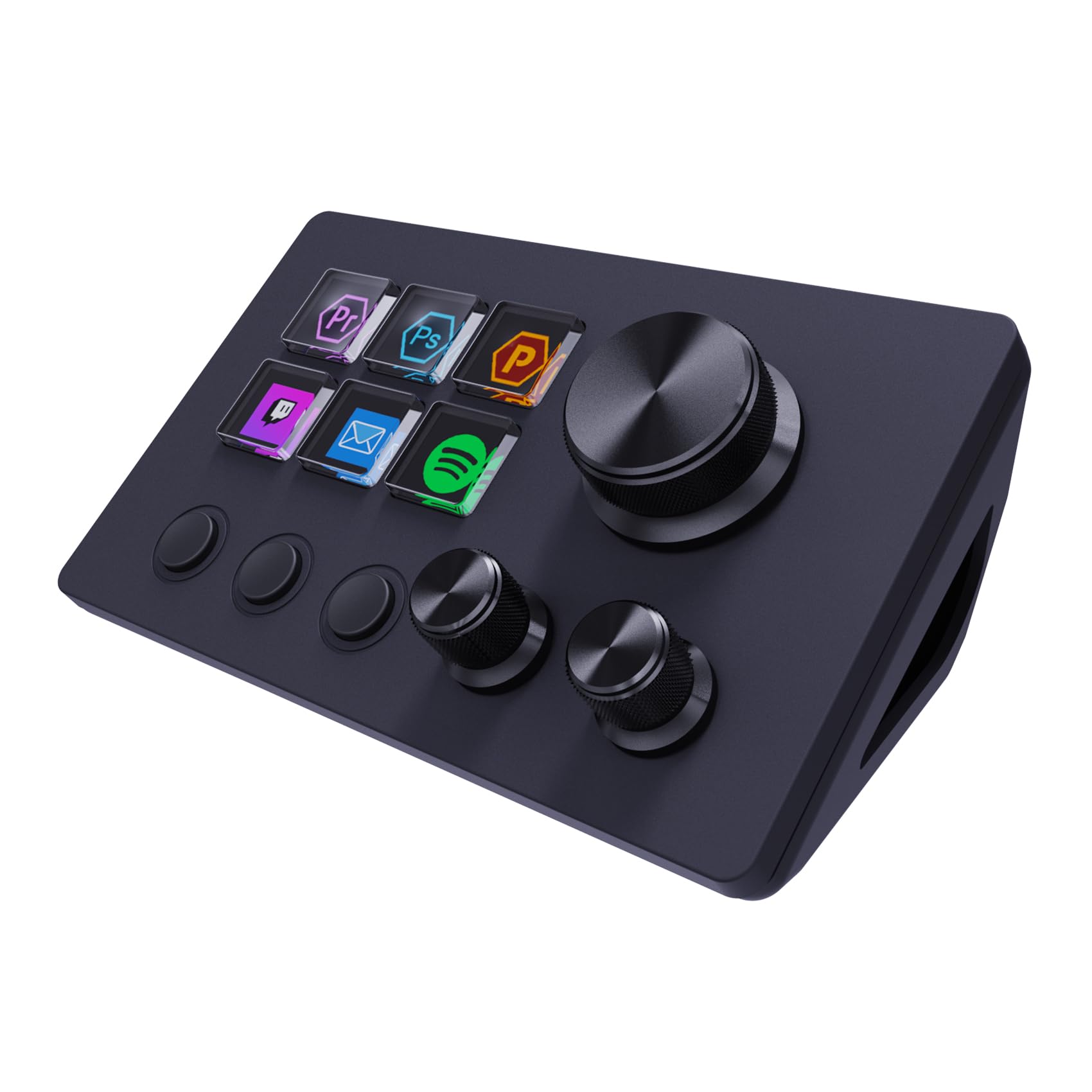
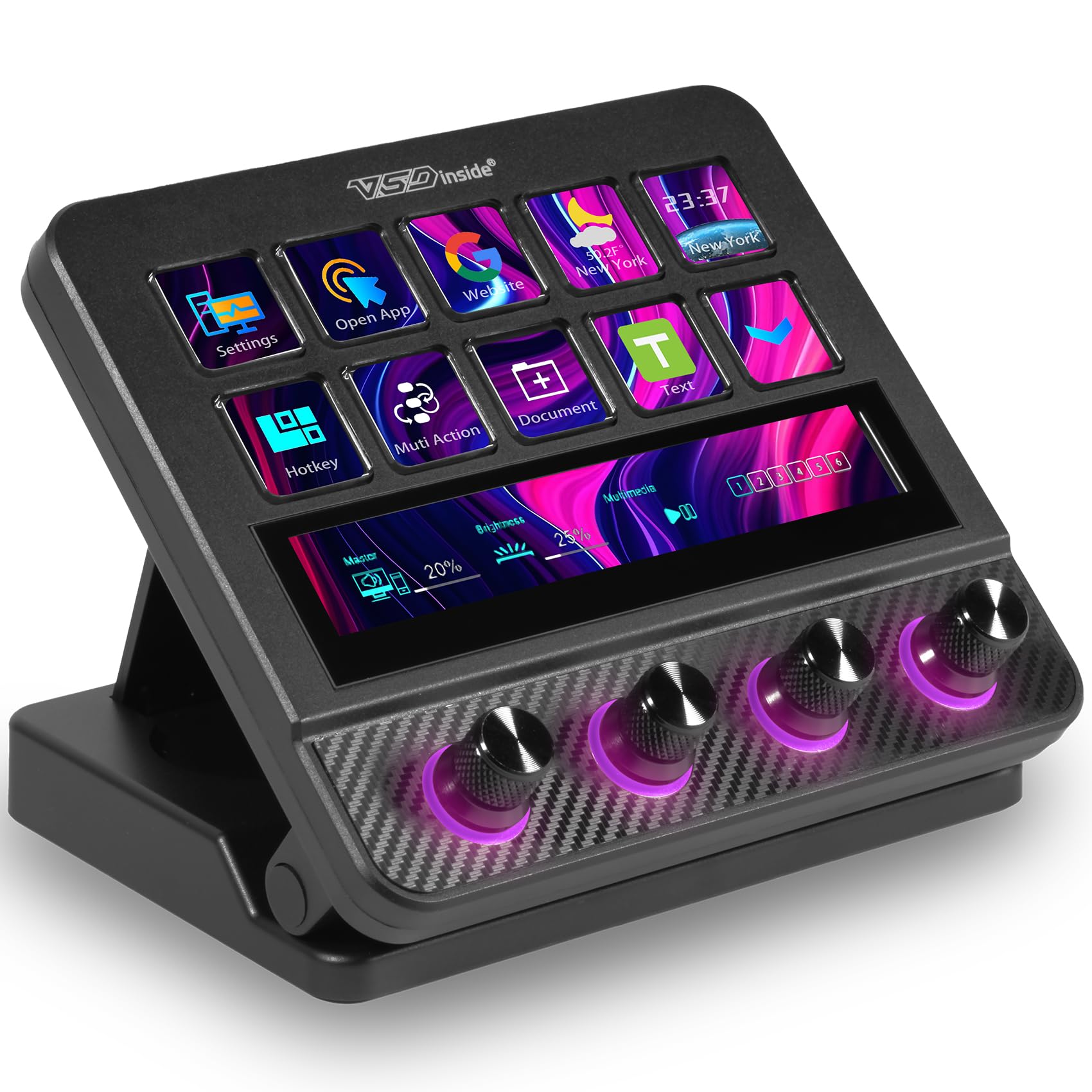
Four knobs sit under ten LCD keys on the N4 Pro, and those knobs are the reason it's on this list at all. Volume, mic gain, game audio and chat are the things you touch constantly during a stream, and a twist is faster and more precise than tapping a key marked volume up three times in a row.

The touch bar shows what you're adjusting, a foldable stand holds the deck at 60 degrees, and the unit feels denser and better finished than anything else in the budget group. Lit knobs mean you can find the right one in a dim room without looking away from the screen, and the lighting can be set to follow your audio, which looks good on camera even if it does nothing for the stream.

For an audio-heavy broadcast — game, mic, chat, music — this is the most complete control surface in the set, and nothing else here lets you ride four levels at once without leaving the first page. If your stream is mostly scene switches with an occasional volume nudge, the knobs won't earn their footprint and the Elgato's simpler path is the better buy.

Pros

  • Four knobs for levels and scrubbing
  • Touch bar shows the value you're adjusting
  • Most solid build among the budget decks
  • Foldable stand holds a 60-degree angle

Cons

  • Steepest setup in this group
  • Control app can crash mid-session
Our verdict

For streamers who ride levels live, the N4 Pro is the one to get: four knobs and a touch bar give you control no key-only deck here can match.

Check Latest Price
4

Best for Large Layouts

VSD M18

87 /100
Keeper Score Excellent

Key details

Controls
18 keys (15 LCD, 3 physical)
Lighting
RGB surround ring
Thickness
0.8 in
Connection
USB-C
Check Price on Amazon

Eighteen keys in a slab less than an inch thick: the M18 puts more buttons on your desk than anything else we recommend, and it does it for less than either of the 15-key decks above it. Fifteen are LCD screens; the other three are physical buttons along the bottom edge, which is where we parked mute, record and a panic switch.

That changes how you build pages. With 18 keys you can give a whole page to audio and never leave your first screen, which is exactly what a six-key deck can't do. The RGB ring around the edge reads well in a dark room, and the shallow body tucks under a monitor instead of competing with the keyboard.

Programming is the familiar routine: pick an action, drop it on a key, choose an icon or a GIF. Nothing about the frame feels premium in the hand, but it doesn't flex and the keys bottom out with a definite click — for this many controls at this end of the range, that's the right set of compromises.

Pros

  • Eighteen keys, the most in this group
  • Three physical buttons below the screens
  • Slim 0.8-inch body with an RGB ring

Cons

  • No Bitfocus Companion support
Our verdict

Choose the M18 if your layout needs more than fifteen buttons: it's the highest key count here, and the three physical keys are the ones you'll hit blind.

Check Latest Price
5

Best for Small Desks

ActionRing N3

88 /100
Keeper Score Excellent

Key details

Controls
6 LCD keys, 3 dials
Software
Drag-and-drop app with widgets
Warranty
2 year
Connection
USB
Check Price on Amazon

Desk space is the first problem the N3 solves: six LCD keys and three dials in a body that leaves the rest of the desk alone. It's the smallest deck here with real dials, and that combination keeps it on our list for anyone streaming from a compact setup or a desk they share with other work.

The dials are the part we didn't expect to use as much as the keys. One per audio source — game, mic, music — plus six keys for scenes and mute covers a simple two-camera stream with no paging at all, and the same dials make timeline scrubbing bearable when you switch from streaming to editing. The case sits flat and stays put, and the top surface looks cleaner than most of the budget group.

There's also a widget space with clock, stopwatch, weather and calendar tiles, which is more useful on a work desk than in a stream layout — the kind of thing that quietly turns a streaming accessory into an everyday tool.

Pros

  • Three dials and six keys in a small body
  • Dials suit audio and timeline scrubbing
  • Sits flat and stays put on the desk

Cons

  • Six keys run out on busy streams
Our verdict

A compact stream and a shared desk are exactly what the N3 is for: three dials and six keys cover the basics without taking over the surface.

Check Latest Price
6

Budget 15-Key Setup

SOOMFON Stream Controller

82 /100
Keeper Score Excellent

Key details

Cable
USB-C included
Stand
Removable, flat or angled
Controls
15 LCD keys
Minimum OS
Windows 10 64-bit, macOS 11
Check Price on Amazon

A removable stand sounds like a footnote until you've tried to fit an angled deck into a keyboard tray: the SOOMFON's stand pops off so the deck can lie flat, and it clips back on in a second when you want it tilted up behind the keyboard.

The rest is conventional in a good way. Fifteen LCD keys take your own icons, the software is a drag-and-drop app with a plugin store attached, and setup is quick by the standards of this group — most of the work is deciding what goes where rather than fighting the app. Profiles let you keep a streaming page and a work page separate, which matters once the keys start filling up.

Our take is that this is the deck to buy when 15 labeled keys are the whole point and you don't need much beyond OBS and a soundboard. It handles the basics without drama, and lying flat in a keyboard tray is how it ended up living on our desk — the keys stay readable at that angle, which is not a given.

Pros

  • Fifteen LCD keys at the lowest price here
  • Removable stand lets it lie flat
  • Software is straightforward to program

Cons

  • Plugin store is narrower than Elgato's
Our verdict

The SOOMFON is the budget 15-key deck we point to when the top pick is out of reach, as long as its smaller plugin store covers your apps.

Check Latest Price
7

Narrow Desk Space

ActionRing N1

85 /100
Keeper Score Excellent

Key details

Modes
Shortcuts, calculator, keypad
Width
2.98 in
Controls
15 LCD keys, LCD bar, dial
Minimum OS
Windows 10, macOS 14
Check Price on Amazon

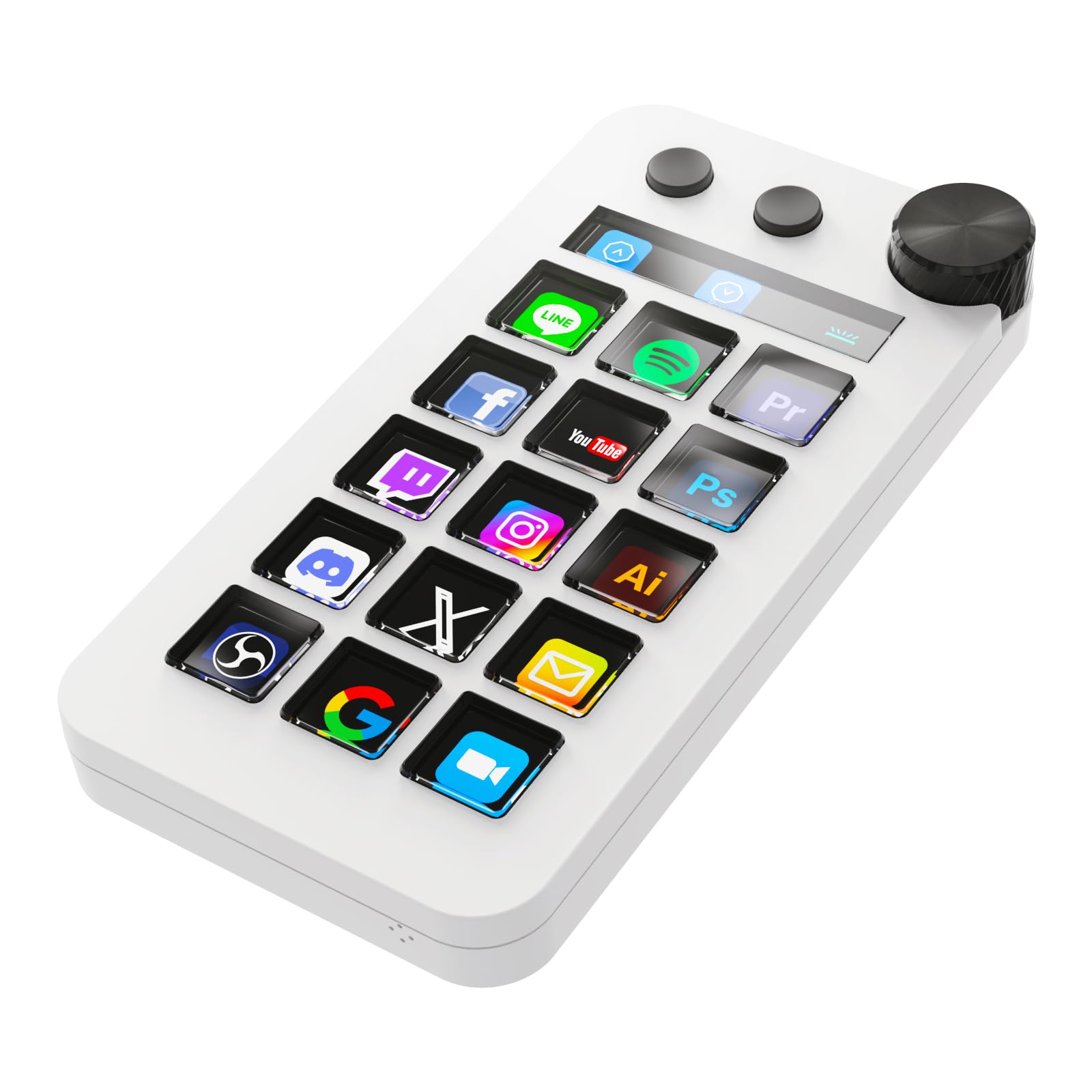
About three inches wide, the N1 stacks 15 LCD keys, an LCD bar and one large dial in a vertical column instead of a horizontal slab. On a desk shared with a mic arm and a second monitor, that's the difference between having a controller and having no room for one.

The column takes a session to get used to, since your hand travels up and down where every other deck has you moving across, but the shape is the point once it clicks: it slides into the gap between a monitor and a mic arm, or beside a laptop, where a 15-key slab would simply be in the way.

Three modes are the real differentiator. It can act as a shortcut deck, a calculator or a numeric keypad, and switching is a button press rather than a restart. If you do invoices or data entry between streams, that's a second device you don't have to buy, and the LCD bar across the top gives you somewhere to put a clock or a level readout.

For a tight desk and a mixed workload this is the pick; for a wide streaming layout with four audio sources, the N4 Pro's knobs are the better tool and one large dial won't keep up. The number pad mode is the detail that keeps the N1 in the conversation — a macro deck, a calculator and a numeric keypad in the same three inches is genuinely clever design.

Pros

  • About three inches wide on the desk
  • Three modes: shortcuts, calculator, keypad
  • Fifteen keys plus an LCD bar and dial

Cons

  • Mac software needs macOS 14 Sonoma
Our verdict

When desk width is the constraint, the N1 is the answer: a vertical 15-key deck whose number pad mode earns its three inches.

Check Latest Price

How We Tested These Streaming Controllers

We started by collecting every programmable deck we could find that advertised OBS and Twitch integration, then cut anything without current Windows and Mac software, anything too small to be genuinely useful, and anything whose support page looked abandoned. That left a shortlist running from compact six-key pads up to 18-key decks with dials, touch bars, and stands. Twelve of them went onto our desks for six months.

Each controller lived through a twice-weekly livestream, a weekly podcast recording, several evenings of video editing, and the ordinary weekday work that fills a desk — muting during calls, opening folders, punching numbers into spreadsheets. We ran every unit on both a Windows PC and a Mac, unplugged and replugged it mid-session, and let the computer sleep and wake to see whether the software kept its grip on the deck.

Setup was timed from opening the box to the first key doing what we wanted, and we built the same ten-action profile on every deck: mic mute, camera toggle, three scene switches, a clip save, a volume nudge, and two workflow shortcuts. We noted how long that took, whether the software found the hardware on the first try, and how much trial and error went into labeling keys. Responsiveness we judged by pressing each button hundreds of times over the months, watching for missed presses or actions that only fired at the very bottom of the travel. We also pushed each deck around the desk to see if it slid, checked whether keys wobbled under a thumb, and logged anything that went mushy by month four. Finally, we weighed what each one cost against the keys, dials, and screens it actually delivered.

How to Choose a Streaming Controller

Keys or Dials: Match the Controls to the Job

Scene changes, mute, and source toggles are on-or-off decisions, so keys handle them well. Volume, mic gain, game audio and timeline scrubbing are continuous, and a dial wins there: one twist moves you from quiet to loud without triple-tapping a key labeled volume up.

Write down the five things you adjust most during a stream. If three of them are levels, buy knobs — the VSD N4 Pro has four, the ActionRing N3 has three. If they're mostly actions, put the money into more labeled keys instead. During our testing, the decks with dials were the ones we reached for the moment audio went wrong.

The Software Decides What the Deck Can Do

Every deck here is a shell around an app, and the app is the real limit. The plugin marketplace determines which programs you can control without mapping shortcuts by hand, and coverage varies: some stores are deep on OBS and thin on Streamlabs, and a few integrations only work with one of them.

Before you order, open the maker's plugin page and search the three programs you use most. If your main app isn't listed, the deck still works through plain keyboard shortcuts, but you'll be doing the mapping yourself — which is fine for a simple layout and tedious for a complicated one.

Size the Layout Before You Size the Desk

Six keys sounds like plenty until you've assigned scenes, a mic mute, a soundboard and a couple of source toggles. Decks absorb the overflow with pages and folders, but paging mid-stream is the least pleasant part of a small controller.

Count the actions you touch in a session and add one page of headroom: a simple two-scene stream fits on six keys, while overlays, alerts and several audio sources want 15 or more. Bigger isn't automatically better — the M18's 18 keys only earn their space if you'll fill them.

Stands, Footprint and Cables

Most decks sit at a fixed angle. A removable stand, like the one on the SOOMFON 15-key, lets the deck lie flat in a keyboard tray or sit angled behind it, which matters more than it sounds on a shallow desk. Measure the gap under your monitor before you commit to an upright deck — a steep stand can hide the bottom row behind the bezel.

Run the cable to a port on the computer itself rather than an unpowered hub. A bus-powered deck on a hub is the first thing to check when one stops being recognized in the middle of a stream.

Frequently Asked Questions

Final Verdict

The Elgato Stream Deck MK.2 is the streaming controller we recommend to almost everyone: 15 labeled keys, the broadest plugin library in this group, and software that doesn't fight you mid-broadcast. Nothing else here is as easy to hand to someone who has never built a macro.

Two requirements change the answer. If the budget is tighter, the Fifine D6W does the same 15-key job for less and gives up ecosystem depth rather than function. If you ride levels live, buy the VSD N4 Pro instead — four knobs are the difference between a controller you use and one you fight.