Best Smartphone Gimbals of 2026

A phone gimbal is a simple machine: three motors hold your phone steady while your hand does whatever it wants, and walking footage starts to look like it came off a slider. The motors are rarely what separates a keeper from a drawer ornament. What matters is everything around them — whether tracking holds when your subject ducks behind a parked car, whether the app cooperates, whether the hinge still feels tight in month three, and whether the thing folds small enough to leave the house.

I've been shooting trips and family videos on my phone for years, and I've abandoned more gimbals than I've kept. My team and I spent the past seven months carrying 11 of them on walks, up staircases, and through backyard birthday parties, clamping everything from a compact iPhone to a big Pro Max into each one. The spec sheets told us very little; the ones that won balanced in seconds and held a moving subject.

Most of the difference shows up in the first ten minutes of real use. Here's what earned a spot in my bag.

Keeper Score summarizes customer ratings and review volume. Read it alongside the product details and trade-offs. How the score works.

1

Best Overall

DJI Osmo Mobile 7

89 /100
Keeper Score Excellent

Key details

Weight
10.6 oz
Folded Size
179*95*39 mm
Battery Life
10 hours
Built-in Tripod
Yes
Check Price on Amazon

The 300-gram body and built-in tripod are why this is the gimbal we recommend first. It is light enough to hold through a long take, and the legs fold out when you want to set it down and film yourself. The magnetic clamp snaps the phone into place quickly, which matters more than it sounds when you are trying to catch a moment. The anti-slip handle stayed comfortable in a loose grip.

DJI's Mimo app is a big part of the package. ActiveTrack 7.0 follows a subject, and ShotGuides walks you through shooting ideas when you are still learning. We found the stabilization smooth at a normal walking pace, and the ten-hour battery rating gives you room for a day of short clips rather than a continuous live stream. The app also handles one-tap edits, which is useful when you want a clip ready before you leave the location.

The Osmo Mobile 7 is not the most feature-heavy gimbal here, and that is part of its appeal: there is less to configure before you start shooting. It is the one we reach for when we want stable video without turning a walk into a production. The fold-flat body fits into the included storage pouch, so it can live in a camera bag without a dedicated case.

Pros

  • Light 300-gram body
  • Built-in tripod for solo shots
  • ActiveTrack and ShotGuides in Mimo
  • Ten-hour battery rating

Cons

  • Stabilization can become inconsistent
  • Battery life can fall short in heavy use
Our verdict

The Osmo Mobile 7 is our default smartphone gimbal for most phone shooters: light enough to carry daily, with a built-in tripod that makes solo shooting easy.

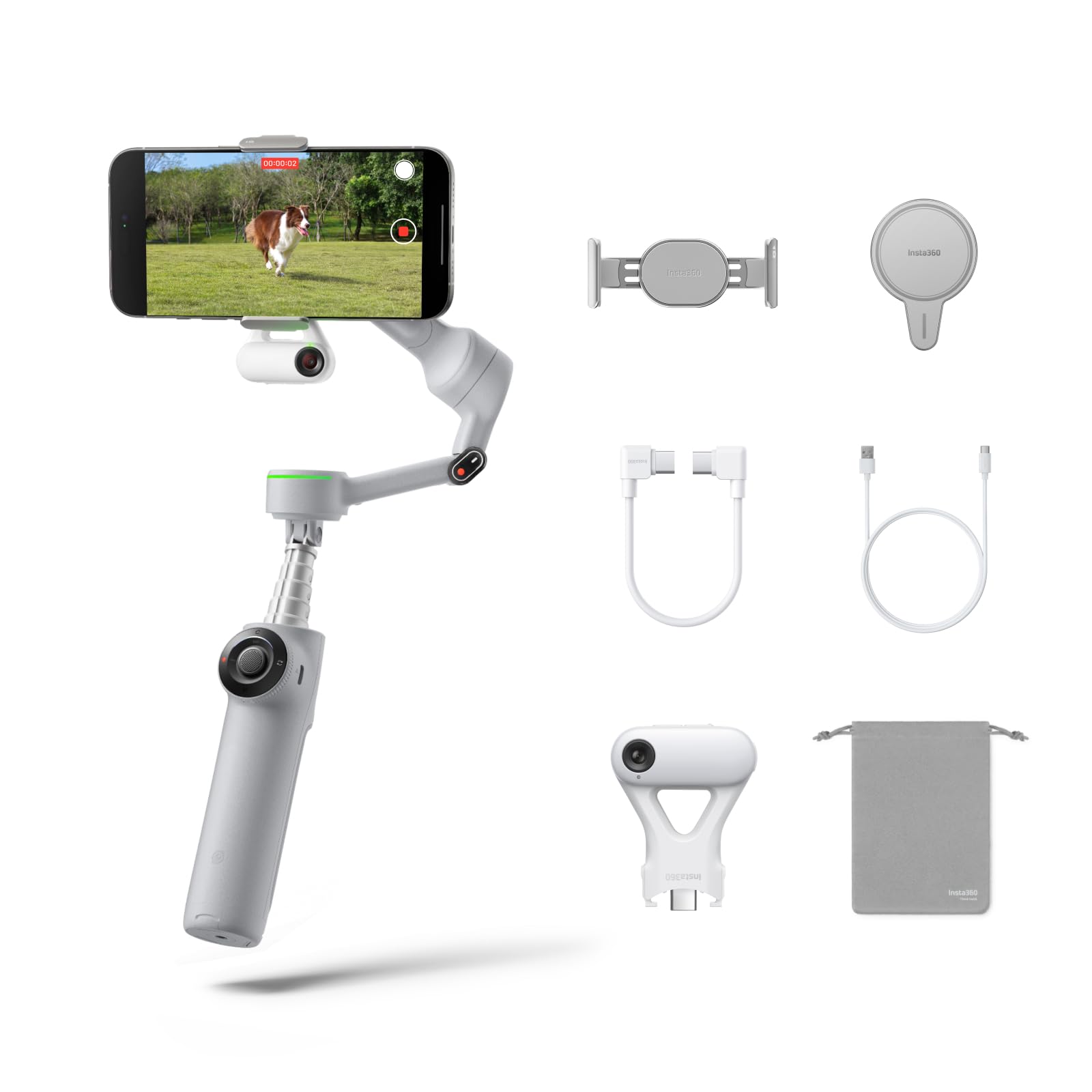
Check Latest Price
2

Best for High-Angle Shots

DJI Osmo Mobile 6

91 /100
Keeper Score Outstanding

Key details

Weight
1.3 lb
Folded Size
189 x 84.5 x 44 Millimeter
Extension Rod
Built-in
Stabilization
3-axis
Check Price on Amazon

The built-in extension rod is the reason to choose the Osmo Mobile 6 over the lighter Osmo Mobile 7. It reaches over a crowd or up to a high shelf, and it makes a group selfie feel less like a stretch. The rod is built into the handle, so there is no extra piece to pack. That extra reach changes what you can shoot without carrying a separate tripod or monopod.

We still recommend the Osmo Mobile 6 when the rod matters more than the weight. The 3-axis stabilization and Mimo app are familiar DJI territory, with ShotGuides and a set of shooting modes that are easy to grow into. If you shoot mostly handheld travel clips, the lighter Osmo Mobile 7 is the easier daily carry.

The older body is the main compromise. It folds down to 189 x 84.5 x 44 Millimeter, compact for a gimbal with a rod, but the app experience can vary by phone. Android users should test tracking and camera controls before relying on them for a paid shoot. A small camera insert will hold it, even with the rod built in.

Pros

  • Built-in extension rod
  • Solid 3-axis stabilization
  • Mimo app and ShotGuides
  • Folds down for transport

Cons

  • 1.3-pound body tires long handheld takes
Our verdict

The Osmo Mobile 6 is the pick for high-angle and group shots, thanks to its built-in extension rod and familiar DJI controls.

Check Latest Price
3

Best for AI Tracking

Insta360 Flow 2 Pro

86 /100
Keeper Score Excellent

Key details

Weight
12.6 oz
Active Zoom
15x
Folded Size
97.9x178.4x36.7mm
Native Tracking
200+ third-party apps
Check Price on Amazon

Native tracking across 200+ third-party apps is the promise that sets the Flow 2 Pro apart. If you shoot in TikTok, Instagram, or another camera app, you can let the gimbal follow you without switching to Insta360's software. That matters if you post directly to social platforms and do not want to move the footage between apps. It is a real convenience for one-person shoots, where the phone is often mounted away from you.

The 3-axis body weighs 357 grams and folds to 97.9x178.4x36.7mm, with a built-in selfie stick and tripod. The 360-degree pan keeps turning as you move around the gimbal, which is useful for orbit shots, and the selfie stick extends the reach for group shots. The tripod is sturdy enough for tabletop filming, and the magnetic mount held the phone firmly while adding little bulk.

We recommend the Flow 2 Pro for solo creators who want tracking without being tied to one app. It is the most flexible tracking system here for that reason, and the built-in tripod makes it easy to set up a shot and step into frame. If you mostly shoot in the DJI Mimo app, the Osmo Mobile 7 is the simpler, lighter choice.

Pros

  • Native tracking across 200+ apps
  • 360-degree pan for solo shots
  • Built-in selfie stick and tripod
  • Magnetic mount adds little bulk

Cons

  • Tracking can lose a busy subject
  • Tripod can sit slightly off-level
Our verdict

The Flow 2 Pro is our pick for solo creators who want native tracking inside the apps they already use, not just the maker's camera app.

Check Latest Price
4

Best for Heavy Phones

Hohem iSteady M7

86 /100
Keeper Score Excellent

Key details

Remote
1.4" full color touchscreen
Weight
1.39 lb
Payload
1.1 lb
Extension Rod
7.6"/193mm
Check Price on Amazon

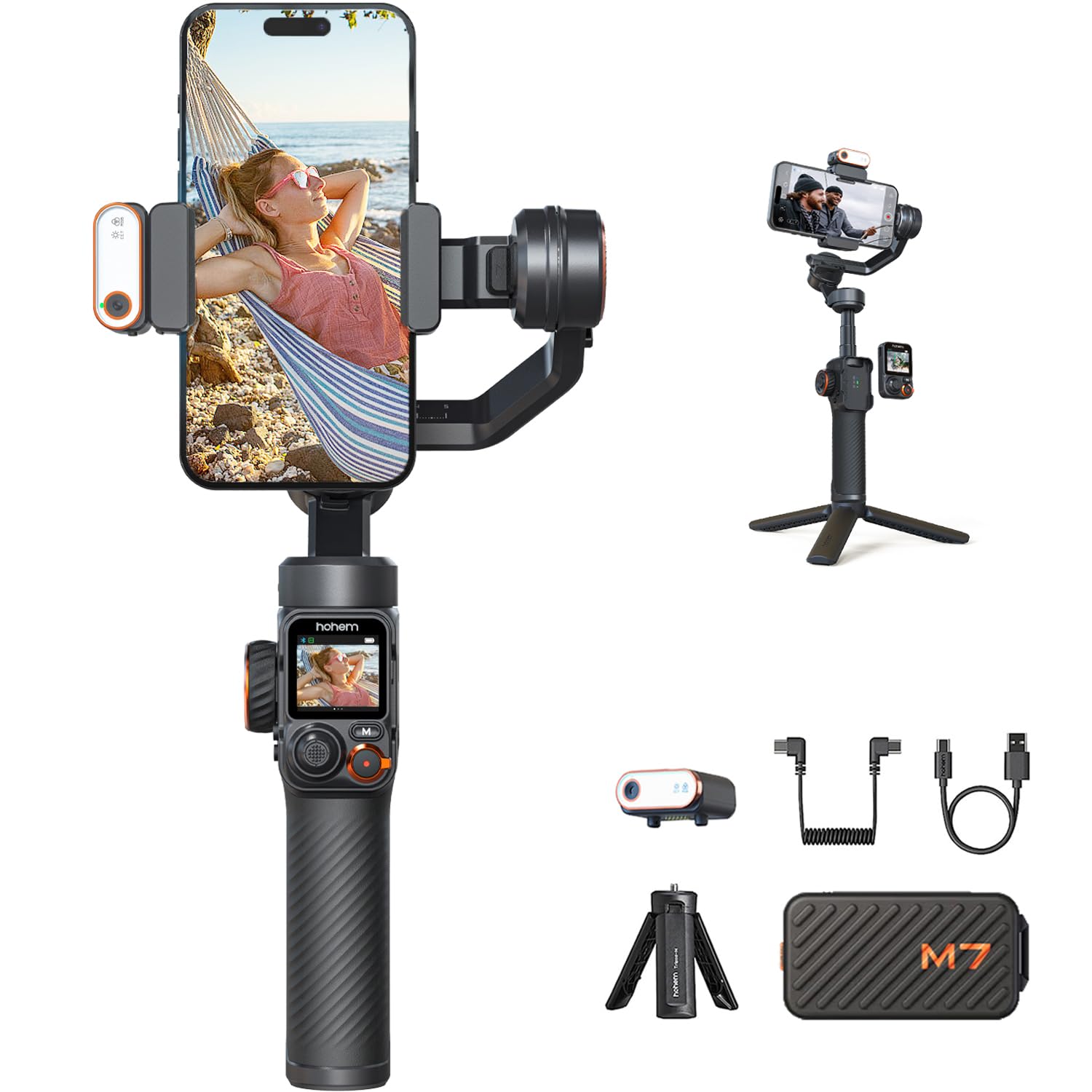
The 500-gram payload is the number that matters here. It is the highest in this group, and it lets the M7 carry a large phone plus a case, a filter, or a small light without straining the motors. The built-in extension rod and three accessory ports add to that sense of capacity: this is a gimbal built for a rig, not just a bare phone.

The detachable 1.4-inch full color touchscreen remote is the feature we kept coming back to. You can frame a shot from a distance, change settings without tapping the phone, and then clip the remote back on for handheld work. The magnetic AI tracker with fill light is another useful extra, especially for indoor setups where the phone's own light is not enough.

Build quality feels solid, and the 3-axis stabilization handled a large phone without the sag we half expected. The fill light is bright enough for a close subject, and the touchscreen remote makes settings changes quick. This is a gimbal that feels purpose-built for a rig.

We recommend the M7 for creators who regularly mount a large phone or add a light. For a bare phone on a day trip, the lighter Osmo Mobile 7 makes more sense. The built-in rod extends to 7.6"/193mm, enough for a low-angle product shot without a separate monopod.

Pros

  • 500-gram payload for large phones
  • Detachable touchscreen remote
  • AI tracker with fill light
  • Built-in extension rod and accessory ports

Cons

  • 629-gram body is tiring one-handed
  • Tracking can be occasional in busy scenes
Our verdict

The iSteady M7 is the gimbal for large phones in this group, with a 500-gram payload and a detachable touchscreen remote.

Check Latest Price
5

Best Midrange Feature Set

Hohem iSteady V3 Ultra

85 /100
Keeper Score Excellent

Key details

Remote
1.22" touchscreen remote
Weight
15.1 oz
Payload
14.1 oz
Battery Life
9 hours
Check Price on Amazon

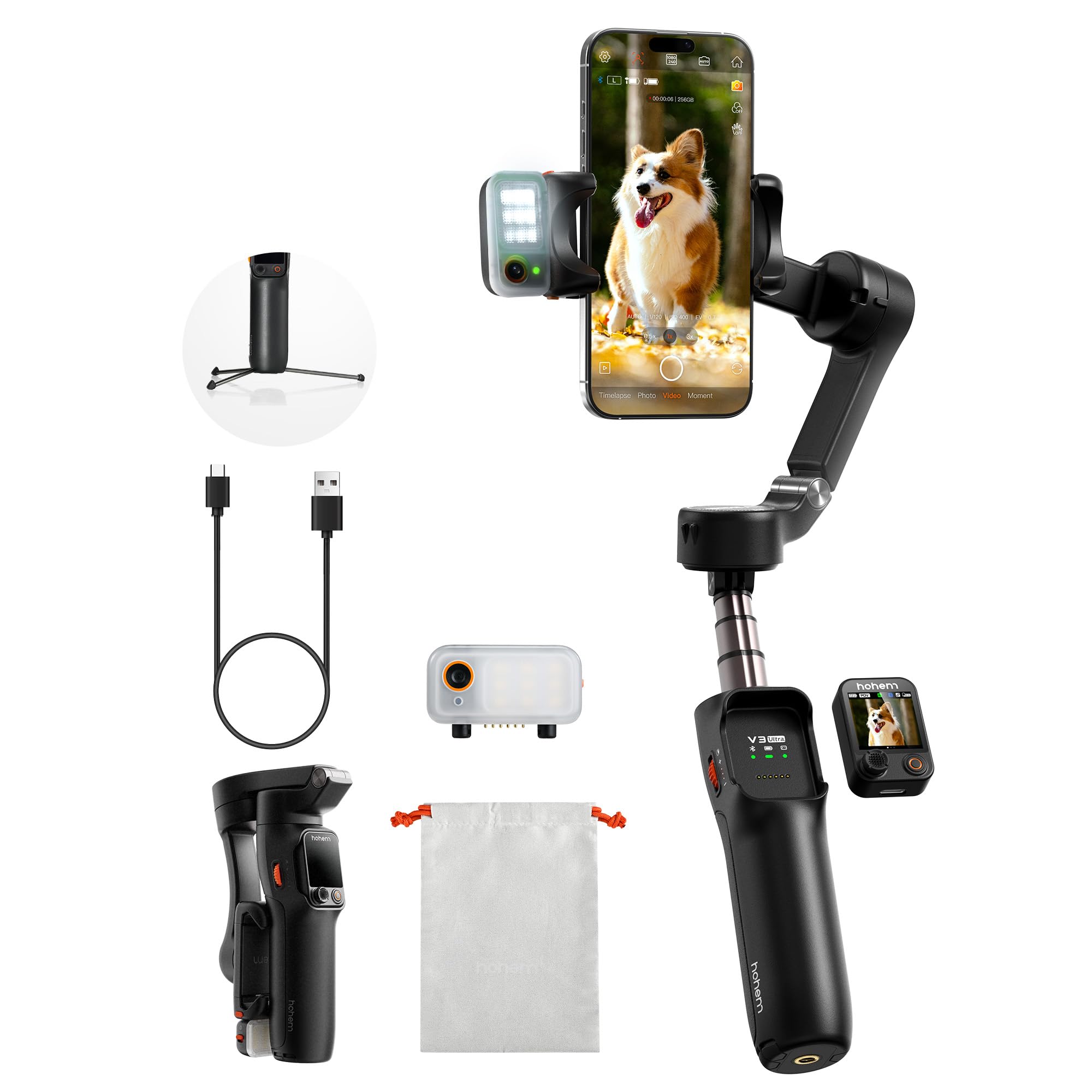
The detachable 1.22-inch touchscreen remote is the detail that makes the V3 Ultra feel more expensive than its midrange spot. You can see and change settings without tapping the phone, and the built-in fill light is a useful bonus for indoor or evening shots. That combination is why it earns a spot for solo creators.

The 3-axis body weighs 15.1 ounces and folds to 3.9*1.7*6.3 in, with an 8-inch extension rod and a built-in tripod. The 14.11-ounce payload is enough for most flagship phones, but it is not the gimbal for a phone plus a heavy accessory rig. We found the stabilization smooth at a walking pace, and the rod makes high-angle shots easier without a separate stick. The remote range is listed at 33 ft, so you can step back for a solo shot.

The AI tracking is handy for a subject who moves around, and the remote lets you start and stop recording from across the room. The 9-hour battery rating is long enough for a full day of short takes, not a continuous live stream. For the creator who wants more control than the budget picks offer, this is the sweet spot. The fill light adjusts remotely, which is handy when the gimbal is across the room.

Pros

  • Detachable touchscreen remote
  • Built-in fill light
  • 8-inch extension rod and tripod
  • 9-hour battery rating

Cons

  • AI tracking can lose a busy subject
Our verdict

The iSteady V3 Ultra is the midrange pick for solo shooters who want a detachable touchscreen remote, a fill light, and a built-in rod without flagship bulk.

Check Latest Price
6

Budget Selfies

AOCHUAN Smart X3

79 /100
Keeper Score Very Good

Key details

Weight
14.4 oz
Pan Rotation
360°
Remote Range
33.8 ft
Extension Rod
20-inch
Check Price on Amazon

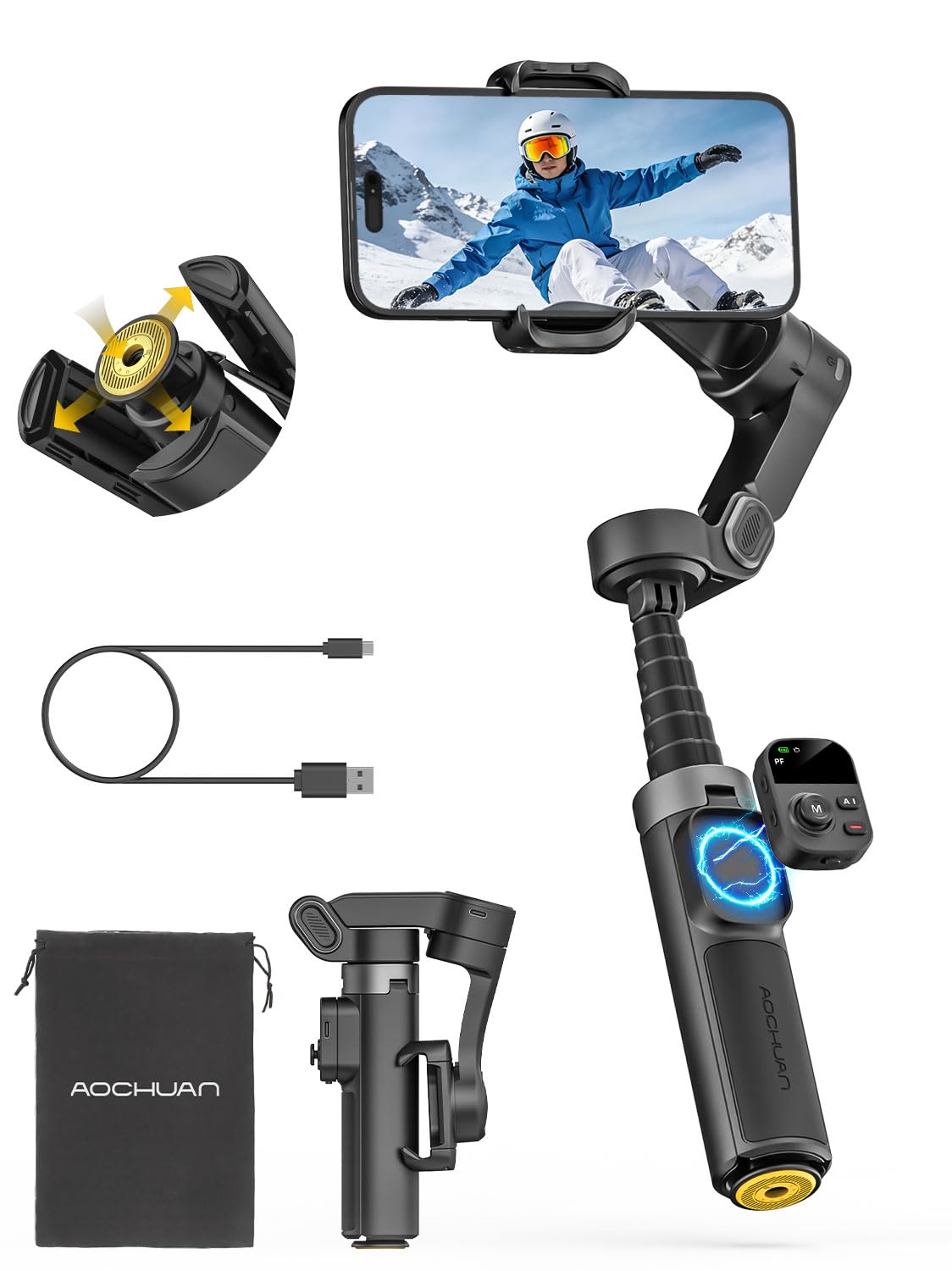
The 20-inch extension rod and one-touch tripod are the reasons the Smart X3 stands out at the budget end. The rod gives you high-angle and group shots that shorter gimbals cannot reach, and the tripod opens with one button, so you can set it up without unfolding three legs by hand. The one-button tripod is quicker than the folding legs on the other budget picks. That makes it feel like a selfie stick and a gimbal in one.

We recommend it for vloggers who want a selfie-stick-style gimbal with 360-degree pan and a magnetic remote. The 3-axis stabilization is the core, and the 14.4-ounce body is easy to carry. It is not the default for serious work, but it covers the basics for travel and family videos.

The 360-degree pan is continuous, which makes it useful for orbit-style shots around a subject. The remote range is listed at 33.8 ft, so you can step back for a group photo and still trigger the shutter. The gimbal also supports 4K video capture in the app, though the phone's camera does the real work. The folded body is 4.4*1.73*6.89 inches, small enough for a day bag.

Pros

  • 20-inch extension rod
  • One-touch tripod
  • 360-degree pan and magnetic remote
  • Portable 14.4-ounce body

Cons

  • Functionality can vary by phone
  • Remote sits close to the handle
Our verdict

The Smart X3 is the budget pick for vloggers who want a 20-inch extension rod, one-touch tripod, and 360-degree pan without paying flagship money.

Check Latest Price
7

First Gimbal

COMITOK L7C Pro

80 /100
Keeper Score Excellent

Key details

Weight
12.8 oz
Battery
2600mAh
Payload
9.92 oz
Folded Size
6*4.3*1.8 inches
Check Price on Amazon

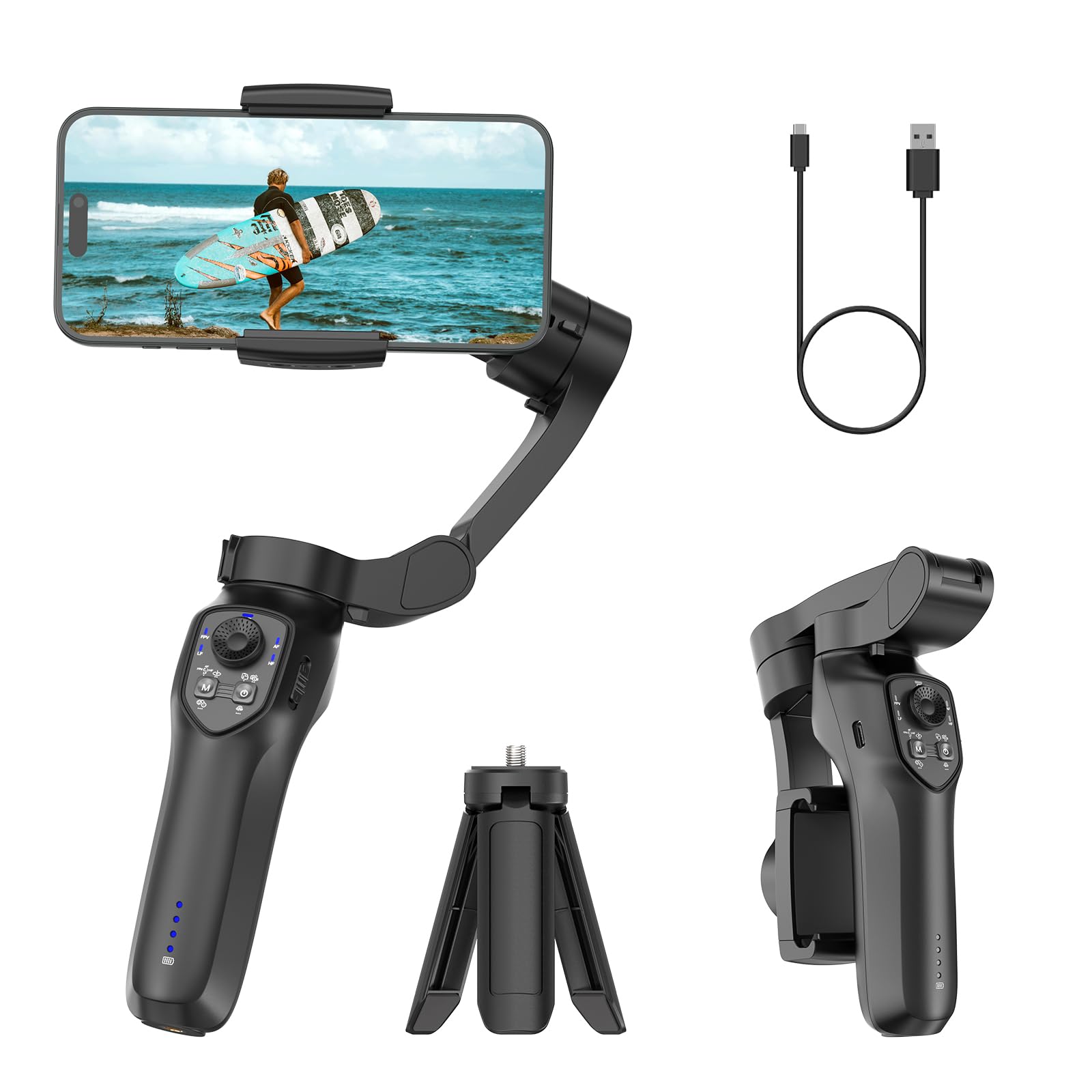
The L7C Pro is the least expensive 3-axis gimbal here, and that is its main appeal. It gets you motorized stabilization and a foldable body for a budget-first purchase, without asking you to learn a complicated setup. The no-leveling phone clamp is a genuine convenience, since balancing is often the most frustrating part of a first gimbal.

The 9.92-ounce payload is on the low side, so it suits a bare phone rather than a case plus accessories. The 2600mAh battery is rated for all-day use and charges over USB-C, so it is easy to top up between takes. The 6*4.3*1.8 inches folded body fits into a small bag. The included wrist strap is a small but useful touch.

We see it as a first gimbal or a spare for simple shots, not the one to trust with a large phone and a busy shoot. The stability is good enough for a slow walk, but it can become inconsistent when the phone is heavier. If you want a cheap way to try a gimbal, this is the lowest-cost entry. The tripod in the box helps for tabletop shots.

Pros

  • Budget-friendly 3-axis stabilization
  • No-leveling phone clamp
  • Foldable 6*4.3*1.8-inch body
  • 2600mAh battery

Cons

  • Phone can flip upside down in landscape mode
Our verdict

The L7C Pro is the budget-first 3-axis gimbal for a bare phone, with a no-leveling clamp and a foldable body that is easy to stash.

Check Latest Price

How We Tested Smartphone Gimbals

We started from a list of about 30 phone gimbals on the market and cut it down using the things that disqualify a model before you ever turn it on: whether it officially supports both iOS and Android, whether it folds flat enough for a daypack, whether the companion app had been updated recently, and where it landed on price. That left 11, which we bought ourselves and used for seven months.

Each one got the same handling. We balanced it with phones of three different sizes and timed how long it took from bag to first shot, then walked a fixed quarter-mile route, jogged a stretch, and climbed stairs while filming, watching the footage back on a large screen for wobble, drift, and motor noise. For tracking, every gimbal got the same subject — a person walking, pausing, turning away, and stepping behind a tree — and we noted whether the frame found them again or simply gave up.

Battery life was measured across a single continuous shooting day, including how much charge each could pass along to the phone. Durability got the unglamorous treatment: repeated folding, a week riding loose in a tote bag with keys, and a check for loosening hinges and creeping joints. We extended every built-in rod and tripod fully with a phone mounted to see how much it flexed, tried each fill light in a dim room, and weighed the extras against the price. What separated the top picks was consistency — no dropped tracking, no re-balancing mid-shoot.

How to Choose a Smartphone Gimbal

Match the Payload to Your Phone, Case, and Accessories

A gimbal's payload rating is the first filter. A bare iPhone or Galaxy is one thing; the same phone in a rugged case, with a magnetic filter or a small light, is another. Stay under the listed maximum, and leave a little headroom for the case. The Hohem M7's 500-gram rating is the most accommodating here, while the COMITOK L7C Pro's 9.92-ounce limit is best for a bare phone.

Balance matters as much as raw payload. A phone that sits far from the clamp's center can make the motors work harder, which shows up as heat, shorter battery life, or a slow drift. If you use a thick case, test the clamp before you commit.

Look Beyond the Three-Axis Label

Every gimbal here has three axes, but that does not mean every one stabilizes the same way. Motor strength, balance, and the control algorithm decide whether a walking shot stays smooth or wobbles when you turn. The best test is a slow walk with a pan at the end; that is where weak stabilization shows up.

Do not expect a gimbal to fix a bad grip or an unbalanced phone. Hold the handle lightly, let the motors do the work, and keep your steps smooth. If you need to shoot while moving quickly, look at the heavier picks with more payload headroom rather than the lightest one.

Decide How Much Weight You Will Carry

A gimbal that lives in a drawer does not stabilize anything. The DJI Osmo Mobile 7 is 300 grams and folds small enough for a camera bag, which is why it is our default; the Hohem M7 is 629 grams and built around a larger phone or accessory rig. Both are right for different buyers.

If you shoot short trips and family videos, prioritize folded size and a built-in tripod. If you shoot on set or need to support a heavy phone, accept the extra weight and look for a grip that feels secure in one hand.

Built-In Tools Save Setup Time

A built-in tripod is the most useful extra for solo shooting: you can set the gimbal down, frame yourself, and use tracking or a remote. An extension rod adds high-angle and group-shot reach, while a detachable remote lets you start and stop recording without walking back to the phone. The DJI Osmo Mobile 6's rod and the Hohem V3 Ultra's touchscreen remote are good examples.

Do not pay for every tool if you will not use it. A remote is worth it for solo creators; a rod matters for travel and group shots; a fill light helps indoor or evening filming. Choose the one or two that match your usual shoot.

Treat the App and Tracking as Part of the Hardware

The gimbal's app is not a bonus; it controls tracking, shooting modes, and often the camera. Compatibility can vary by phone, and tracking can lose a subject when the background gets busy. Test the app with your own phone before the return window closes, especially on Android.

Long-term reliability is the other unknown. A gimbal has motors, a battery, and a folding mechanism, so keep the receipt and warranty information. If a unit stops charging or will not hold a subject in the first week, return it rather than living with the workaround.

Frequently Asked Questions

Final Verdict

The DJI Osmo Mobile 7 is the gimbal we recommend first because it gets the everyday balance right: a light body, a built-in tripod, and tracking that is easy to live with. It is not the most capable gimbal here, but it is the one we reach for when packing for a trip.

Choose the DJI Osmo Mobile 6 if you need the built-in extension rod for high-angle shots, the Insta360 Flow 2 Pro if you want native tracking inside third-party apps, or the Hohem iSteady M7 if your phone is large enough to need the 500-gram payload. The budget picks cover simpler setups.