Best Ring Security Cameras of 2026

A security camera only proves itself on the night something actually happens, and that's the night most of them let you down. I've squinted at footage too soft to identify a face, watched a clip stop just before someone reached my door, and silenced forty alerts triggered by a branch. What you're buying is a recording sharp enough to be useful and motion alerts restrained enough that you still trust them.

Power is the decision that shapes everything else. Wired floodlight units never need a ladder or a charge, battery models go wherever the Wi-Fi reaches but will ask for a recharge at the worst possible moment, and plug-in indoor cameras are effectively set-and-forget. The other thing that isn't printed on the box: without a paid plan you get live view and alerts, but nothing saved, so the monthly fee belongs in your math.

My team and I have spent eight months living with 12 of these — floodlights, pan-tilt, battery, plug-in — and the gap between good and frustrating came down to picture quality, motion detection, and reliability. The picks below are the ones I'd install again.

Keeper Score summarizes customer ratings and review volume. Read it alongside the product details and trade-offs. How the score works.

1

Best Overall

Ring Floodlight Cam Wired Plus

95 /100
Keeper Score Outstanding

Key details

Power
Hardwired
Video
1080p HD
Motion
Customizable motion zones
Lighting
2000-lumen floodlights
Check Price on Amazon

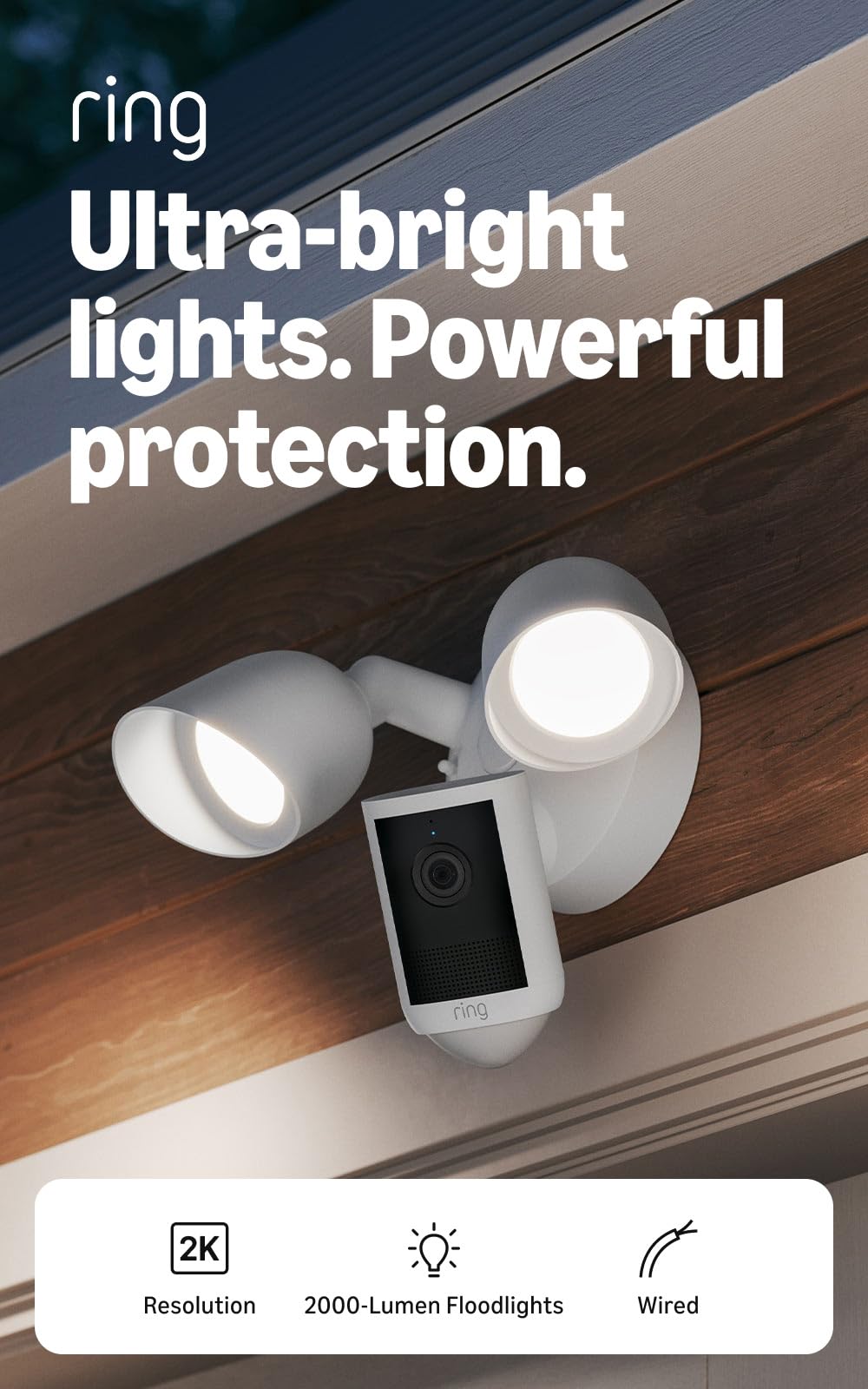
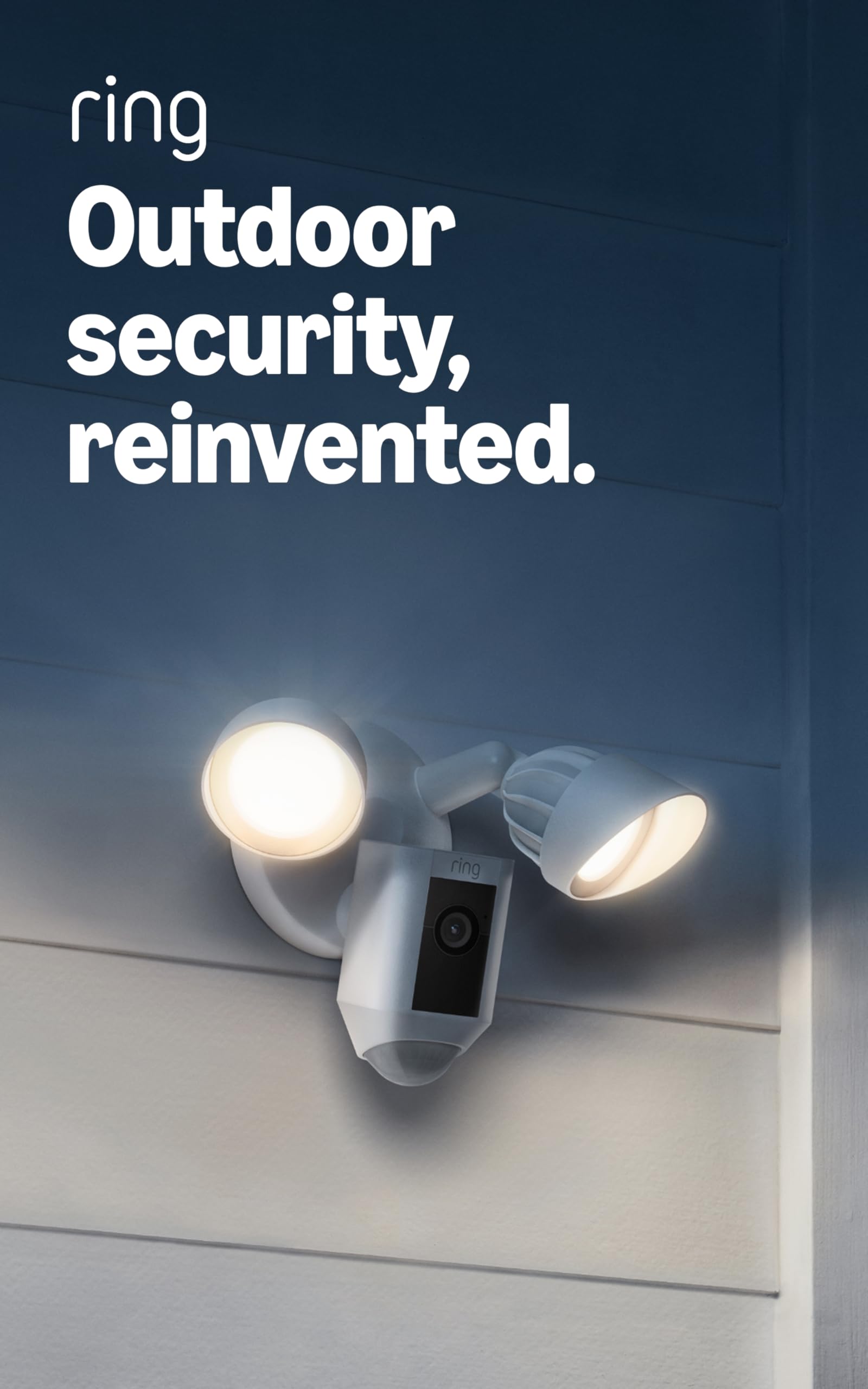
If your driveway or back door already has an exterior light fixture, the Floodlight Cam Wired Plus is the Ring camera we recommend first. It replaces that fixture with a 1080p camera, a pair of 2000-lumen floodlights, and a siren, and it draws power from the house instead of a battery. That last part matters more than any single spec: there is no charging routine to fall behind on, so the camera stays ready through a busy week.

Installation is straightforward once the wiring is there, and the Ring app makes the motion zones easy to shape around a walkway or parked car. We like the way the floodlights turn a dark side yard into something you can actually identify on camera. Custom zones also keep alerts focused on the path instead of every car on the street.

The 1080p picture is the compromise. It is clear enough for faces at the door and cars in the drive, but it will not pull a license plate from the far end of a long property. If that kind of detail is the point, the 4K Pro is the upgrade. For most homes, though, the Wired Plus gets the everyday job right, and it does it without asking you to remember a charger.

Pros

  • No battery to recharge
  • 2000-lumen floodlights and siren
  • Customizable motion zones
  • Clear 1080p day and night

Cons

  • Floodlights can trigger more often than wanted at night
Our verdict

For a wired outdoor camera that doubles as a floodlight, this is the one we recommend first; it suits driveways and back doors with an existing fixture.
Check Latest Price
2

Best Indoor Pan-Tilt

Ring Pan-Tilt Indoor Cam

95 /100
Keeper Score Outstanding

Key details

Power
Plug-in
Video
HD
Coverage
360° pan
Night Vision
Color Night Vision
Check Price on Amazon

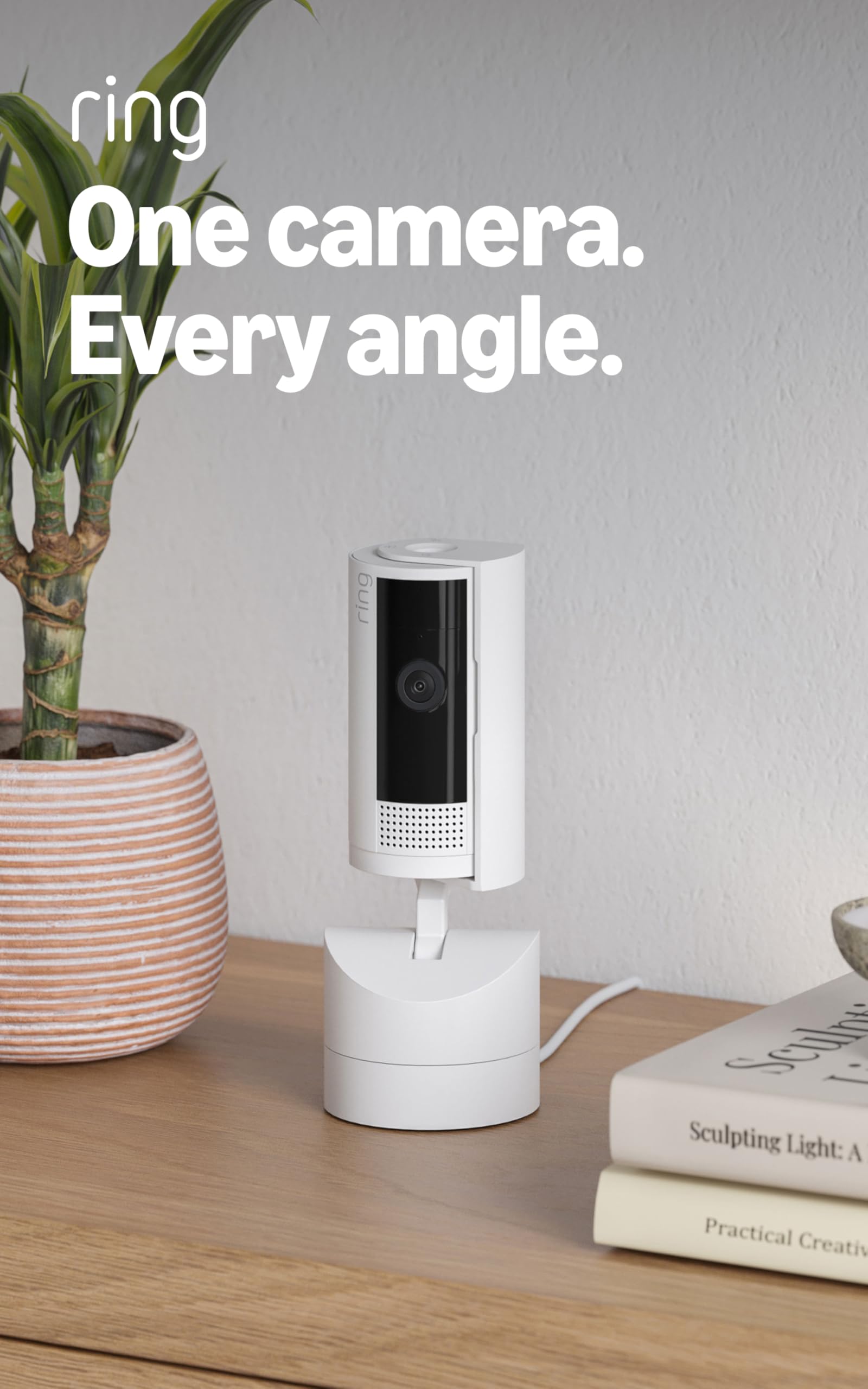
A single fixed camera sees a slice of a room. The Pan-Tilt Indoor Cam sees the room itself: it rotates a full 360 degrees and tilts up and down from the Ring app, so one camera on a shelf can follow a pet across the floor or check the sofa, the door, and the kitchen counter in turn. For a living space where we want one camera rather than three, that movement is the whole reason to choose it.

Setup is quick enough to do between other tasks, and the HD feed is sharp in normal light. Color Night Vision keeps more detail than a black-and-white image when the room is dim. We also like that the camera returns to its default view after a look around: it keeps the starting point predictable, though it means you cannot park it permanently off-center.

Plug-in power keeps setup simple and means no battery to charge. For a nursery, pet area, or main living room, that is usually manageable. If you need several rooms covered, the four-pack of fixed Indoor Cams gives you more views; if you want one camera to do more looking, this is the one.

Pros

  • 360° pan and tilt control
  • Color Night Vision and clear HD
  • Quick setup with no battery

Cons

  • Needs a nearby outlet
Our verdict

We recommend the Pan-Tilt Indoor Cam when you want one plug-in camera to watch a whole room, not just the slice a fixed lens sees.

Check Latest Price
3

Best Wire-Free 2K

Ring Outdoor Cam 2K

87 /100
Keeper Score Excellent

Key details

Zoom
6x Enhanced Zoom
Power
Battery
Video
Retinal 2K
Weather Resistance
Weather-resistant
Check Price on Amazon

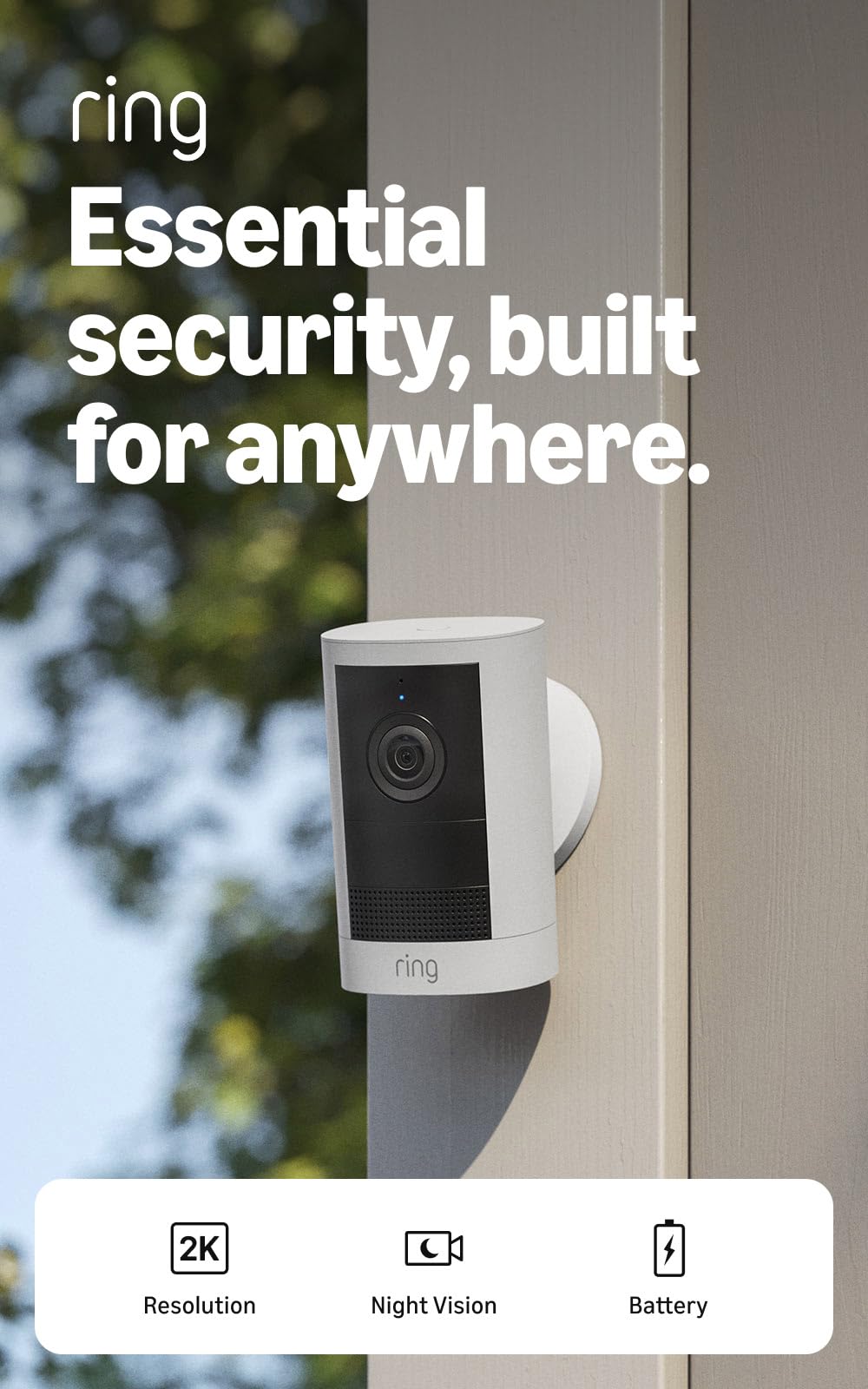
Ring's newer 2K battery camera is the one we choose when there is no wiring within reach. It goes on a fence, shed, or porch post with a simple mount, and the 2K sensor with 6x zoom gives you more detail at the far end of a driveway than the older 1080p models in this group. The built-in siren is a useful second layer when someone ignores the motion alert.

Placement is the payoff. A fence, shed, or porch post works without an electrician, and the camera's weather-resistant build means you do not have to baby it. We appreciate the removable battery for the same reason: the camera can come down for a charge without unscrewing the mount. Live View is responsive enough for a quick check, and Two-Way Talk is handy at a gate.

At night, Low-Light Sight keeps color when there is some ambient light and switches to black-and-white when it is truly dark. That is the sensible behavior, though it means the color view is not a guarantee in an unlit yard. The 2K feed is the reason to choose it over the older bundle, and the 6x zoom is useful for checking a face at the gate rather than just a shape.

Pros

  • Wire-free placement
  • Retinal 2K with 6x zoom
  • Color night vision
  • Built-in siren

Cons

  • Battery requires periodic recharging
  • 2K needs a solid Wi-Fi signal
Our verdict

The Outdoor Cam 2K is our pick for wire-free placement: it brings 2K detail and a siren anywhere within Wi-Fi, with charging as the trade-off.

Check Latest Price
4

Best for Detail

Ring Floodlight Cam 4K Pro

89 /100
Keeper Score Excellent

Key details

Zoom
10x Enhanced Zoom
Power
Wired
Video
Retinal 4K
Lighting
2000 lumens
Check Price on Amazon

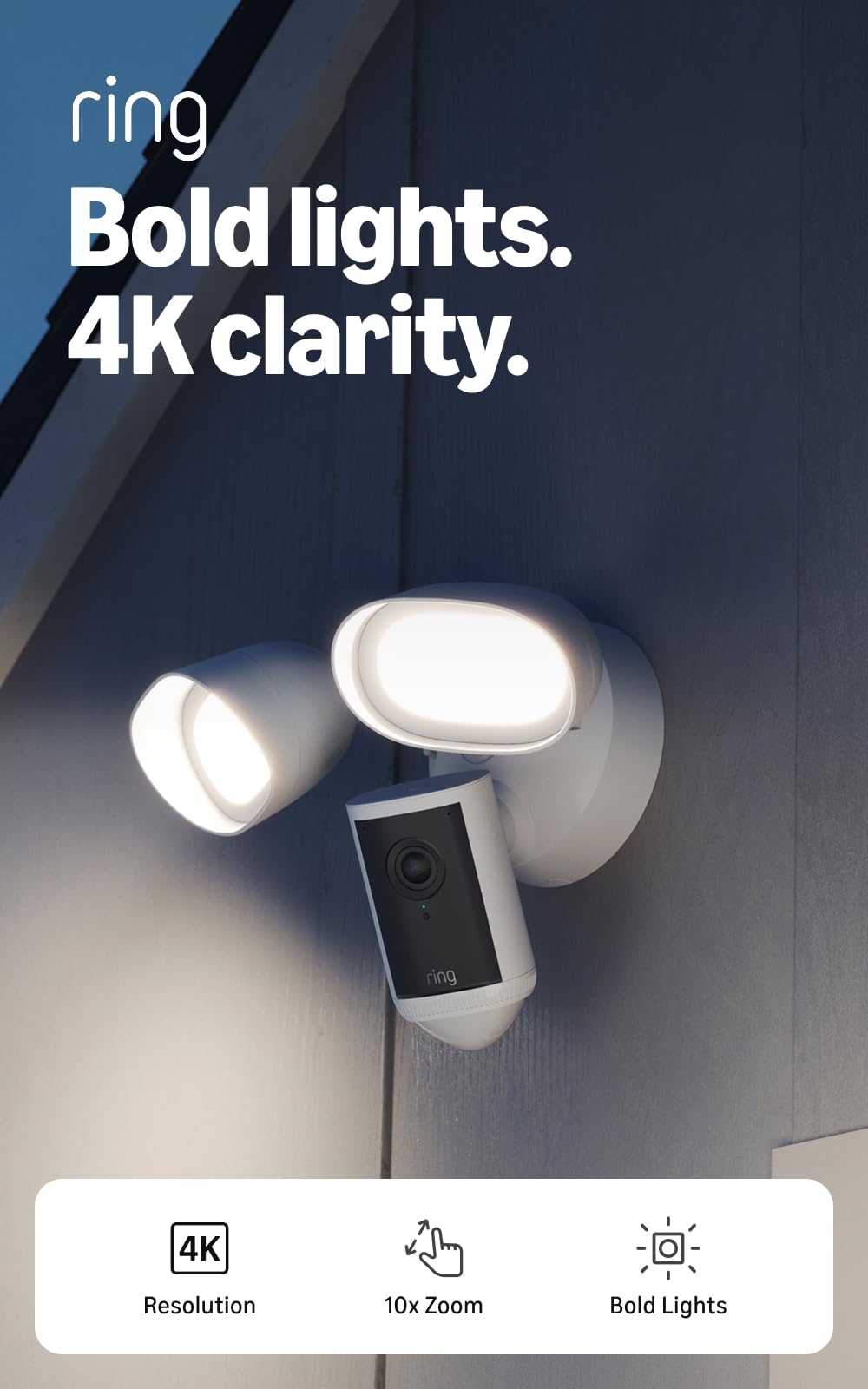
Detail is the reason to consider the Floodlight Cam 4K Pro. Its Retinal 4K feed and 10x zoom can pull a face or a plate from farther away than the 1080p Wired Plus, and the 2000-lumen floodlights give it the same active deterrent. On a long driveway or a business lot, that combination is more useful than a prettier wide shot. The 2000-lumen output is enough to light a parking pad, not just a doorway.

3D Motion Detection is the feature that makes the premium feel purposeful. It pinpoints movement on your property rather than treating every passing car as an event, and the customizable zones are easier to tune when the camera sees a large area. We also like the wide-angle view and the near-dark color from Low-Light Sight, which keeps some color in the image before the floodlights kick on.

The 4K feed depends on strong Wi-Fi; on a weak signal it softens, and the extra resolution feels theoretical. For a property with a mesh network and an exterior light circuit, this is the most capable camera here. Without both, the 2K Floodlight is the less frustrating buy.

Pros

  • Retinal 4K and 10x zoom
  • 2000-lumen floodlights
  • 3D Motion Detection
  • Near-dark color from Low-Light Sight

Cons

  • Premium price for the extra detail
Our verdict

Choose the Floodlight Cam 4K Pro if detail at a distance matters and you can wire it; it is the most capable floodlight camera here, at a premium.

Check Latest Price
5

Best Indoor Multi-Room

Ring Indoor Cam (4-Pack)

95 /100
Keeper Score Outstanding

Key details

Pack
4 cameras
Power
Plug-in
Video
1080p HD
Night Vision
Color Night Vision
Check Price on Amazon

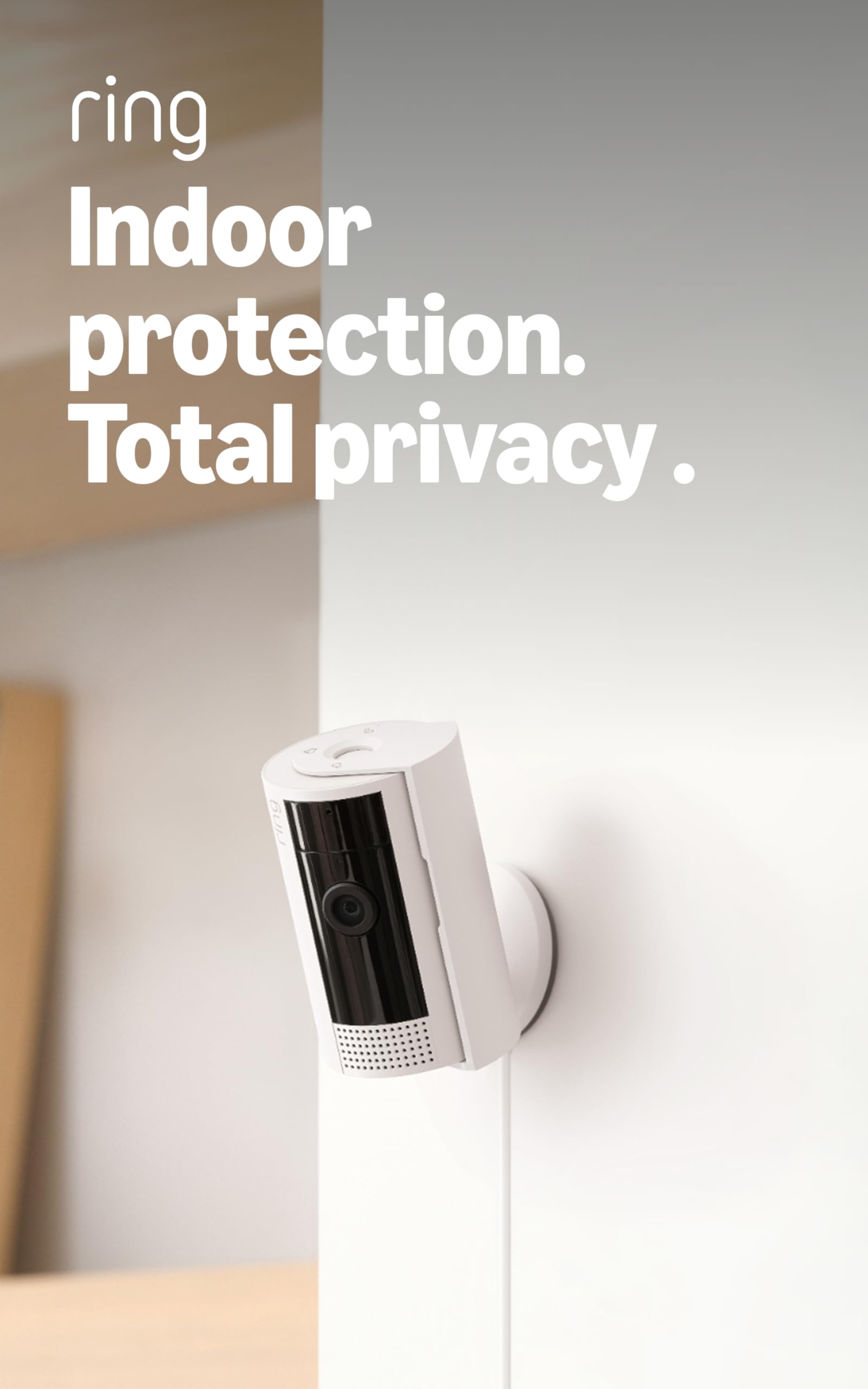
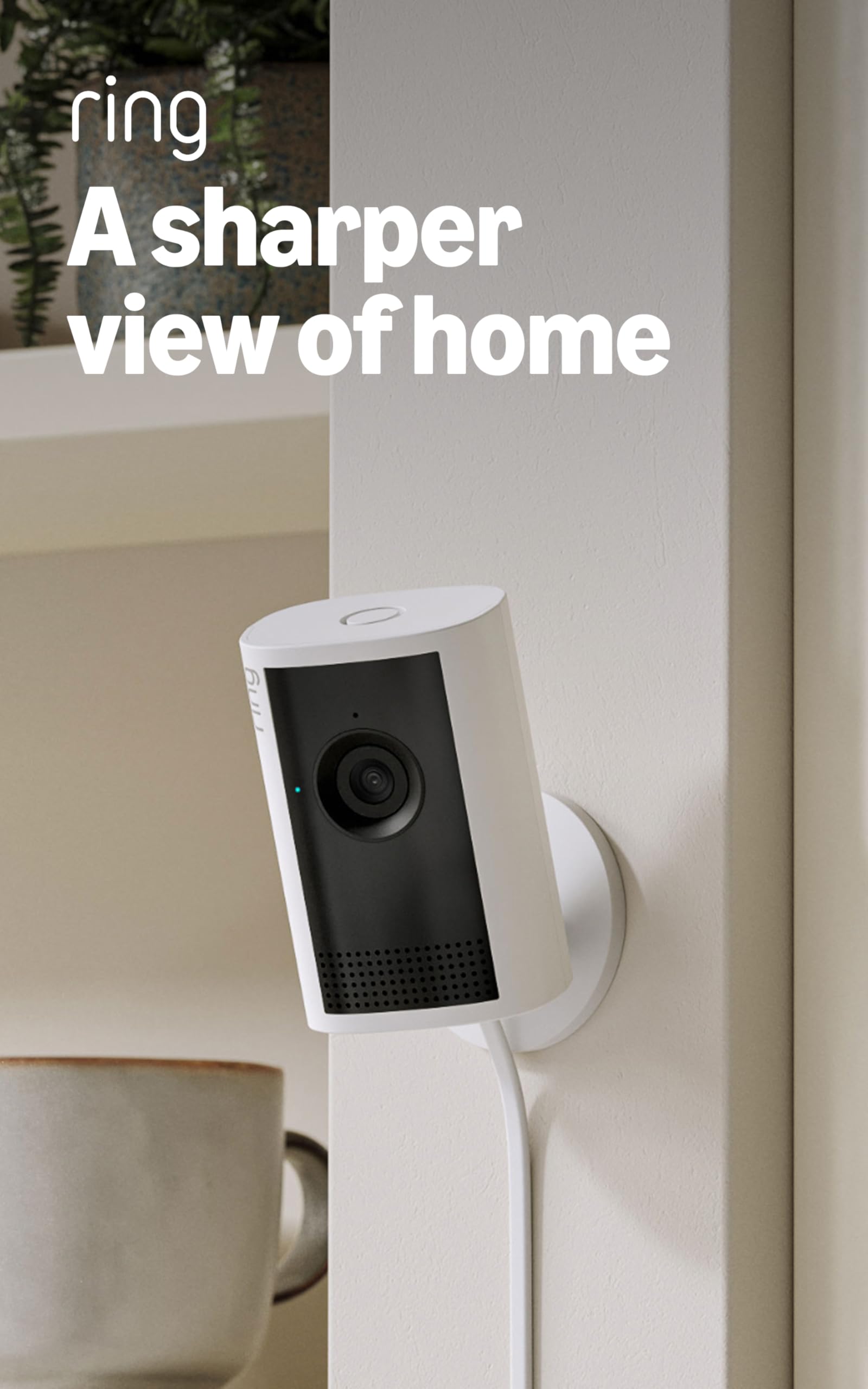
Four cameras solve a problem one camera cannot: the whole house at once. This bundle puts a plug-in 1080p camera in four rooms, and the flexible swivel mount lets you aim each one at a doorway, crate, or counter without adding a wall bracket. One app and one setup routine make the bundle easier to live with than four separate cameras. For a first Ring setup or a rental, it is the simplest way to cover several spaces.

The picture is clear in normal light, Color Night Vision is useful in a dim room, and the app setup is consistent enough that we did not have to relearn it four times. Motion zones let you keep alerts off the hallway that gets traffic all day and on the back door that matters. The swivel mount also gives you more aiming freedom than a fixed bracket.

Placement is the other chore. Every unit needs an outlet, and a camera at the far edge of the Wi-Fi can drop offline. We prefer a mesh point to a fifth camera in a weak corner; that is the more reliable fix. For a first Ring setup in a house with several rooms, this is the bundle we recommend.

Pros

  • Four cameras in one bundle
  • Plug-in 1080p with Color Night Vision
  • Flexible swivel mounts
  • Straightforward app setup

Cons

  • Fixed view leaves blind spots
Our verdict

The Indoor Cam four-pack is the practical way to cover several rooms at once, and its 1080p picture and plug-in power keep it simple.

Check Latest Price
6

Best Outdoor Multi-Camera

Ring Outdoor Cam (4-Pack)

91 /100
Keeper Score Outstanding

Key details

Pack
4 cameras
Power
Battery
Mounting
Wall or flat surface
Night Vision
Color Night Vision
Check Price on Amazon

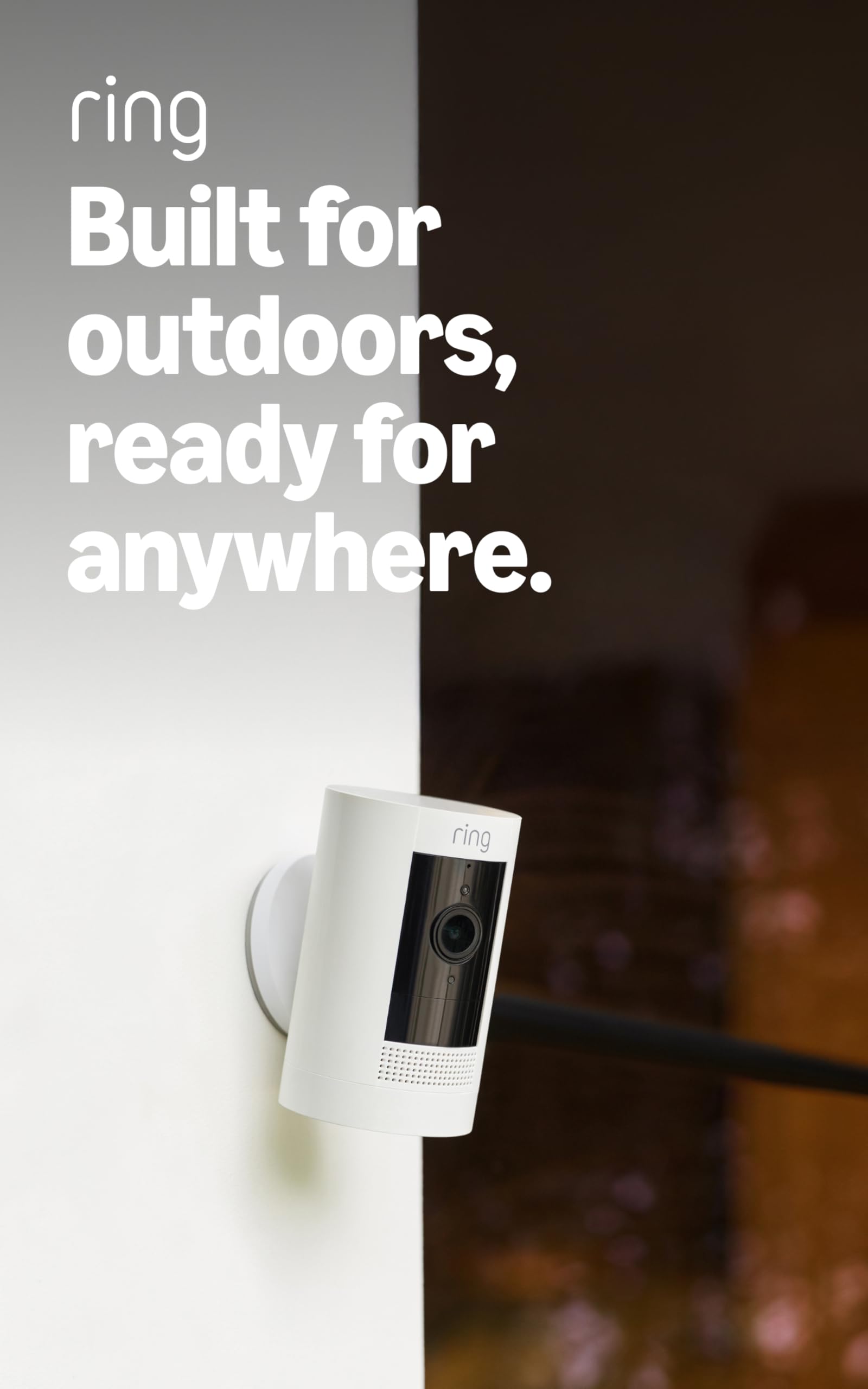
Battery cameras are about where you can put them, and this four-pack turns that freedom into a perimeter plan. Put one on the driveway, one on the side gate, one over the back steps, and keep the fourth for a shed or garage. None of them needs an electrician, which is why this bundle makes sense for a renter or a property with awkward wiring.

Setup is simple: insert the battery, connect to Wi-Fi, and mount the camera on a wall or set it on a flat surface. Live View and Two-Way Talk work as expected, and Color Night Vision is a real convenience when a porch light is on. We also appreciate that the battery pack is removable, so a camera can come down for charging without unscrewing the mount.

The older image is the main compromise. This is not the 2K detail of the newer Outdoor Cam, so faces at the far end of a drive will be softer. If you want the broadest coverage for the least wiring, the four-pack is still compelling; if you need identification at distance, buy one 2K camera for that spot instead. That split gives you detail where it matters and coverage everywhere else.

Pros

  • Four battery cameras
  • Wall or flat-surface mounting
  • Color Night Vision
  • Removable battery pack

Cons

  • Battery requires regular charging
Our verdict

An Outdoor Cam four-pack suits a whole perimeter: battery power frees placement, though you trade resolution and take on charging duties.

Check Latest Price
7

Wired 2K Coverage

Ring Floodlight Cam 2K

88 /100
Keeper Score Excellent

Key details

Zoom
6x Enhanced Zoom
Power
Wired
Video
Retinal 2K
Lighting
Motion-activated floodlights
Check Price on Amazon

The 2K version of Ring's wired floodlight is the middle step between the proven Wired Plus and the 4K Pro. It keeps the motion-activated floodlights and siren, adds a sharper Retinal 2K feed, and offers 6x zoom for details at the edge of a drive. If you already have an exterior light box, it is a sensible way to get more detail without jumping to 4K.

Wired power is the appeal: no battery to charge, no solar panel to position, and the camera stays online as long as the circuit does. The app setup and customizable motion zones are familiar Ring territory, and the floodlights make a dark walkway easier to cross. The camera can be installed yourself or with a pro; the wiring is the only part that needs care.

The light heads are less flexible when the camera is mounted horizontally under an eave, so check the angle before you commit to that spot. For a standard vertical wall mount, the aim is not a problem, and the sharper feed is a clean step up from 1080p.

That makes it the wired floodlight we choose when 2K resolution matters more than the extra reach of the 4K Pro. On a straightforward wall, it hits a useful middle ground.

Pros

  • Retinal 2K with 6x zoom
  • Motion-activated floodlights and siren
  • Wired power, no charging
  • DIY or pro install

Cons

  • 2K detail depends on a solid Wi-Fi signal
Our verdict

The Floodlight Cam 2K is a sensible wired middle step, with sharper 2K video than the Wired Plus and a cleaner match for standard wall mounts.

Check Latest Price
8

Budget Indoor Detail

Ring Indoor Cam 2K

93 /100
Keeper Score Outstanding

Key details

Zoom
6x Enhanced Zoom
Power
Plug-in
Video
Retinal 2K
Night Vision
Low-Light Sight
Check Price on Amazon

The least expensive way into 2K indoors is also one of the simplest. The Indoor Cam 2K is a plug-in camera with a Retinal 2K sensor, 6x zoom, and a privacy shutter, and it costs about the same as the standard Indoor Cam while giving you more detail on a doorway, pet bed, or package drop.

In good light, the 2K feed is noticeably more detailed than 1080p, and the 6x zoom is useful for checking a face or a label without moving the camera. Low-Light Sight keeps color when there is some ambient light and switches to black-and-white in total darkness. The privacy shutter is a nice idea, but it is stiff and awkward to slide, which undercuts the convenience.

The camera is best aimed at a specific slice of a room rather than treated as whole-room coverage. A doorway, a crate, or a counter is a better target than a wide living space, where a fixed lens leaves gaps. If you need to follow movement around the room, the Pan-Tilt is the better tool.

For a fixed detail shot, this is the indoor camera we choose when the budget is tight and sharpness matters. A doorway or crate is where the extra pixels earn their keep; a whole-room view is not.

Pros

  • Retinal 2K and 6x zoom
  • Low-Light Sight color
  • Privacy shutter
  • Plug-in simplicity

Cons

  • Wi-Fi can drop in weak-signal rooms
Our verdict

The Indoor Cam 2K is our budget indoor pick when you want sharper detail and zoom without spending for a pan-tilt.

Check Latest Price

How We Tested These Security Cameras

We started by narrowing the line down to what actually changes the experience: resolution, power source, whether the floodlights are bright enough to be useful, how much of a view the camera can cover, and whether the same features show up across formats. Anything that duplicated a camera we already had got cut, which left 12 units to test over eight months.

Each one went up in a real spot and stayed there: the front porch, the driveway, the back gate, the living room where the dog sleeps, and a hallway. I timed setup from unboxing to the first live picture, working alone with no ladder help, and noted where the app made me guess. Then came the boring part — carrying a package to the door at 20 and 40 feet and checking whether I could describe the person's face, and reading a license plate at the end of the driveway in daylight and after dark. Night footage was checked twice, once with the floodlights on and once with them off, because a bright light that washes out a face is worse than no light at all.

Motion detection was judged by what it missed and what it invented. Over a week per camera I logged every alert and marked whether it was the mail carrier, the neighbor's cat, the 2 a.m. raccoon, or a gust of wind, and I watched for passing headlights setting off the driveway units. For connectivity, I opened live view at the far edge of the Wi-Fi and in a basement room where the signal drops, counting how often the feed stuttered. Battery models were run hard and then left outside through a cold snap, with the percentage drop recorded. Every camera stayed powered on for the full eight months so I could see which ones quietly went offline, and the cost of a subscription — and what you get without one — weighed on the final ranking.

How to Choose a Ring Security Camera

Power and Placement Come First

Before resolution, decide what the camera can plug into. A wired floodlight camera replaces an existing exterior light and never needs charging, but it needs that circuit and, without one, an electrician. A battery camera goes almost anywhere within Wi-Fi, at the cost of a charging routine. A plug-in indoor camera is the simplest of all, as long as an outlet is near enough. We start every recommendation here because the best camera in the wrong location is the one that never gets installed. Our top pick assumes an existing exterior light; the Outdoor Cam 2K is the wire-free alternative.

Match Resolution to the Distance

1080p is still enough for a doorway, a hallway, or a porch where faces are close. Step up to 2K when you need to identify someone at the end of a drive or read a label across a room; the extra pixels and 6x zoom are genuinely useful there. 4K is for long sightlines and buyers with strong Wi-Fi, because the feed depends on bandwidth and a weak signal erodes the advantage. We skip 4K for a small backyard; the Indoor Cam 2K is the more sensible detail upgrade indoors.

Light, Panning, or Neither

Ring's outdoor models differ most in what they do besides record. Floodlights illuminate a driveway and make a camera more of a deterrent; spotlights do a smaller version of the same job. A pan-tilt indoor camera moves the view, which is the closest thing to having several cameras in one room. If you mainly want to check a doorway, a fixed camera is enough. We reach for the Pan-Tilt when one room matters and the four-pack when several do.

Plan for the Battery and the Wi-Fi

Battery life is not a fixed number; it depends on how often the camera wakes for motion, how cold it gets, and how strong the Wi-Fi signal is. A camera on a busy path needs charging more often than one on a quiet gate. Mount battery models where you can reach them safely, and treat a mesh point or a closer router as part of the installation. Wired and plug-in models avoid the charging routine but still need a reliable connection.

Count the Cameras and the Plan

Multi-camera bundles look like better value until you add the Ring plan needed for saved recordings and richer alerts. Decide how many views you need, then check the plan cost for that number before buying four cameras. We prefer one good camera at the front door and one at the drive over four cameras that all watch the same empty hallway. If live viewing is enough, a bundle can still make sense; if you want history, the subscription belongs in the budget.

Frequently Asked Questions

Final Verdict

For most homes, the Floodlight Cam Wired Plus is the Ring camera we recommend first. It replaces an exterior light, watches the driveway in clear 1080p, and never asks you to charge a battery. If there is no exterior wiring, the Outdoor Cam 2K is the better fit; if the job is indoors, the Pan-Tilt Indoor Cam covers more of a room than a fixed lens. Choose by power and placement first, then resolution.