Best MicroSD Express Cards of 2026

MicroSD Express isn't just a faster version of the card rattling around in your camera bag. It runs on a PCIe lane — the same kind of connection inside a laptop's SSD — which is why the new console in your living room won't accept anything else for game storage. Unbox one and you're not really shopping for a memory card; you're shopping for the one card that can keep up with it.

I've spent five months with 12 of these cards, and the specs that look decisive on a listing page matter far less than whether a card mounts on the first insert, holds its write speed once it's half full, and doesn't throttle halfway through a 40-gigabyte download. Capacity is the other trap — 256GB sounds enormous until you've installed three modern games.

Worth knowing before you scroll: the big number on the packaging is almost always read speed, and read speed is the figure your console barely touches. Write speed governs how long an install actually takes, and the gap between the quickest and slowest cards here is wider than the labels suggest.

Keeper Score summarizes customer ratings and review volume. Read it alongside the product details and trade-offs. How the score works.

1

Best Overall

Integral Gamer's Edge X 256GB

90 /100
Keeper Score Outstanding

Key details

Capacity
256 GB
Warranty
Lifetime
Read Speed
890 MB/s
Write Speed
750 MB/s
Check Price on Amazon

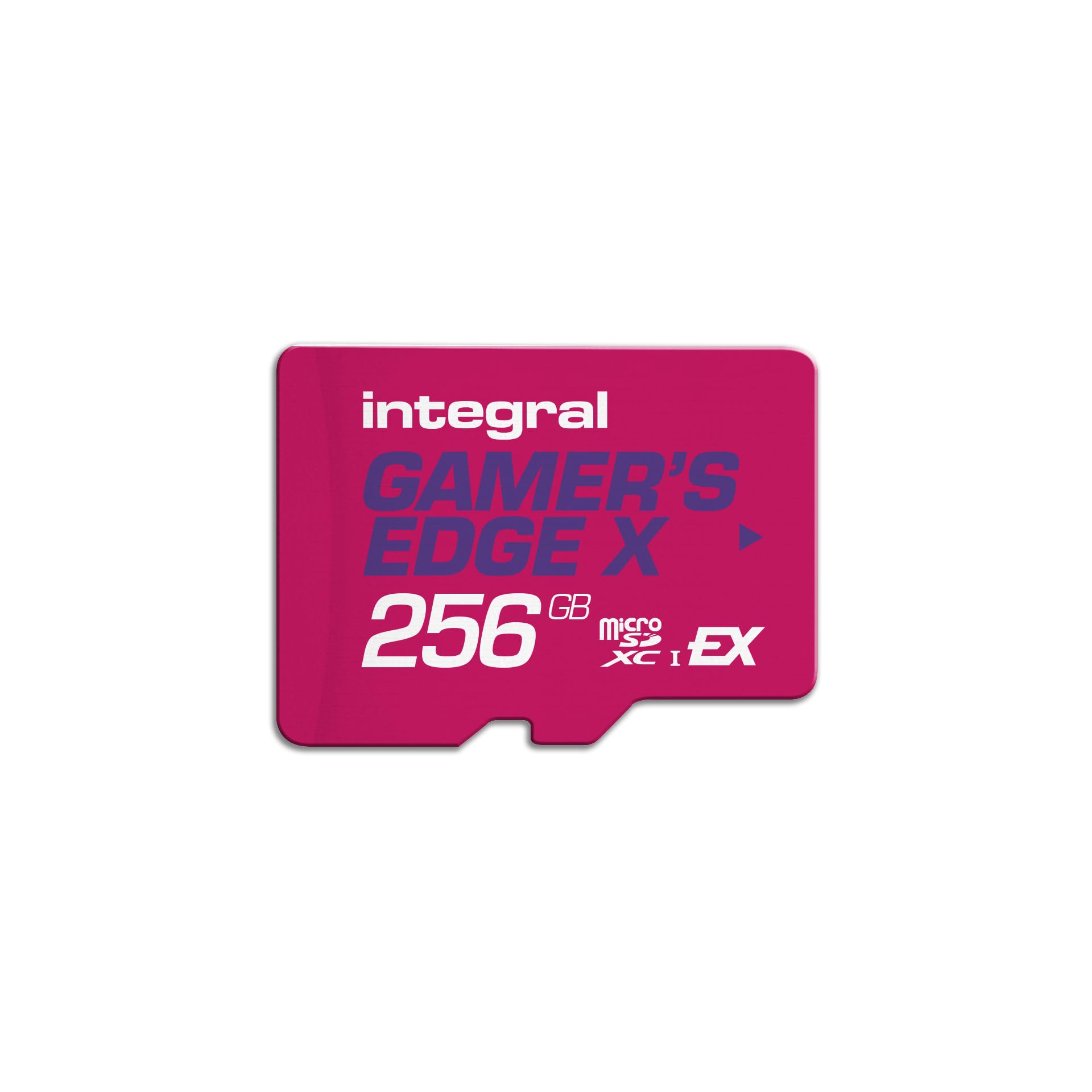
Two numbers explain why the Integral Gamer's Edge X sits at the top of this group: 890 MB/s read and 750 MB/s write. The write figure ties the PNY card for the highest here, and it's the number that matters when you're downloading a large game or moving a batch of captures off the card. The read speed is just behind the 900 MB/s Lexar and SUNEAST cards, close enough that we don't think most Switch 2 owners will feel a difference in load times. The lifetime warranty is the clincher. Official cards give you a familiar name; this one gives you a longer safety net and a higher write rating for less money.

We also like that the card doesn't make you choose between speed and capacity at the entry point. The 256GB version is the one to get for a Switch 2 library built around a handful of big games and a rotating set of indies. If you keep dozens of titles installed, the SUNEAST 512GB card is the better fit; the Integral's limit is capacity, not performance. The brand is less familiar than Lexar or Nintendo, which is why the lifetime warranty matters more than usual here.

Format it in the console first and check that the full capacity appears before you start downloading. The card is the one we reach for when a reader wants the best write rating here without official-card pricing. The 256GB ceiling is the only reason to look elsewhere.

Pros

  • 890 MB/s read and 750 MB/s write
  • Lifetime warranty
  • Highest write rating here, tied with PNY
  • Strong value against official cards

Cons

  • 256GB is the largest capacity here
Our verdict

The Integral Gamer's Edge X is our default microSD Express pick for Switch 2 owners: 890 MB/s read, a 750 MB/s write rating that ties the highest here, and a lifetime warranty.
Check Latest Price
2

Best for Speed

Lexar Play PRO 256GB

91 /100
Keeper Score Outstanding

Key details

Capacity
256 GB
Warranty
Lifetime limited
Read Speed
900 MB/s
Write Speed
600 MB/s
Check Price on Amazon

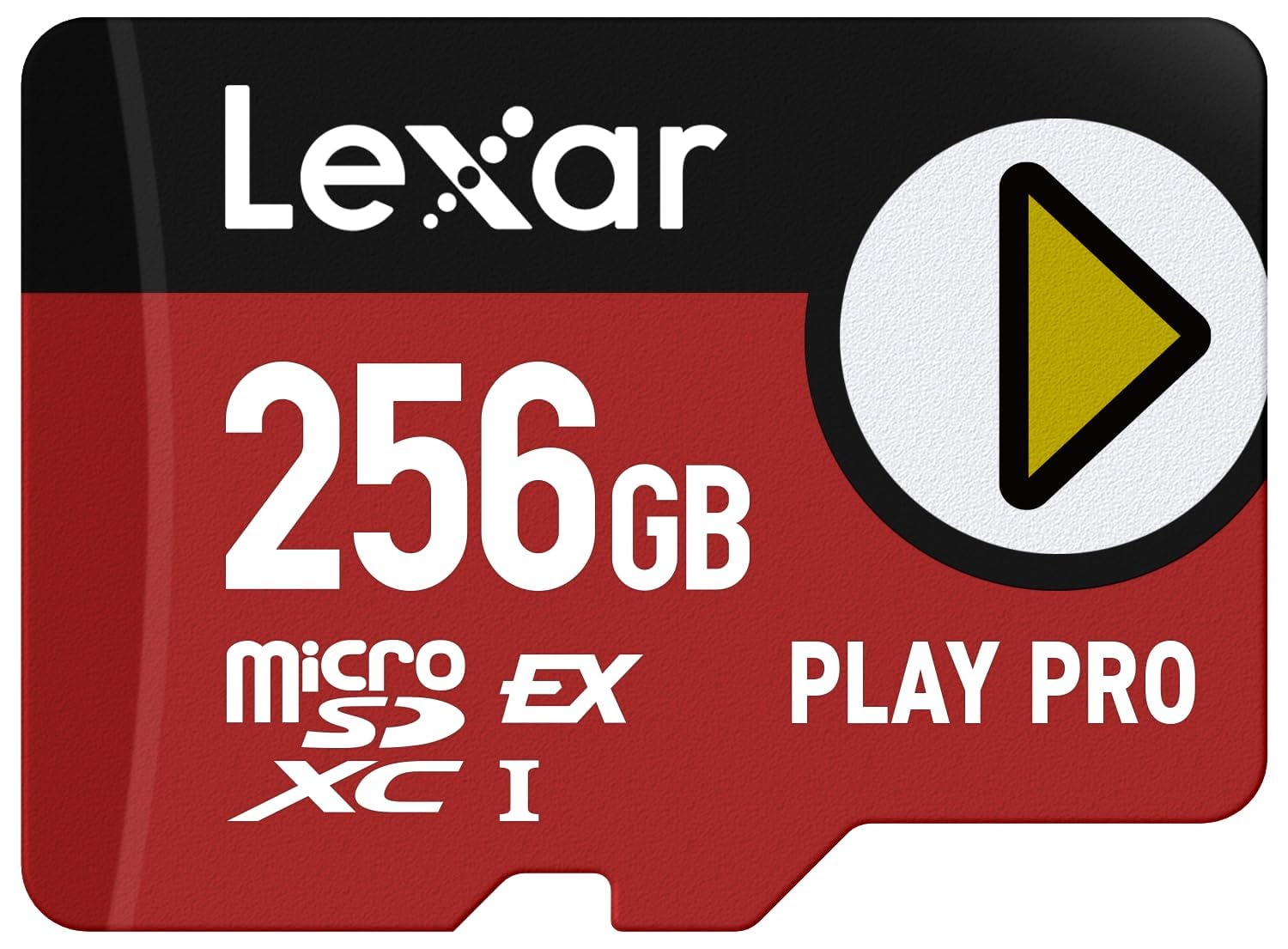
The Play PRO's 900 MB/s read rating is the highest in this group, tied with the SUNEAST card, and it's the figure Lexar leads with for a reason: game loads and title-screen transitions are read-heavy work. We like that the card pairs that headline number with a 600 MB/s write rating, which is quick enough for downloads but not the fastest here. The Integral and PNY cards both list 750 MB/s write, so if you routinely move large files, the Lexar isn't the value play.

What the premium buys is confidence and breadth. Lexar lists compatibility with the Switch 2, Switch 1, ASUS ROG Ally, and Steam Deck, and the card is backed by a lifetime-limited warranty. That's a wider roster than most here, and it's why we still recommend it for a household with more than one device. The catch is that the extra money doesn't buy a faster write rating. If your main job is loading Switch 2 games, the read speed is the right thing to pay for; if you're transferring captures every week, the Integral is the more sensible spend.

The card is also the one we point to when a reader wants a known name and doesn't want to think about compatibility. It costs more than the official Nintendo cards, and the write rating is mid-pack in this set. Neither is a dealbreaker for game storage, but both are reasons we keep the Integral ahead of it. If you move files often, the 600 MB/s write rating is the number to weigh against the cheaper 750 MB/s cards.

Pros

  • 900 MB/s read speed
  • Broad device compatibility
  • Lifetime-limited warranty
  • Strong performance feedback

Cons

  • Costs more than most cards here
  • 600 MB/s write is below top cards
Our verdict

The Lexar Play PRO is the premium choice for Switch 2 owners who want a 900 MB/s read rating, a broad compatibility list, and a lifetime-limited warranty.

Check Latest Price
3

Best Official Card

Samsung microSD Express 256GB

96 /100
Keeper Score Outstanding

Key details

Capacity
256 GB
Warranty
1 year
Card Type
Micro SDXC
Compatible Device
Nintendo Switch 2
Check Price on Amazon

If you own a Switch 2 and want the card that requires the least thought, this is it. Samsung's card is built and branded for Nintendo's console, so you're not comparing controller chips or checking a compatibility table. The 256GB capacity is the same as most of the cards here, and the red shell is easy to spot when you're digging through a drawer of small accessories.

The trade-off is that Samsung doesn't give you the same headline speed story as the third-party cards. This is the official Express card, and that's the point; we don't put it in the same benchmark conversation as the 890 and 900 MB/s cards. What matters is that the card meets the Express standard the console requires. The one-year warranty is also shorter than the lifetime coverage on the Integral and Lexar cards.

Our recommendation is for the buyer who wants the official card and nothing else. The 256GB capacity is enough for a curated library, but not for someone who keeps every big release installed. If you want a longer warranty or a higher write rating, the Integral is the better buy; if you want official compatibility and a published read number, the SanDisk card is the middle ground. For a console that lives in a dock and gets a new game every few weeks, the simpler purchase is worth more than the spec sheet.

Pros

  • Official Switch 2 compatibility
  • Simple 256GB capacity
  • No compatibility guesswork
  • Easy-to-spot red shell

Cons

  • One-year warranty
  • 256GB only
Our verdict

The Samsung microSD Express card is the zero-doubt choice for a Switch 2 owner: official compatibility, 256GB of storage, and the least to think about.

Check Latest Price
4

Best Official Alternative

SanDisk Nintendo 256GB

94 /100
Keeper Score Outstanding

Key details

Capacity
256 GB
Card Type
Micro SD
Read Speed
800 MB/s
Compatible Device
Nintendo Switch 2
Check Price on Amazon

The Nintendo logo on the SanDisk card is doing real work: it's the same official-compatibility promise as the Samsung card, with an 800 MB/s read rating attached. That's the detail most shoppers miss in a lineup of near-identical 256GB cards. The SanDisk doesn't list a write speed, so you're buying it for the read rating and the official branding rather than for the fastest installs.

We like this one for the buyer who wants the safety of an official card but doesn't want to give up a benchmark number entirely. The 800 MB/s read rating sits below the 900 MB/s Lexar and SUNEAST cards, but it's in the same conversation, and game loading is the job here. The lack of a write rating is the gap: if you move large captures or install from a fast connection, the Integral's 750 MB/s write rating is the more useful specification. The SanDisk's advantage is that it gives you both the Nintendo name and a speed figure to compare.

It costs more than the Samsung official card, which is the main reason it isn't our default. The extra money buys the published read rating, not a longer warranty or a larger capacity. If you want the official card with the least expensive entry, the Samsung is the one; if you want official compatibility and a number to anchor your comparison, the SanDisk is the middle ground. The 256GB capacity is the same ceiling either way.

Pros

  • Official Switch 2 compatibility
  • 800 MB/s read rating
  • Simple 256GB capacity

Cons

  • Costs more than the Samsung card
Our verdict

The SanDisk Nintendo card is the middle path: official Switch 2 compatibility, an 800 MB/s read rating, and a 256GB capacity for buyers who want a published speed number.

Check Latest Price
5

Best High Capacity

SUNEAST 512GB

86 /100
Keeper Score Excellent

Key details

Capacity
512 GB
Read Speed
900 MB/s
Video Class
V30
Write Speed
620 MB/s
Check Price on Amazon

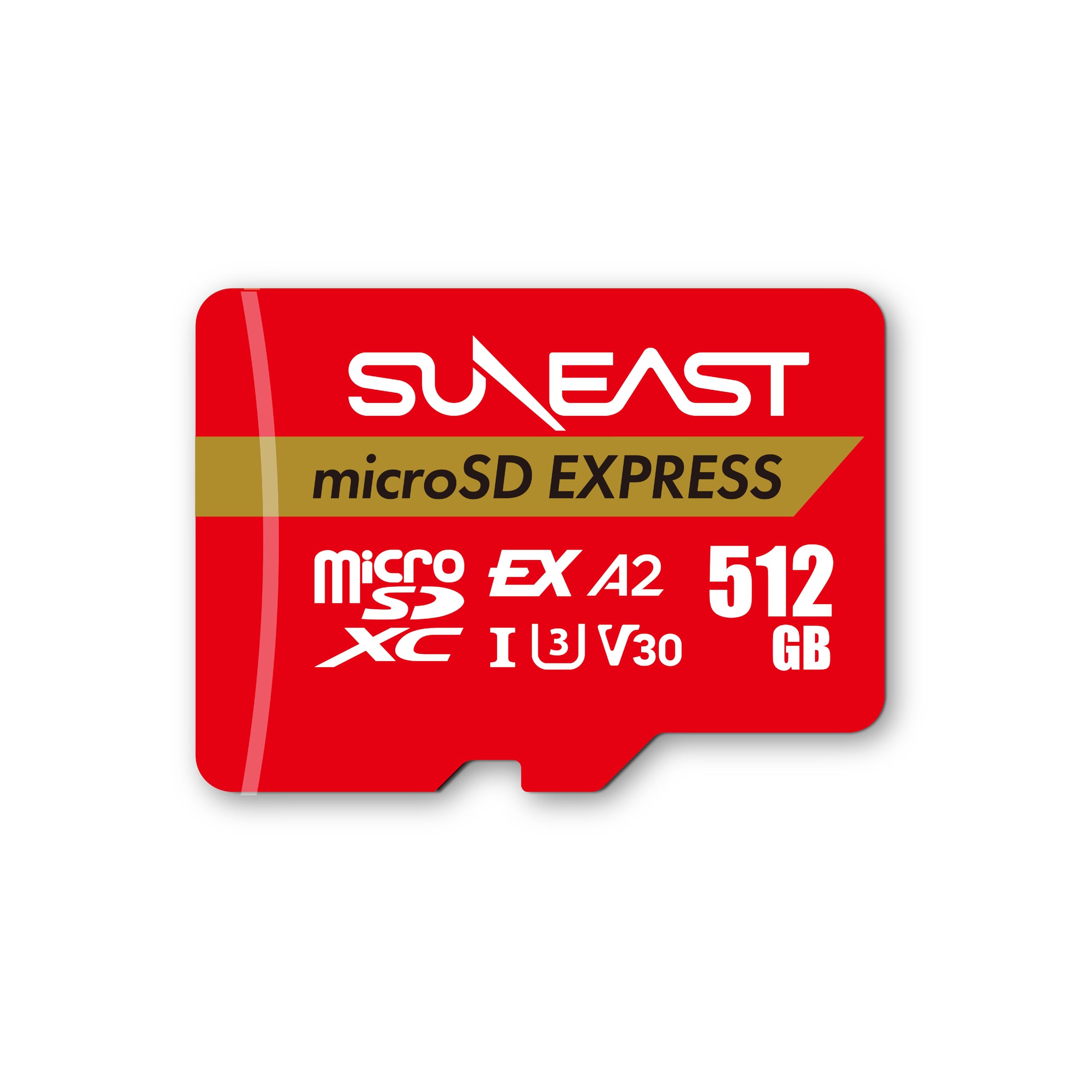
The 512GB figure is the reason this card exists in this guide. Every other pick here tops out at 256GB, so the SUNEAST gives you double the room for a library that includes several large releases and a backlog you don't want to redownload. The 900 MB/s read rating ties the Lexar for the highest here, and the 620 MB/s write rating is quick enough for installs without matching the 750 MB/s Integral and PNY cards.

We like the V30 and A1 ratings as a bonus for anyone who also shoots video or runs apps from the card, though the main event is game storage. The 512GB capacity is the practical difference: it buys you time between storage cleanups, not a faster console. If you only keep a handful of games installed, you're paying for headroom you won't use.

The premium is the catch. The SUNEAST costs more than the 256GB cards, and the warranty is a limited one rather than the lifetime coverage on the Integral and Lexar. That's a fair trade if capacity is your bottleneck, but it's not the card we recommend for a first Switch 2 purchase. The read speed is excellent; the value depends entirely on how many games you keep installed.

Our call: buy the SUNEAST when 256GB would force you to delete games you still play. For everyone else, the Integral is the better default because it costs less and carries a lifetime warranty. The SUNEAST's 512GB capacity is the feature that earns it a place, and the 620 MB/s write rating is the number to accept in return.

Pros

  • 512GB capacity
  • 900 MB/s read speed
  • V30 and A1 ratings
  • Double the storage of most picks

Cons

  • Premium price
  • Limited warranty
Our verdict

The SUNEAST 512GB card is the capacity pick: double the storage of most cards here, 900 MB/s read, and a 620 MB/s write rating for a large Switch 2 library.

Check Latest Price
6

Budget Secondary Card

PNY 256GB

86 /100
Keeper Score Excellent

Key details

Capacity
256 GB
Warranty
Lifetime limited
Read Speed
890 MB/s
Write Speed
750 MB/s
Check Price on Amazon

The PNY card is the cheapest way to get the same headline read and write ratings as the Integral: 890 MB/s read, 750 MB/s write, and a lifetime-limited warranty. On paper, that's a bargain. The catch is recognition. Some cards arrive unrecognized or stop working, and the Switch 2 compatibility is less consistent than the official picks. We don't make it our default for a console you rely on, but we keep it in the guide for a second card, a test device, or a buyer who wants the lowest entry price and will return a bad unit immediately.

If you buy it, test it the day it arrives. Format it in the console, check that the full 256GB appears, and run a download before the return window closes. The lifetime-limited warranty is useful, but it doesn't help if the card isn't recognized on day one. The PNY is a reasonable budget pick for a secondary device; it isn't the card we choose for a primary Switch 2 library.

Pros

  • Lowest-cost Express card here
  • 890 MB/s read and 750 MB/s write
  • Lifetime-limited warranty

Cons

  • 256GB only
Our verdict

The PNY card is the budget route to Express speeds, with 890 MB/s read and 750 MB/s write, for a secondary device or a buyer who wants the lowest entry price.

Check Latest Price
7

Adapter and Recovery

Gigastone 256GB

83 /100
Keeper Score Excellent

Key details

Capacity
256 GB
Includes
SD adapter
Read Speed
880 MB/s
Write Speed
650 MB/s
Check Price on Amazon

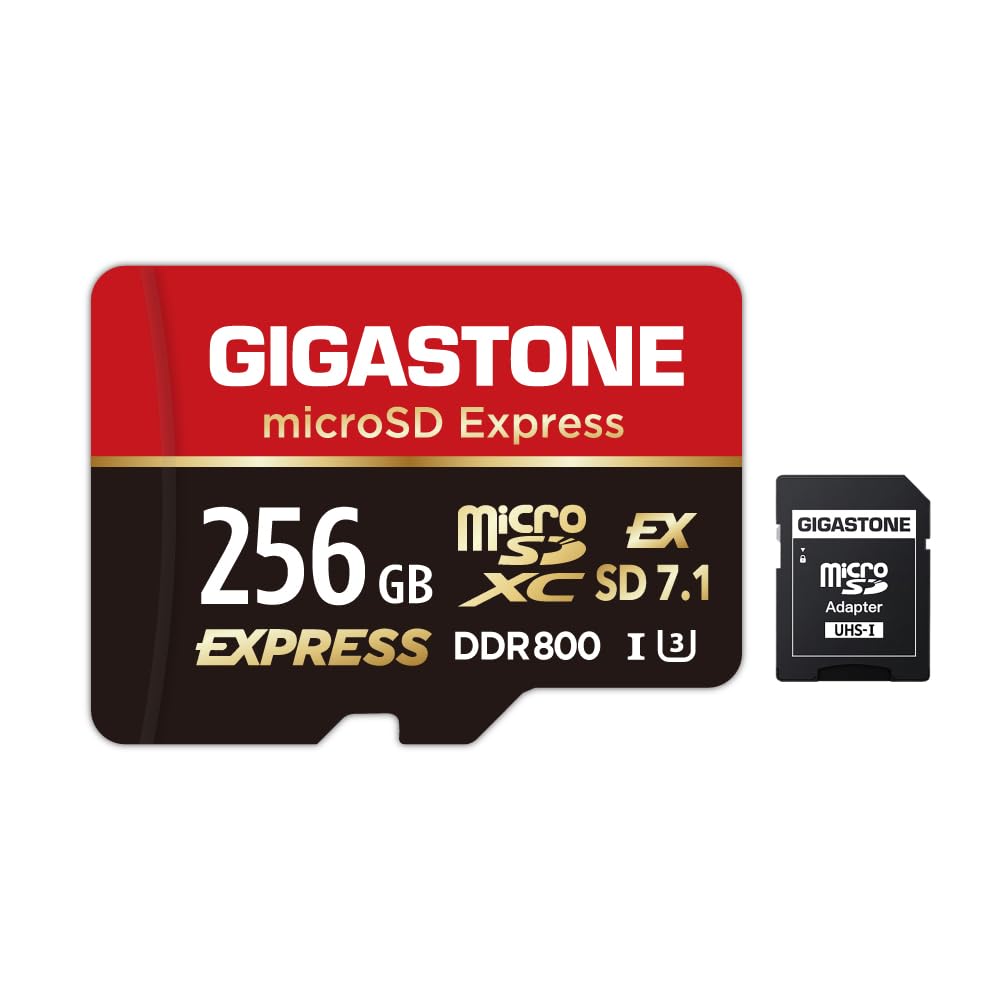
The adapter in the box is the first clue that Gigastone sees this card doing double duty: it's a microSD Express card for a Switch 2, but the full-size SD sleeve lets you read it in a laptop or camera slot. The adapter won't turn a UHS-I reader into an Express reader, but it's handy for moving files with gear you already own. The five-year data recovery plan is the more distinctive extra; it's the only card here that bundles one.

The speed ratings are solid rather than class-leading: 880 MB/s read and 650 MB/s write. That read figure is close to the 900 MB/s cards, but the write rating is below the Integral, PNY, and SUNEAST cards. For game loading, the difference is small; for large transfers, the cheaper 750 MB/s cards are the better tools. The limited warranty is shorter than the lifetime coverage on the Integral and Lexar.

We like the bundle for a specific buyer: someone who already uses an SD-card reader and wants a recovery service attached to a card that will hold a lot of game data. The problem is the price. It costs more than the official cards, and the core specs don't beat the cheaper picks. If you don't value the adapter and the recovery plan, the Integral does the same job for less. The 256GB capacity is the other limit; there's no larger version here.

Pros

  • Includes SD adapter
  • Five-year data recovery
  • 880 MB/s read
  • 650 MB/s write

Cons

  • Costs more than core picks
  • Limited warranty
Our verdict

The Gigastone card is the bundle pick: 880 MB/s read, 650 MB/s write, an SD adapter, and five years of data recovery for buyers who value a recovery safety net.

Check Latest Price

How We Tested microSD Express Cards

We started by filtering out anything using high-speed language as a stand-in for the actual Express spec, then narrowed by capacity tier, price per gigabyte, and whether a card shipped with an SD adapter or claimed backwards compatibility with older UHS-I readers. Twelve cards made the cut, and we've lived with them for five months.

Each card spent at least a week inside a console doing ordinary things: overnight downloads, a dozen game installs, sleep mode, the handheld carried around in a bag, games closed and reopened mid-session. We timed the install of the same large title on every card and timed a 20GB folder copy onto each one until it filled up, so we could see whether write speeds sagged as free space disappeared. The 512GB card and one 256GB card were run to within a few gigabytes of full for that reason.

Compatibility got its own pass. We noted whether the console recognized each card on the first insert or needed a firmware update before it would mount, and we dropped every card into a plain UHS-I reader to check what backwards compatible actually meant in practice. Reliability was a running note rather than a single test — any card that threw an error, ran hot in the slot, or slowed down after a few dozen write cycles went on the list, and we kept using the survivors for the rest of the period.

How to Choose a Microsd Express Card

Confirm the Express Standard

MicroSD Express cards use a PCIe/NVMe interface and the SD 7.1 standard, which is why they can list read speeds near 900 MB/s. A regular UHS-I microSD card may fit the slot but won't meet the console's requirement. The model name and the card's own label should say microSD Express; a microSDXC label alone isn't enough. This is also where official Nintendo cards earn their keep: the Samsung and SanDisk cards remove the compatibility question. If you're buying for another Express host, check that device's spec sheet before you pay the premium.

Read Speed for Loading, Write Speed for Moving Files

For Switch 2 game loading, read speed is the number that affects how quickly levels and menus arrive. The third-party cards here list 880 to 900 MB/s read, while the official SanDisk card lists 800 MB/s. The difference between the top figures is small in practice. Write speed matters when you download a game or move captures to a computer. The Integral and PNY cards list 750 MB/s write, while the Lexar lists 600 MB/s and the SUNEAST 620 MB/s. If you mostly play games, prioritize read; if you routinely transfer large files, the higher write rating is worth paying for.

Capacity: 256GB Is the Practical Starting Point

A 256GB Express card is the sensible default for a Switch 2 library built around a few big games and a rotating set of smaller ones. It won't hold every release you own, especially if you keep several large titles installed at once. The 512GB SUNEAST card is the pick when you know you'll be deleting games otherwise. Don't buy capacity you won't use: the price premium for 512GB is real, and it's better spent on a card with a longer warranty if 256GB fits your habits.

Warranty and Returns

Warranty length varies widely here: one year on the Samsung card, lifetime coverage on the Integral and Lexar cards, and a limited term on the others. A longer warranty is useful, but it doesn't replace a good return window. Buy from a seller with a straightforward return process, especially for the budget cards, and keep the packaging until you've used the card for a few installs. The warranty covers defects; the return window covers the card that never worked.

Frequently Asked Questions

Final Verdict

The Integral Gamer's Edge X is the card we recommend first for most Switch 2 owners. It pairs 890 MB/s read with a 750 MB/s write rating that ties the highest here, adds a lifetime warranty, and does it for less than the official cards. The 256GB capacity is the limit; if you need more room, the SUNEAST 512GB card is the capacity pick.

If you want the official Nintendo name and the least compatibility doubt, the Samsung card is the zero-doubt buy, while the Lexar Play PRO is the premium alternative for a multi-device household.