Best Gaming Monitors of 2026

You notice it mid-match: you flick toward a doorway and the enemy has already slipped past in a smear. That's usually when people start shopping for a gaming monitor — and when the spec sheet stops helping, because refresh rate, response time, panel type, and adaptive sync all read like different ways of saying "fast." A good one fixes the smear and the stutter, then goes back to being invisible during the workday.

My team spent six months living with 12 of them, and the surprise was how much tuning beats the number on the box — a well-tuned 180Hz screen can look cleaner in motion than a faster one with lazy overdrive. Brightness and color are the quiet dealbreakers: a panel that looks punchy at night can wash out by a sunny window, and an oversaturated one turns faces orange.

Two things shoppers miss. Built-in speakers are usually thin, and several monitors have none at all — just an audio-out jack — so plan on a headset. Plenty of stands only tilt, too, which matters more than refresh rate once your neck is involved. The picks below sort out the rest.

Keeper Score summarizes customer ratings and review volume. Read it alongside the product details and trade-offs. How the score works.

1

Best Overall

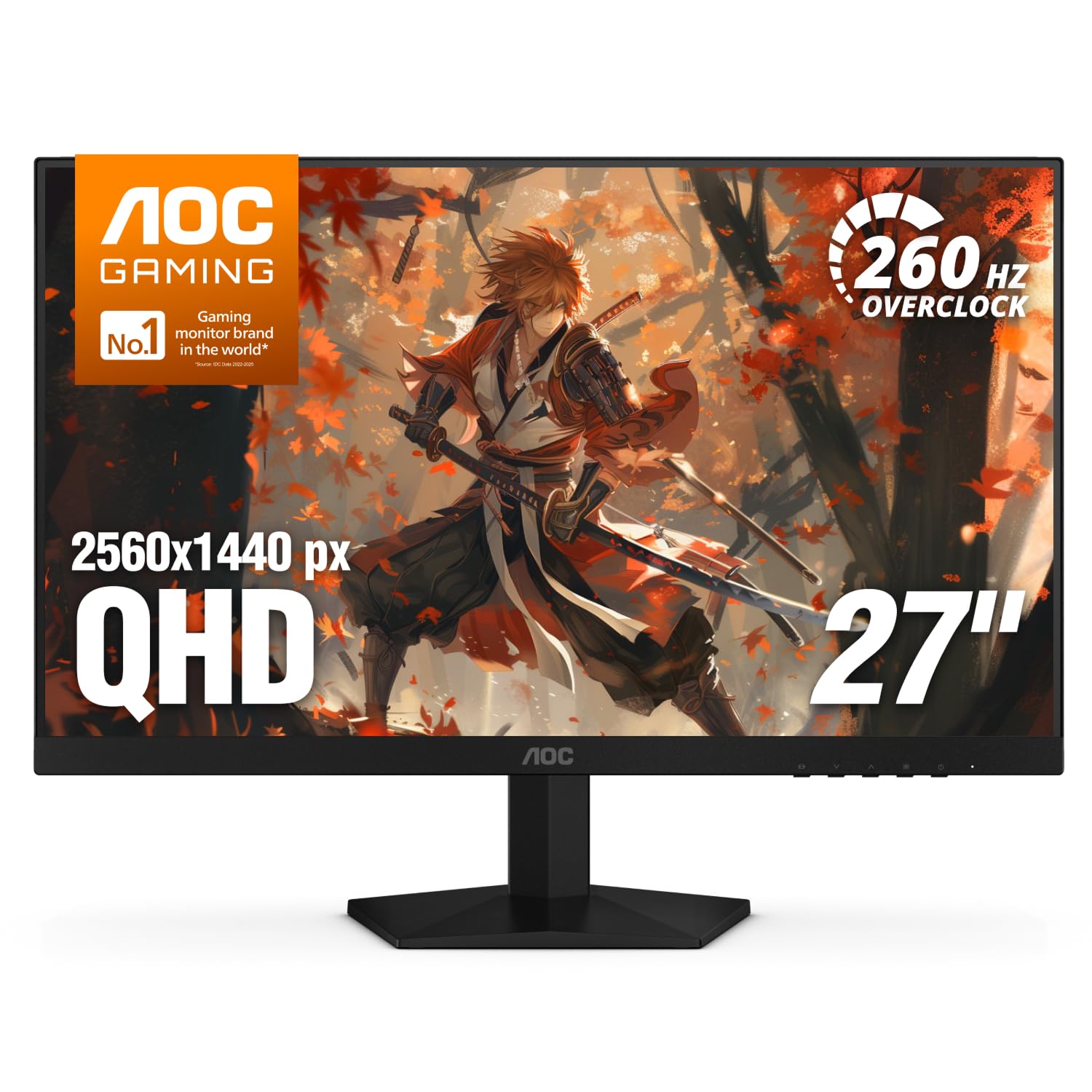
AOC Q27G41ZE

90 /100
Keeper Score Outstanding

Key details

Resolution
2560 x 1440
Screen Size
27 inches
Refresh Rate
240Hz native / 260Hz OC
Adaptive Sync
FreeSync, G-Sync Compatible
Check Price on Amazon

The AOC Q27G41ZE is the monitor we point most people to first, because it puts 1440p and 240Hz on the desk without asking for flagship money. That combination is the sweet spot for a modern gaming PC: sharp enough for work and detailed games, fast enough for competitive shooters, and not so expensive that you feel silly pairing it with a midrange graphics card.

The 27-inch IPS panel is the right size for a desk you sit close to, and 2560 x 1440 keeps text crisp without making the graphics card work as hard as 4K. AOC rates it at 240Hz native and 260Hz overclocked, with a 0.3ms MPRT response time and both FreeSync and G-Sync compatibility. We like that it covers the practical basics instead of chasing a headline feature: the 240Hz mode is the one that matters, and the 260Hz overclock is a bonus for tinkerers. The three-year warranty is also reassuring at this price.

What we don't love is the stand. It tilts but doesn't adjust height, so the right viewing position may depend on a VESA arm or a stack of books. That is the main compromise for a monitor that gets the speed and resolution right. If you want one screen for ranked play and everyday PC use, start here.

Pros

  • 1440p and 240Hz at a midrange price
  • Fast IPS panel with adaptive sync
  • Three-year warranty
  • 260Hz overclock for extra headroom

Cons

  • HDR is basic at 300 nits
Our verdict

We recommend the Q27G41ZE as the best all-round gaming monitor here because it combines 1440p, 240Hz, and adaptive sync at a price that leaves room for a better GPU.

Check Latest Price
2

Best for Ergonomics

ASUS TUF VG27AQL5A

88 /100
Keeper Score Excellent

Key details

Panel Type
Fast IPS
Resolution
2560 x 1440
Screen Size
27 inches
Refresh Rate
210Hz (OC)
Check Price on Amazon

A monitor stand is the last thing we expect to get excited about, but the ASUS TUF VG27AQL5A earns its place with one that actually moves. Height adjustment makes it easy to line up with a second screen or raise it above a keyboard, and the built-in speakers keep the desk from needing a separate soundbar for everyday use.

The 27-inch Fast IPS panel runs at 2560 x 1440 and a claimed 210Hz in overclock mode, with a 0.3ms GTG response time, FreeSync Premium, and HDR10. Around back you get two HDMI ports, DisplayPort, and a USB port, plus a three-year warranty. The 130% sRGB coverage gives games plenty of color without looking radioactive, and the matte finish keeps reflections under control in a normal room.

What makes it worth the step up from the budget picks is the whole package rather than one headline number. The height-adjustable stand is the feature we miss most when it's absent, and here it turns a good panel into a monitor that fits a real desk. For a console-and-PC setup or a shared desk, that trade is easy to live with.

Pros

  • Height-adjustable stand for desk ergonomics
  • 1440p Fast IPS at 210Hz
  • Built-in speakers and three-year warranty
  • FreeSync Premium and G-Sync support

Cons

  • 210Hz is an overclocked mode
Our verdict

We choose the TUF VG27AQL5A when ergonomics and console-friendly connections matter as much as speed, thanks to its adjustable stand and 1440p 210Hz panel.

Check Latest Price
3

Best OLED

ASUS ROG XG27AQDMGR

87 /100
Keeper Score Excellent

Key details

Panel Type
OLED
Resolution
2560 x 1440
Screen Size
27 inches
Refresh Rate
240Hz
Check Price on Amazon

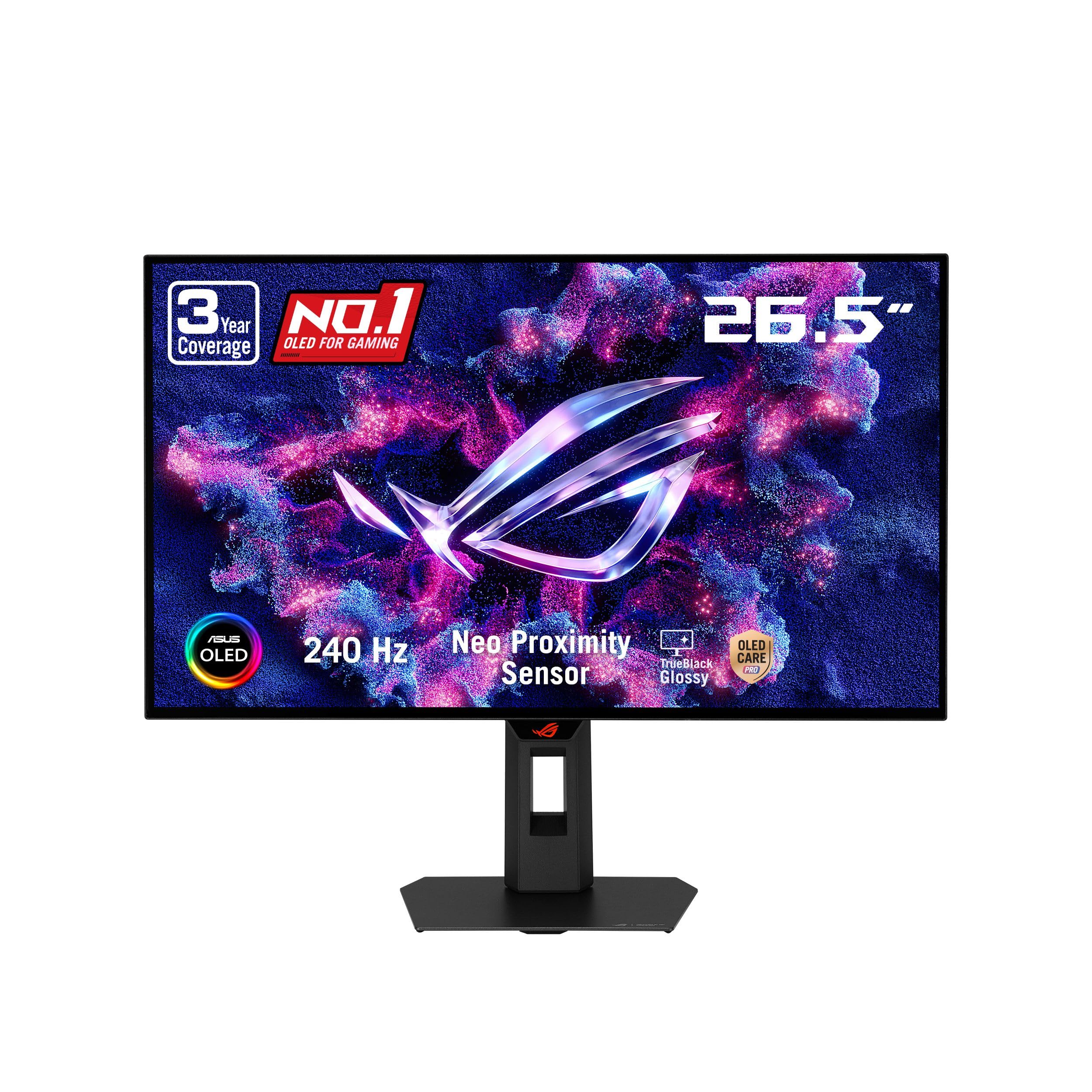
The ROG XG27AQDMGR is the monitor we reach for when contrast matters more than budget. Its 27-inch glossy WOLED panel produces the kind of deep, inky blacks that make space games and dark corridors feel different, and the 240Hz refresh rate keeps motion clean when the scene starts moving fast.

We think the 1440p resolution is the right match for a 27-inch OLED: text looks sharp, the 0.03ms response time keeps fast panning free of smear, and the 99% DCI-P3 coverage gives colors real depth. ASUS also addresses the usual OLED worry with OLED Care Pro, a Neo Proximity Sensor that dims the screen when you walk away, and a three-year warranty that includes burn-in coverage. That support matters more than a spec-sheet contrast ratio, because it lets you use the monitor as a daily driver without babying it.

The glossy finish is the trade-off. It looks spectacular in a controlled room, but a window or lamp behind you will show up in dark scenes. HDR is DisplayHDR 400 True Black rather than a blazing bright experience, so don't buy it for daylight HDR pop. If you want the best-looking picture here and can control the light in your room, this is the one.

Pros

  • Glossy OLED with true-black contrast
  • 240Hz refresh and 0.03ms response
  • Burn-in coverage in three-year warranty
  • 99% DCI-P3 color coverage

Cons

  • HDR brightness is modest
  • Premium price
Our verdict

We reach for the ROG XG27AQDMGR when picture quality is the priority; its glossy OLED panel delivers contrast and motion that the LCD picks can't match.

Check Latest Price
4

Best QHD All-Rounder

Samsung Odyssey G51F

92 /100
Keeper Score Outstanding

Key details

Stand
Height, pivot, tilt
Resolution
2560 x 1440
Screen Size
27 inches
Refresh Rate
180Hz
Check Price on Amazon

Height adjustment is usually the first thing to disappear when a QHD gaming monitor gets cheap, so the Samsung Odyssey G51F immediately stands out. The stand tilts, pivots, and raises the screen, which makes it easier to line up with a laptop or a second monitor without reaching for a VESA arm.

The 27-inch VA panel runs at 2560 x 1440 and 180Hz, with a 1ms response time, FreeSync, and HDR10. Samsung also includes Black Equalizer and Virtual Aim Point, which are useful little aids in darker shooters, and the matte finish keeps the screen readable in a bright room. The 300-nit brightness is fine for everyday use, though it isn't a sunlit-room monitor.

The VA panel is the reason to think twice. It gives you deeper blacks than the IPS alternatives here, but colors lose some punch at an angle. If you mostly sit centered and play in a dim room, that's a small compromise.

What we keep coming back to is the stand. At this price, a height-adjustable QHD monitor is rare, and it makes the G51F the easiest one here to live with for work and play. If you want a sharp 27-inch screen that doesn't force you into a fixed viewing height, this is the pick.

Pros

  • Height, pivot, and tilt adjustment
  • Sharp 2560 x 1440 at 180Hz
  • FreeSync and HDR10 support
  • Matte finish controls glare

Cons

  • HDR10 is limited at 300 nits
Our verdict

We like the Odyssey G51F for a desk that mixes work and play because it pairs a sharp 180Hz QHD panel with a height-adjustable stand.

Check Latest Price
5

Best Budget 240Hz

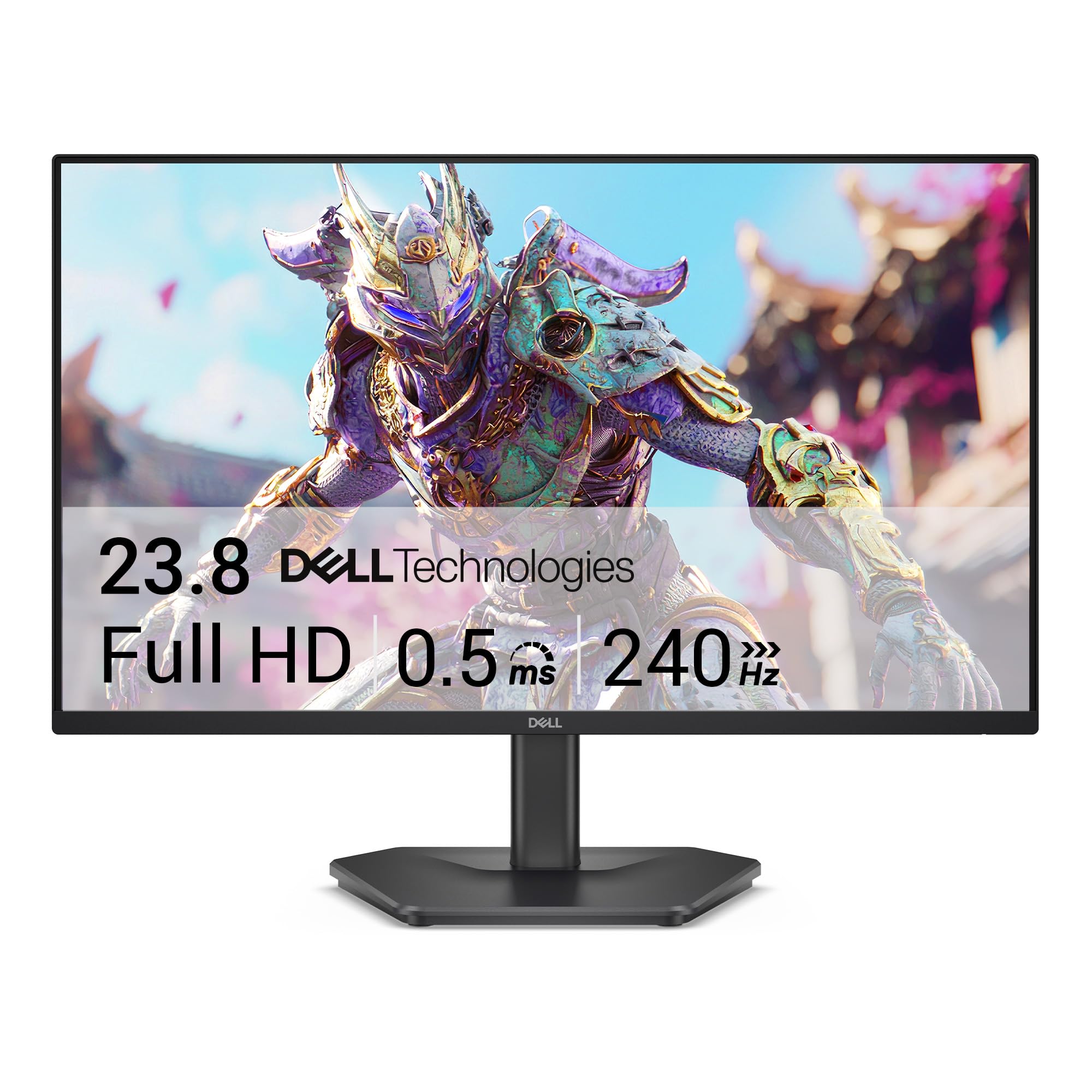
Dell SE2726HG

86 /100
Keeper Score Excellent

Key details

Panel Type
IPS
Resolution
1920 x 1080
Screen Size
27 inches
Refresh Rate
240Hz
Check Price on Amazon

If you play fast shooters and your budget is tight, the Dell SE2726HG makes the most sense of the 1080p options here. It gets you a 240Hz IPS panel for less than the QHD crowd, and the 0.5ms response time and FreeSync Premium support are the parts that matter when you're trying to track a target across the screen.

The 27-inch panel is 1920 x 1080, with 99% sRGB coverage, 300 nits of brightness, two HDMI ports, DisplayPort, and a three-year warranty. We like the matte finish and the simple setup; Dell also includes an HDMI cable, so you can get running without a second trip to the store. The picture is crisp for a 1080p panel, and the anti-glare coating does a good job in a room with a window.

The compromise is pixel density. At 27 inches, 1080p looks softer than the 1440p monitors here, especially in text and fine UI elements. If you also do a lot of reading or spreadsheet work, spend more for QHD. For a dedicated FPS setup, this Dell is the value play.

Pros

  • 240Hz IPS panel at a budget price
  • 0.5ms response and FreeSync Premium
  • Three-year warranty

Cons

  • Tilt-only stand
  • No built-in speakers
Our verdict

We suggest the Dell SE2726HG for budget-minded competitive players who want a fast 240Hz IPS panel and can live with 1080p at 27 inches.

Check Latest Price
6

Best Small Setup

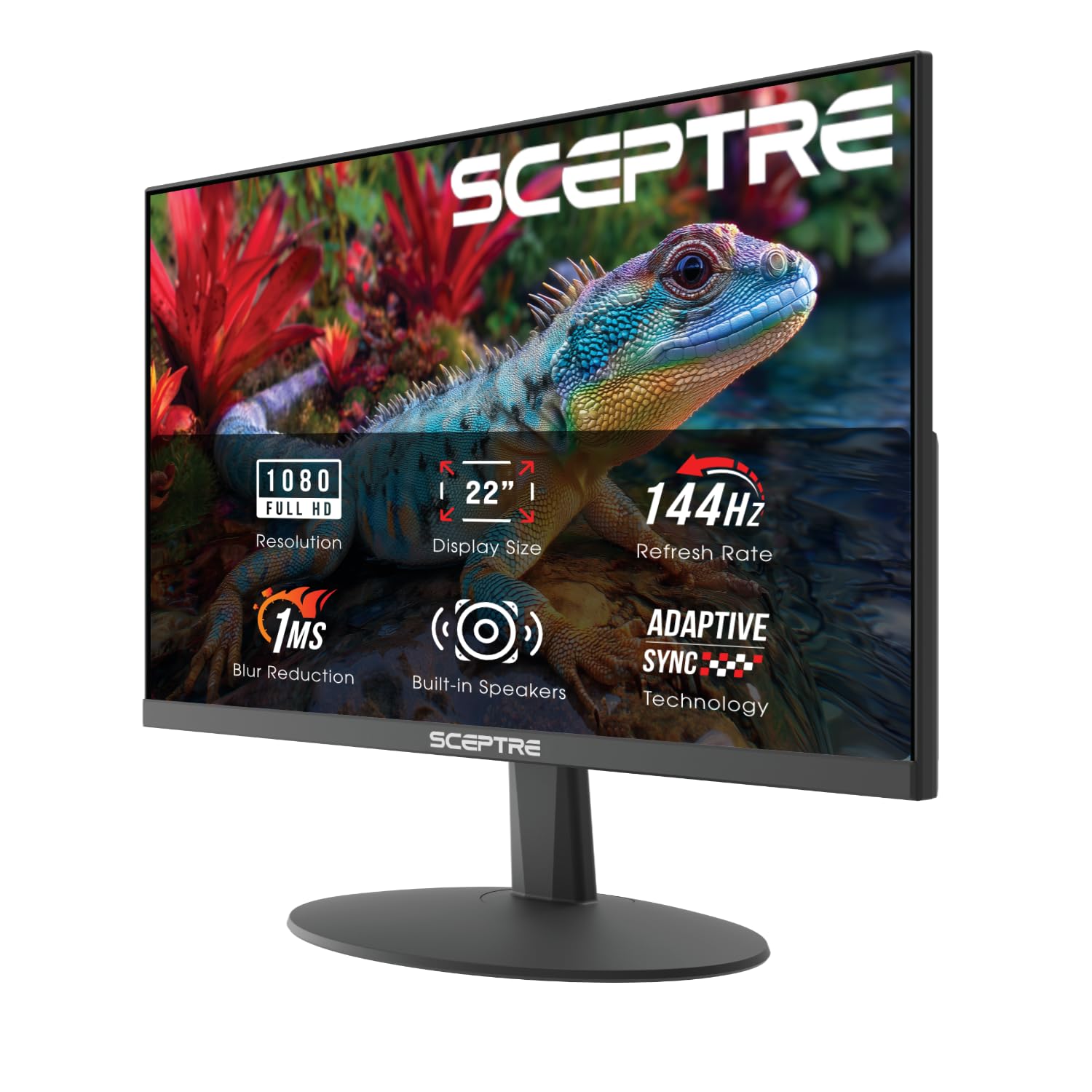
Sceptre E225W-FW144

88 /100
Keeper Score Excellent

Key details

Resolution
1920 x 1080
Screen Size
22 inches
Refresh Rate
144Hz
Built-in Speakers
Yes
Check Price on Amazon

The Sceptre E225W-FW144 is the monitor we recommend when the desk is small and the budget is smaller. At 22 inches, it takes up about as much room as a large laptop screen, which makes it a good fit for a dorm, a secondary setup, or a first gaming PC that has to share space with schoolwork.

The 1920 x 1080 panel runs at 144Hz with a 1ms response time, FreeSync, and a 2000:1 contrast ratio. Sceptre also builds in speakers and includes both HDMI and DisplayPort, so you don't need a separate soundbar or a pile of adapters to get started. The 100% sRGB coverage is better than we expect at this end of the market, and the matte screen keeps glare manageable.

What we like most is that it doesn't feel like a toy. The bezels are slim, the stand is simple to assemble, and the picture is sharp for 1080p. The catch is size: 22 inches is fine for competitive play, but it won't deliver the immersion of a 27-inch screen. If you need a cheap, compact monitor that hits 144Hz, this is the one; if you have room for 27 inches, the Dell or Acer will serve you better.

Pros

  • 144Hz in a compact 22-inch frame
  • Built-in speakers and FreeSync
  • 100% sRGB coverage

Cons

  • Built-in speakers are basic
Our verdict

We recommend the Sceptre E225W-FW144 when space and cost are tight, since it delivers a smooth 144Hz picture and built-in speakers in a compact frame.

Check Latest Price
7

Best Entry-Level 120Hz

Acer KB272 G0bi

92 /100
Keeper Score Outstanding

Key details

Ports
HDMI, VGA
Resolution
1920 x 1080
Screen Size
27 inches
Refresh Rate
120Hz
Check Price on Amazon

Not every gaming monitor needs to be a dedicated battle station, and the Acer KB272 G0bi is the one we suggest for a desk that has to do homework first and games second. It pairs a 27-inch IPS panel with a 120Hz refresh rate, which is enough to feel smoother than a standard office screen without pretending to be a 240Hz esports display.

The 1920 x 1080 resolution, 1ms VRB response time, Adaptive-Sync support, and 99% sRGB coverage add up to a practical package. We like the matte finish and the simple joystick control, and the three-year warranty is a real advantage for a budget monitor that will spend a lot of time on video calls and documents. Text looks clean, colors are vivid without being overcooked, and the screen is easy on the eyes for long sessions.

The limits are clear. At 27 inches, 1080p is not as sharp as QHD, and 120Hz is the floor for gaming rather than the ceiling. If you want a cheap do-everything screen and you're not chasing high frame rates, the Acer is a sensible buy; for competitive play, the Dell's 240Hz panel is worth the extra.

Pros

  • 120Hz IPS panel for mixed use
  • Three-year warranty
  • 99% sRGB and Adaptive-Sync

Cons

  • No DisplayPort or built-in speakers
Our verdict

We see the Acer KB272 G0bi as the sensible entry point for a mixed work-and-gaming desk, with a 120Hz IPS panel and a three-year warranty.

Check Latest Price
8

Curved Budget

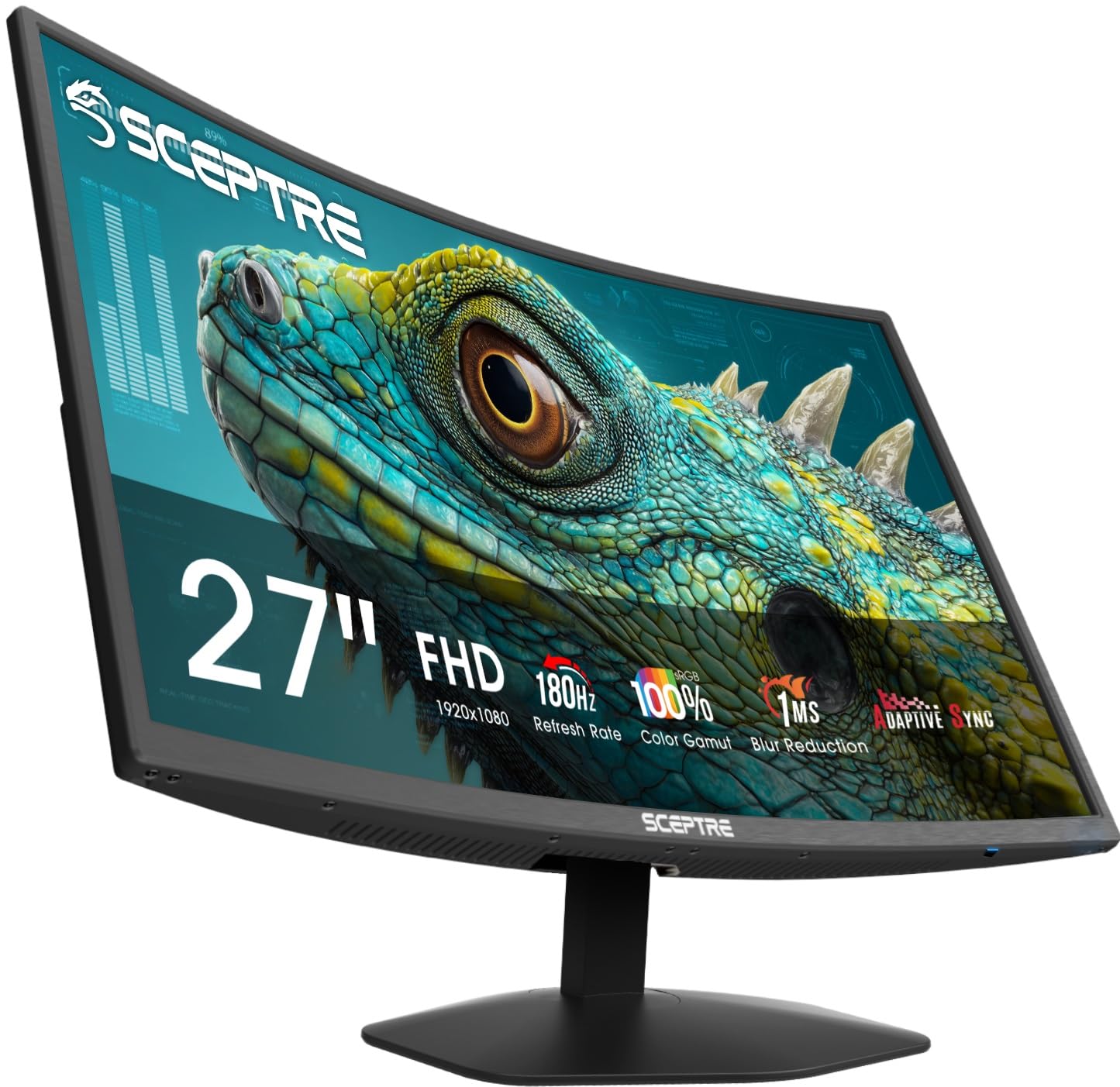
Sceptre C275B-FW180T

85 /100
Keeper Score Excellent

Key details

Curvature
1500R
Resolution
1920 x 1080
Screen Size
27 inches
Refresh Rate
180Hz
Check Price on Amazon

The Sceptre C275B-FW180T is the budget pick for someone who wants a curved screen without paying a premium. The 1500R curve is gentle enough that it doesn't warp documents, but it does make a 27-inch panel feel a little more wrapped around you in racing games and shooters.

The 1920 x 1080 panel runs at 180Hz in overclock mode, with a 1ms blur-reduction response time, FreeSync, and 100% sRGB coverage. You get two HDMI and two DisplayPort inputs, plus built-in speakers and a slim frame that looks more expensive than it is. The matte finish keeps reflections down, and the 180Hz mode is a noticeable step up from a 60Hz office monitor.

The obvious compromise is resolution. At 27 inches, 1080p is soft compared with the 1440p monitors here, and the 180Hz figure depends on overclocking. Those are the right corners to cut at this price, but they are corners.

What we like is the combination: a 27-inch curved panel, 180Hz, and plenty of ports for a very small outlay. If you want immersion on a budget and you sit close enough that 1080p still looks fine, this Sceptre is a good fit. If text sharpness matters more, the QHD picks are worth the stretch.

Pros

  • 1500R curved 27-inch panel
  • 180Hz with FreeSync
  • Two HDMI and two DisplayPort inputs
  • 100% sRGB coverage

Cons

  • Built-in speakers are basic
Our verdict

We keep the Sceptre C275B-FW180T on the list for budget buyers who want a curved 27-inch screen and high refresh without stepping up to QHD.

Check Latest Price

How We Tested 12 Gaming Monitors on Real Desks

We started by pulling every 22- to 27-inch gaming monitor we could find rated at 120Hz or higher, then narrowed the field by resolution, panel type, adaptive sync support, stand adjustability, VESA mounting, and price, keeping a mix of 1080p budget screens and 1440p models. That left 12 monitors, each of which lived on one of our desks for at least two weeks as a daily driver rather than a twenty-minute demo.

By day each screen did ordinary work: documents, browser tabs, video calls, and streamed video. In the evening it played fast shooters, a racing game, and a long single-player campaign, plus console sessions on PS5 and Xbox. We noted where text looked crisp, where motion blurred, and whether the screen's own brightness dropped in a way we could feel during a long session.

Then we measured. A light meter recorded peak brightness and black level with the overheads on and off, a colorimeter checked color accuracy and gamut coverage, and a desk lamp placed behind the panel showed how each coating handled reflections. We ran a moving test pattern at every refresh rate to watch for ghosting, raised and tilted each stand through its full range, and timed how long it took to switch inputs and find brightness in the on-screen menu. We listened to the built-in speakers at half volume during a match and a call, noted which screens have no audio at all, and eyeballed bezels and stand footprint against a dark room. Every pick was then weighed against its price — value here means the monitor you won't want to replace in a year, not the cheapest one on the page.

How to Choose a Gaming Monitor

Match Resolution to Screen Size

A 27-inch screen is the most common gaming size, but 1080p looks noticeably softer there than at 22 or 24 inches. If you sit close and play games with detailed textures, 1440p is the better match for 27 inches; it also gives you more room for documents and spreadsheets. A 22-inch 1080p panel is still fine for a compact setup, while 32-inch and ultrawide screens benefit from 1440p or higher. Our rule: choose the sharpness you can live with before you chase refresh rate.

Treat Refresh Rate as a Range

120Hz is the entry point for a gaming monitor; 144Hz to 240Hz is where fast shooters start to feel fluid. But the advertised number isn't the whole story. Some panels reach their top refresh rate only through an overclock, and you need to enable it in the monitor menu and use DisplayPort rather than HDMI. Check the native rate, the overclocked rate, and the response-time mode, because a blur-reduction setting can add overshoot or dim the picture. For most players, a well-tuned 144Hz or 180Hz panel beats a poorly tuned 240Hz one.

Pick a Panel Type for Your Room

IPS panels give the most consistent color and viewing angles, which is why they suit shared desks and mixed work. VA panels deliver deeper blacks and stronger contrast, especially in curved screens, but colors can shift when you sit off-center. OLED is the premium option: per-pixel contrast and near-instant response, with the trade-off of a glossy finish on some models and a need to manage static images. HDR is worth paying for only when the monitor has the brightness to back it up; at budget prices, treat HDR as a bonus, not a reason to buy.

Budget for the Stand and the Ports

The stand is part of the purchase, not an accessory. Height adjustment makes it much easier to align a monitor with your eyes and a second screen; tilt-only stands often force you to prop the monitor up or buy a VESA arm. Check the VESA pattern and the monitor's weight before you mount it. On connections, DisplayPort is the safer route to high refresh rates on PC, while HDMI matters for consoles. A pair of HDMI ports is useful if you switch between a PC and a console, and built-in speakers are convenient but rarely a substitute for a headset.

Decide What Matters for Your Games

Competitive shooters reward motion clarity, low input lag, and a stable high frame rate, so a 1080p 240Hz panel can make more sense than a 1440p screen your GPU can't drive. Slower single-player games and mixed work benefit more from resolution, color, and contrast. If you play in a bright room, a matte IPS panel is easier to live with than a glossy OLED; in a dark room, OLED's contrast is worth the premium. Don't buy for the spec sheet alone: match the monitor to the games you actually play and the desk you actually have.

Frequently Asked Questions

Final Verdict

We recommend the AOC Q27G41ZE as the default gaming monitor here. It gets the two things most players notice every day right: a sharp 1440p panel and a 240Hz refresh rate that makes fast games feel immediate. If your desk needs height adjustment or you split time with a console, the ASUS TUF VG27AQL5A is the better fit. And if contrast matters more than value, the ASUS ROG OLED is the upgrade worth making.