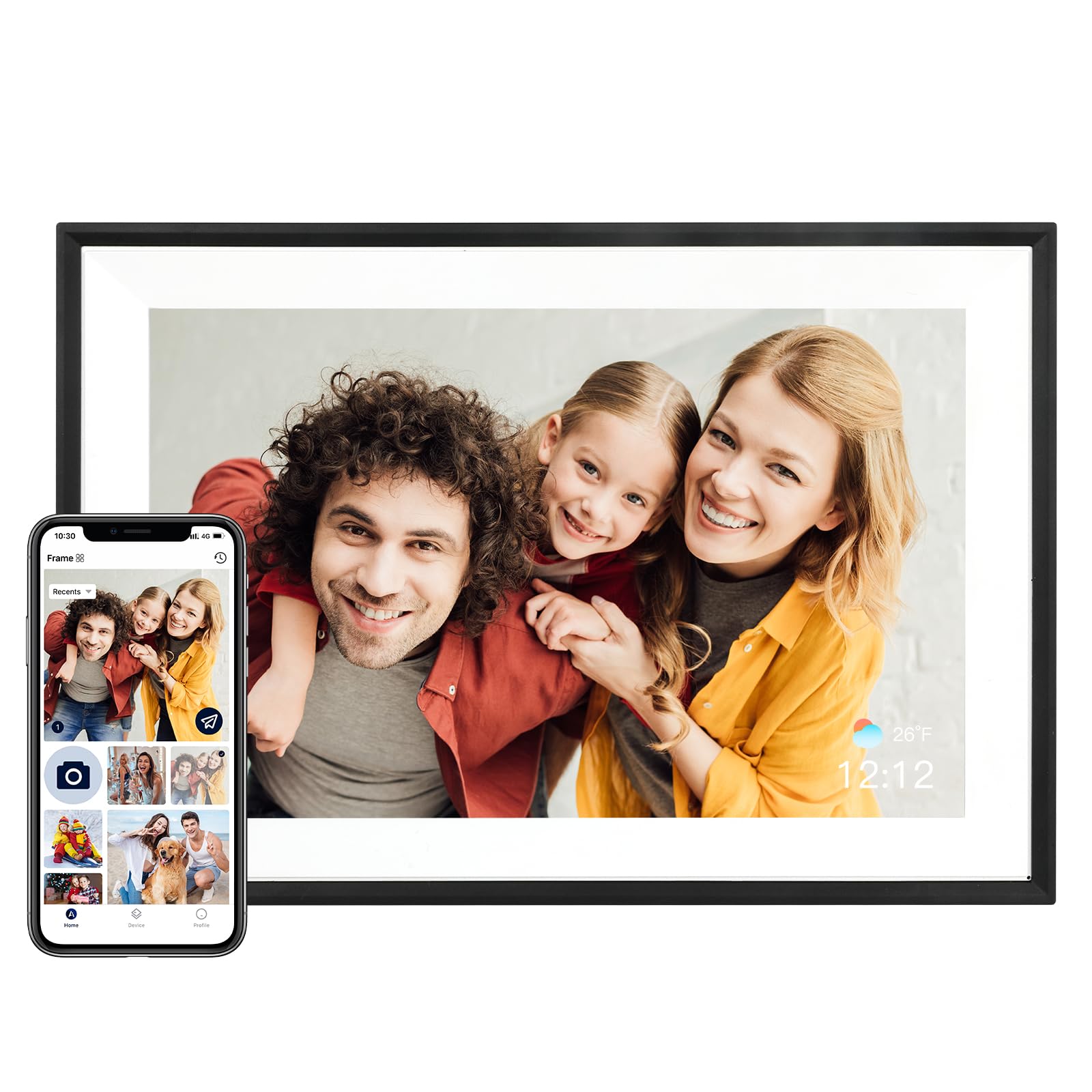
Best Overall

Skylight 10-Inch Frame
Key details
- Display
- 10 in, 1280x800 touchscreen
- Sharing
- App and unique email address
- Storage
- 8 GB internal plus cloud
- Subscription
- None required
What sold us on the Skylight is the part you don't pay for. There's no subscription behind the sharing: plug the frame in, join it to Wi-Fi, and it gets its own Skylight email address that anyone can send photos to from a phone or a computer. The person receiving the pictures doesn't need an app, an account, or a walkthrough — they just look up when the screen tells them something new arrived.
Setup is where most frames lose the room, so it's what we watched closest. This one was the least fussy of the group: plug in, pick a network, name the frame. The 10-inch 1280x800 touchscreen carries the same resolution as the other 10-inch picks here, sharp on a kitchen counter and a touch soft from across a living room, and the picture is good rather than the best in this set — the Aura's panel is the crisper of the two to our eye.
Storage is where it gives ground. Eight gigabytes is the smallest local capacity on this page, so the Skylight leans on its cloud for anything past a modest album. In practice that works: the frame keeps what it needs on board, an offline mode carries the slideshow through a router outage, and Gift Mode lets you preload and personalize the frame before it ships so it arrives full instead of blank. If you want thousands of images living on the device with no service involved, a 32 GB or 64 GB frame serves you better.
Between this and the Aura, the decision is what you're buying: the Aura is the better-looking object with the sharper screen, the Skylight is the simpler handoff. We keep it at the top because the hardest part of a shared frame is getting other people to use it, and this is the one that asks the least of them.
Pros
- Photos arrive by plain email, no app needed
- No subscription behind the sharing
- The quickest setup of the frames we tested
- Offline mode keeps the slideshow running
Cons
- Costs more than the midrange frames
Our default pick for most families: photos arrive by plain email, there's no subscription behind the sharing, and setup was the least fiddly we tested.