Best AI Voice Recorders of 2026

The modern AI voice recorder is less a recorder than a note taker with a microphone attached. It sits through the meeting, transcribes it, and hands back a summary with the action items already listed — saving you the hour you'd otherwise spend writing them up.

I've been the person with 40 minutes of unlistened audio and no memory of who said what. Over the past six months my team and I have carried 11 of these into stand-ups, client calls, and long lectures, and the same pattern held every time: recording quality was rarely the deciding factor. Accuracy on names and accents, a transcription plan that doesn't run dry mid-month, and an app that cooperates are what separate the useful from the shelf-bound.

Battery life and connectivity get less attention than they deserve — a dead recorder or a failed sync is a lost meeting. Value does too, since some of these bundle transcription and others meter it out. The picks below are the ones we kept reaching for.

Keeper Score summarizes customer ratings and review volume. Read it alongside the product details and trade-offs. How the score works.

1

Best Overall

Plaud Note Pro

91 /100
Keeper Score Outstanding

Key details

Storage
64 GB
Capture Range
Up to 5 m (16.4 ft)
Recording Time
30 hours
Transcription Plan
300 min/month free
Check Price on Amazon

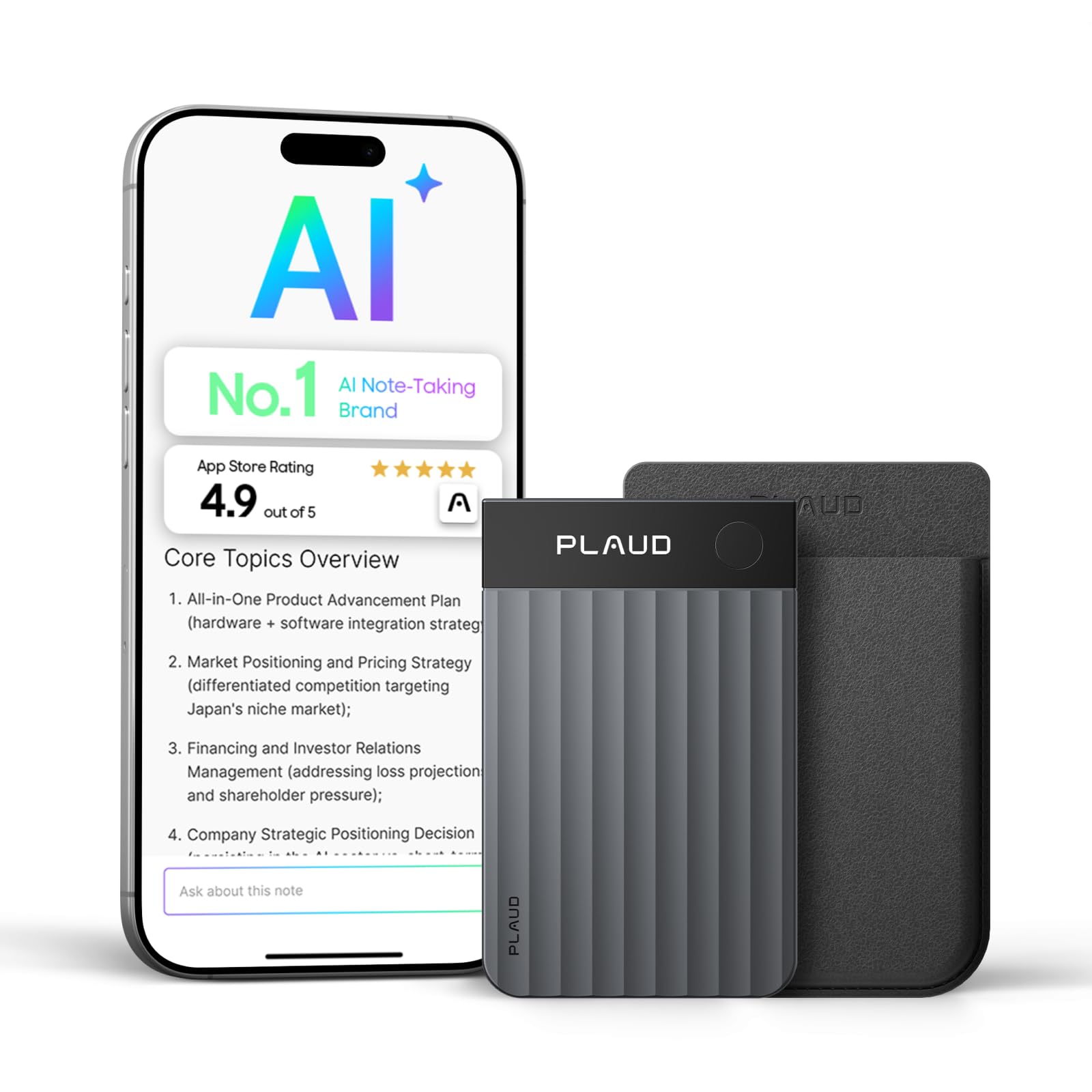
The 0.95-inch screen is what makes the Plaud Note Pro feel like a tool rather than a black slab. It shows recording status, so you can confirm capture without opening the app, and that small feedback loop matters in a meeting when you're already talking. The four microphones are rated to pick up voices from up to 5 meters, and the card records for 30 hours with 64 GB of storage.

The app is where the work gets finished. Transcripts, highlights, and summaries arrive in 112 languages, and the Note Pro can detect phone calls as well as in-person conversations, so it covers the two places most notes go missing. The summaries are structured around decisions and next steps, which is the part that saves desk time.

The magnetic case makes it easy to keep on a phone or notebook, and the display lets you stop a recording cleanly without digging for your phone. That small piece of control is the reason it stays in the bag. If you record a handful of meetings a month, the Note Pro is more machine than you need; if notes are a daily tax, it is the one that pays it back fastest.

Pros

  • Four mics rated to 5 meters
  • Screen confirms recording status
  • 30 hours and 64 GB storage
  • 112-language summaries and call detection

Cons

  • Advanced AI needs a paid plan
  • Charging can become unreliable
Our verdict

The Plaud Note Pro is our default because it pairs a clear on-device screen with four-mic capture and polished summaries; buy it if meetings fill your week.
Check Latest Price
2

Best for iPhone Users

Pocket AI Recorder

90 /100
Keeper Score Outstanding

Key details

Mount
MagSafe
Battery
4 days
Storage
64 GB
AI Workflow
Summaries, action items, mind maps
Check Price on Amazon

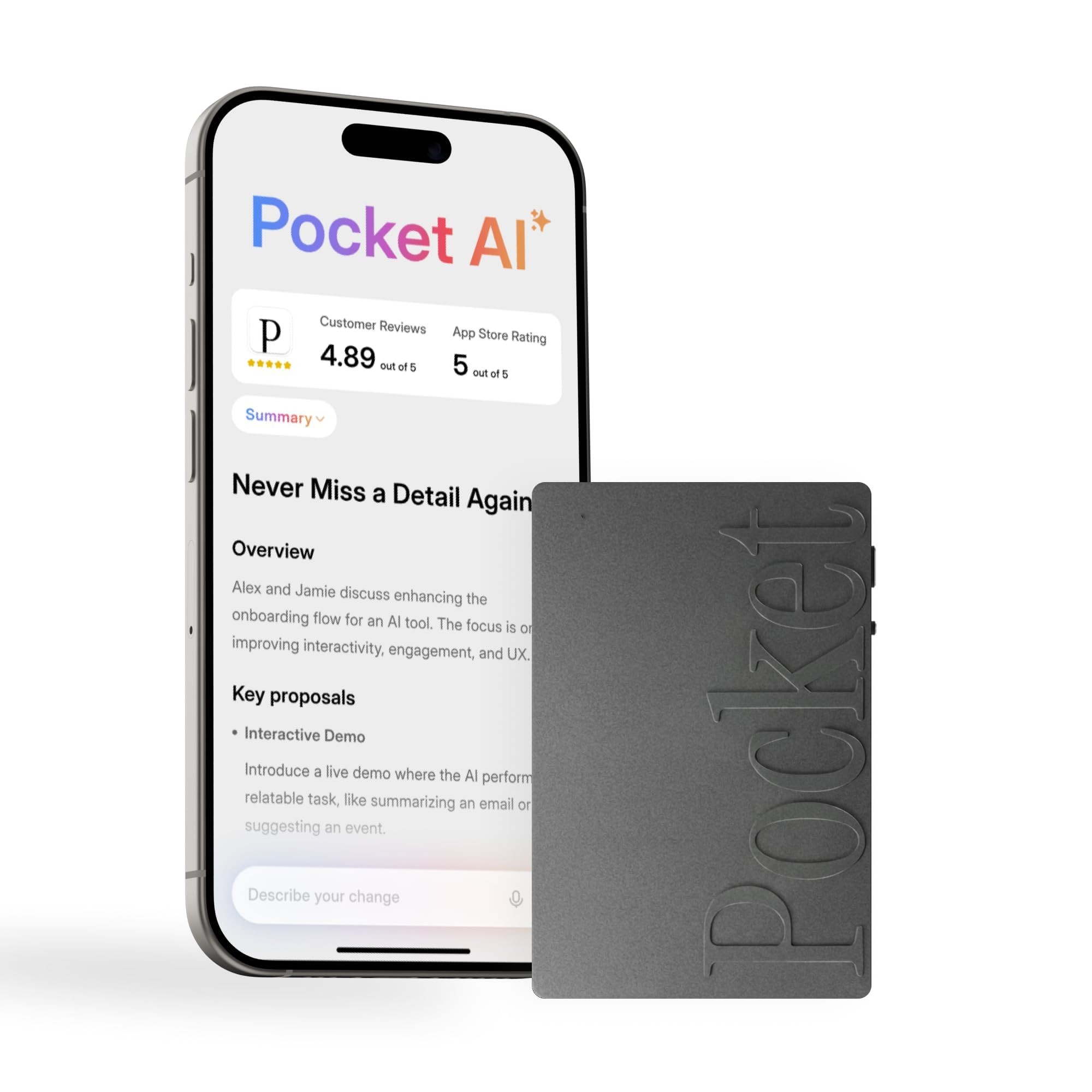
The Pocket is the recorder that lives on the back of an iPhone. Its MagSafe mount makes it a grab-and-go device rather than another thing to remember, and one tap starts capture without unlocking a note app. The 64 GB of storage and the listed four-day battery give it real staying power for a week of meetings and errands.

What we like most is how little ceremony it adds. The app turns a conversation into a summary, action items, and a structured map, and Ask Pocket lets you query those notes afterward. That is a more useful everyday assistant than a raw transcript, especially if you record client calls or lectures and need the follow-up more than the audio.

The magnet is what makes this one stick, literally, for iPhone users, and it is the easiest of these to keep with you. The app is polished enough that the recording feels secondary to the notes you get afterward.

Pros

  • MagSafe mount keeps it on your phone
  • One tap starts capture
  • Summaries, action items, and mind maps

Cons

  • AI features require a subscription
  • MagSafe mounting favors iPhone users
Our verdict

For an iPhone-first workflow, the Pocket is the easiest recorder to live with: magnet it to your phone and capture the meeting in one tap.

Check Latest Price
3

Best Wearable

Plaud NotePin S

87 /100
Keeper Score Excellent

Key details

Weight
0.61 oz (17.4 g)
Wear Options
Clip, pin, necklace, wristband
Capture Range
Up to 3 m (9.8 ft)
Recording Time
20 hours
Check Price on Amazon

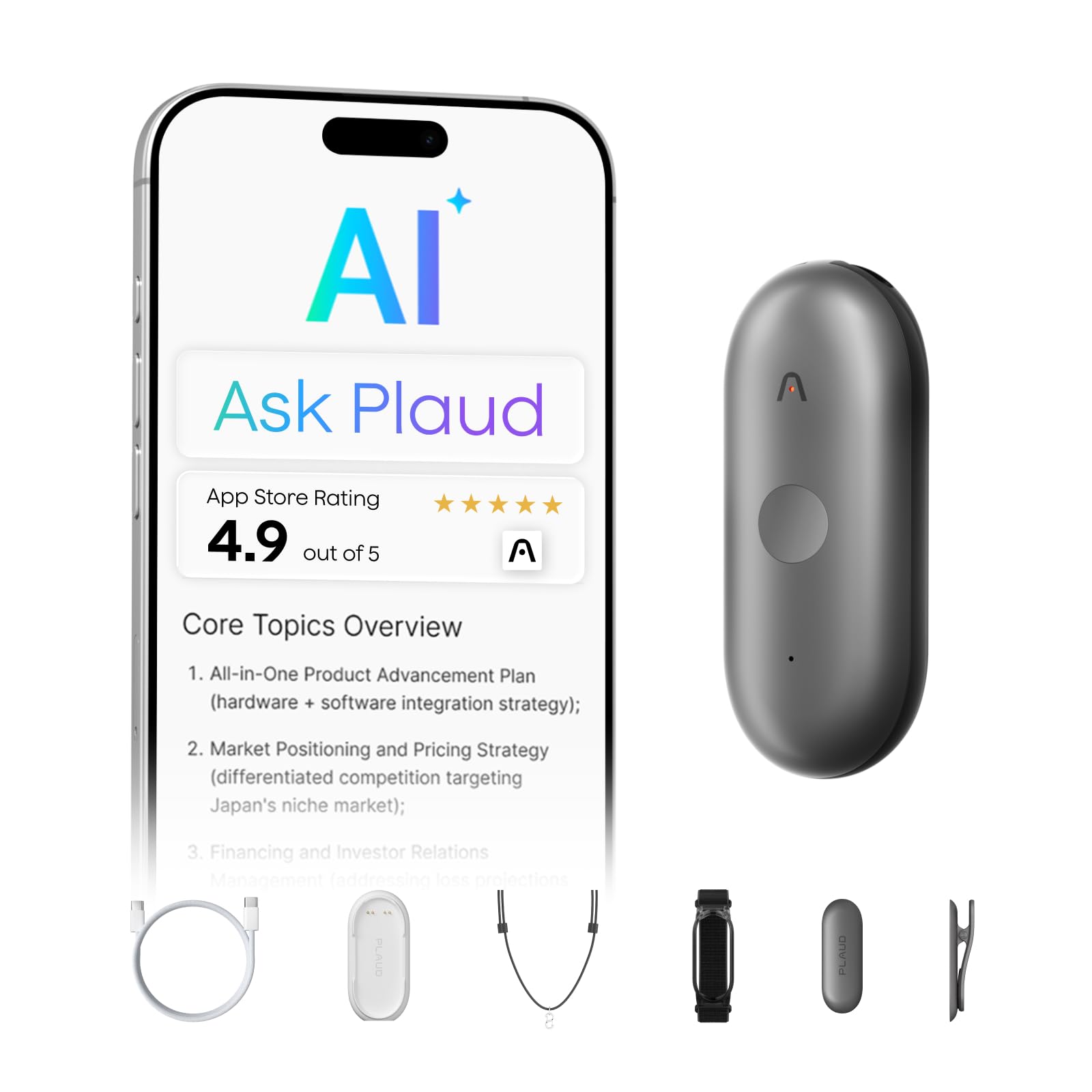
At 17.4 grams, the Plaud NotePin S is light enough to forget you're wearing it, which is the whole point of a wearable recorder. It comes with a magnetic pin, clip, lanyard, and wristband, so you can move it from a collar to a necklace to a wrist without buying extra parts. That flexibility, plus 20 hours of recording and a 3-meter capture range, makes it the most natural hands-free option here.

We like it for interviews and walking meetings, where a card on the table is either awkward or out of reach. The long-press record and short-press highlight controls are simple enough to use without looking, and Find My is a sensible addition for something this small. Plaud's security credentials are also a plus if you record sensitive work conversations.

64 GB is generous for a device this small, and the magnetic pin holds it steady through a shirt without a lanyard. The four wearing options are the reason it earns a place: you can match the mount to the meeting instead of changing how you record.

Pros

  • Wear as clip, pin, necklace, or wristband
  • 17.4 grams is easy to forget
  • 20 hours with Find My

Cons

  • Charging dock is one more thing to pack
  • Battery and charging can become inconsistent
Our verdict

Wear the NotePin S when you need hands-free capture: it is light, versatile, and the least intrusive way to record a walk-and-talk.

Check Latest Price
4

Best Budget

Comulytic Note Pro

84 /100
Keeper Score Excellent

Key details

Sync
Wi-Fi
Storage
16 GB
Languages
113
Recording Time
45 hours
Check Price on Amazon

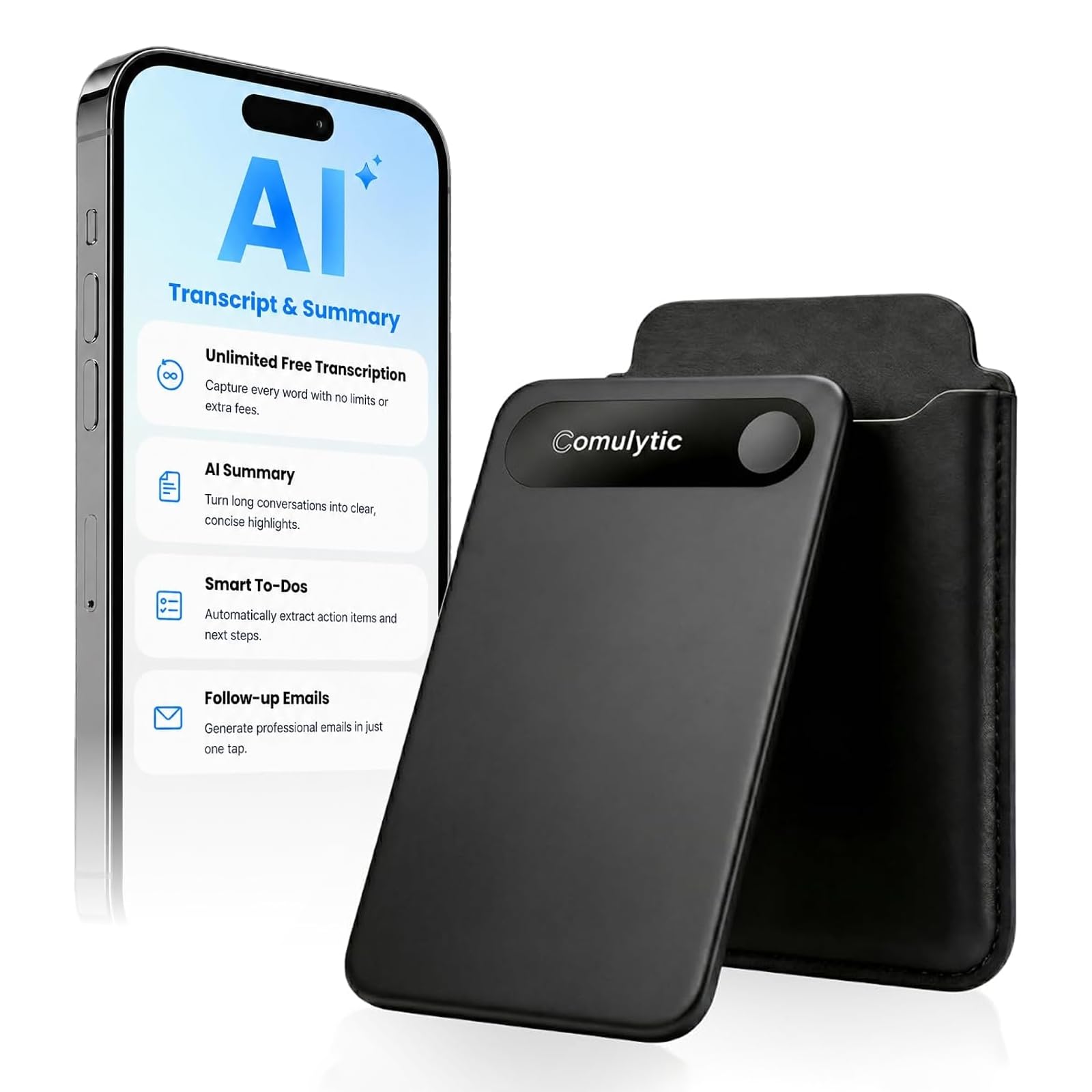
The Comulytic Note Pro is the pick that makes AI recording feel affordable. It is a 3 mm card with a 0.78-inch display, 16 GB of storage, and a rated 45 hours of recording, which is more battery than most people will use in a week of meetings. The magnetic case and OTG adapter are included, so it is ready to travel without a shopping list.

We were impressed by how much of the core workflow it covers for the money: a triple-mic array, Wi-Fi sync, 113 languages, and AI summaries meant to capture action items. For a budget pick, the basics are here.

The 16 GB capacity is the spec to think about. It is plenty for compressed meeting audio, but it is not the archive of a 64 GB Plaud, so offload old recordings if you keep everything. The Wi-Fi transfer is the feature that makes the compromise feel smaller: you are not waiting on Bluetooth to move a week of notes.

Pros

  • 45 hours of recording
  • Wi-Fi sync
  • 113 languages and triple mics

Cons

  • Advanced AI features require a paid tier
Our verdict

The Comulytic Note Pro is the value pick: it covers transcription, summaries, and a 45-hour battery for the least money here.

Check Latest Price
5

Long Sessions

Comu Action Pro

88 /100
Keeper Score Excellent

Key details

Storage
16 GB
Languages
113
Microphones
Six-mic array
Recording Time
70 hours
Check Price on Amazon

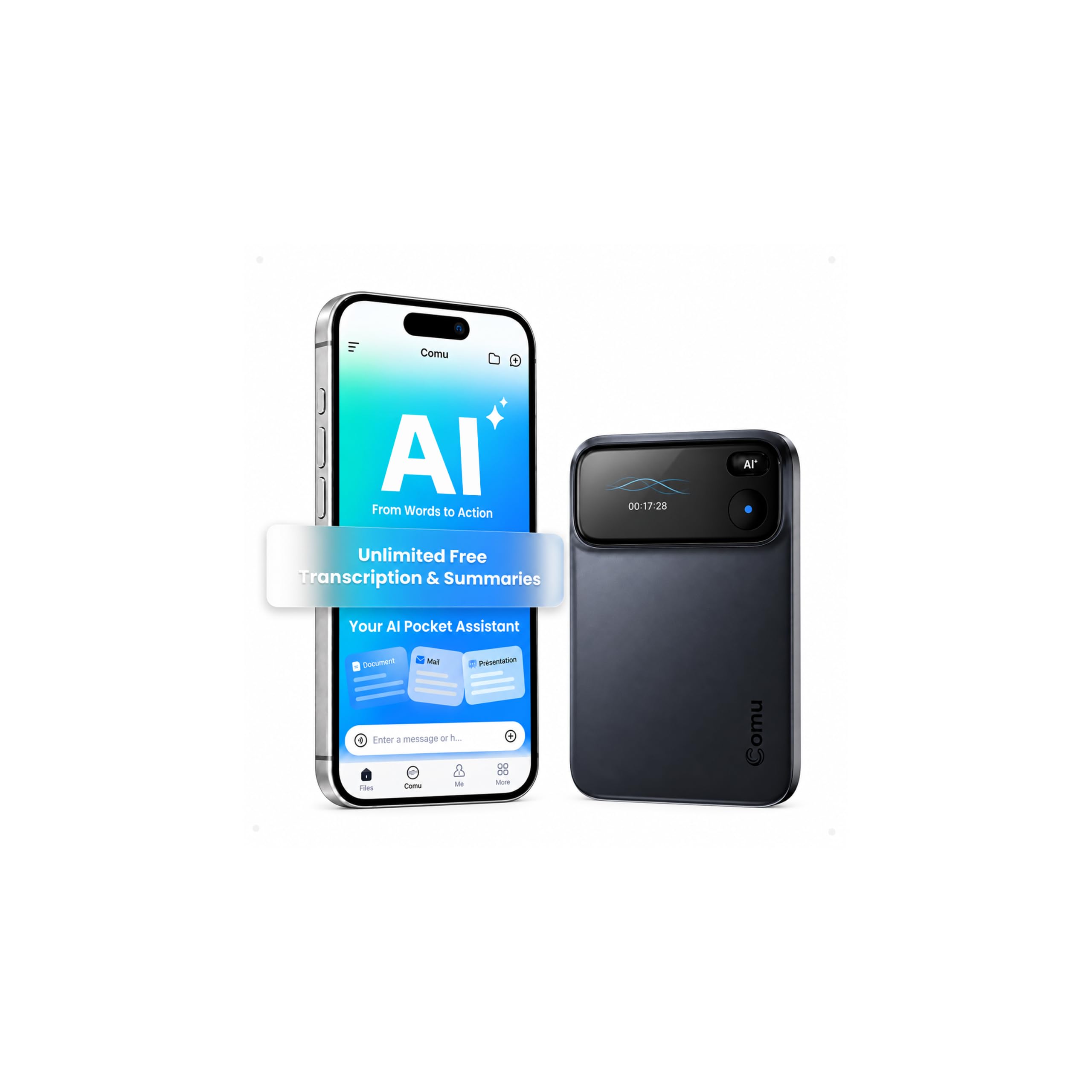
Seventy hours is the number that separates the Comu Action Pro from the rest of this group. That is the rated recording time, not standby, and it puts the Comu in a different class for all-day workshops, conferences, or back-to-back interviews that would flatten a card recorder. The 16 GB of storage and USB-C charging keep the rest of the package conventional.

The microphone array is unusually elaborate: four omnidirectional mics, one directional mic, and one bone-conduction mic, with a motion sensor helping decide what to prioritize. The design is meant to keep a speaker clear in a noisy room, and the dedicated AI button turns a conversation into editable docs, follow-up emails, and action items. The MagSafe ring is a nice touch for phone-mounted capture.

We think the 70-hour rating is the headline, but the six-mic array is what makes those hours worth recording: it is designed to keep a speaker clear when the room is not. The AI button is the other useful detail, because it turns the app from a transcript viewer into a place to draft follow-ups.

Pros

  • 70 hours of rated recording
  • Six-mic array with bone conduction
  • AI button drafts documents

Cons

  • Heavier than card-style recorders
Our verdict

The Comu Action Pro is for the marathon recorder: a 70-hour rating and a six-mic array make it the longest-session pick here.

Check Latest Price
6

Pen-Style Capture

Flowtica AI Recorder

80 /100
Keeper Score Excellent

Key details

Standby
233 days
Storage
32 GB
Form Factor
AI pen with highlighter
Recording Time
100 hours
Check Price on Amazon

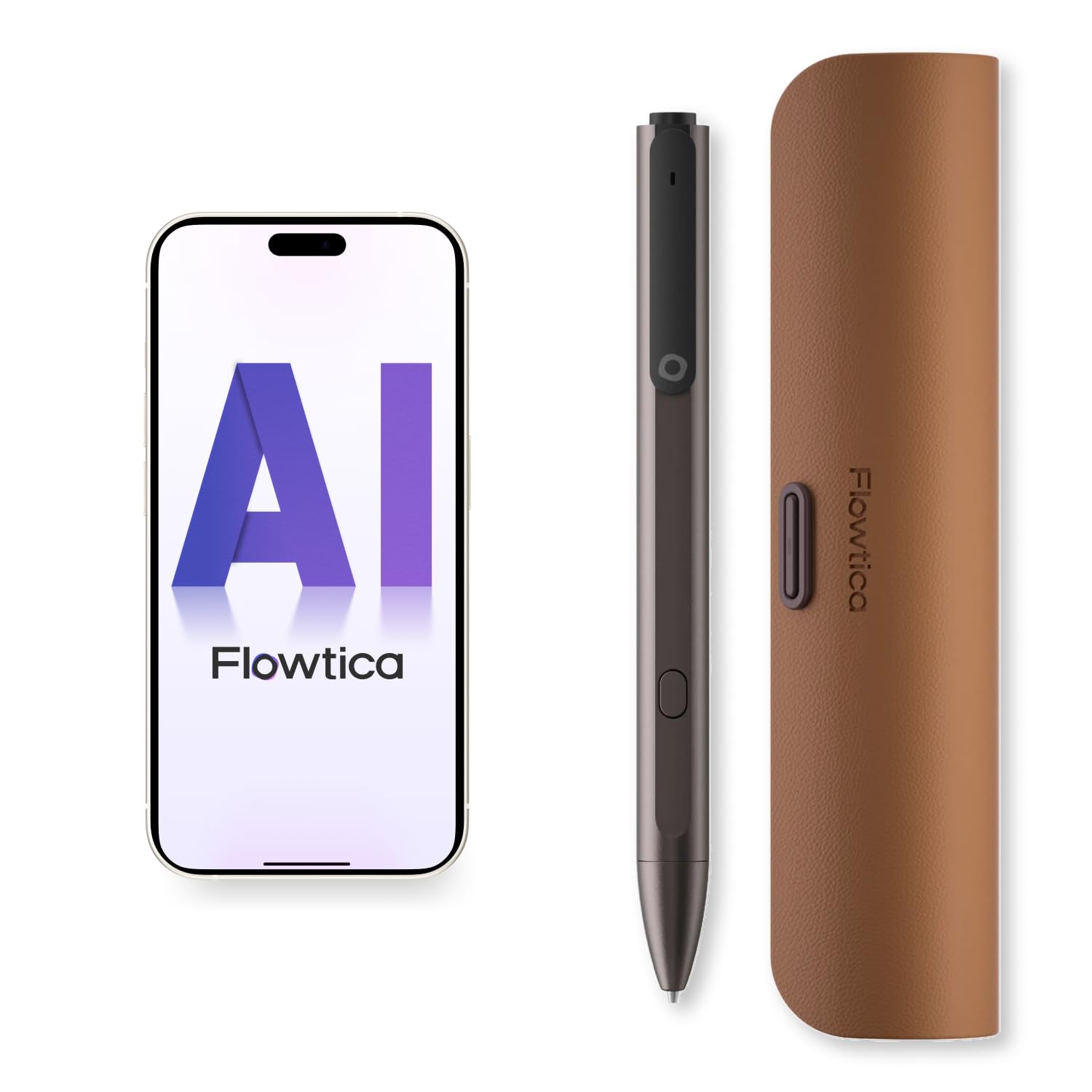
The Flowtica is a pen, not a puck, and that changes where it can go. It has a metal body, a highlighter control, and a charging case, so it can live in a bag with the rest of your stationery instead of in a separate gadget pouch. The 32 GB storage, 100-hour recording rating, and 233-day standby are the kind of numbers that make it a leave-in-the-bag recorder.

The highlighter is the part that makes it more than a gimmick. It is meant to mark a moment while you are writing or listening, so you can return to the important part without scrubbing through a two-hour file. Visual notes add photos to the transcript, which is useful for whiteboards and slides. We think the pen format will appeal most to people who already take handwritten notes.

The pen format is the reason to consider it, and the reason to pause. It asks you to carry a pen and keep its charging case handy, which is more commitment than a card that lives in your wallet. But if you want a recorder that disappears into a pen case, the Flowtica is the only one in this group that does it.

Pros

  • Pen form hides in a bag
  • Highlighter marks key moments
  • 100 hours recording and 233-day standby

Cons

  • Subscription needed after included credit
Our verdict

The Flowtica suits pen-and-paper people who want a recorder that hides in a pen case, with highlighting and visual notes as the payoff.

Check Latest Price
7

Discreet Clip-On

soundcore Work

81 /100
Keeper Score Excellent

Key details

Storage
64 GB
Languages
150+
Form Factor
Coin-sized clip/necklace
Recording Time
32 hours
Check Price on Amazon

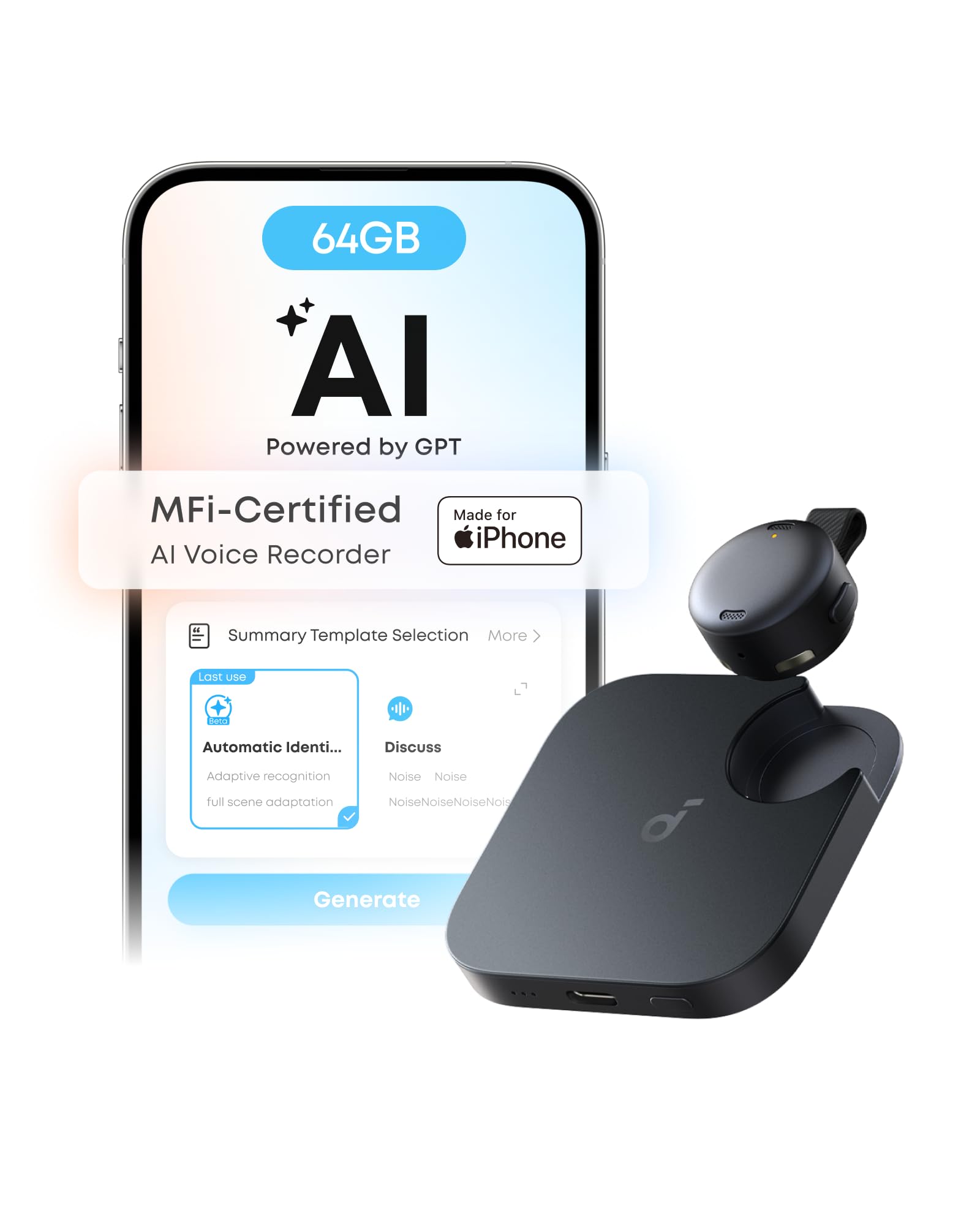
The soundcore Work is the smallest recorder here, a coin-sized wearable that clips to a collar or hangs from a necklace. It packs 64 GB, a rated 32 hours of recording, and support for 150+ languages into a body that is easy to forget you have on. The USB-C charging and Find My support make it feel more like a daily carry than a specialist tool.

We were surprised by how much wearability changes the calculation: clipped to a shirt, it is less conspicuous than a card on the table, and the necklace chain gives it a second life for interviews or site visits. The AI app turns the audio into structured summaries, with speaker identification meant to keep names and commitments straight.

The 64 GB capacity is generous for a device this small, and USB-C charging means you can top it up with the same cable as your phone. That is one less charger to pack, which matters for a device meant to live on you.

We see the soundcore Work as a discreet clip-on, not as the only recorder you own. Its tiny hardware is genuinely appealing, and the necklace and magnetic ring make it more versatile than the coin shape suggests. If you want capture to be almost invisible, this is the one to try.

Pros

  • Coin-sized body clips or hangs
  • 32 hours and 64 GB
  • 150+ languages and speaker ID

Cons

  • Bluetooth pairing and Find My can be unreliable
Our verdict

Choose the soundcore Work for near-invisible clip-on capture: it is the smallest recorder here, with 32 hours and 150+ languages.

Check Latest Price

What Six Months With 11 AI Recorders Taught Us

We started with every AI recorder we could find at mainstream prices, then narrowed the field by form factor, language support, whether transcription was unlimited or metered, and whether the companion app ran on both iOS and Android. That left 11 units, which we rotated through real use for six months.

Each one went into the same rotation: weekly stand-ups, two recurring client calls, a term's worth of lectures, phone calls with the device stuck to the back of a handset, and interviews in noisy cafés. We read every transcript against our own written notes and counted mangled names, dropped sentences, and misattributed speakers instead of trusting the accuracy figure the app reported.

We let each one record continuously until the battery died, noted how much charge survived a week in a bag, and watched whether audio synced to the app on its own or needed a nudge. Ease of use came down to counting taps between deciding to record and actually recording.

A few were deliberately left behind — in a jacket pocket, under a car seat — to see how well the find-my tracking worked. And because these devices are only as good as the plan behind them, we priced out a year of unlimited transcription against metered minutes; that difference moved more than one product up or down the list.

How to Choose an Ai Voice Recorder

Match the Form to the Room

A card recorder belongs on the table. Its microphones reach across a meeting, and a display lets you confirm capture without opening an app. A wearable is better when you are walking, interviewing, or moving between rooms; the Plaud NotePin S and soundcore Work are built for that, but they sit lower and closer, so placement matters more. A pen like the Flowtica is for people who already carry stationery and want the recorder to disappear into that habit. We put more weight on a visible recording status than on a long feature list. Do not assume a longer capture range means you can leave the device in a bag.

Read the Plan Before the Hardware

The hardware records locally, but transcription and summaries are where the ongoing cost lives. Plaud's Starter Plan includes 300 minutes a month, roughly five hours; Pocket's AI workflow is subscription-based; the Comulytic has a free starter tier with some advanced features paid. Add up your real meeting hours and check whether summaries, exports, and speaker labels are included. The trap is the word unlimited: it usually means unlimited within a paid tier, not unlimited free transcription. If you record occasional interviews, a starter allowance may be enough; if you live in back-to-back calls, budget for the plan.

Match Battery and Storage to Your Longest Day

Compare recording time, not standby time. A four-day battery claim can sound bigger than a 20-hour recording rating, but they are not the same measurement; if you need continuous capture, look at the rated recording hours. The Comu Action Pro's 70-hour claim and the Flowtica's 100-hour claim are for long sessions, while the NotePin S's 20 hours is a wearable trade-off. Storage matters less for compressed voice notes than for raw audio archives: 16 GB is workable, 64 GB gives more room. Also check how you transfer and charge: Wi-Fi sync is faster than Bluetooth, and a dock-only wearable is one more thing to pack.

Choose Controls You Can Verify

A recorder is only useful if you know it is running. A screen like the Plaud Note Pro's 0.95-inch display lets you check status in the room; a one-tap wearable like the Pocket relies on the app for confirmation. We prefer a screen or a clear app confirmation to a single button with no feedback. Find My is useful for a device this small, but it is not a substitute for recording confirmation. The trap is a simple single-button design that is easy to start and easy to stop by accident. Before you rely on one for an important meeting, test start, stop, and sync with your own phone.

Frequently Asked Questions

Final Verdict

The Plaud Note Pro is the one we recommend first because it makes the recording itself visible: a screen confirms capture, four mics reach across a table, and the summaries are ready to share. It is not the cheapest route, and the subscription is part of the decision. If your phone is the center of your workflow, the Pocket's MagSafe mounting is easier to live with; if the budget is tight, the Comulytic Note Pro covers the basics for less. Start with where you record, and the choice becomes clear.