Best Overall
MOKiN LumiNext DD01
Key details
- Power
- 160W built-in AC supply
- Network
- Gigabit Ethernet
- Video Outputs
- 2x HDMI at 4K@60
- Fast Data Ports
- 2x USB-C, 1x USB-A at 10Gbps
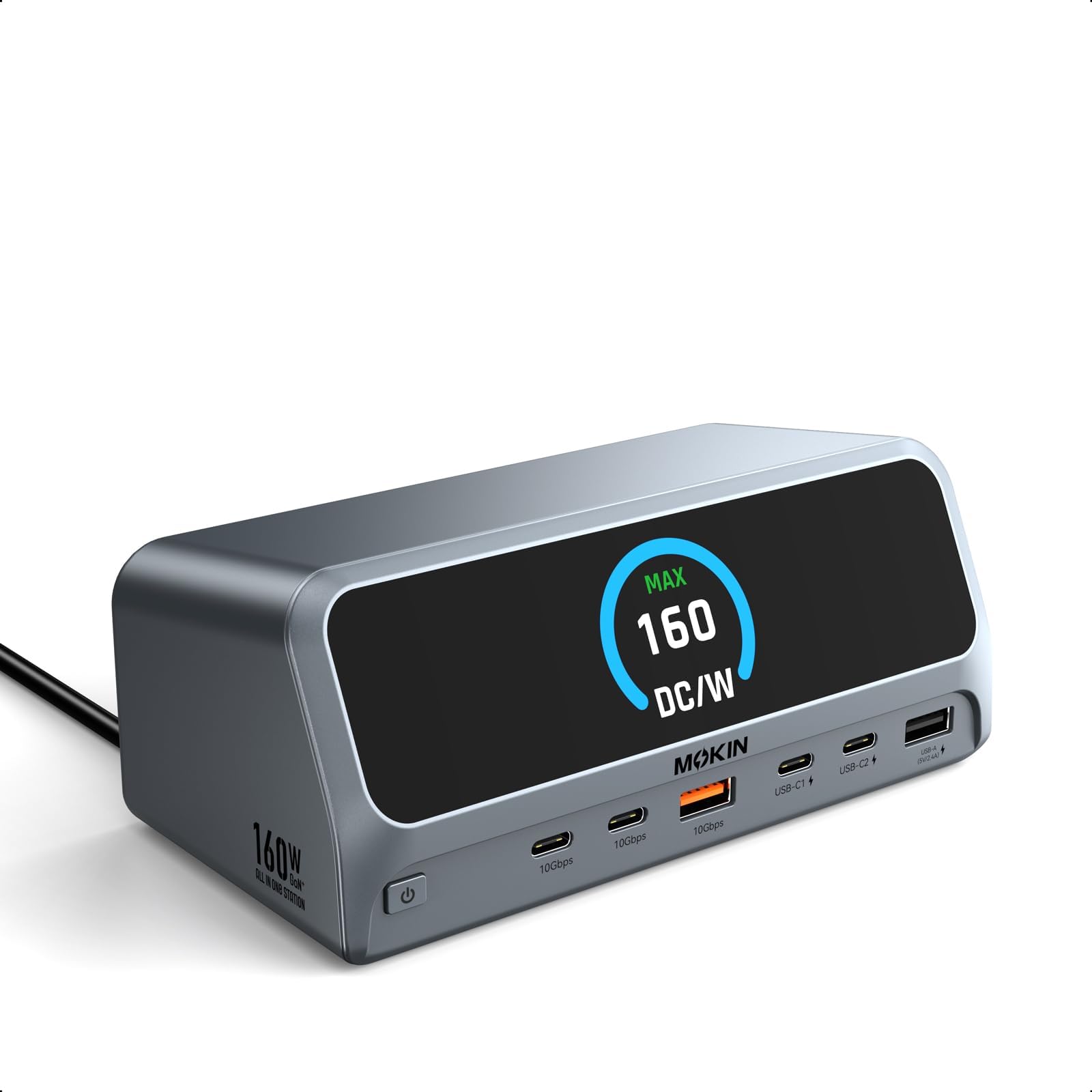
The power supply lives inside this dock, and that one decision is why it sits at the top of our list. A 160W AC supply is built into the case, so the laptop brick can stay in a bag and the floor under the desk stays clear. One USB-C cable to the laptop carries two 4K@60 displays, wired internet, three fast data ports, and charging for several devices at once.
The 10Gbps ports are the other detail worth the money: two USB-C and one USB-A at USB 3.2 Gen 2 speed, quick enough to edit from an external SSD rather than just copy to it. A small LCD reports charging status, and the privacy button blanks the external screens with a press when someone walks up to the desk.
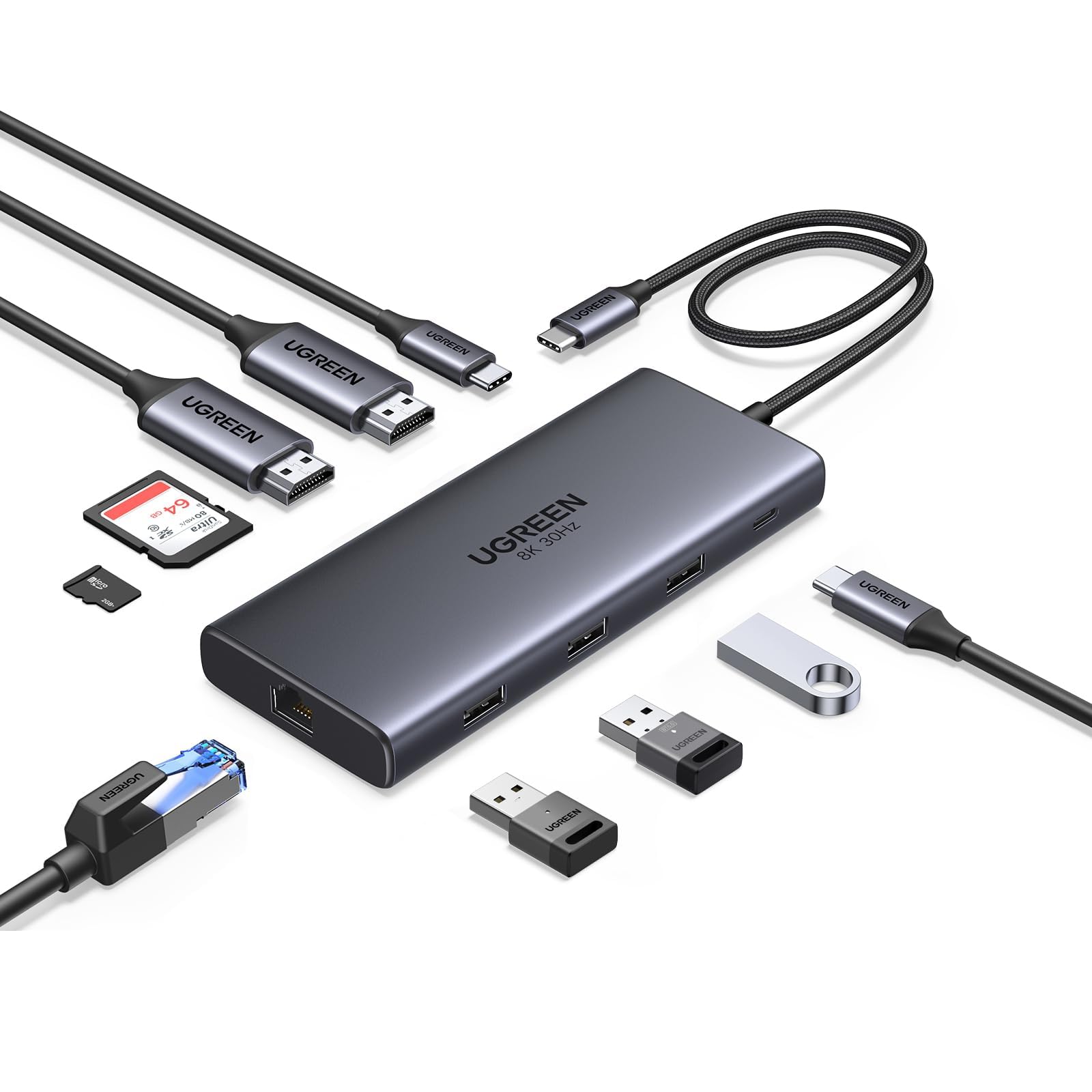
Two things to weigh. On a Mac both HDMI outputs mirror the same image, so the dual-display pitch is a Windows benefit. And this is the priciest dock we're recommending; if your charger already sits on the desk and a second cable doesn't bother you, the UGREEN 10-in-1 handles the same two screens for a lot less.
Nothing about a good dock should be exciting once it's installed, and this one disappears into the desk. The two-year warranty helps too: a box that lives under a monitor should be covered for longer than a return window.
Pros
- 160W supply built in, no external brick
- Dual 4K@60 HDMI on Windows
- 10Gbps USB-C and USB-A ports
- Gigabit Ethernet for a stable wired link
Cons
- macOS mirrors both HDMI outputs instead of extending
Buy it if your laptop lives on one desk: the built-in 160W supply means a single cable handles two 4K screens, wired internet, and charging with no brick on the floor.