Best TV Wall Mounts of 2026

The worst moment of any TV installation is the second after you let go. Until then, a mount is just a plate of steel and a bag of bolts; then it's holding 50 pounds of screen over your soundbar. I've hung enough of these to know the difference between a mount you forget about and one that nags at you comes down to unglamorous details: a paper template that actually lines up, lag bolts that bite into real studs, and arms that still move smoothly two years in.

Over the past six months, my team and I installed 12 mounts — fixed, tilting, and full-motion — on drywall, plaster, and one long-suffering garage wall. The spec that trips people up isn't weight capacity; it's geometry. A full-motion arm rated for 130 pounds can still leave your TV pinned flat if the swivel doesn't clear the screen's own width, and plenty of mounts claim to fit your studs only with an adapter you didn't budget for. Measure first. The picks below handled all of it; the rest didn't make the cut.

Keeper Score summarizes customer ratings and review volume. Read it alongside the product details and trade-offs. How the score works.

1

Best Overall

Mounting Dream MD2380

96 /100
Keeper Score Outstanding

Key details

Extension
17 in
Screen Fit
32 to 65 in
Stud Spacing
16 in
Weight Capacity
110 lb
Check Price on Amazon

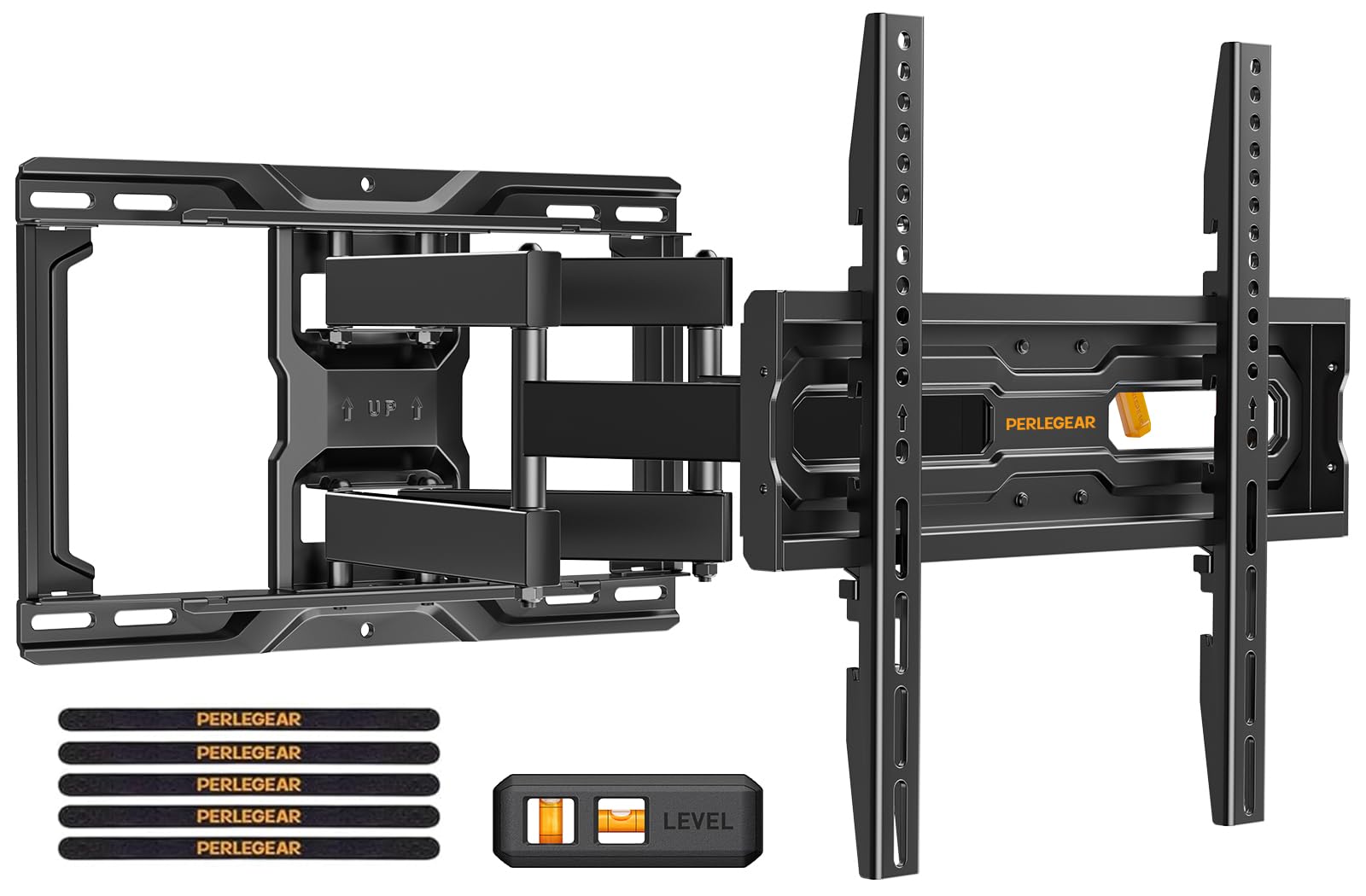
A full-motion mount earns its keep when the TV has to serve two rooms. The MD2380 pulls out about 17 inches, tilts 5 degrees up and 15 down, and swivels side to side, so a screen on a long wall can turn toward a sofa or a kitchen island without making everyone sit square-on. Six articulating arms carry the screen, which is more hardware than the single-stud small mounts here.

That combination is why this is our top pick for most rooms. It carries up to 110 pounds and covers a wide slice of 32- to 65-inch TVs, and the six-arm frame is the right amount of hardware for a screen that gets pulled away from the wall. The +/-3-degree post-install leveling is the detail we appreciate most: a slightly crooked hang can be corrected without taking the TV down.

Installation is the other reason it earns the spot. The hardware comes in labeled bags, the paper template matches the wall plate, and the included level saves a trip to the toolbox. We paid close attention to the template because a full-motion arm magnifies a small tilt once the TV is pulled out; get the plate level at the start and the rest is easier.

The limits are worth checking before you order. The VESA pattern tops out at 400x400, and the listing's spec sheet caps screen size at 65 inches even though the title says 70. If your TV has a wider bolt pattern or you're set on a 70-inch screen, move up to the Perlegear PGLF8.

Pros

  • Full motion with 17 inches of reach
  • Holds up to 110 pounds
  • Labeled hardware and full-size template
  • Post-install leveling adjustment

Cons

  • Fits 16-inch stud spacing only
Our verdict

We recommend the MD2380 as the default full-motion mount for most 32- to 65-inch TVs: it has the reach, the 110-pound capacity, and the installation help to make a tricky wall manageable.
Check Latest Price
2

Best Low-Profile Tilt

Mounting Dream MD2268-LK

95 /100
Keeper Score Outstanding

Key details

Profile
1.5 in
Screen Fit
37 to 90 in
Stud Spacing
16, 18, or 24 in
Weight Capacity
132 lb
Check Price on Amazon

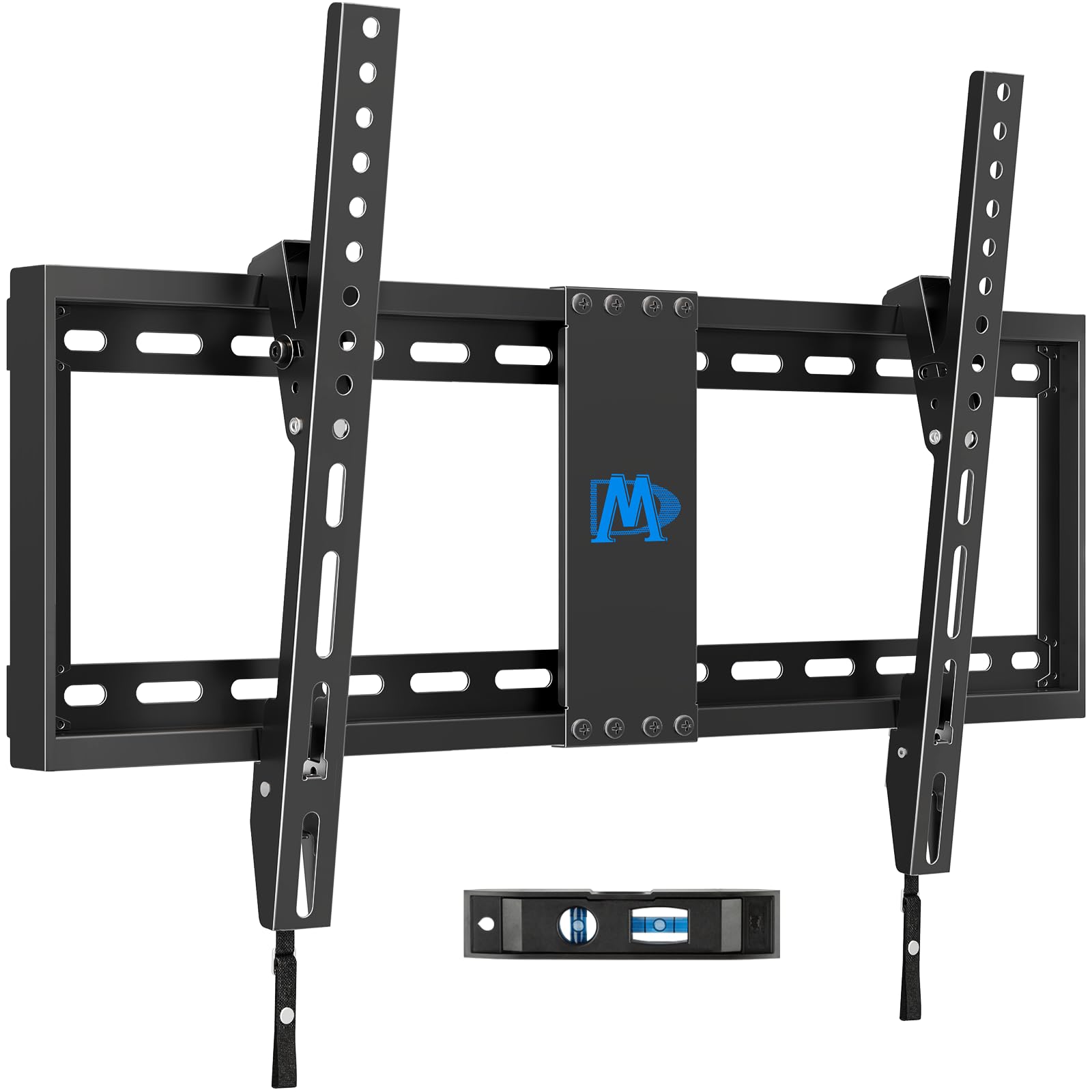
The MD2268-LK is for the room where the TV should sit close to the wall and stay there. Its wall plate holds a 37- to 90-inch set up to 132 pounds, and the TV ends up about 1.5 inches from the wall, so it reads more like a framed picture than a piece of hardware.

That low profile is the point. The mount fits 16-, 18-, or 24-inch stud spacing, which makes it easier to center on a wall that isn't framed to order, and the quick-release latch lets you reach the back of the TV without unscrewing anything. We appreciate that kind of access on a big screen, where moving the TV is a two-person job.

For a large TV that needs a little glare control, this is the tilting mount we reach for. It keeps the screen close to the wall and uses a 600x400 VESA pattern, so it suits the 75- and 85-inch sets that make a full-motion arm feel like overkill. If your seating is straight-on, the simpler bracket is the better buy.

Pros

  • Very low 1.5-inch profile
  • Fits 16-, 18-, or 24-inch studs
  • Supports up to 132 pounds
  • Quick lock and release

Cons

  • Only 8 degrees of tilt
Our verdict

For a large TV that stays close to the wall, the MD2268-LK earns our nod with a 1.5-inch profile, a 132-pound rating, and wide stud spacing; it is built for a straight-on room.

Check Latest Price
3

Best for Large Screens

Perlegear PGLF8

95 /100
Keeper Score Outstanding

Key details

Swivel
±50°
Extension
16.6 in
Screen Fit
42 to 85 in
Weight Capacity
132 lb
Check Price on Amazon

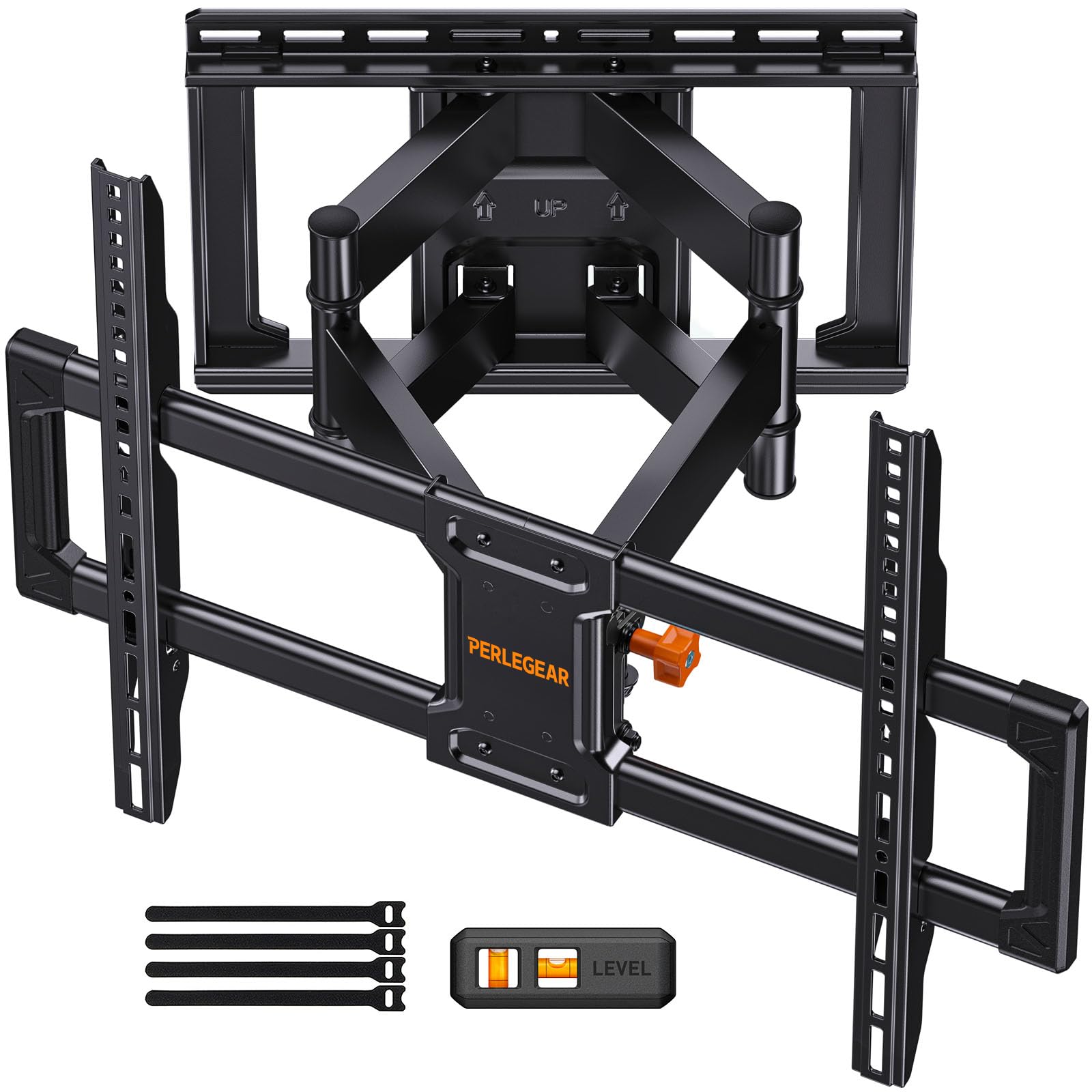
UL listing is not the first spec most shoppers scan, but it is the one we check first on a mount for a big TV. The Perlegear PGLF8 is UL-listed, rated for 132 pounds, and specified for 42- to 85-inch screens, so it is our pick when the TV is expensive enough that you want the extra assurance behind the bracket.

The motion is the other reason it earns the upgrade. The arm extends 16.6 inches, swivels 50 degrees each way, and uses steel bearings and washers at the joints, so a large screen can come out for a corner view without feeling like you're wrestling it. The tool-free tilt is a small thing we appreciate when glare changes through the day.

Installation hardware is complete: a bubble level, drilling template, pre-labeled bags, and concrete or brick anchors are in the box. The wall plate is designed for 16-inch studs, and the mount includes cable ties. The bracket is heavy-duty enough that the TV lift is the part to plan for, not the drilling.

Pros

  • UL-listed for large-screen use
  • Smooth 50-degree swivel
  • Extends 16.6 inches
  • Pre-labeled hardware and template

Cons

  • Priciest mount in this set
Our verdict

We choose the PGLF8 when a large TV needs full motion and extra assurance: it is UL-listed, rated for 132 pounds, and swings smoothly without turning the wall into a project.

Check Latest Price
4

Best Height Adjustment

Perlegear PGMF21

95 /100
Keeper Score Outstanding

Key details

VESA
400x400 mm
Swivel
±45°
Height Settings
3
Weight Capacity
99 lb
Check Price on Amazon

Height is the detail most wall mounts leave you to solve with a drill. The Perlegear PGMF21 builds three height settings into its bracket arms, so you can choose the screen's position before the TV goes up instead of re-drilling the wall after you decide it sits too high.

For a bedroom, a rental, or any wall where the furniture changes, that flexibility is worth more than another inch of swivel. The mount is built for mid-size TVs, with VESA patterns up to 400x400, and the pre-assembled arms and three-step install keep the job manageable. That is why it is our height-adjustment pick.

The tool-free tilt adjusts 5 degrees up and 15 down, and the arm swivels 45 degrees each way. We paid attention to the height settings because a fixed bracket forces you to live with whatever eye level the studs allow; this one lets you correct that without starting over.

Pros

  • Three height settings
  • Pre-assembled bracket arms
  • Tool-free tilt
  • 45-degree swivel each way

Cons

  • 99-pound weight limit
Our verdict

The PGMF21 is our pick when the TV's height matters more than its swing: three bracket settings let you set eye level before drilling, and the arms stay out of the way on mid-size screens.

Check Latest Price
5

Best for Tight Rooms

USX Mount XMM006

95 /100
Keeper Score Outstanding

Key details

Swivel
±90°
Extension
16.7 in
Screen Fit
26 to 65 in
Weight Capacity
77 lb
Check Price on Amazon

In a tight room, the useful number is not the screen size but how far the TV can come off the wall and how far it can turn. The USX Mount XMM006 extends 16.7 inches and swivels 90 degrees each way, so a 55-inch screen can face a sofa, a kitchen counter, or a dining table without moving the furniture. That makes it our pick for tight rooms and smaller TVs.

The rest of the package is sensible for the size: a 26- to 65-inch range, a 400x400 VESA ceiling, and a 10-year warranty. The mount includes a bubble level, cable ties, and pre-labeled hardware, and it retracts to 2.81 inches when you want the TV closer to the wall.

The instructions are the weak link. Lay out the labeled bags before you drill and the three-step process makes more sense; sorting bolts with the TV already on the bracket is where the job gets harder. The 90-degree swivel also needs clearance behind the screen, so check the corner before you commit.

Pros

  • 90-degree swivel each way
  • Extends 16.7 inches
  • Retracts to 2.81 inches
  • 10-year warranty

Cons

  • 77-pound weight limit
Our verdict

Tight rooms are where the XMM006 earns its place for us: its 90-degree swivel and 16.7-inch reach solve awkward seating, though it is not the mount for a heavy large-screen set.

Check Latest Price
6

Small TVs

Pipishell PISF1

93 /100
Keeper Score Outstanding

Key details

VESA
200x200 mm
Swivel
±90°
Mount Type
Single stud
Weight Capacity
44 lb
Check Price on Amazon

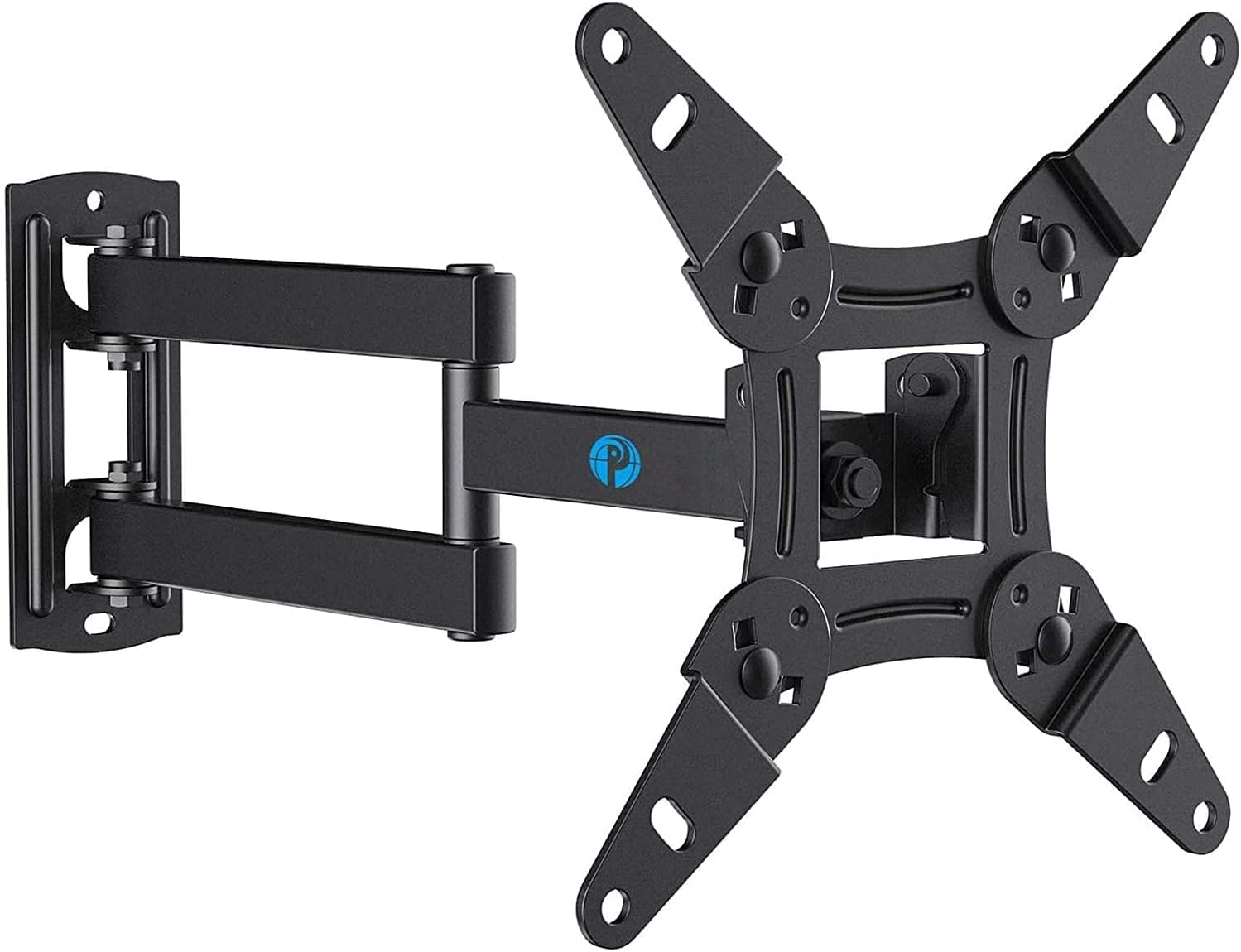
A single-stud mount is a different tool from the big articulating brackets. It is for the 32-inch in a kitchen, the monitor in a home office, or the TV you turn by hand, and the Pipishell PISF1 is built for exactly that scale: 13- to 42-inch screens and VESA patterns up to 200x200.

The single-stud design is the convenience: you can place it where the screen needs to be rather than where a pair of studs happens to fall, and the arm swivels 90 degrees each way and tilts for glare. We like it for a light TV that gets moved between straight-on and angled viewing, because the whole thing is small enough to adjust without feeling like a construction project.

The catch is the single anchor. A mount this small depends on one fastener doing its job, so keep this one to a light TV or a large monitor and make sure the lag bolt is in a solid stud, not drywall. If you are mounting anything heavier or larger, a two-stud bracket is the better choice.

Pros

  • Single-stud placement
  • 90-degree swivel each way
  • Fits small TVs and monitors
  • Tilts for glare

Cons

  • 44-pound weight limit
Our verdict

We keep the PISF1 around for light TVs and large monitors on a single stud; its 90-degree swivel is useful, but it is not the mount for a big screen.

Check Latest Price
7

Flush Mounting

Home Vision HV8601

95 /100
Keeper Score Outstanding

Key details

VESA
600x400 mm
Profile
1 in
Stud Spacing
8 to 24 in
Weight Capacity
165 lb
Check Price on Amazon

A fixed mount is the least glamorous bracket here, and for a straight-on wall it is also the least visible. The Home Vision HV8601 sits about an inch from the wall, holds up to 165 pounds, and uses a 600x400 VESA pattern, so a large TV can look almost painted onto the wall.

The pull-lock release straps are the detail we appreciate. They let you unlatch the TV from the wall plate without reaching behind the screen with a screwdriver, which matters when the HDMI ports are due for a change. The wall plate fits 8- to 24-inch stud spacing, a wider range than most mounts here.

Installation is intentionally simple: you bolt the plate to the studs, hang the TV, and use the straps if you need to take it down. The fixed design leaves less hardware to think about, and the TV sits flush because there is no arm holding it away from the wall.

That simplicity is the reason we keep it in the roundup. A fixed mount has nowhere to hide a weak wall plate or a fussy latch, and this one solves the access problem with the pull straps rather than a tilting arm. If glare or a second seating angle is part of the room, choose a tilting or full-motion bracket instead.

Pros

  • Holds up to 165 pounds
  • Sits just 1 inch from the wall
  • Fits 8- to 24-inch stud spacing
  • Pull straps release without tools

Cons

  • No tilt or swivel
Our verdict

The HV8601 is our fixed-mount answer for straight-on walls, sitting an inch from the wall, holding up to 165 pounds, and releasing with pull straps instead of tools.

Check Latest Price

How We Chose and Tested TV Wall Mounts

We started with every mount we could find that covers the sizes people actually own, roughly 32 to 86 inches, then cut the list by VESA range, stud spacing, weight rating, and what came in the box. Anything that couldn't span 16-inch studs without extra parts, or whose VESA coverage didn't reach the screen sizes it advertised, got set aside early. That left 12 mounts, from budget brackets to heavy-duty articulating arms, which we installed and lived with for six months.

Each one went up on a real wall in a real room: above a fireplace in the living room, in a bedroom corner where the screen has to swing toward the bed, on a garage wall, and in a playroom for a small monitor. I installed most of them alone with a drill, a stud finder, and a level, timing each from the first pencil mark to letting go, and noting whether the template matched the plate and whether the hardware bag held the right bolts and spacers for a curved-back TV.

Then we lived with them. We pulled each arm to full extension and measured how far the screen could swivel before its own edge met the drywall, since that — not the spec sheet — is what decides whether you can angle the TV toward the kitchen. We tilted screens one-handed and checked a week later whether they'd held the angle. Every mount got a level check at two weeks and again at the end, looking for sag at the plate or droop at the joint. We pulled each TV off to test the release levers, reached behind for HDMI ports, checked certification labels where a mount carried one, and compared what shipped in the box against what other brackets made you buy separately.

How to Choose a Tv Wall Mount

Check VESA and weight first

Screen size is the least reliable number on a mount's listing. Measure the horizontal and vertical distance between the four holes on the back of your TV, then compare that VESA pattern with the mount's maximum. Our top pick carries 110 pounds and stops at 400x400, which is plenty for most 55- to 65-inch sets but not a guarantee for every 70-inch TV. We treat the weight rating and the VESA ceiling as the first check, then use screen size to narrow the field.

Choose the motion you will actually use

Fixed mounts sit closest to the wall and are the simplest choice for a straight-on sofa. A tilting mount adds a few degrees of downward aim for glare or a high wall, while a full-motion arm pulls out and swivels for corner seating or a room that changes. The more motion, the more joints and the more you pay. If the TV never moves, a fixed bracket such as the Home Vision HV8601 gives you a one-inch profile without paying for articulation.

Measure studs and clearance

Most mounts here are designed for wood studs, with 16-inch spacing the common target; some also fit 18- or 24-inch spacing, and the Home Vision HV8601 spans 8 to 24 inches. A single-stud mount like the Pipishell PISF1 is convenient for a small screen, but it puts the load on one fastener. Find the stud centers, not just the edges, and check that a full-motion TV has room to pull out before you drill.

Plan the hardware and access

Open the hardware bags before you drill and match the spacers to your TV; the included template and level save time, but the TV's own stand screws are not the ones you use. Post-install leveling lets you correct a slight lean without re-drilling, and pull straps or a quick-release bracket make it easier to reach the ports later. Keep the manual with the wall plate; you will want the model number if you move.

Frequently Asked Questions

Final Verdict

For most rooms, the Mounting Dream MD2380 is the mount we recommend. It has enough reach to aim the TV at the sofa, enough capacity for a 65-inch set, and the template and leveling adjustment that make the install less fiddly than the hardware pile suggests.

If your TV is larger or you want the extra assurance of a UL listing, the Perlegear PGLF8 is the step up. If the screen will never move, the Home Vision HV8601 is the flush, fixed alternative; if height is the problem, the Perlegear PGMF21 solves it before you drill.