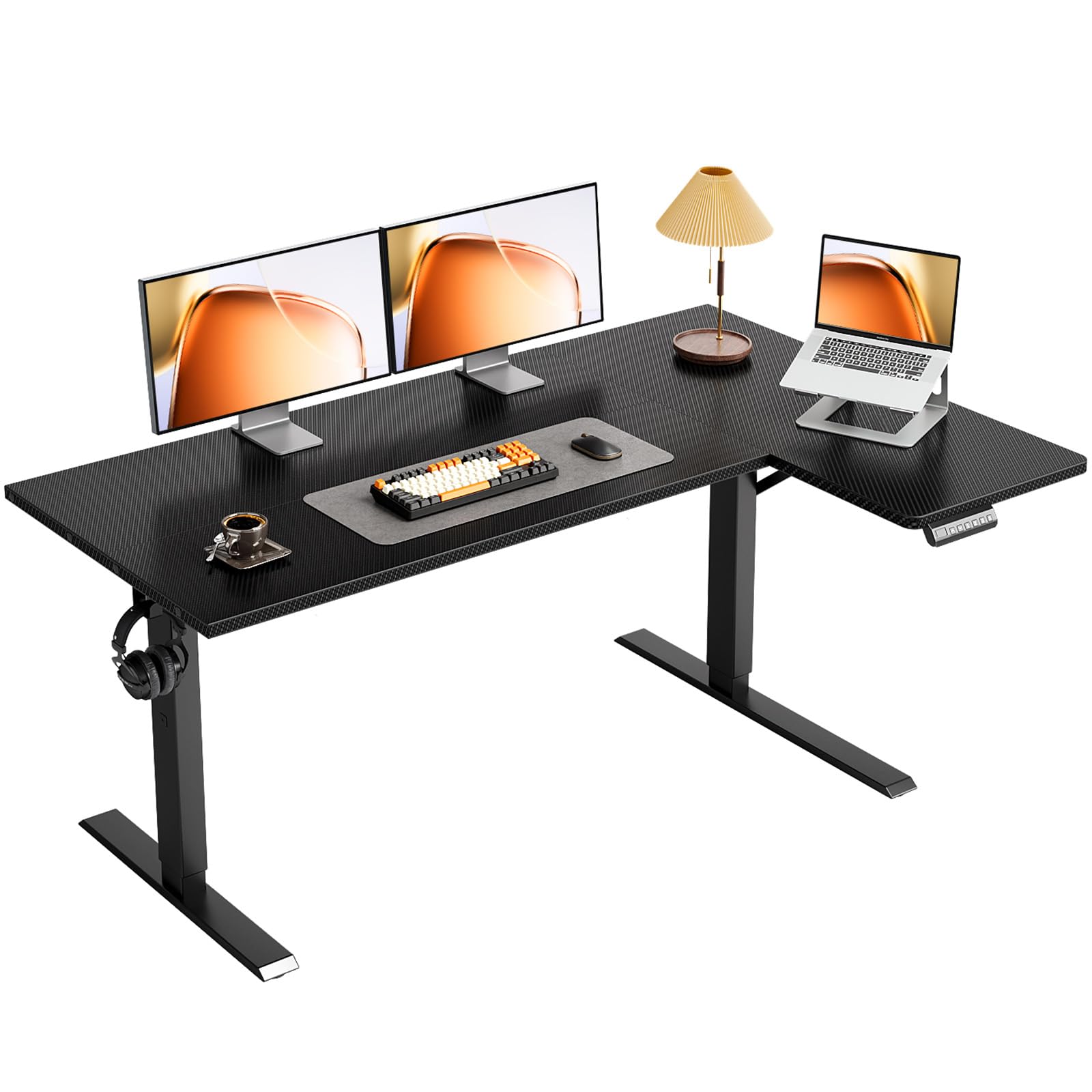
Best L-Shaped Standing Desks of 2026

The appeal of an L-shaped desk is obvious the first time you spread a monitor, laptop, and mug across one corner and still have room for a notebook. The catch is that it also has to be steady enough to rise to standing height without turning your monitor into a bobblehead, and the top usually arrives in two pieces that must line up flush. I've worked at a desk where that seam caught my wrist every afternoon, and at another that shimmied the moment I typed standing.

Over the past eight months, my team assembled and lived with eight of these desks in home offices, spare bedrooms, and one tight apartment corner. The deciding factors turned out to be things the product pages bury: how the two halves of the top meet, how much the frame moves when you lean on it standing, and whether the height range actually puts the keyboard where your elbows want it. A reversible top reads like a footnote until you realize it's the only reason the long side can sit where your room allows.

Keeper Score summarizes customer ratings and review volume. Read it alongside the product details and trade-offs. How the score works.

1

Best Overall

VIVO Electric Corner Standing Desk

90 /100
Keeper Score Outstanding

Key details

Frame
3-leg steel
Load Capacity
225 lb
Memory Presets
4
Desktop Footprint
63" x 55"
Check Price on Amazon

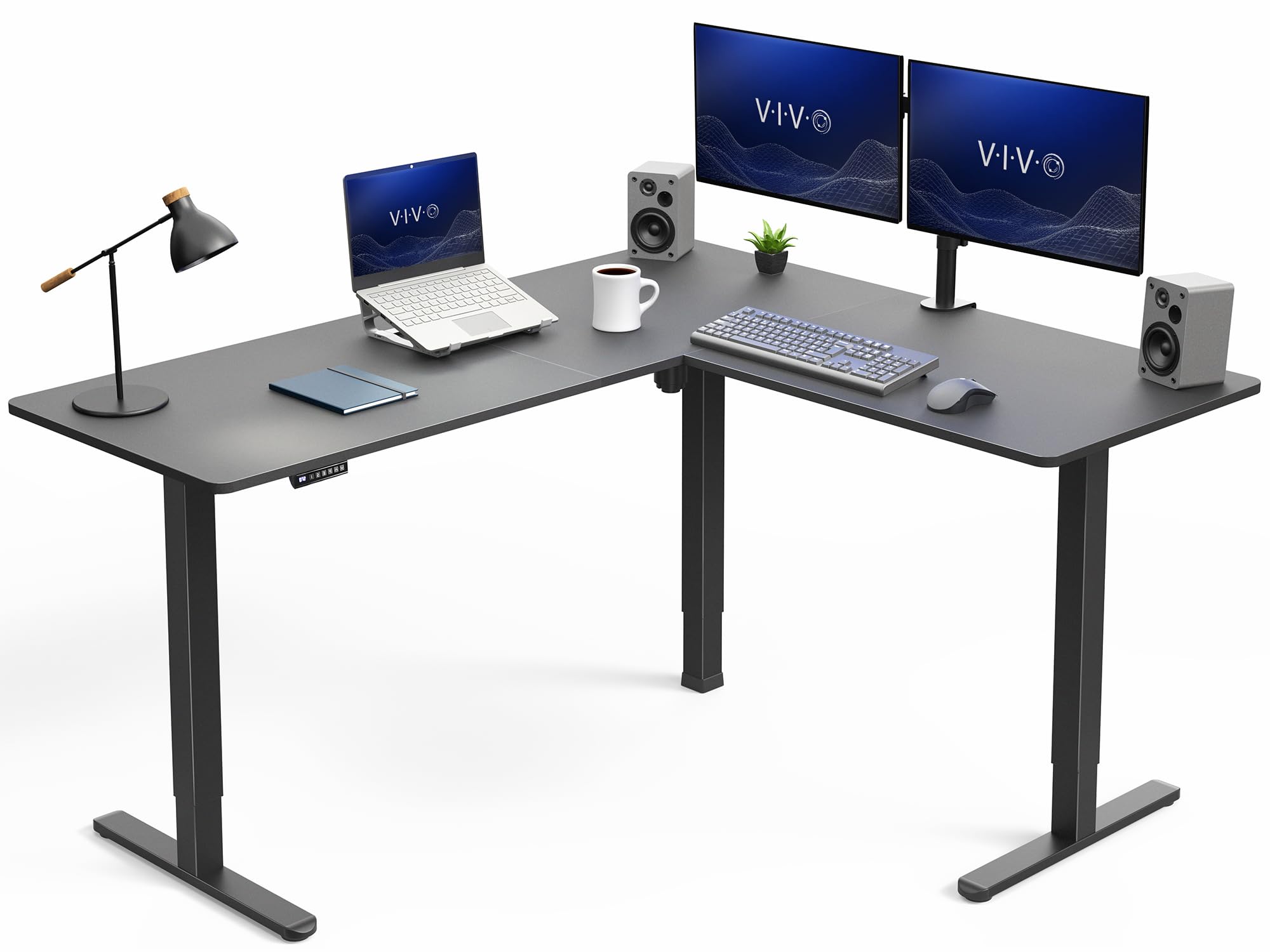
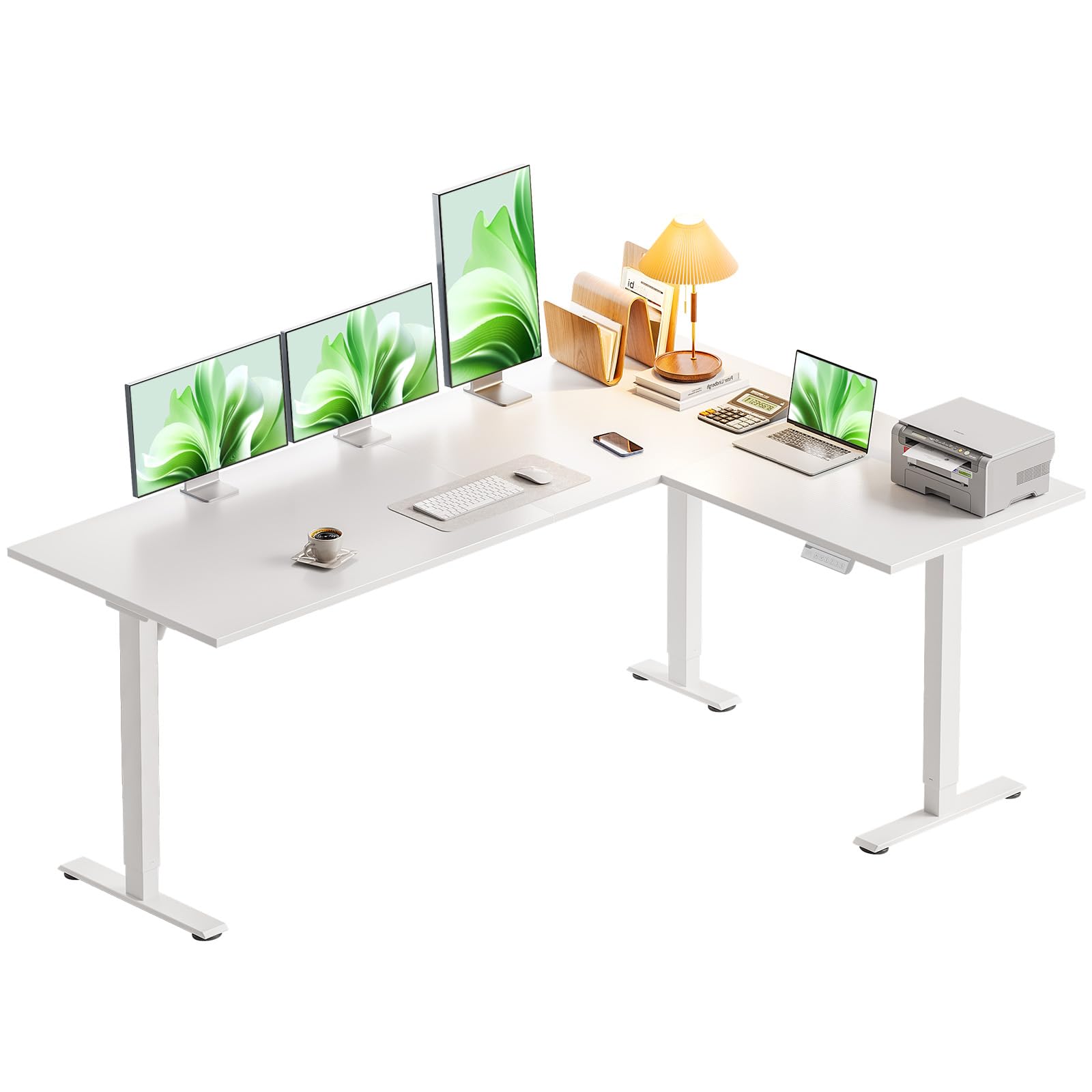
Three legs rather than two is the first thing we check on an L-shaped desk, and it is why this VIVO is the one we point most buyers toward. A corner frame with a leg at the outer end of each wing has nothing hanging in mid-air, and this one is rated for 225 pounds, the highest figure in the group. Load a 63-by-55 top with two monitors and a tower and it still behaves.

The rest of the package is sensible rather than showy. Four memory presets cover sitting, standing and the awkward in-between, the legs are a full 2.4 inches wide, and the return can go on either side to suit the room. The frame warranty runs three years, shorter than the FlexiSpot and OffiGo coverage but clear about what it protects.

VIVO puts the money into the steel and not the surface. The top is engineered wood under a laminate and will not be mistaken for walnut. We are happy with that trade, because a steady desk with a plain top beats a handsome one that shivers every time you type.

Pros

  • Three legs steady both wings of the L
  • 225-pound rating is the highest here
  • Four memory presets on the controller
  • Return installs on either side

Cons

  • Assembly realistically takes two people
Our verdict

Buy this one if you want a corner desk that stays put: three legs and the highest load rating here settle the wobble question before it starts.
Check Latest Price
2

Best Value

Casaottima 63-Inch L-Shaped Desk

91 /100
Keeper Score Outstanding

Key details

Height Range
27.9"–46.1"
Load Capacity
154 lb
Memory Presets
3
Desktop Footprint
63" x 47"
Check Price on Amazon

Spend less than the top pick and you still get a 63-inch L. That is the case this Casaottima makes, and it makes it in white: the return runs 47 inches, the finish is the cleanest-looking in the group, and the frame carries a 154-pound rating.

What we noticed is how little it asks of you. Parts arrive labeled, there is an installation video if the printed steps stall, and the keypad is simple enough that you will actually use the presets rather than holding a button down. It is the desk here we hand to someone furnishing a first home office who does not want a project.

The compromises are honest ones. A 154-pound rating sits at the lower end of this group, so a loaded triple-monitor rig belongs on the VIVO or the FlexiSpot instead. For the setup this desk is aimed at, a laptop, one monitor and a lamp, that ceiling never comes up, and the money stays in your account.

Pros

  • 63-inch top with a 47-inch return
  • Cleanest white finish in the group
  • Labeled parts and an installation video
  • Strong value for a first home office

Cons

  • No drawers or built-in storage
  • 154-pound rating is the lower end here
Our verdict

A white 63-inch L that does the everyday job without fuss, and the one we suggest when the money needs to go further.

Check Latest Price
3

Largest Workspace

FlexiSpot 71-Inch L-Shaped Desk

86 /100
Keeper Score Excellent

Key details

Height Range
28"–45.9"
Load Capacity
220 lb
Desktop Footprint
71" x 63"
Tabletop Thickness
1 inch
Check Price on Amazon

An inch of engineered wood is what you notice first. This top is roughly twice the thickness of most desks in the group, and it is the reason the FlexiSpot feels like furniture rather than a folding table. It is also the largest desktop here at 71 by 63, with four presets, a 220-pound rating and five years of frame coverage.

Assembly is where it asks for patience. The hardware is all there and the sequence makes sense, but the holes drilled in the top do not always line up with the frame, and a drill with a step bit or a round file settles it. Build it in the room it lives in: at 55 kilograms, this is not a desk you carry upstairs twice.

None of that put us off. If you run three monitors, want a top that feels solid under your wrists and plan to keep the desk, the extra money buys the most convincing hardware here. The desktop can go either way round, so the long wing lands where the light is. If you do not want to own a drill, one of the other picks will serve you better.

Pros

  • Largest desktop here at 71 by 63
  • One-inch top feels substantial
  • Five years of frame coverage
  • 220-pound rating and four presets

Cons

  • Heaviest desk here to move
  • Needs the biggest corner in the room
Our verdict

The desk for a three-monitor corner you plan to keep for a decade, as long as you have the room and someone to help build it.

Check Latest Price
4

Best with Built-In Storage

OffiGo 63-Inch Desk with Drawers

88 /100
Keeper Score Excellent

Key details

Power
Built-in outlets and USB
Storage
4 fabric drawers
Height Range
30"–47.6"
Load Capacity
154 lb
Check Price on Amazon

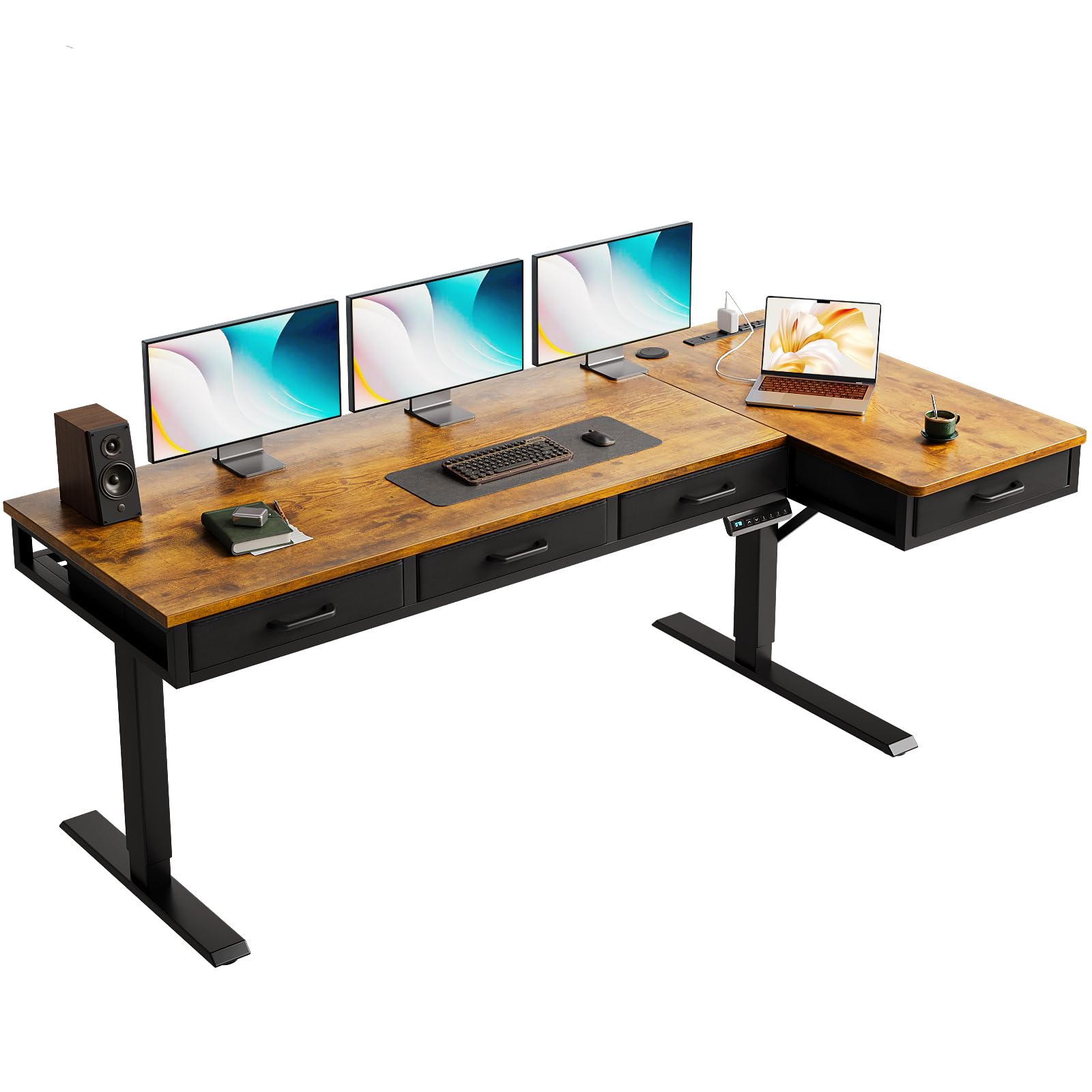
Four drawers hanging under a corner desk is the detail that earns this OffiGo its place. For a room with no closet and no shelf, the desk becomes the whole office rather than just a surface, and built-in power with a cable tray behind the top finishes the thought.

The drawers are fabric boxes, not wood, and that is the one thing to know before ordering. Folded cables, a notebook, a tablet and a bag of pens live happily in them; hanging files will not. We think that is a fair trade for the weight saved and for the price staying mid-range.

Everything else is conventional and well judged. Three presets, a lift that reaches 47.6 inches, and a 154-pound rating that covers two screens and a laptop. The parts are labeled and the build is an hour or two of straightforward work rather than an afternoon of guesswork.

Pros

  • Four drawers hold cables and notebooks
  • Built-in power and USB at desk level
  • Lift reaches 47.6 inches

Cons

  • 30-inch minimum sits high for shorter users
Our verdict

The pick for a room with no closet: four drawers and built-in power make this desk the whole office, not just a surface.

Check Latest Price
5

Best Budget

OffiGo 55-Inch L-Shaped Desk

86 /100
Keeper Score Excellent

Key details

Height Range
28.4"–47.2"
Load Capacity
154 lb
Memory Presets
3
Desktop Footprint
55.1" x 31.5"
Check Price on Amazon

Crossbeams, an over-beam support and diagonal bracing at the legs are the sort of frame detail you expect further up the price range, and they are the first thing we noticed on the least expensive desk here. The lift runs from 28.4 to 47.2 inches, three presets sit on the controller, and the warranty is the longest in this group.

It is also the lightest desk here, listed at about 43 pounds, which makes it the one you can carry up a flight of stairs and assemble alone. The parts are labeled and the sequence is short.

For a small room and a laptop-plus-monitor setup, this is where we start. It costs the least and asks the least, and a lifetime frame warranty means the cheapest choice here is not the riskiest one.

Pros

  • Least expensive desk in the group
  • Braced frame with crossbeam and diagonals
  • Lifetime warranty on the frame

Cons

  • 55-inch top limits multi-monitor layouts
  • No built-in power or cable tray
Our verdict

The cheapest way into a corner standing desk that we are comfortable recommending, and the smart pick for one screen in a small room.

Check Latest Price
6

Best for Shorter Users

SIAGO 63-Inch L-Shaped Desk

89 /100
Keeper Score Excellent

Key details

Frame
3 equal-length legs
Height Range
27.5"–45.7"
Memory Presets
3
Desktop Footprint
63" x 55"
Check Price on Amazon

Start with the height. This desk begins at 27.5 inches, lower than anything else in the group, and that floor matters more than the ceiling for most people: at around 5 feet 4, a desk that starts at 30 inches leaves you perching on the edge of the seat.

The rest of it is why we keep pointing to this one beyond that number. Three equal-length legs run to the floor at each end, so a 63-by-55 top is supported where the weight actually sits. There is a built-in outlet and charging point at the back, and a cable tray, a headphone hook and even a toolkit come in the box.

Assembly is about as straightforward as this category gets, with pictures carrying most of the instructions and labeled parts to match. The motor is rated as low as 48 dB, which is the sort of noise you stop hearing after a week.

Pros

  • Starts at 27.5 inches, the lowest here
  • Three equal-length legs support the corner
  • Built-in outlet, cable tray and hook

Cons

  • Tops out at 45.7 inches, low for tall users
Our verdict

The one to buy if you are on the shorter side: it drops to 27.5 inches, and the three equal legs hold a big top steady.

Check Latest Price
7

Tight Corners

Acrolix 59-Inch L-Shaped Desk

87 /100
Keeper Score Excellent

Key details

Extras
Cup holder and hook
Height Range
28.3"–46.4"
Load Capacity
176 lb
Desktop Footprint
59" x 40"
Check Price on Amazon

Fifty-nine by forty inches is the smallest footprint here, which is the entire point. This desk tucks into a corner where a 63-inch L would crowd the door. The frame is reinforced steel with dual crossbars, the lift runs from 28.3 to 46.4 inches, and three presets sit on the controller.

Two accessories we did not expect to care about: a rotating cup holder that clamps to the frame and a hook for headphones. Keeping a drink off the desktop is one less thing to knock over mid-sentence on a call.

Stability is where the money shows. The dual crossbars keep the main span steady; the return is the part to watch. Keep the heavy monitor over a leg rather than out on the wing, and do not hang a tower off the short side.

That is an easy caveat to live with. If your corner is tight and your setup is a monitor plus a laptop, this is the desk we point to. If you need three screens and a tower, spend up to a three-leg frame.

Pros

  • Compact 59-by-40 footprint
  • Cup holder and headphone hook included
  • Three presets and a quiet lift

Cons

  • 176-pound rating trails the heavier picks
Our verdict

Buy it when the corner is genuinely tight: a small footprint, a quiet lift and useful accessories, with a lighter load ceiling.

Check Latest Price
8

Eco-Minded Buyers

FEZIBO 63-Inch L-Shaped Desk

87 /100
Keeper Score Excellent

Key details

Height Range
28.3"–46.8"
Top Material
FSC-certified engineered wood
Memory Presets
2
Desktop Footprint
63" x 55"
Check Price on Amazon

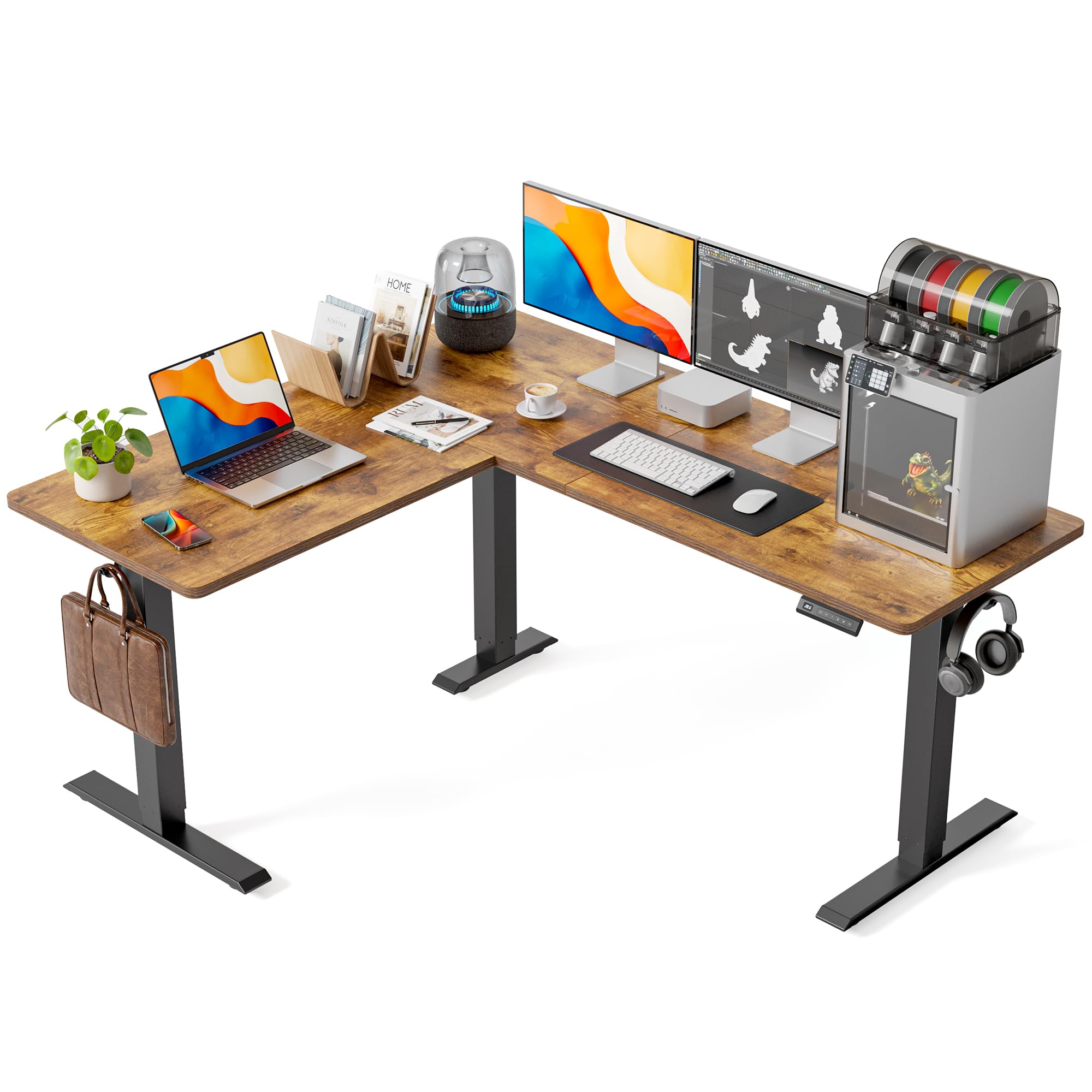
An FSC-certified wood top is unusual at this end of the price range, and it is the strongest reason to look at this FEZIBO. The desktop is a full 63 by 55, the lift spans 28.3 to 46.8 inches, and a cup holder and hooks come in the box.

The frame adds anti-collision: meet an obstacle on the way down and the desk backs off a couple of centimeters instead of pressing on. For a home office where a chair or a wastebasket sits under the return, that is worth having.

One assembly detail worth flagging, because it explains most bad first impressions: the drive rod linking the two legs has to seat all the way into its coupling. A desk that lifts unevenly, or not at all, usually has a rod that is not home. Push it in until it stops before you tighten anything.

A full-size L with a certified top near the bottom of the price range is a fair pitch for a home office that wants the surface without paying for a premium frame. The surface is the reason to buy it, and the surface is very good.

Pros

  • FSC-certified engineered wood top
  • Anti-collision stops the lift on contact
  • Full 63-by-55 top at a budget price

Cons

  • Only two memory presets
Our verdict

Worth it if a certified wood surface and a full 63-inch top matter more than a four-button controller.

Check Latest Price

What Eight Months With Eight Corner Desks Taught Us

We started by pulling every L-shaped standing desk we could find with a published height range, a listed weight capacity, and a reversible top, then cut anything whose specs contradicted themselves or whose footprint wouldn't clear a standard corner. The eight we bought ran from laminate to a carbon-fiber finish and spanned the price range we'd recommend to a friend. Each one moved into a real home, whether a dedicated office, a spare bedroom, or a living-room corner, for eight months, long enough for the new-desk glow to wear off.

Assembly came first. Each desk was built alone, with the tools in the box, and we logged the minute count, the step where the instructions stopped making sense, and whether the bolt holes lined up without anyone leaning on a panel to help. Then we ran a fingernail across the joint where the two halves of the top meet; if it snagged, that desk went on a watch list for the rest of the test.

After that we worked at them: seated in the morning, standing after lunch, monitor at eye level and elbows at 90 degrees, which is the point where a genuinely useful height range separates itself from one that only almost gets there. At standing height we typed hard, leaned on the front edge, and nudged the frame to see how much the coffee in the mug moved. We took video calls with the motor running, set and reset every memory preset, and plugged lamps and laptops into the built-in outlets to see how they held up.

The last stretch was about reliability: re-tightening bolts, watching for seam creep and motor drift, checking the tops for scratches and cup rings, and noting how each desk looked under a lamp once the boxes were gone. Eight months in, we asked the only question that really counts, which is whether we'd still pay this price for this desk.

How to Choose an L-Shaped Standing Desk

Measure the corner, then the wing

A desk sold as 63 by 55 occupies 63 inches along one wall and 55 along the other. Neither number is the depth of the wing your monitor will sit on, which is shorter, and that depth is what decides whether a 27-inch screen fits with a keyboard in front of it.

Tape the two outer edges on the floor before you order anything. Then check the things a tape measure hides: whether a chair still rolls out of the corner, whether the door opens past the return, and whether you can reach the window behind it.

Match the height range to the tallest person who will use it

The desks here start between 27.5 and 30 inches and top out between 45.7 and 47.6, which is a narrower spread than the marketing suggests. The floor matters for shorter users and the ceiling for taller ones, and a couple of inches either way is the difference between a desk you stand at and a desk you lean on.

Measure from the floor to the crease of your elbow with your arms hanging and your shoulders down, once seated and once standing in the shoes you work in. If both numbers land inside the range, the desk will fit you; if the standing number is near the top of the range, buy the taller desk rather than the better-rated one.

Stability comes from the legs and the load rating

An L-shaped desk has one wing with nothing under its far end unless the maker puts a leg there. Three legs, one at each outer end and one at the corner, is the layout that keeps both wings honest, and it is why we favour the three-leg frames in this group.

Load ratings run from 154 to 225 pounds, and the figure covers monitors, tower, speakers and anything you lean on the desk. If you are planning a triple-monitor rig or a tower on the desktop, start at the higher end of that range and work down.

Plan for two people and a couple of hours

Most of these ship flat with labeled hardware, and several listings recommend two people. Believe them: a 63-inch panel is awkward for one person to hold level while screws go in, and an hour of help is cheaper than a stripped hole.

Build it in the room it will live in rather than dragging it up a staircase afterwards, and run the lift through its full travel once before you load anything on top. If something is going to bind, you want to find out while the floor is still clear.

Presets, outlets and drawers: what is worth paying for

Three or four presets earn their keep when more than one person uses the desk; two is fine for one person with one standing height. Built-in outlets save a power strip on the floor, and a cable tray saves the tangle behind the monitor.

Drawers come in fabric and in wood, and the difference is what they will hold rather than how they look. Decide what is going in them, files or cables, before you pay for storage you cannot use.

Frequently Asked Questions

Final Verdict

The VIVO is the desk we point most people to: three legs, a 225-pound rating and four presets make it the safest default in a category where wobble is the usual complaint.

If the budget or the corner is tight, the OffiGo 55 does the same job at a smaller scale, and the Casaottima gives you the full 63-inch top for less. For three monitors on a desk you plan to keep, the FlexiSpot's bigger, thicker top earns its premium. Measure the corner first, since that is the one number that can rule any of them out.