Best External SSDs of 2026

My first portable drive was a spinning brick that clicked, warmed my palm, and took the better part of an hour to swallow a video project. The day that same folder landed on a palm-sized SSD in under two minutes, the brick went in a drawer and never came back out. Small enough for a jacket pocket and now cheap enough per terabyte to be an easy call, an SSD is the rare upgrade you only make once.

The catch is that box numbers are lab conditions. A drive rated at 2,000MB/s only reaches that on a matching USB 3.2 Gen 2x2 port with the right cable; on an older laptop you may see a fraction of it. My team and I have spent eight months with 12 drives, moving game libraries, photo archives, and half-finished edits between laptops, desktops, and consoles, and the ones worth carrying hold their speed once the cache fills. The picks below are the ones I'd hand to a friend without a caveat.

Keeper Score summarizes customer ratings and review volume. Read it alongside the product details and trade-offs. How the score works.

1

Best Overall

Samsung T7 Portable SSD

95 /100
Keeper Score Outstanding

Key details

Capacity
1 TB
Warranty
3 years
Interface
USB 3.2 Gen 2
Read Speed
Up to 1,050 MB/s
Check Price on Amazon

USB 3.2 Gen 2 tops out near 1,000MB/s in the real world, and that is the number that should decide your purchase rather than the largest figure on a box. The T7 is built for exactly that ceiling — 1,050MB/s read and 1,000MB/s write over the same 10-gigabit connection nearly every laptop and Mac already has. That match is the reason it tops this list.

What we noticed first was the size. At 3.3 by 2.2 inches and just over two ounces, it drops into a shirt pocket beside a couple of SD cards and stops being something you plan around. Samsung lists 256-bit AES hardware encryption, shock resistance, and compatibility that runs from PC and Mac to phones, tablets, and both PlayStation generations, including recording 4K/60 video straight to the drive from a recent phone.

One practical note before you fill it: if a device does not see it on the first plug, reformatting on that machine or trying the other cable type usually settles it. Do that ahead of a shoot rather than in the car, and the drive behaves like a plain folder for the rest of its life.

Pros

  • Reaches the speed a 10Gbps port allows
  • Pocket-sized at just over two ounces
  • Hardware encryption and very broad device support
  • Shock resistance listed alongside thermal control

Cons

  • Shell warms during long transfers
  • Three-year warranty, two years short of the T9
Our verdict

For most people this is the external SSD to buy: it maxes out a normal laptop's USB-C port, slips into a pocket, and doesn't charge you for speed your machine can't reach.

Check Latest Price
2

Best for Large Video Projects

Samsung T9 Portable SSD

93 /100
Keeper Score Outstanding

Key details

Weight
4.3 oz
Capacity
2 TB
Interface
USB 3.2 Gen 2x2
Read Speed
Up to 2,000 MB/s
Check Price on Amazon

Offloading a full day of 4K footage is the job the T9 was designed around. Samsung rates it at 2,000MB/s read and 1,950MB/s write over USB 3.2 Gen 2x2, and pairs that with a thermal guard meant to hold speed through a continuous write instead of sagging halfway through a card.

How much of that reaches you depends entirely on the port you own. Gen 2x2 is a 20-gigabit link and it is uncommon: most laptops lack it, and Macs handle USB drives at 10 gigabits, where the T9 runs at roughly T7 speeds for close to twice the money. On a desktop with the right port the gap is real, and the combination of 2TB, a five-year warranty, and Magician software for firmware and drive health makes it the better long-term buy for someone editing off the drive every week.

In the hand, the difference is 122 grams against 59, which buys the heatsink and the thicker shell. It still drops into a jacket pocket, and the rubberized bumper makes it the easier of the two to scoop off a desk without fumbling. We treat it as a working drive rather than an archive — anything irreplaceable that lands on it also lives somewhere else.

Pros

  • 2,000MB/s reads on a compatible port
  • Thermal guard for long sustained writes
  • Five-year warranty and 2TB capacity
  • Magician software for health and encryption

Cons

  • Full speed needs a 20Gbps USB port
  • About twice the weight of the T7
Our verdict

Buy the T9 if you offload long 4K takes every week onto a desktop with a 20-gigabit port; on a normal laptop it's expensive speed you can't use.

Check Latest Price
3

Best for Field Work

SanDisk Extreme Portable SSD

90 /100
Keeper Score Outstanding

Key details

Weight
1.6 oz
Capacity
4 TB
Durability
IP65, 3 m drop
Read Speed
Up to 2,000 MB/s
Check Price on Amazon

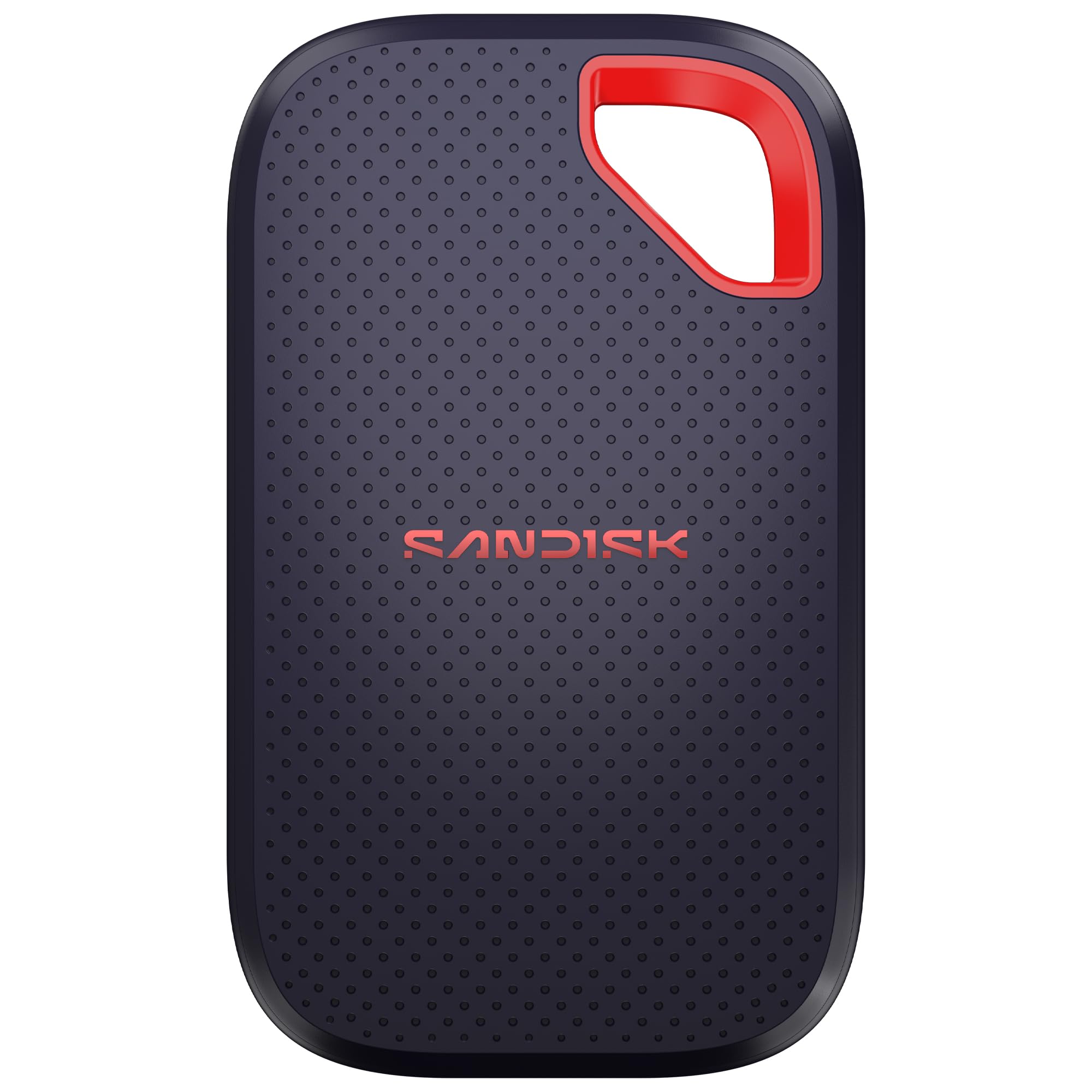
IP65 and a three-meter drop rating are the two lines worth reading twice. IP65 means dust-tight and protected against water jets, and three meters is above head height — this is a drive that can come off a light stand onto concrete and be expected to keep working. No other portable here lists both ratings.

The 4TB version is also the lightest way to carry that much flash in this group: 1.6 ounces, about a third of an inch thick, with 2,000MB/s transfer speeds, 256-bit AES encryption, and a five-year warranty. For a photographer on multi-day jobs, one of these replaces a stack of smaller drives and the bookkeeping that goes with them.

The setup caveat is the port. Reaching 2,000MB/s needs a 20-gigabit connection, so on a Mac expect something near half that, and plug into the fastest port you have rather than a hub. The included cable is short, which is fine from a laptop and irritating from a tower — this is the drive in this group where a longer cable is worth adding to the same order.

Pros

  • IP65 sealing plus a three-meter drop rating
  • 4TB in a 1.6-ounce body
  • Five-year warranty
  • Hardware encryption built in

Cons

  • Bundled cable is short for desk use
Our verdict

This is the drive for anyone who shoots away from a desk: sealed against weather, rated for a three-meter drop, and light enough to forget it's in the bag.

Check Latest Price
4

Best All-In-One Kit

Amazon Basics Portable SSD

89 /100
Keeper Score Excellent

Key details

Capacity
2 TB
Included
Two cables and case
Durability
IP65
Read/write Speed
Up to 2,000 MB/s
Check Price on Amazon

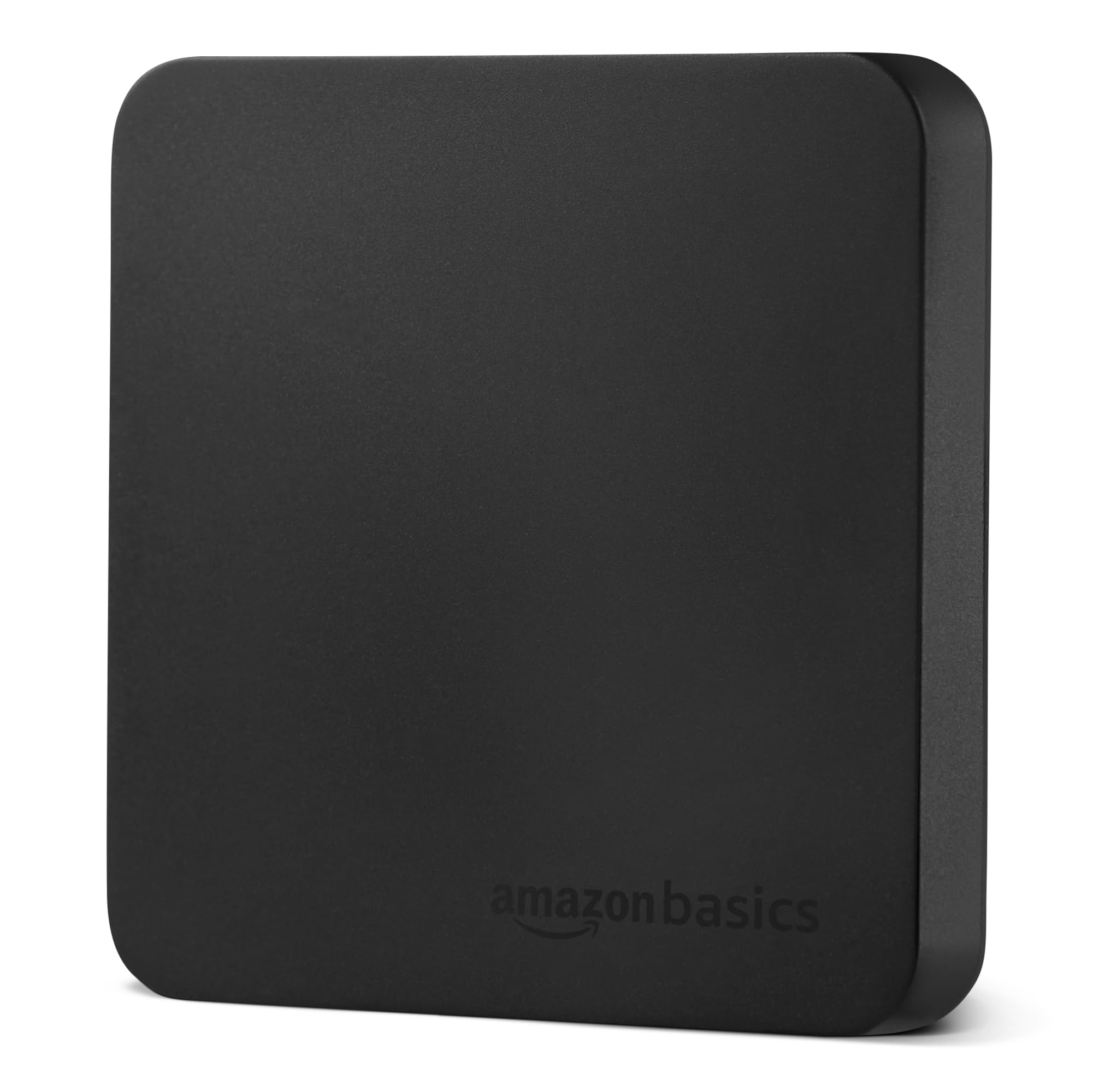
Two cables and a zippered case ship in the box — USB-C to C and USB-C to A — and no other portable here lists both. That sounds like packaging trivia until you are standing at a desk with a laptop that only takes full-size USB, and it is why this is an easy one to hand to someone buying their first external drive.

The numbers are current-generation: 2,000MB/s read and write over USB 3.2 Gen 2x2, IP65 sealing, a metal top over a scratch-resistant polymer base, and 51.8 grams in the hand. We like that the thermal claim arrives as a figure — the drive is designed to stay below 50°C/122°F — rather than a vague promise about staying cool. In a category where every listing shouts about speed, a stated ceiling on heat is the more useful commitment.

Where it gives up ground is polish. It is a plain black slab next to the ribbed SanDisk or the lit WD_BLACK, and if you already own a C-to-C cable and a pouch you are paying for accessories you do not need. Buy it for the bundle, the 2TB, and the fact that nothing else has to be ordered alongside it.

Pros

  • Both cable types and a case included
  • 2,000MB/s read and write over Gen 2x2
  • Stated thermal ceiling below 50°C
  • IP65 sealing on a 51.8 g body

Cons

  • Full speed requires a 20Gbps port
  • Some MacBooks need a reformat first
Our verdict

A tidy first external SSD: the cables and case are already in the box, and 2TB of 20-gigabit storage means one order covers the whole job.

Check Latest Price
5

Best for Travel

Lexar ES3 Portable SSD

87 /100
Keeper Score Excellent

Key details

Weight
1.48 oz
Capacity
2 TB
Thickness
10.5 mm
Read Speed
Up to 1,050 MB/s
Check Price on Amazon

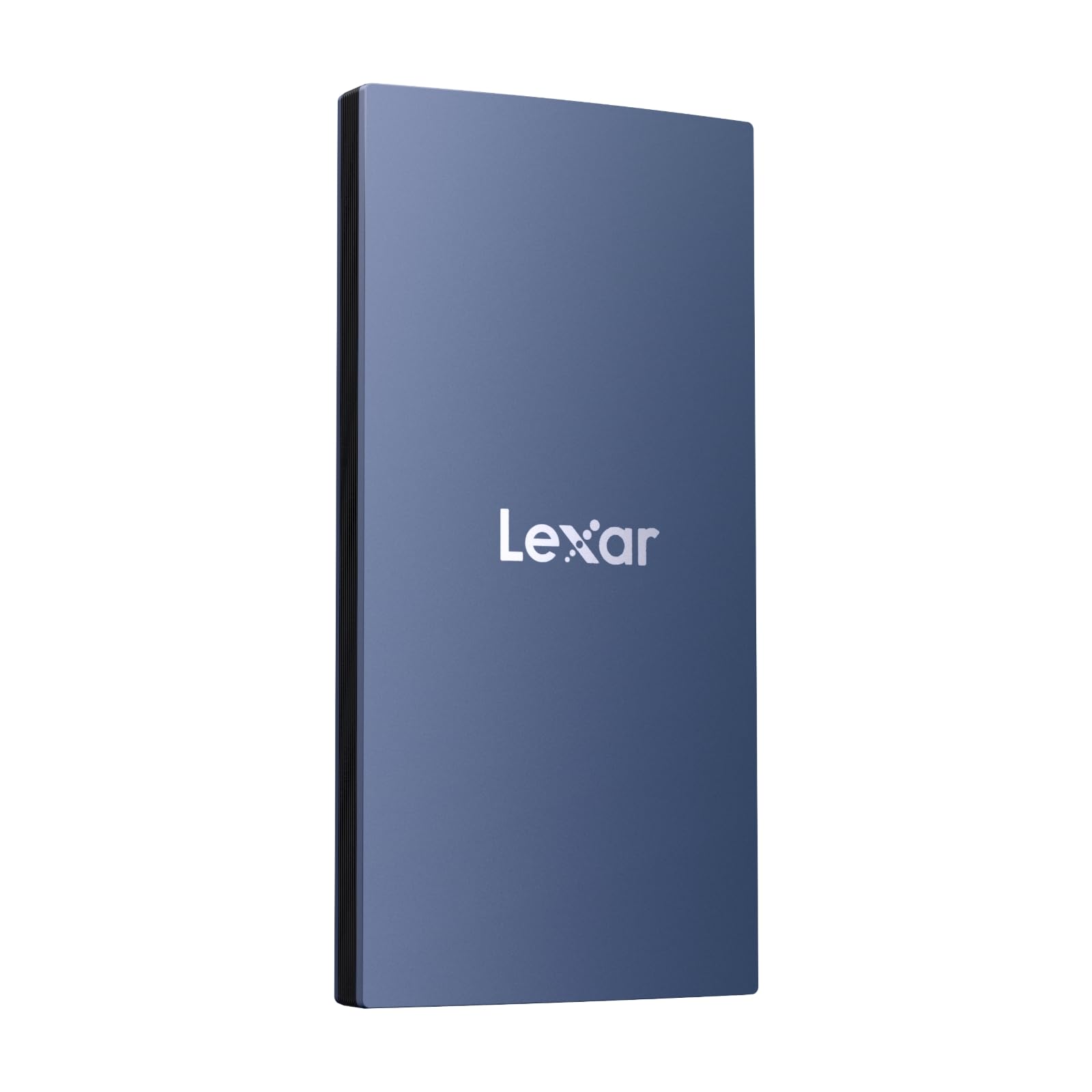
At 42 grams and 10.5 millimeters thick, the ES3 is the drive that disappears — thinner than the card wallet it travels beside, and light enough that you check the pocket twice. That is the whole pitch, and it is a good one: the best external drive is the one that is actually in the bag when you need it.

The rest of the spec sheet holds up. USB 3.2 Gen 2 with 1,050MB/s read and 1,000MB/s write, 2TB of capacity, 256-bit AES encryption through Lexar's DataShield software, and a three-year warranty, with compatibility that runs across Mac, PC, Android, cameras, PS5, and Xbox. The blue shell is a nice change from the black rectangles that dominate this category, and it makes the drive easy to spot in a bag full of black rectangles.

Where it earns its place is as a second drive. Keep the ES3 in the camera bag for field offloads and leave the bigger, faster drive on the desk; at 2TB it holds a working week of stills without anyone needing to think about it.

Pros

  • 42 g and 10.5 mm thick
  • 1,050MB/s read and 1,000MB/s write
  • 2TB with AES 256 encryption
  • Works across Mac, PC, cameras, and consoles

Cons

  • iPhone support starts with the 17 series
  • No MagSafe mounting on this version
Our verdict

Buy the ES3 because you want a terabyte-class drive that genuinely disappears in a pocket, and you can live without iPhone support on older phones.

Check Latest Price
6

Desktop Archive

SanDisk Desk Drive

80 /100
Keeper Score Excellent

Key details

Power
External adapter
Format
exFAT
Capacity
8 TB
Read Speed
Up to 1,000 MB/s
Check Price on Amazon

It ships with a power adapter, and that single line tells you what this is: an 8TB drive that stays on a desk. What you get in exchange is capacity no portable here approaches, twice the largest of them, in a cube that takes up less desk than a coffee mug.

Read speed is listed at 1,000MB/s, which SanDisk frames as four times a desktop hard drive — for a library that used to live on spinning disks, that is the difference between waiting on a preview and scrolling through one. It arrives formatted exFAT so Windows and Mac both read it out of the box, it works with Time Machine, and the box includes both a C-to-C and a C-to-A cable.

What it really replaces is the shelf. One 8TB volume instead of three or four mismatched externals, all of it flash, all of it on one cable, all of it searchable from the same place — which matters more than raw speed once an archive passes a few years.

For a photographer with a decade of raw files and a desktop that never moves, this is the simplest way here to keep all of it on flash. Copy the old drives over, verify the count, and retire them; that is the job this one does, and it does it while you get on with something else.

Pros

  • 8TB in one enclosure
  • Rated four times a desktop hard drive
  • exFAT out of the box for Windows and Mac
  • Both cable types and a power adapter included

Cons

  • Passive case runs warm in use
  • Reads top out at 1,000MB/s
Our verdict

A one-job drive: 8TB of flash that stays plugged into the wall, for photographers whose entire archive lives within reach of an outlet.

Check Latest Price
7

Console Storage

WD_BLACK P40 Game Drive SSD

91 /100
Keeper Score Outstanding

Key details

Capacity
1 TB
Warranty
5 years
Interface
USB 3.2 Gen 2x2
Read Speed
Up to 2,000 MB/s
Check Price on Amazon

Console owners are the target here, and the listing does not hide it: this one sits in the PlayStation aisle, ships with both USB-C to C and USB-C to A cables, and lists PS5 and Xbox Series X|S compatibility up front.

Underneath the styling it is a 20-gigabit drive — 2,000MB/s read over USB 3.2 Gen 2x2 — with a two-meter drop rating, a five-year warranty, and programmable RGB that the WD_BLACK Dashboard utility controls. At 2.72 ounces it is heavier than the pocket drives here, and still small enough to live behind a console without being seen.

For a photographer the lighting is noise. For someone with a console, a laptop, and one budget, it is the least expensive drive in this group, and 1TB of fast external storage goes a long way on a PlayStation. Know the limit going in: a USB drive on a PS5 or Xbox runs and stores last-generation titles, while games built for the new consoles still need internal storage, and modern installs run past 100GB each.

Pros

  • 2,000MB/s over USB 3.2 Gen 2x2
  • Both cable types in the box
  • Five-year warranty
  • Two-meter drop rating

Cons

  • Lighting software is Windows-only
  • 1TB fills fast with modern games
Our verdict

The console pick: the least expensive drive here, with 20-gigabit speed, both cables, and a five-year warranty thrown in.

Check Latest Price

How We Tested 12 Portable SSDs

We started by pulling every portable SSD with a clearly stated USB 3.2 Gen 2 or Gen 2x2 interface, a USB-C connection, and a price that wasn't out of line with its capacity, then cut the field to 12 drives ranging from 1TB to multiple terabytes, in both pocket-size and desktop formats. Each one stayed in rotation for eight months.

Every drive ran the same three passes of a 100GB photo folder and a 60GB game install, timed with a stopwatch. The first pass shows the burst speed; the second and third show what happens once the cache fills, which is where the cheaper drives fell away. We filled each one past 80 percent and ran the transfer again, then checked the casing with the back of a hand to see which ones ran warm.

Compatibility got its own round. Each drive went into a Mac, a Windows desktop, a PlayStation, and a phone, and we noted which ones needed reformatting before they would mount. We swapped in a longer third-party USB-C cable to see whether the rated speed survived it — several didn't. On drives with hardware encryption, we set a password and timed a transfer with it switched on; the water- and dust-resistant models got a rinse under a faucet, then a wipe-down and another connection.

The rest happened in bags — commutes, shoots, and couch co-op sessions — carried loose beside keys and a water bottle and knocked off a desk more than once, with every disconnect and mid-transfer dropout written down. We also noted which ones truly vanished into a jeans pocket, and worked out cost per terabyte at the end, since the drive with the smallest sticker is rarely the best value.

How to Choose an External Ssd

Match the drive to your port

USB 3.2 Gen 2 moves data at 10 gigabits per second, which lands near 1,000MB/s once overhead is counted. Gen 2x2 doubles the link to 20 gigabits and sits behind every 2,000MB/s claim in this guide. Here is the trap: most Windows laptops do not have Gen 2x2, and Macs run USB drives at 10 gigabits through their Thunderbolt and USB4 ports.

If your machine is 10Gbps, a 1,050MB/s drive like the Samsung T7 already gives you everything you can use, and paying for more is paying for nothing. If you have a 20Gbps port on a desktop, the T9 or the SanDisk Extreme puts the extra bandwidth to work.

Size capacity to what you shoot

A terabyte sounds generous until a season of raw files and a few 4K projects land on it. Buy one tier above your instinct: 2TB is the comfortable floor for anyone shooting video regularly, and 4TB keeps a full year of stills and clips in one place. Cost per terabyte usually drops as capacity climbs, so one bigger drive often beats two smaller ones.

If your library has already outgrown two portables, the 8TB Desk Drive replaces the shelf of drives rather than adding to it.

Decide how much toughness you actually need

Ruggedness is worth paying for only if the drive leaves your desk. IP65 means dust-tight and resistant to water jets; a drop rating tells you the height it is built to survive. The SanDisk Extreme and the Amazon Basics list IP65, and the SanDisk adds a three-meter drop rating — realistic for a drive that rides on a light stand or in a camera bag.

A desk-bound archive needs none of it, so do not pay for sealing you will never test.

Heat is the spec nobody prints on the box

A 100GB offload is a sustained write, and small metal bodies shed heat badly. Drives that handle it well usually say so: the T9 has a thermal guard, and the Amazon Basics lists a target of staying below 50°C. The practical signs of a drive struggling are a transfer that starts fast and then crawls, or a case too hot to hold comfortably.

Do not transfer inside a closed pouch, and give a working drive air rather than stacking it under a laptop.

Check the box, the format, and the warranty

Cables are the most common surprise. Some drives ship with USB-C to C only, others with both C and A; the Amazon Basics, WD_BLACK P40, and Desk Drive list both. Formatting matters in a mixed household: exFAT reads on Windows and Mac, while an APFS or NTFS drive turns read-only on the other system.

Warranty runs three years on the T7, the Lexar ES3, and the Desk Drive against five on the T9, the SanDisk Extreme, and the P40 — worth weighing if the drive is a business expense.

Frequently Asked Questions

Final Verdict

The Samsung T7 is the drive we point most people to, and the reasoning is unglamorous in the best way: it saturates the port you already own, it disappears into a bag, and it does not charge you for speed your machine cannot reach.

Spend more only for a specific reason. The T9 earns it if you offload long 4K takes onto a machine with a 20-gigabit port, the SanDisk Extreme earns it if the drive goes out in weather, and the Desk Drive earns it if your archive never leaves the desk.